6. Stereonet
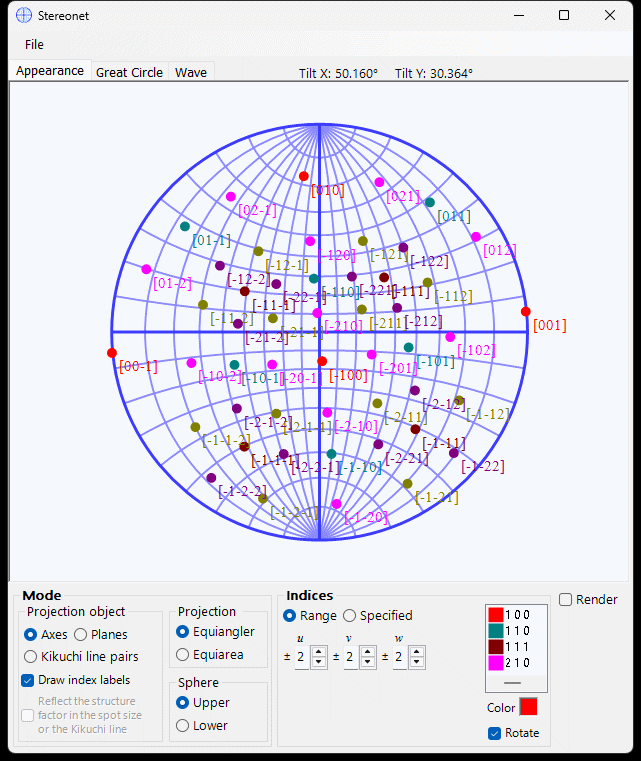
Stereonet displays crystal plane and axis directions using stereographic projection.
Stereonet.mp4
- Left-drag to rotate the crystal
- Right-drag/click to zoom in/out
- Double-click to switch between planes/axes modes.
- Middle-drag to translate.
Save or copy in raster or vector format. Vector format allows editing font/line thickness in PowerPoint.
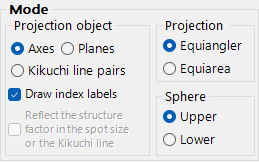
- Axis or Plane projection
- Wulff (equal-angle) or Schmidt (equal-area)
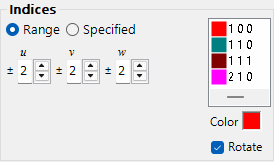
- Range: specify [uvw] or {hkl} range
- Specified: add individual indices, with optional crystallographic equivalents

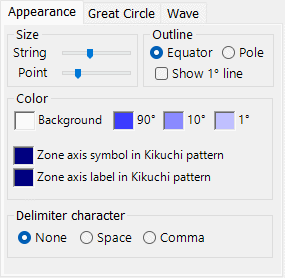
String size, point size, colour, outline.
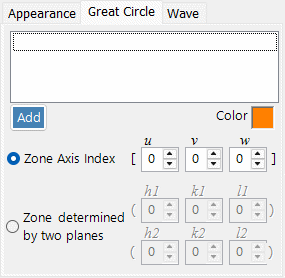
Specify by zone axis or crystal plane indices.