TurtleBot3_RecognizeHumanPointing
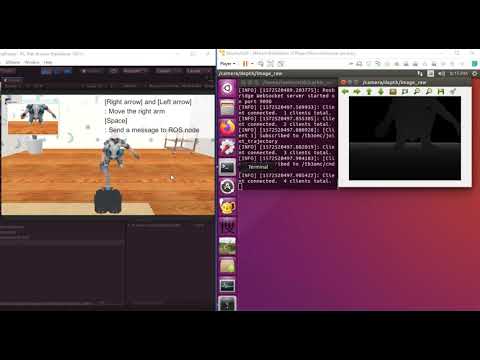
In this example, TurtleBot3 recognizes the pointing direction of the human avatar and rotates the Manipulator in that direction.
Start the Ubuntu side and then the Windows side.
Open a new terminal and run the following command:
roslaunch sigverse_turtlebot3_open_manipulator recognize_pointed_direction.launchStart the [Assets/SIGVerse/ExampleScenes/Turtlebot3/Pointing(.unity)] scene with reference to here.
When you press the left and right arrow keys after focusing on the Unity window, the right hand of the human character moves.
Then press the Space key and TurtleBot3 will rotate the Manipulator in the direction that the human character points.
If you want to finish, stop the Unity side and then the ROS side.
Ubuntu side (The details may differ from the latest version)

Windows side (The details may differ from the latest version)

Reference Video