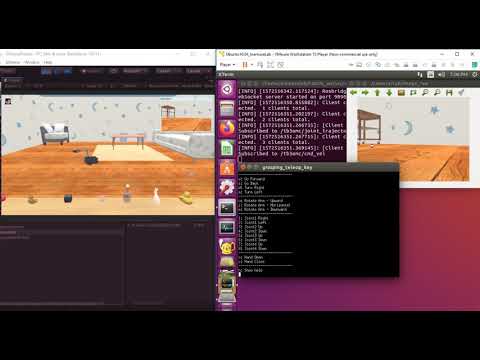
TurtleBot3_GraspByKeyboard
TurtleBot3 has OpenManipulator.
Please refer to here for the specifications of Open Manipulator.
Please refer to here for camera specifications.
Start the Ubuntu side and then the Windows side.
Open a new terminal and run the following command:
roslaunch sigverse_turtlebot3_open_manipulator grasping_teleop_key.launchStart the [Assets/SIGVerse/ExampleScenes/Turtlebot3/OpenManipulator(.unity)] scene with reference to here.
You can control TurtleBot3 by keyboard operation on the grasping_teleop_key.launch terminal.
- Check the terminal for details of the operation.
- Because of the high image processing load, the robot's camera image transmission interval is set to 1000 [ms].
(If you want to shorten the sending interval, please reduce the Sending Interval of the ZEDMiniPubCameraImageController attached to turtlebot3_with_open_manipulator/RosBridgeScripts)
If you want to finish, stop the Unity side and then the ROS side.
Ubuntu side (The details may differ from the latest version)

Windows side (The details may differ from the latest version)

Reference Video