A dynamic, aesthetically pleasing shell built with Quickshell.
- Dynamic Theming: Adapts to your system.
- Wallpaper Manager: Built-in wallpaper and live wallpaper (video) support via
swwwandmpvpaper. - Network Manager: Integrated wifi management using
iwctl. - Media Player: MPRIS support.
- System Stats: CPU, RAM, Temperature monitoring.
<
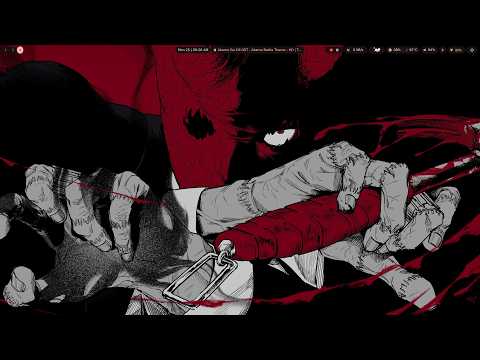

✨ Desktop & UI


Ensure you have the following installed on your system:
-
Core:
quickshell(The shell engine)qt6-declarative/qt6-base(Qt6 dependencies)
-
Wallpaper & Video:
swww(Static wallpapers)mpvpaper(Live wallpapers)ffmpeg(Thumbnail generation)
-
Network:
iwd(iwctlcommand)rfkill(Airplane mode)curl(Speed test)
-
Utilities:
python3python3-pillow(Image processing for thumbnails)xdg-user-dirs(Directory detection)socat(IPC, optional but recommended)inotify-tools(Network state monitoring)
-
Clone the repository:
git clone https://github.com/yourusername/zenith-shell.git mv zenith-shell $HOME/.config/.quickshell -
Install python dependencies:
pip3 install Pillow --break-system-packages
# Or better, use your distro's package manager:
# Arch: sudo pacman -S python-pillow
# Debian/Ubuntu: sudo apt install python3-pil
-
Launch the shell:
quickshell
To launch the wallpaper selector UI:
./launch.sh wallpaperSelectorThis script will automatically detect the installation path.
The shell uses awww for wallpapers. Ensure awww-daemon is running or let the shell start it.
Wifi configuration uses iwctl. You might need sudo privileges or be in the network group.