- Download the program here
- Execute the file the first time
- Open config.json (with notepad, vscode, whatever)
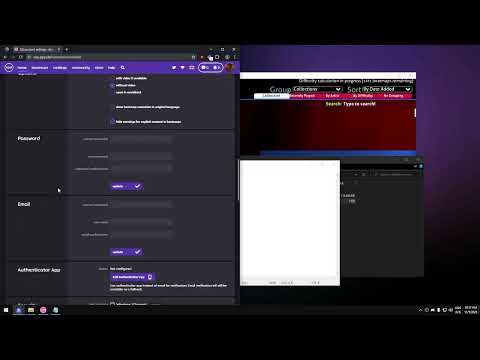
- Go to https://osu.ppy.sh/home/account/edit, scroll down until you find OAuth section
- Press the New OAuth Application button at the bottom of the OAuth section
- Choose the name of the application, can be whatever you want.
- Copy ClientID and ClientSecret into the respective fields inside the config.json file
- Execute the app again and done. Just wait until it finishes.
If you want you can just check this quick tutorial here instead of reading:
To edit the code just clone this and with Bun you can run inside the project:
bun installTo run:
bun run startTo build:
bun run build