We believe that SliceMachine is the entry point and stepping stone towards Prismic Templates - allowing developers to create beautifully styled websites easily with a click of a button.
As WITH LOVE INTERNET, we wanted to create a complete example to demonstrate Prismic’s SliceMachine incredible capabilities. We hope that this example helps the community and Prismic develop and expand.
We created this base charity website template as our entry to the slice contest and as an expression of our love for purpose-driven organizations and community outreach.
#with:heart:internet
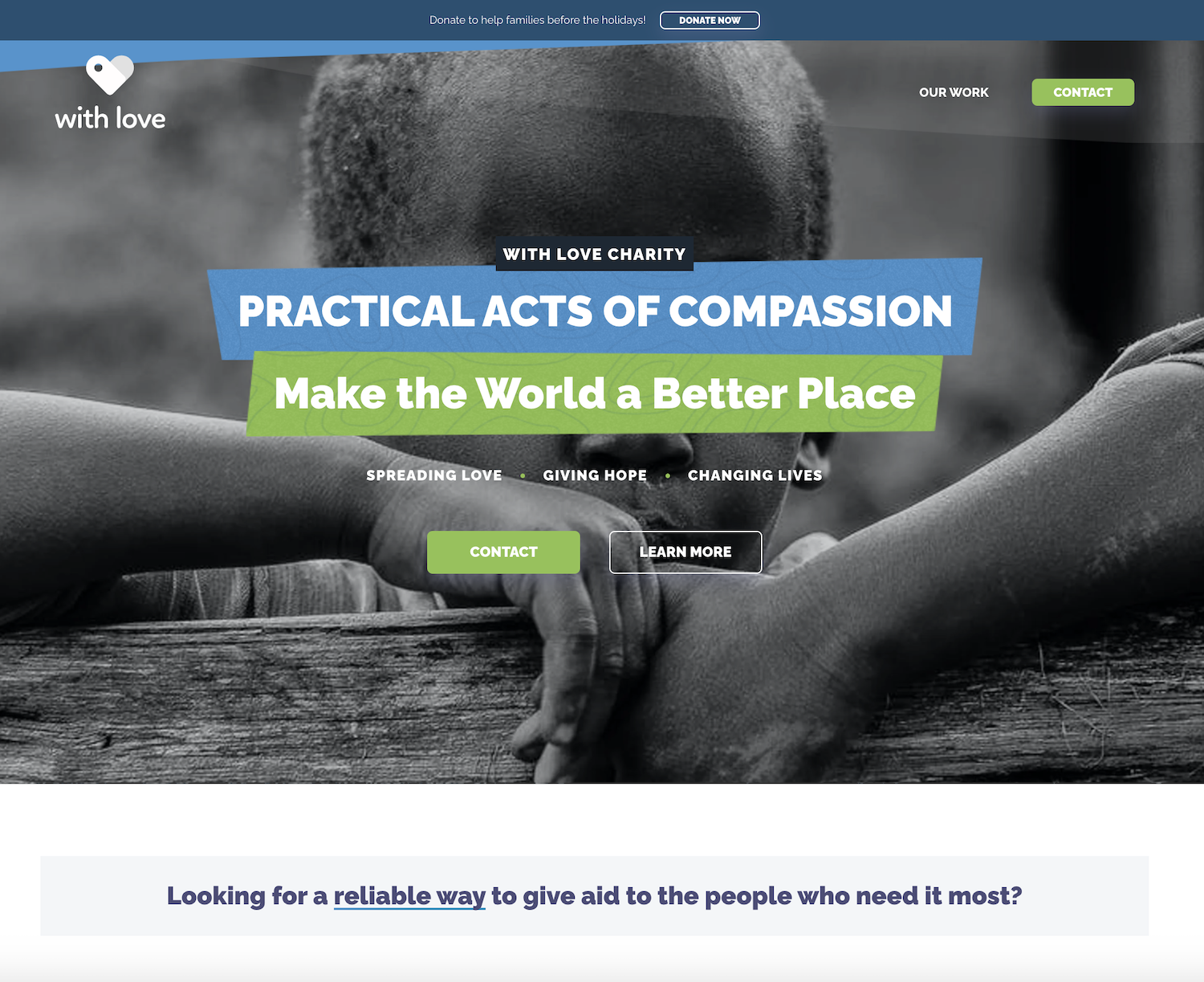
Here's a step-by-step tutorial to get started using the With Love Charity Template.
Clone this repository and install its dependencies:
$ git clone https://github.com/withloveinternet/with-love-charity
$ cd with-love-charity
$ yarn install # if you use npm: `$ npm install`If you do not own a Prismic account yet you can create one for free here or by using the CLI:
$ yarn prismic signup
# The CLI will then guide you through the process...
Once you have a Prismic account, or if you already had one, log in within the CLI:
$ yarn prismic login
# The CLI will then guide you through the process...
When logged in, you can then bootstrap your Slice Machine project, this will create you a Prismic repository for this project:
$ yarn prismic sm --bootstrap
# The CLI will then prompt you for a Prismic repository name...To launch the Slice Builder you need to run 2 terminals: one for Storybook, one for the Slice Builder itself.
# On a first terminal
$ yarn storybook # or with npm: `$ npm run storybook`

# On the second terminal
$ yarn slicemachine
This will launch Storybook on port 8888 and the Slice Builder on port 9999
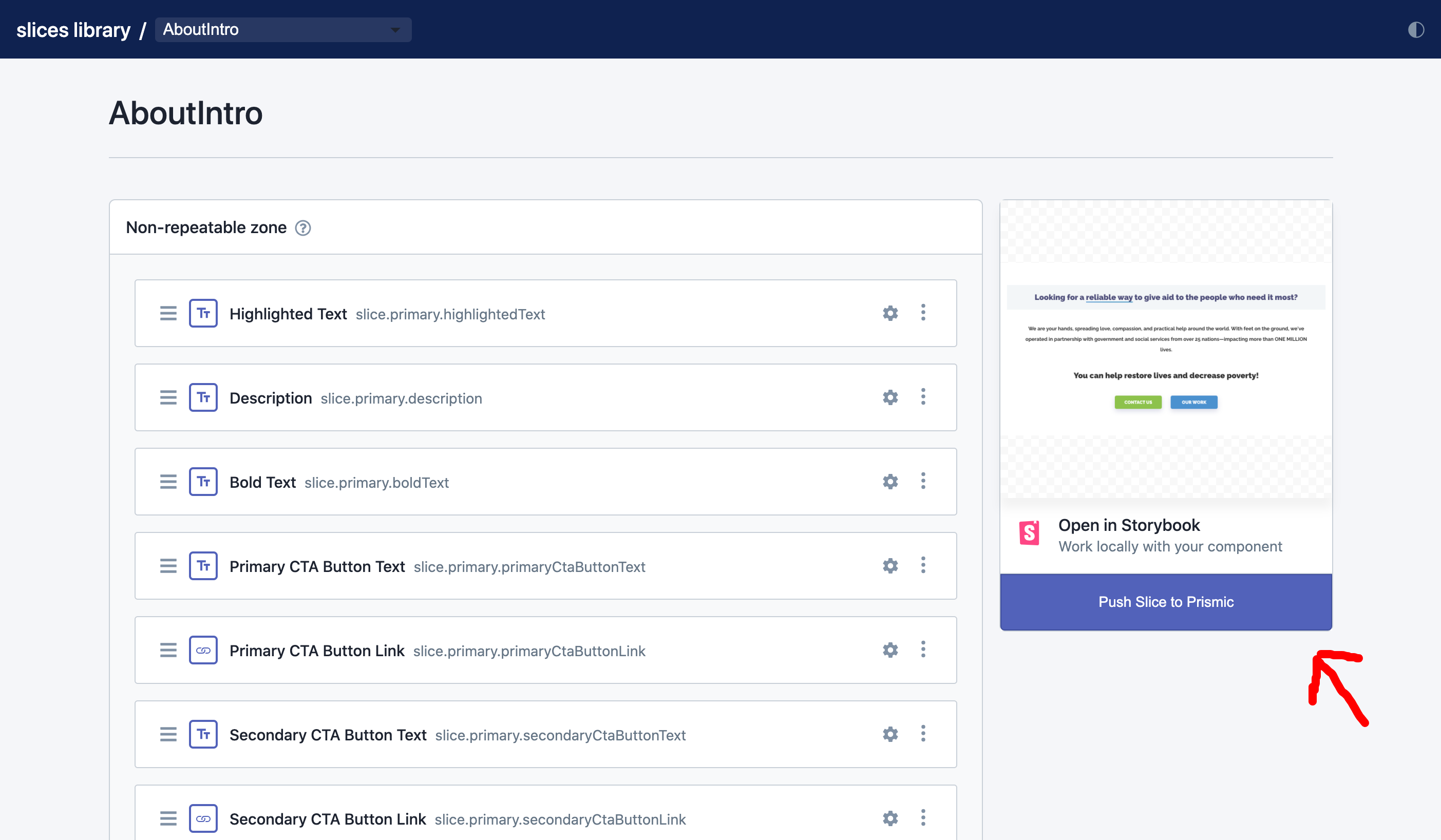
Open your browser at http://localhost:9999. Now you can select the slices you want and push them to Prismic
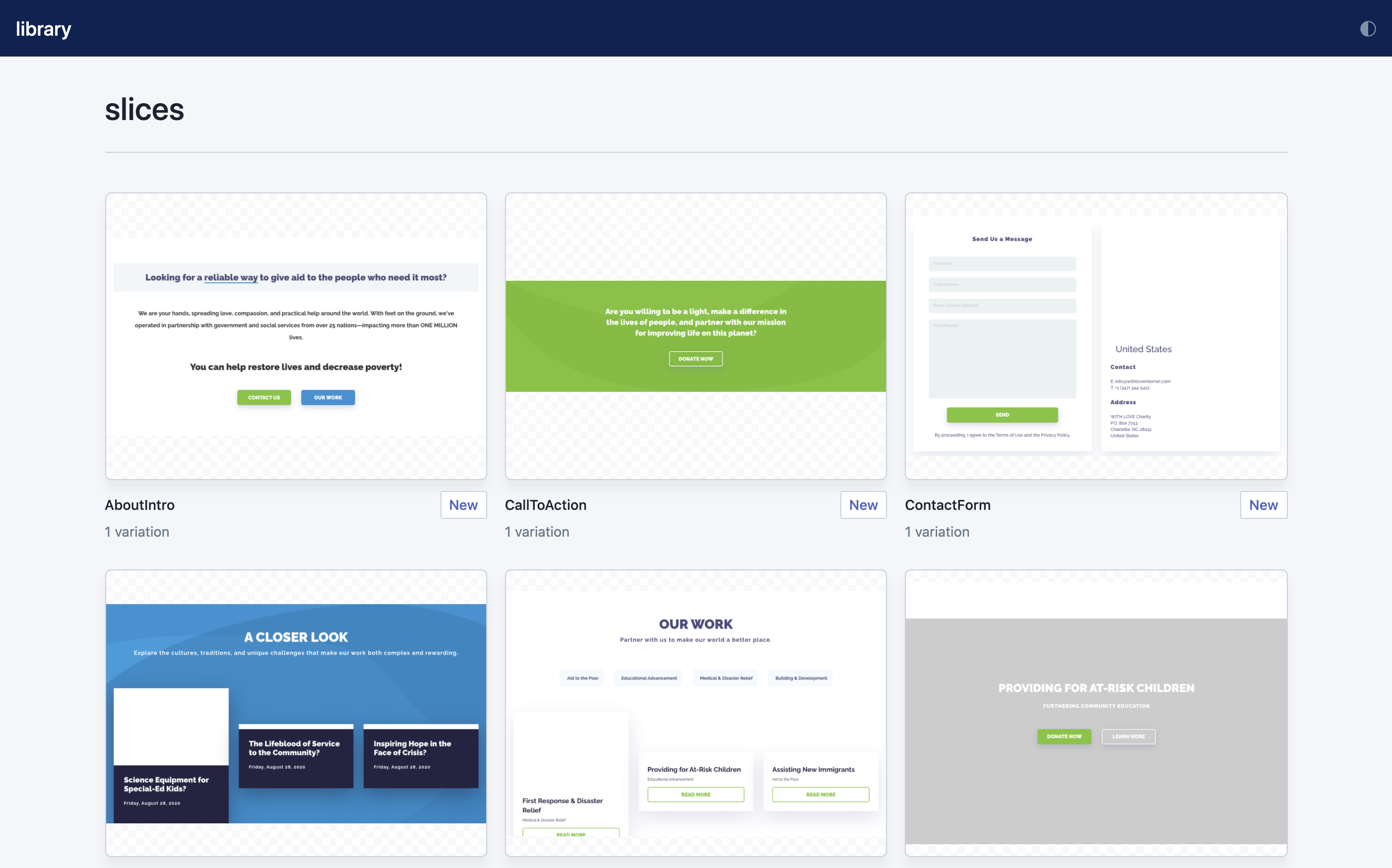
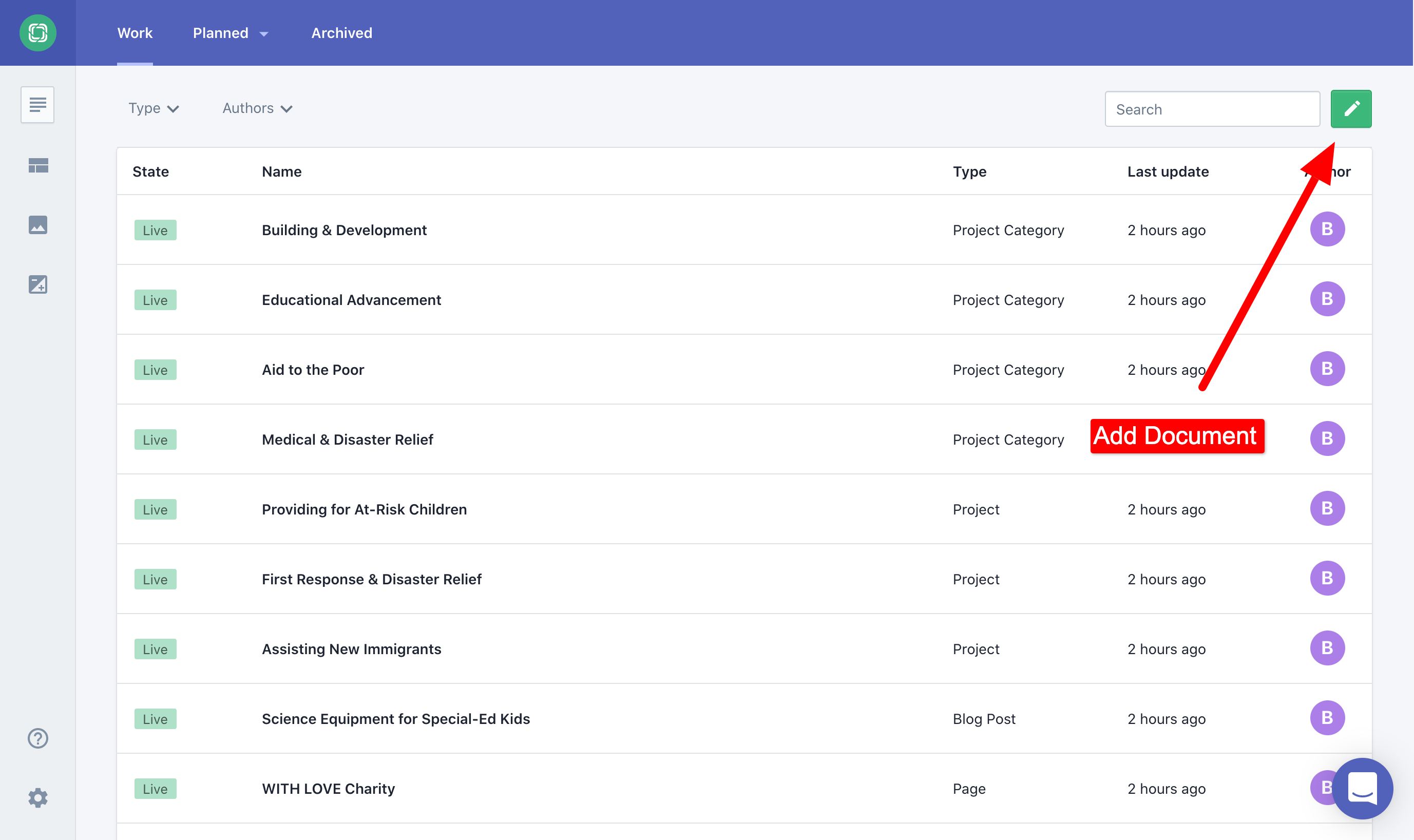
Open your browser at https://.prismic.io/documents
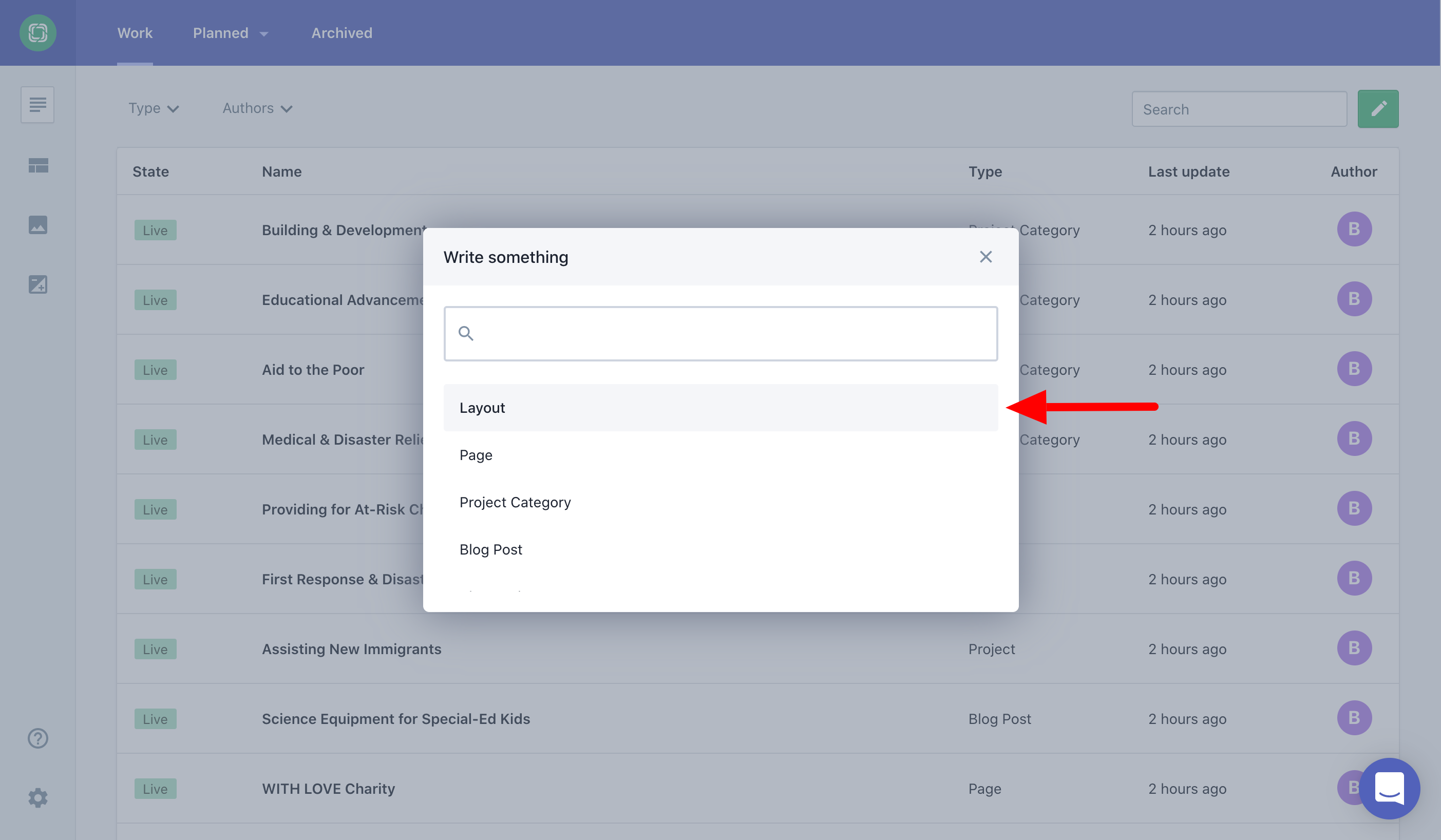
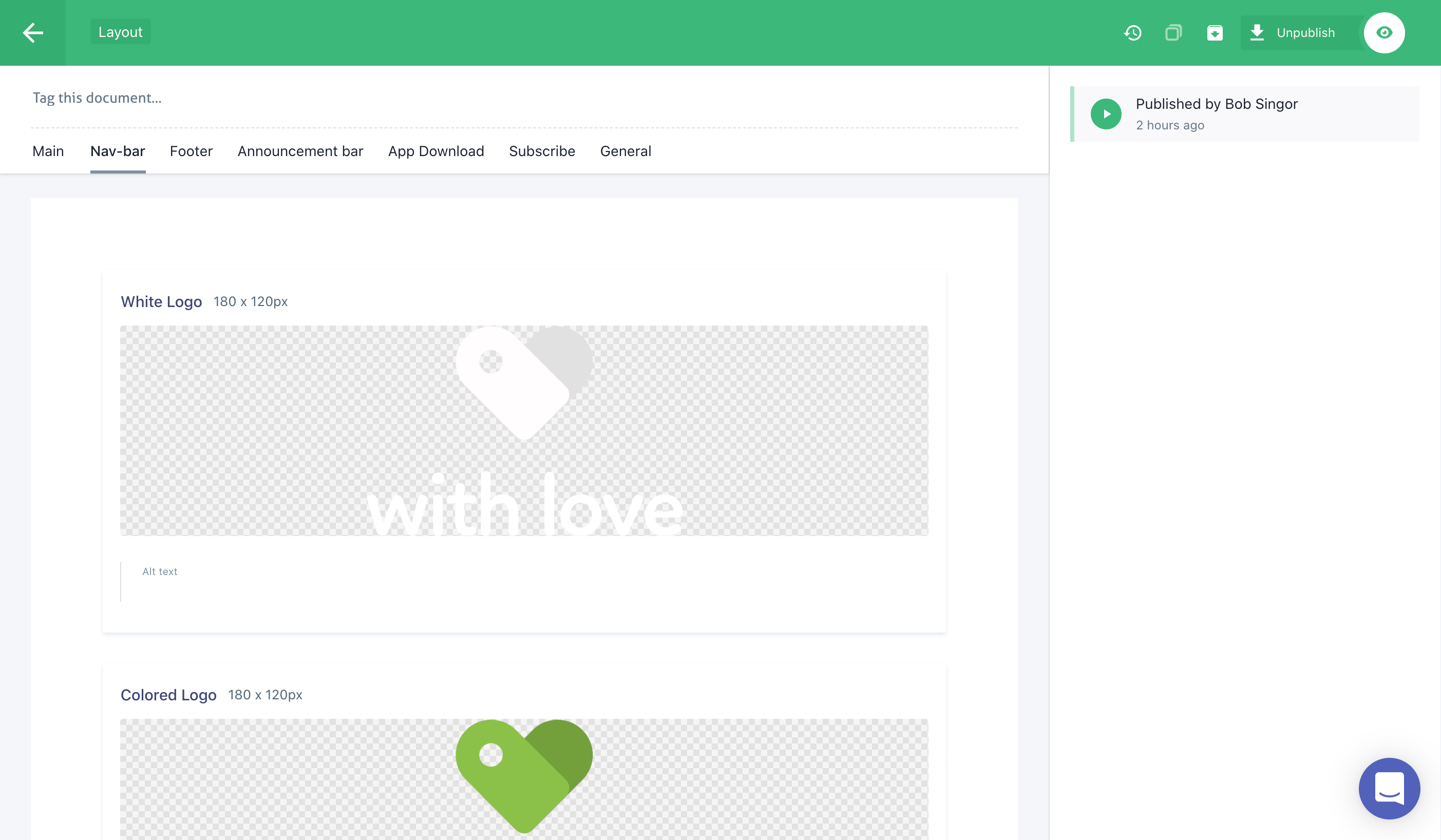
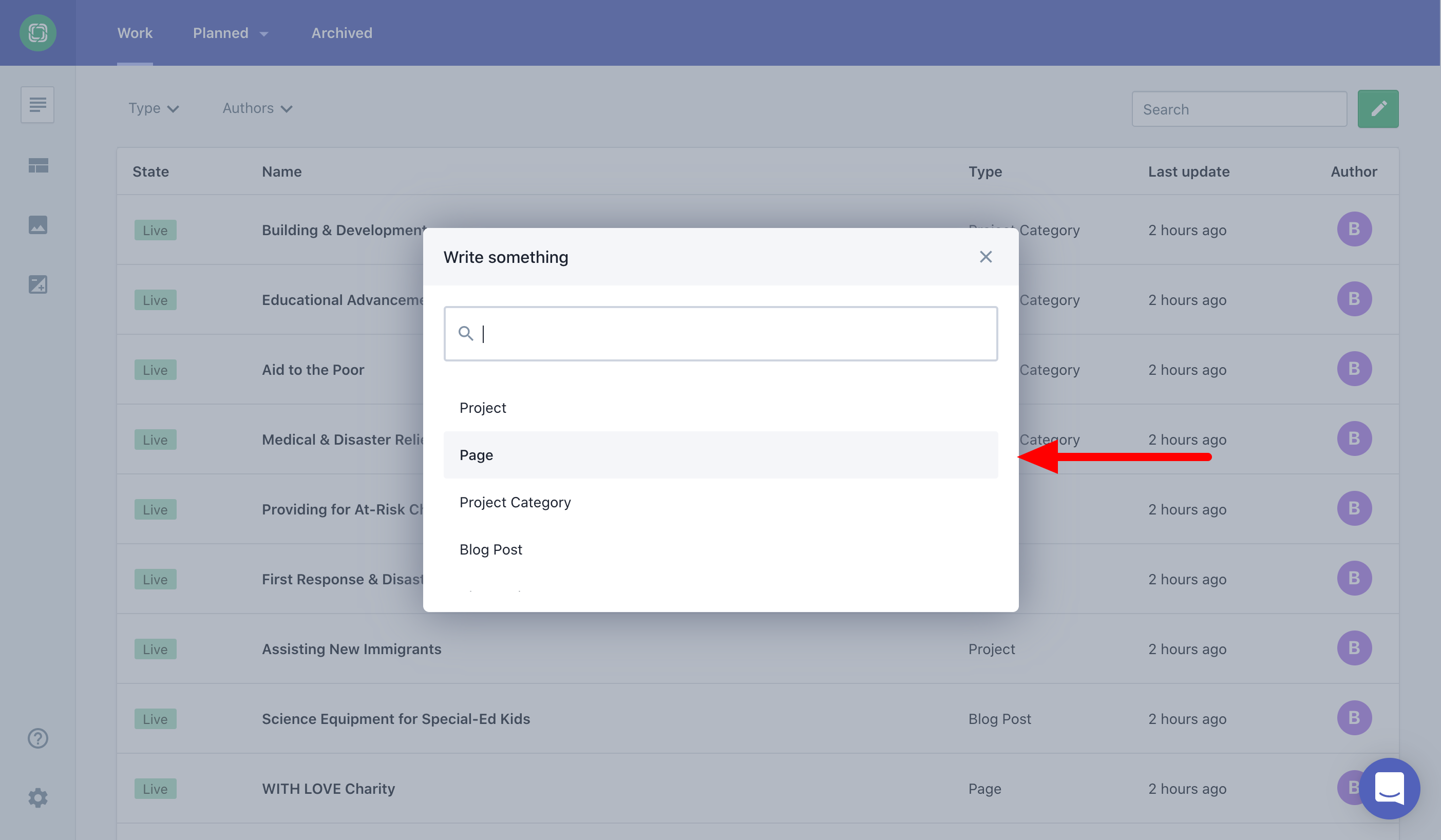
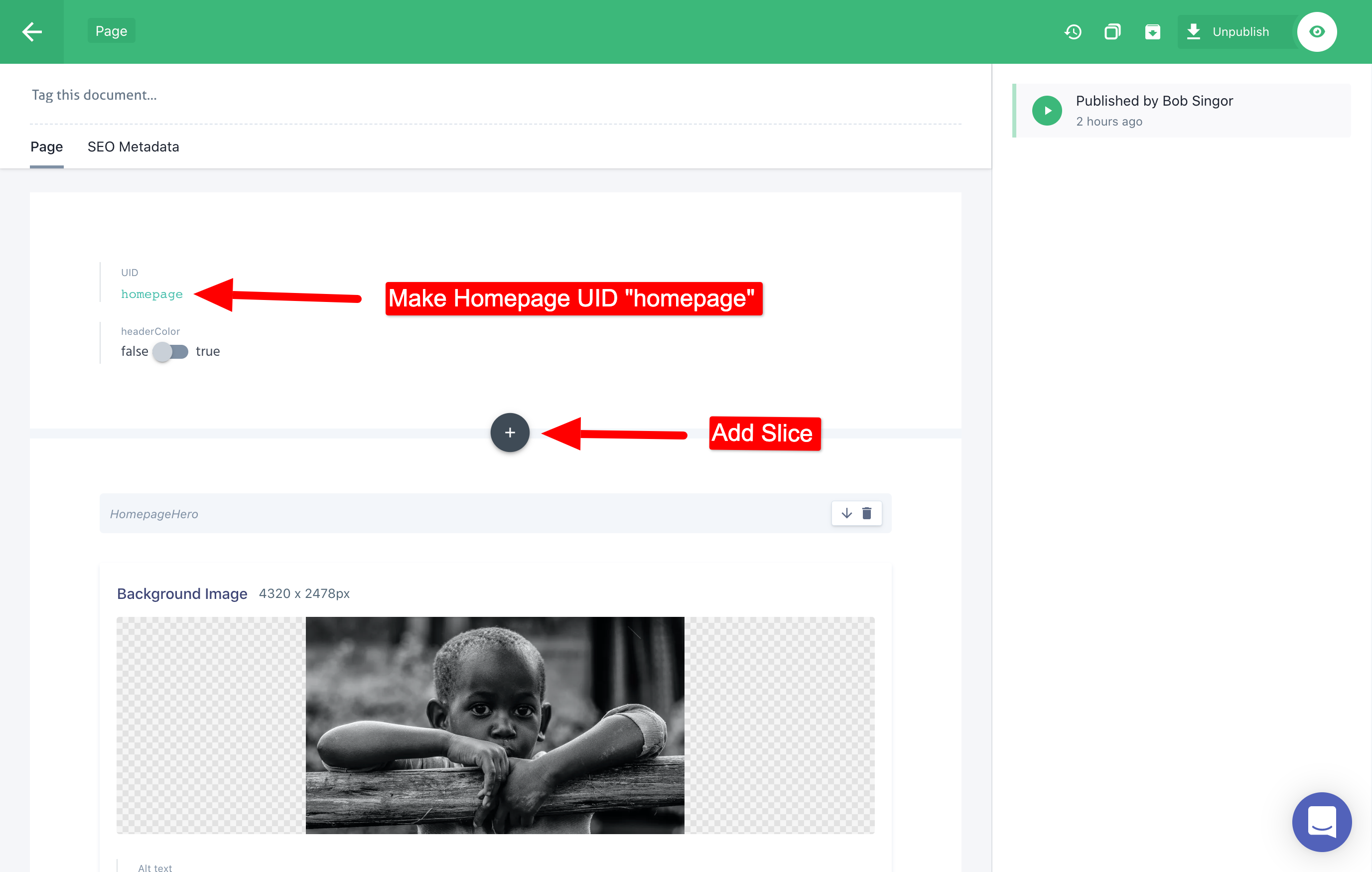
The prismic bootstrap command automatically added the necessary custom_types to Prismic. Now we only have to add content to these custom types. In the example below we add content to the "Layout" and "Page" which are necessary to create run the website. Please follow the steps below in how to add conent
$ yarn dev