




If you're on linux system with PHP installed via apt, you may be looking for an easy way to switch between PHP versions (5.6, 7.0, 7.1, 7.2 etc) without executing multiple commands manually. Well, this package is it.
Clone this repository to your local machine using below command.
git clone https://github.com/vinugawade/s-php.gitMove the script using below command.
sudo mv /location/of/file /usr/local/binAllow everyone to execute the script, use below command.
sudo chmod +x /location/of/fileOR
sudo chmod 0755 /location/of/fileAdd /usr/local/bin to your $PATH. If you use the Bash shell,Then you can do this by running below command.
export PATH=$PATH:/usr/local/binOR
export PATH=$PATH:/location/of/fileThis will set the variable name: potentially in a file called ~/.bash_profile, ~/.bashrc or ~/.profile. The difference between these files is (primarily) when they get read by the shell. If you're not sure where to put it, then ~/.bashrc is a good choice.
You may need to restart your shell for this to take effect.
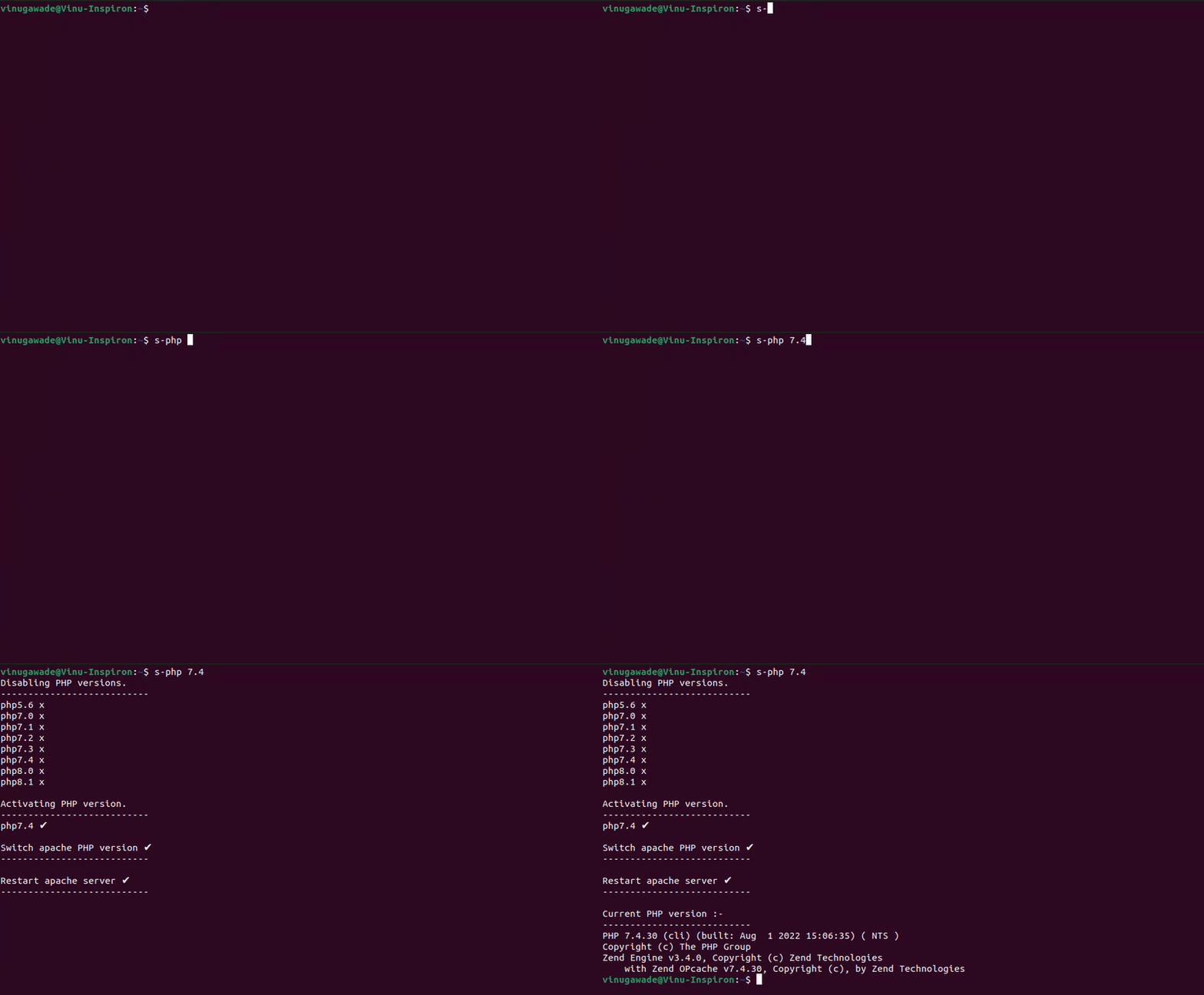
Now you can use the script from anywhere in Terminal. below are some examples.
s-php 5.6s-php 7.4s-php 8.0Check below attached GIF.
Check this :- sphp Repository.
-
Option 1
- 🍴 Fork this repo!
-
Option 2
- 👯 Clone this repository to your local machine.
- Make Changes! 🔨 ✏️ ⌨️
- 🔃 Create a new
Pull Request.
Connect with me :-





By Vinay Gawade.




Check here.
