This project contains a set of tools to work with the 7pace Timetracker tool.
This project is a Google Chrome extension that displays the number of days passed in the 7-pace calendar.
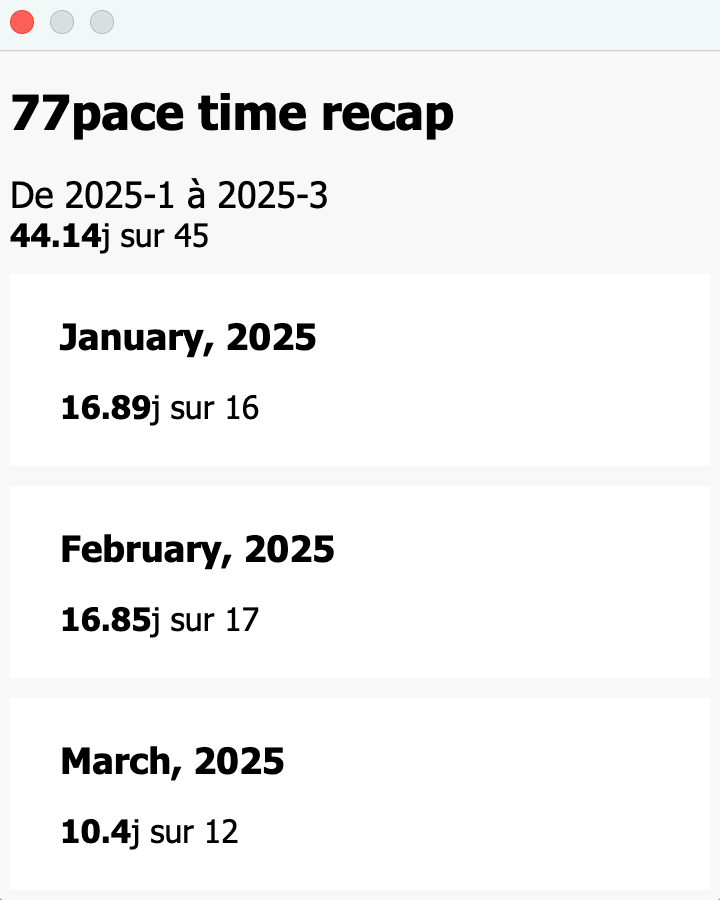
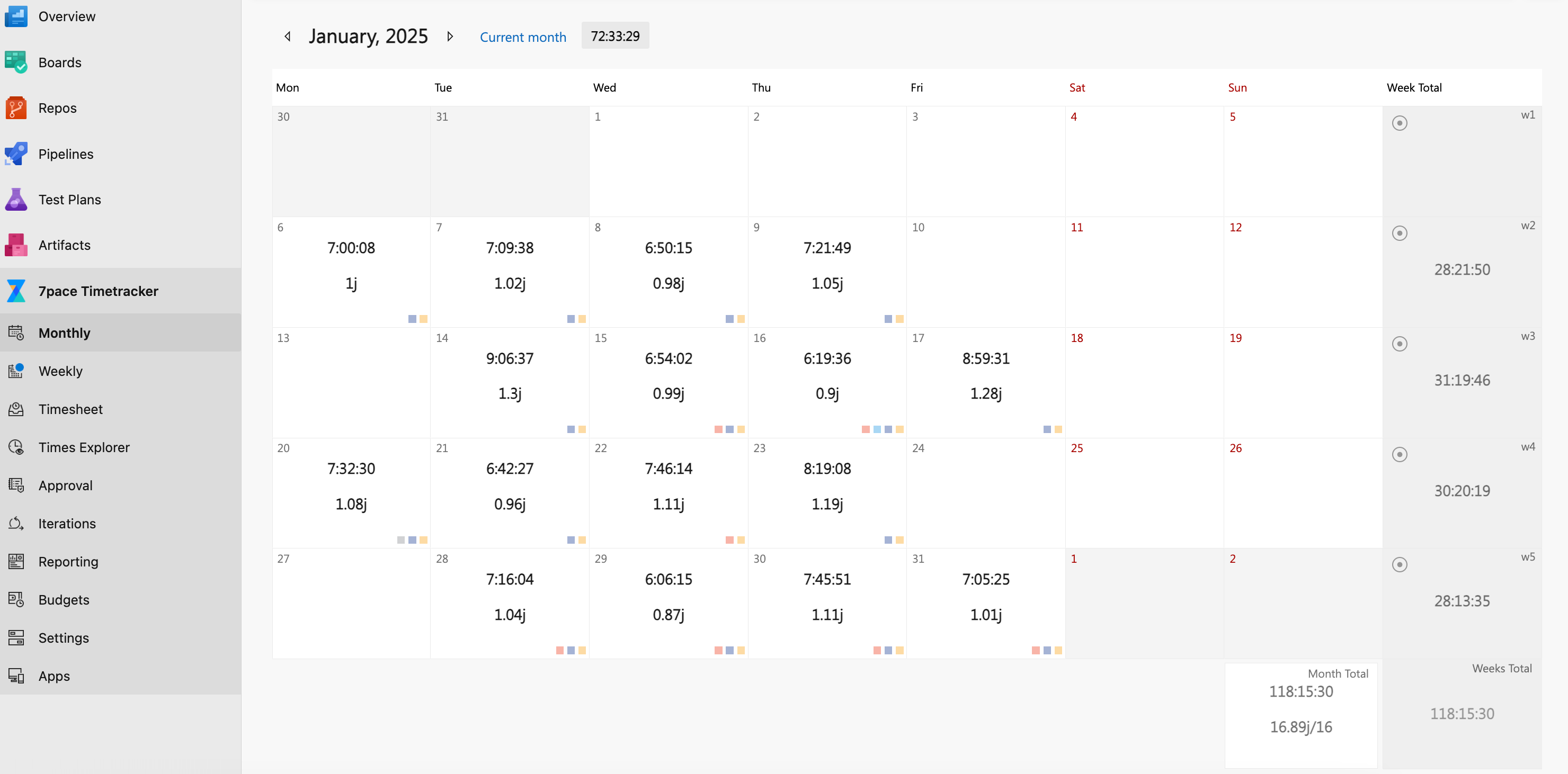 The days of each month are stored in the browser, you can view a recap in the popup.
Toggle the developer mode in chrome://extensions. and load the extension as an unpacked extension.

This script is used to fetch the total time spent in a month or a year. It uses the 7pace Timetracker API to get the data.
Time log report for 2023-01
Time logged for project X: 418433s, 116.23h
Time logged for project Y: 7297s, 2.03h
Total time logged across all projects: 425730 seconds
Total time logged across all projects: 118.26 hours
Total time logged across all projects: 16.89 days (assuming 7 hours per day)
----------------------------------------
First, specify the following variables in the .env:
BASE_URL = "https://<YOUR_DOMAIN>"
API_KEY = "<YOUR_API_KEY>"
HOURS_IN_DAY = 7
USER_EMAIL=<your.email@domain.com>
Leave USER_EMAIL empty if you want to fetch the time for all users.
Run the script with the following command:
uv run month_time.py <year> <month (optional)>This script analyzes the logged time by person and category from a list of 7pace work items using the 7pace Timetracker API.
First, specify the following variables in the .env:
BASE_URL = "https://<YOUR_DOMAIN>"
API_KEY = "<YOUR_API_KEY>"
Run the script with the following command:
uv run work_items.py <work_item_id1> <work_item_id2> ...