



DeathManager (DM) is a frontend for launching single- and multiplayer games of DOOM, Heretic and Hexen. Relive the nostalgia of 1993 with this classic launcher, designed to emulate the authentic MS-DOS experience from id Software's DeathManager. Now on Windows 11, macOS 15+ and Linux.
- Features
- OS Compatibility
- Getting Started
- Instructions for macOS
- Instructions for Linux
- Donate
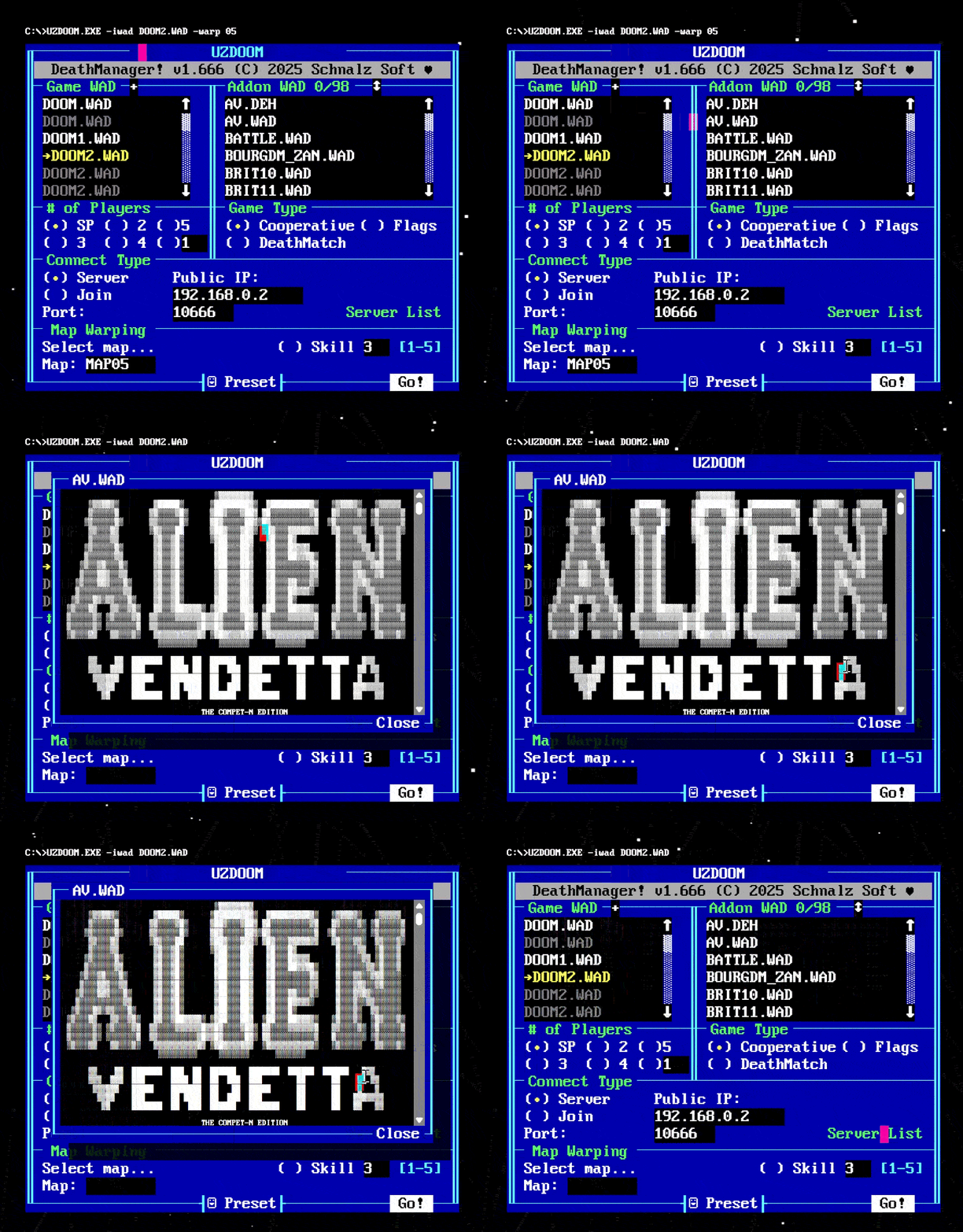
- Screenshots
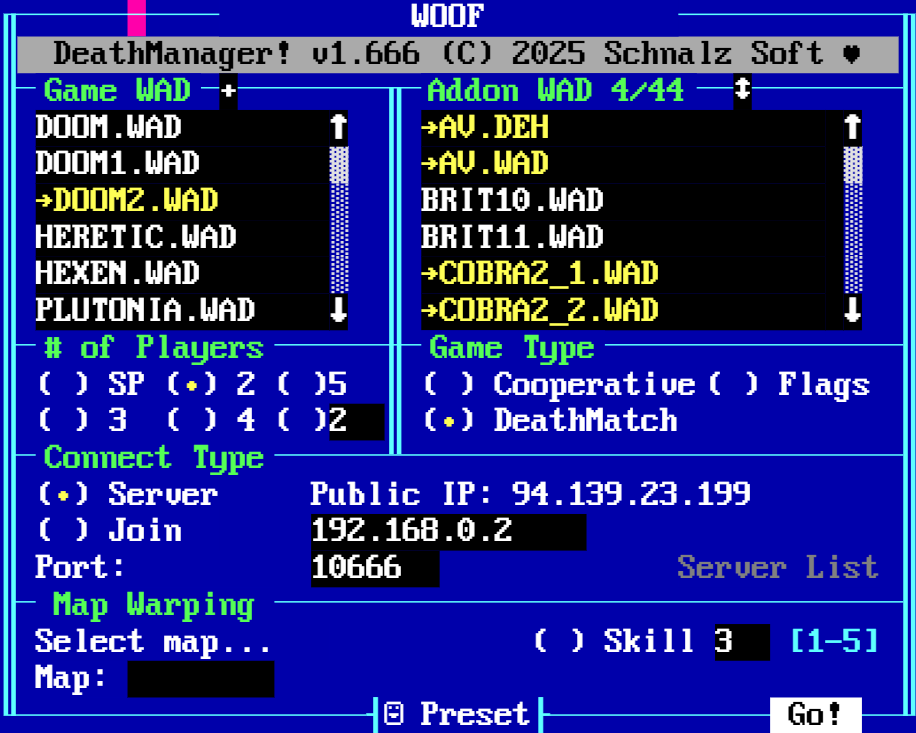
- Supports GZDoom, Zandronum, Chocolate and other ports
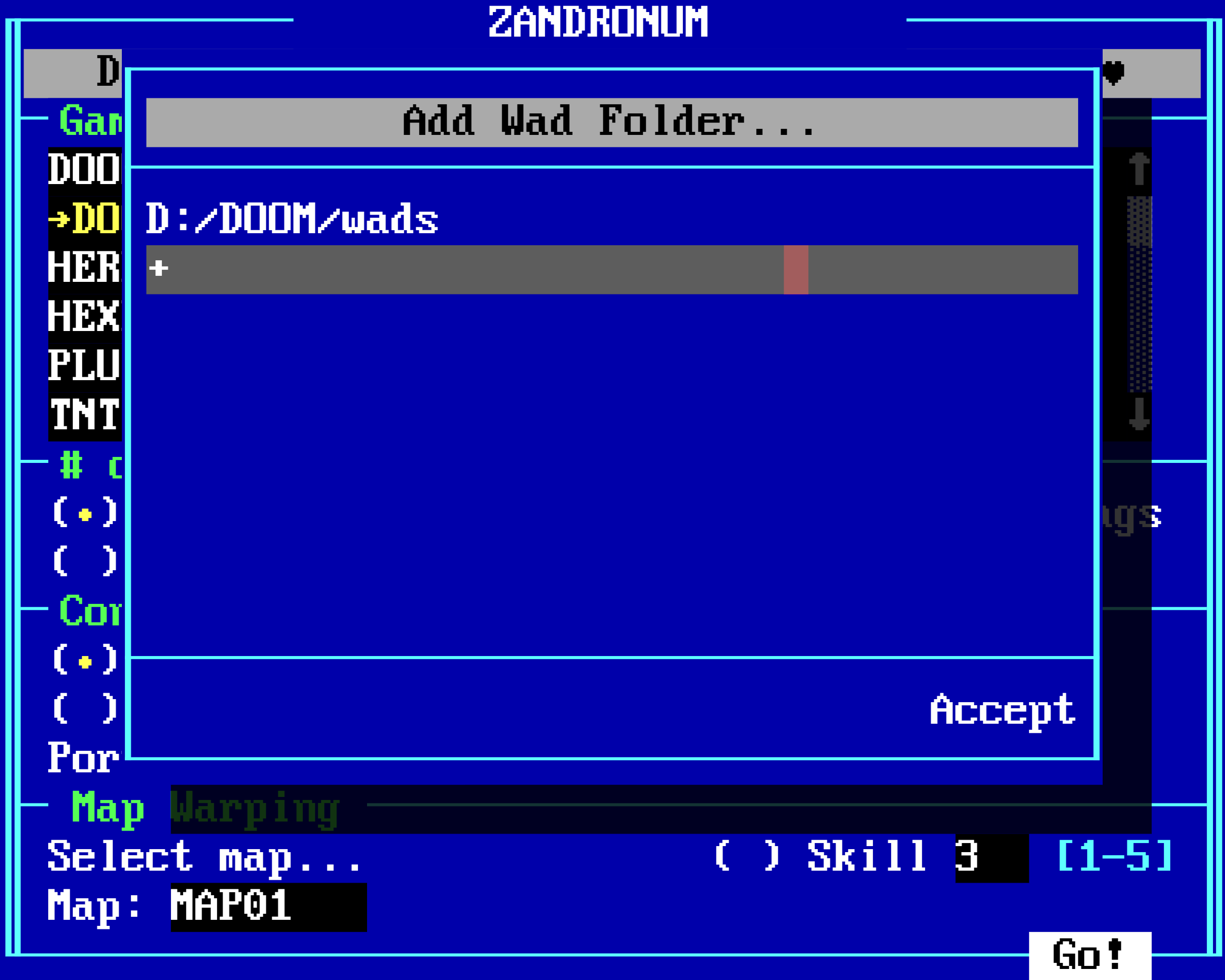
- Choose any Wad Folders and the game WADs will automatically be filterd
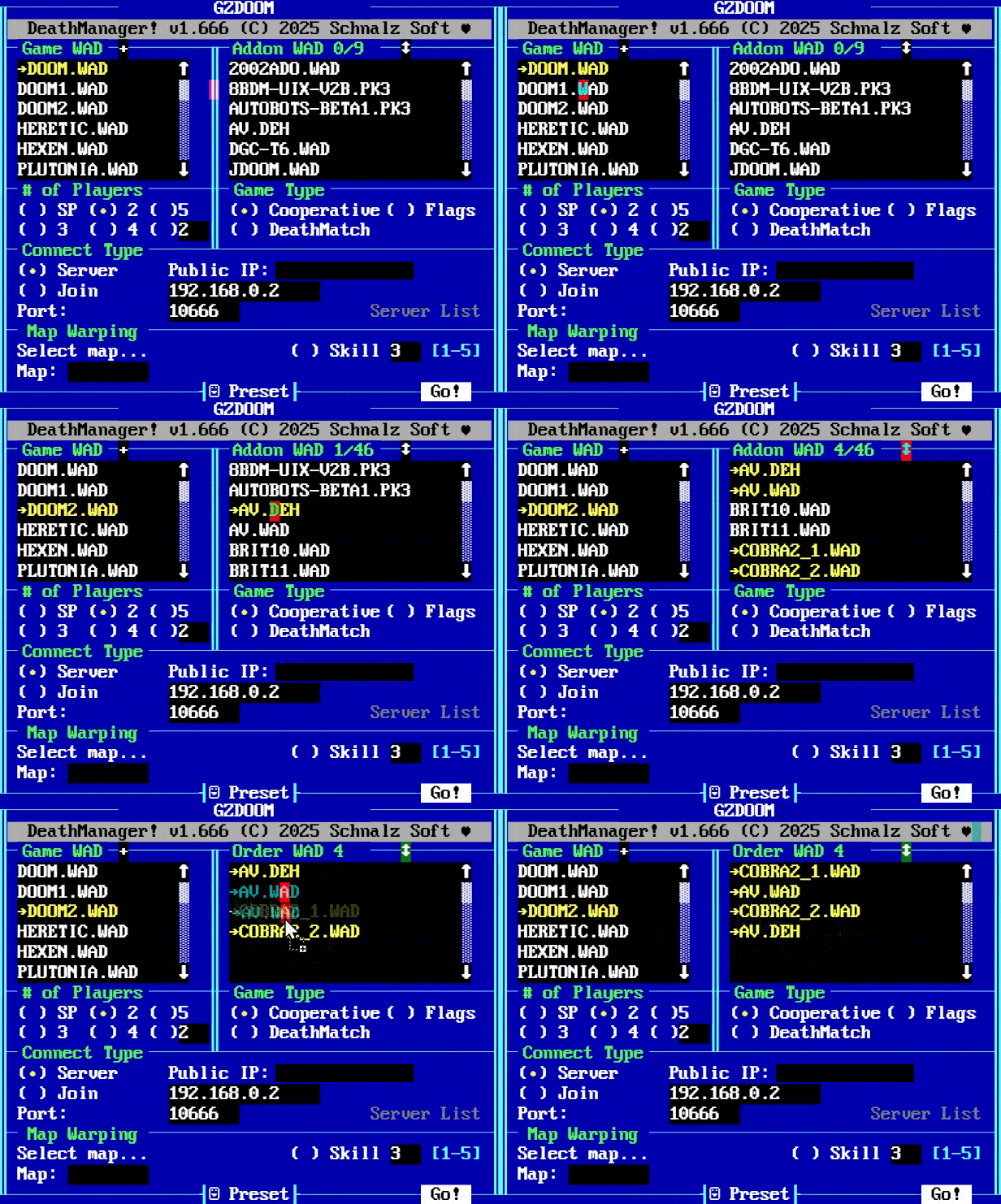
- The Addon WADs like mods etc will automatically be filtered depandant of the game WAD
- No need to find out which Addon WAD is compatible with which Game WAD
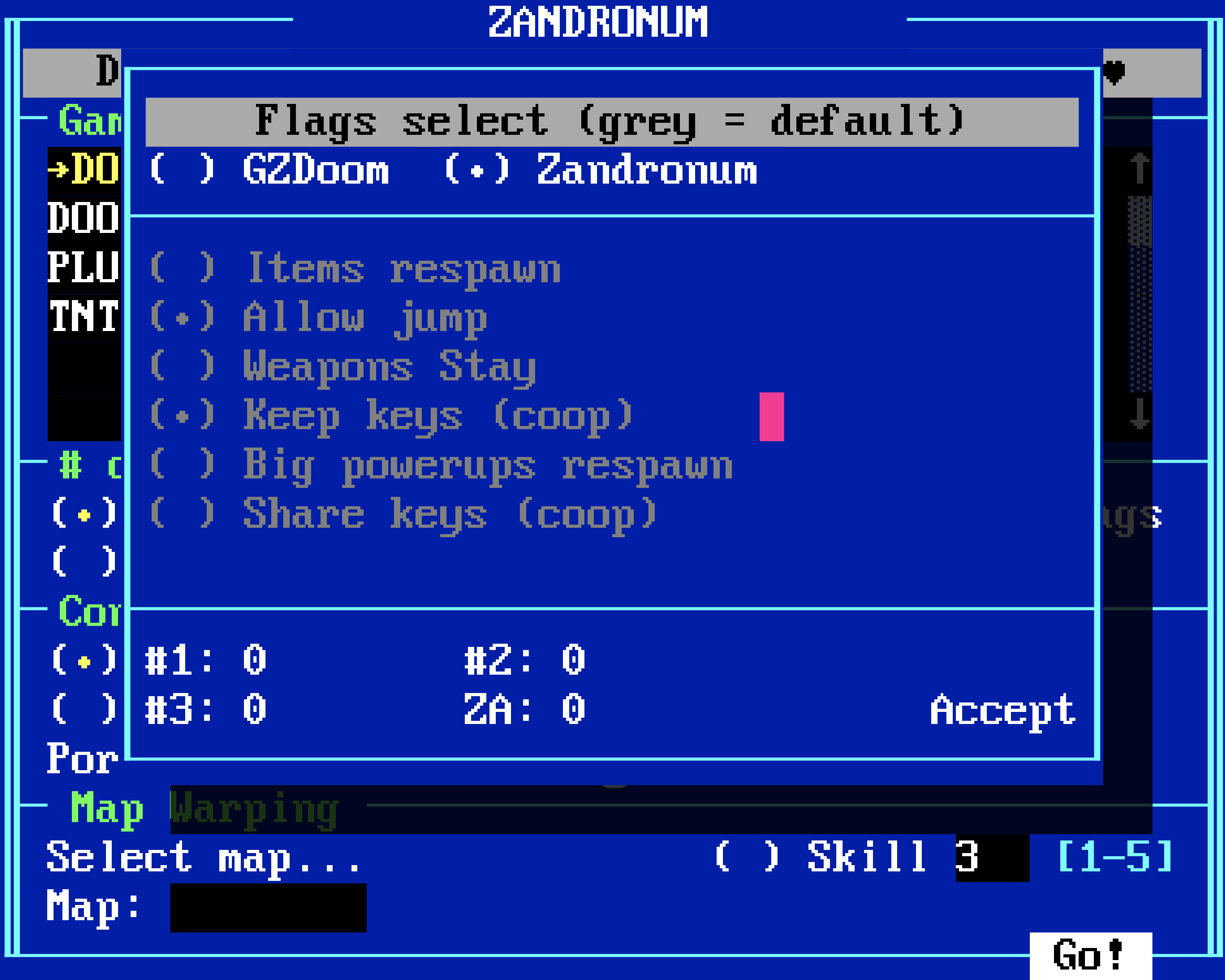
- Choose Multiplayer Flags for GZDoom, Zandronum or Chocolate
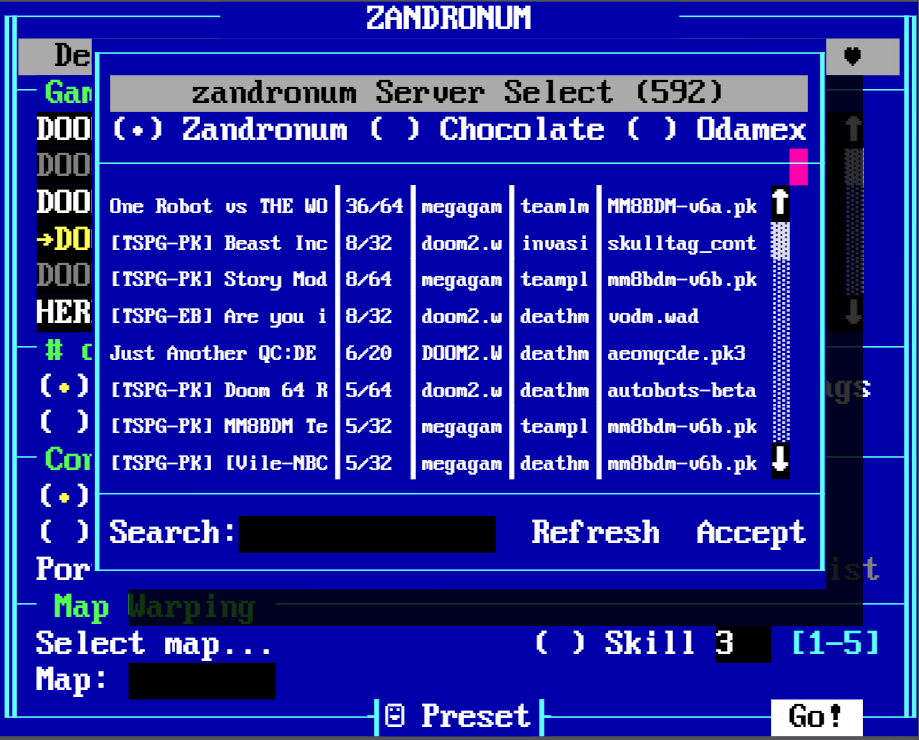
- Browse the Zandronum, Chocolate or Odamex Server List and Join a Server
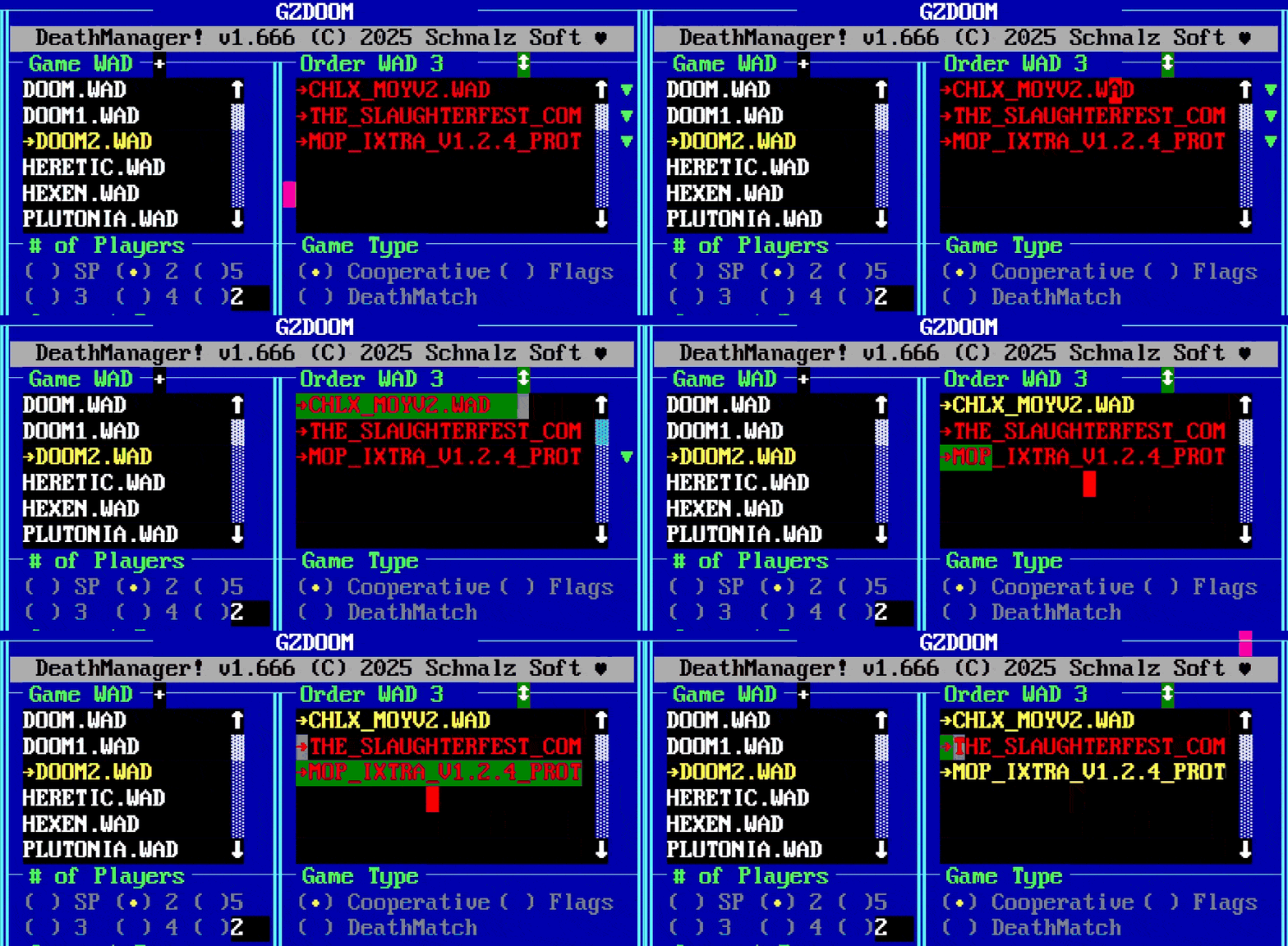
- If there are missing WADs you can download them by clicking the green arrow right to the WAD
- Change the Order of the WADs by Drag and Drop
- If you need an Addon WAD as a Game WAD, Drag and Drop from Addon List to the Game List.
- Reverse it to remove the WAD
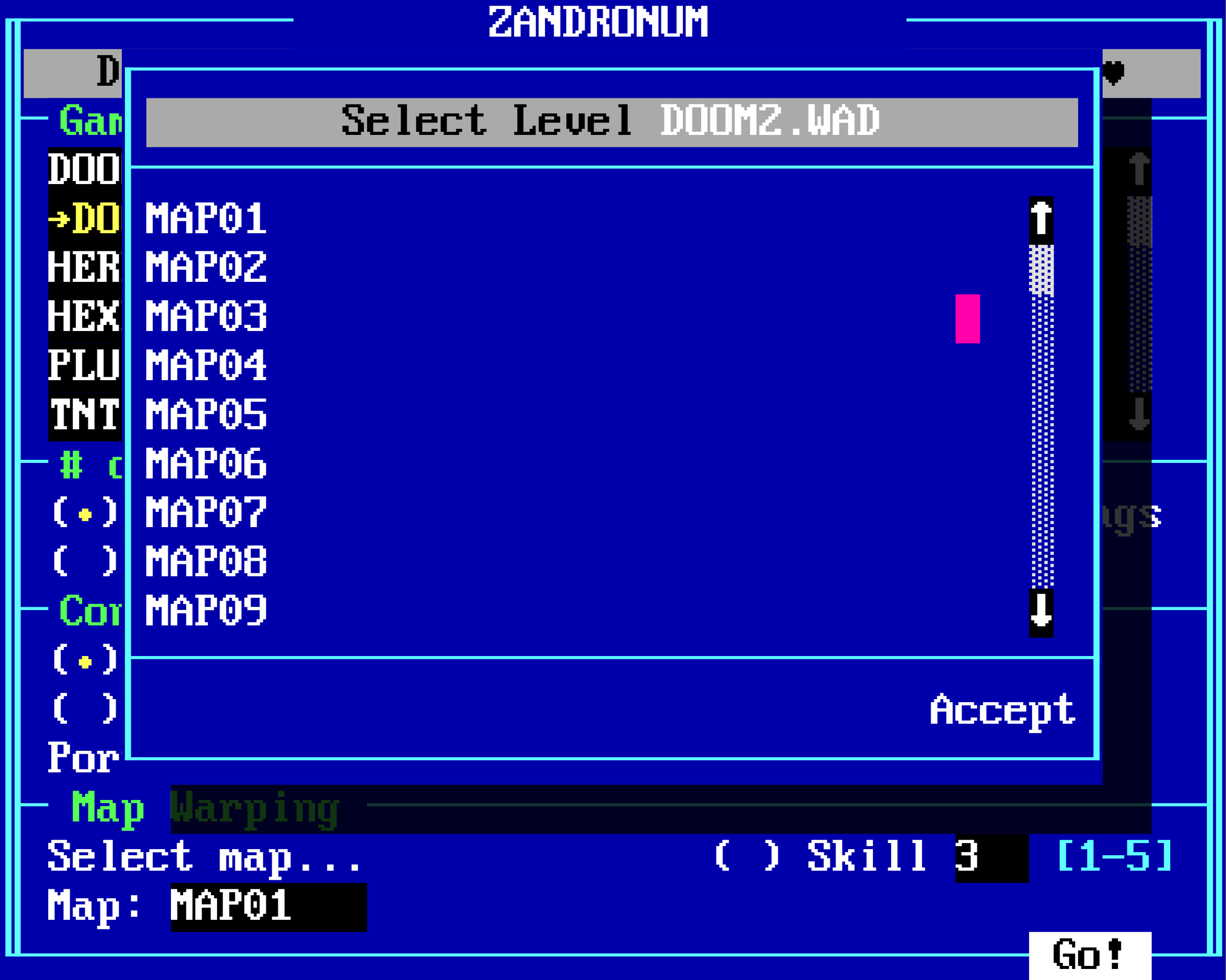
- Choose a Map for the activated WAD File
- The activated WAD File is read Bytewise to find all real maps inside the wad.
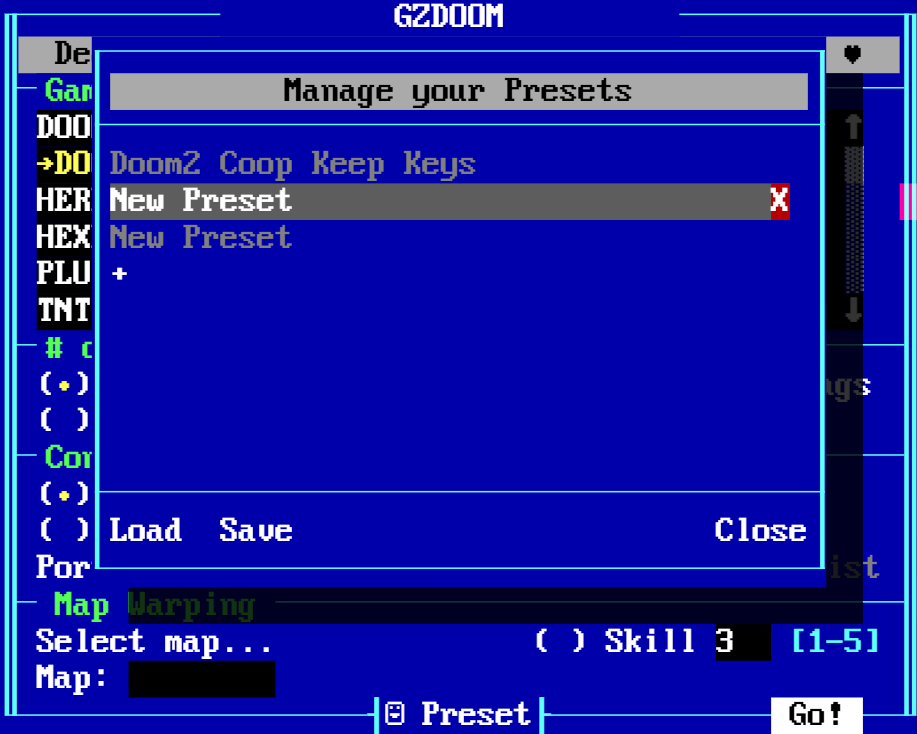
- Use Presets to Save, Load, Rename, Delete Configurations
- A Preset saves everything (also selected Wads, Mapname, Flags etc.)
- Windows 11
- macOS 15 - WIP
- Linux
Follow these steps to get up and running:
- Download the latest release here on GitHub.
- Extract the contents of the provided
.zipfile, which includes two files, into your DOOM folder. - Run the executable file to start the Launcher.
- At the top of the Launcher, click on
CHOOSE DOOM PORT ...and specify the path to your preferred DOOM Source Port (Zandronum or GZDOOM). - Click on the
+icon next toGame WADand designate the path to your.wadfiles. Add-ons in.iwad, .pwad, .pk3, or .dehformat within theWADfolder will be automatically detected. - Optional: Set Deathmatch flags to your liking (e.g., weapon stay, keep keys, etc.).
- Choose a map and press
Go!to send demons back to hell.
Important
The executable file requires the resources.neu file as a dependency to function properly.
Follow the steps below to allow and run DM.EXE on macOS.
Note: Replace
-mac_armwith-mac_x64if you're using an Intel-based Mac.
- Open the Terminal and type the following command:
sudo xattr -d -r com.apple.quarantine -
After typing the command, drag and drop the
DM.EXE-mac_armfile into the Terminal to append its full path, then press Enter. -
Type the following command to make the file executable:
chmod +x -
Once again, drag and drop the
DM.EXE-mac_armfile into the Terminal to complete the path, then press Enter. -
To run the executable, drag and drop
DM.EXE-mac_arminto the Terminal and press Enter.
- Launch the Linux shell and execute the following commands to install the necessary
webkit2gtk:
sudo apt-get updatesudo apt install libwebkit2gtk-4.1-0- Type the following command to make the file executable:
chmod +x ./DM.EXE-linux_x64- Next, execute
DM.EXE-linux_x64directly from shell:
./DM.EXE-linux_x64This project is the result of countless hours of dedication and passion. If you'd like to support our work and its future, your donation would be appreciated. Thank you!
Important
Only send Base network assets to this address. Other assets will be lost forever.
0x958Fb46E15573200B3f5D7574796c176D99252B5
-
Select Addon WADs and change order
-
Download WADs after selecting a Server to join
-
Double Click WADs to open the TXT File of the WAD with ASCII ART Support!
- Uschiklo (dev of current DeathManager!)
- John Romero (dev of original DeathManager!)



