This GitHub Action creates a GitHub contribution calendar on a 3D profile image.
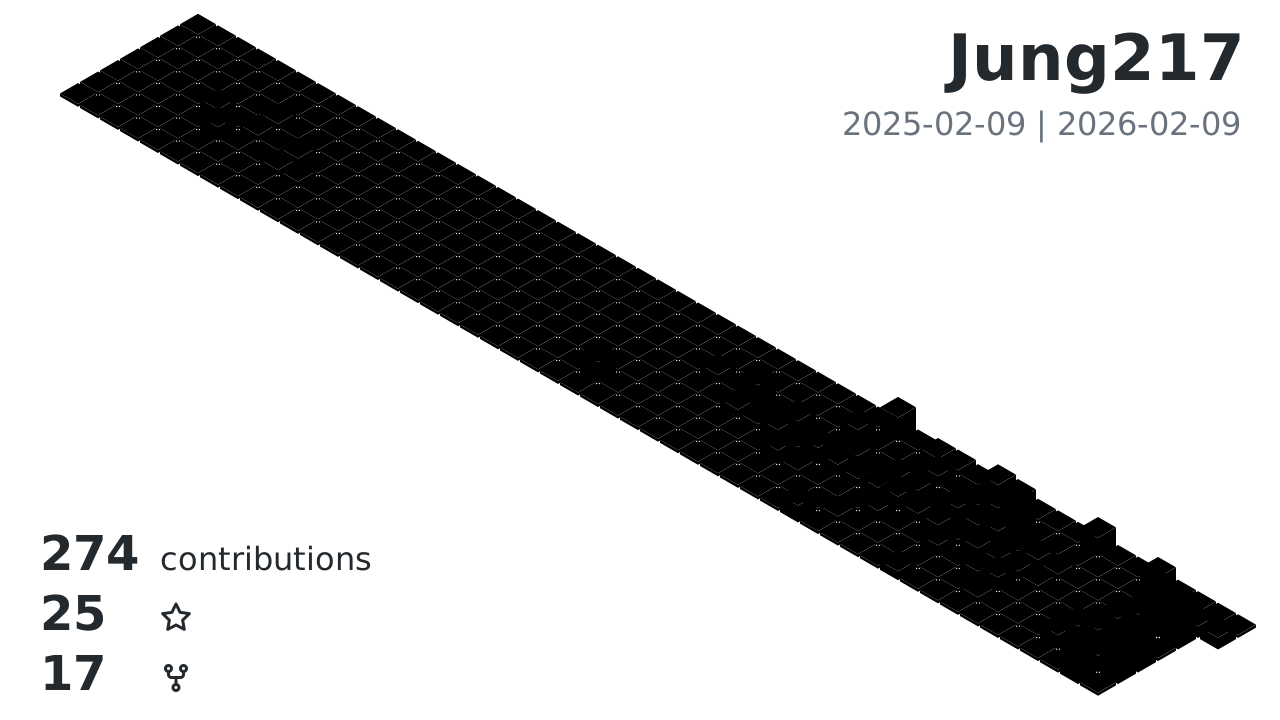
This GitHub Action generates your github profile 3d contribution calendar and commits to your repo. After adding the GitHub Action, the workflow runs automatically once a day. You can also trigger the workflow manually.
Create a repository on GitHub with the same name as your username.
- For example, if the username is
octocat, create a repository namedoctocat/octocat. - See also Managing your profile README
In this repository, follow the steps below.
Create a workflow file like the one below.
- .github/workflows/profile-3d-simplify.yml
name: GitHub-Profile-3D-Contrib-simplify

on:
  schedule: # 00:00 TW (UTC+8) == 16:00 UTC
    - cron: "0 16 * * *"
  workflow_dispatch:

jobs:
  build:
    runs-on: ubuntu-latest
    name: generate-github-profile-3d-contrib-simplify
    steps:
      - uses: actions/checkout@v3

      - uses: Jung217/github-profile-3d-contrib-simplify@v0.1.0
        env:
          GITHUB_TOKEN: ${{ secrets.PAT_TOKEN }}
          USERNAME: ${{ github.repository_owner }}

      - name: Commit & Push
        run: |
          git config user.name github-actions
          git config user.email github-actions@github.com
          git add -A .
          git commit -m "generated" || echo "No changes"
          git push
Note
You can change your GitHub settings to include contributions from private repositories. To do this, click Contribution settings in the top-right corner of the contribution calendar, or go to your profile picture (top right) → Settings → Public profile → Contributions & Activity, then check Include private contributions on my profile.
If you want to include additional activities from private repositories, register a personal access token as a secret and assign it to the GITHUB_TOKEN environment variable in the workflow file. However, in most cases, the default secrets.GITHUB_TOKEN is sufficient.
The schedule is set to run once a day by default. You can change the scheduled time as you like.
This will add the workflow to your repository.
In the sample, only GITHUB_TOKEN and USERNAME are specified as environment variables, but you can specify the following environment variables:
GITHUB_TOKEN: (required) access tokenUSERNAME: (required) target username (or specify with an argument).MAX_REPOS: (optional) max repositories, default 100 - since ver. 0.2.0SETTING_JSON: (optional) settings json file path. Seesample-settings/*.jsonandsrc/type.tsinyoshi389111/github-profile-3d-contrib-simplifyrepository for details. - since ver. 0.6.0GITHUB_ENDPOINT: (optional) Github GraphQL endpoint. For example, if you want to create a contribution calendar based on your company's GitHub Enterprise activity instead of GitHub.com, set this environment variable. e.g.https://github.mycompany.com/api/graphql- since ver. 0.8.0YEAR: (optional) For past calendars, specify the year. This is intended to be specified when running the tool from the command line. - since ver. 0.8.0
The secrets.GITHUB_TOKEN set in the GITHUB_TOKEN environment variable in the sample is a special access token automatically created by GitHub.
- GitHub Docs: Use GITHUB_TOKEN for authentication in workflows
If you want to generate a contribution calendar for public repositories only, use this value. There is no need to create a secret manually.
Also, if you want to include activity in your private repositories in your contribution calendar, check "Include private contributions on my profile" in the "Profile settings" section of "Public profile" in your profile settings.
Furthermore, if you want to include additional activity information from private repositories, create an access token with the appropriate permissions.
Register that access token as a secret with any name you like (For example, MY_PERSONAL_ACCESS_TOKEN).
However, please note that user-created secrets cannot start with GITHUB_.
- GitHub Docs: Secrets
Set that secret as the value of the GITHUB_TOKEN environment variable.
          env:
-           GITHUB_TOKEN: ${{ secrets.GITHUB_TOKEN }}
+           GITHUB_TOKEN: ${{ secrets.MY_PERSONAL_ACCESS_TOKEN }}
USERNAME: ${{ github.repository_owner }}In the sample, it is set to start at 18:00 UTC. This is because it will run at midnight JST, which is the author's local time.
on:
  schedule: # 03:00 JST == 18:00 UTC
    - cron: "0 18 * * *"
You can change it to any time you like. We recommend midnight (around 3am) your local time. However, please note that the time must be specified in UTC.
The first time, run this workflow manually.
Actions->GitHub-Profile-3D-Contrib->Run workflow
The profile images are generated at the following paths:
- profile-3d-contrib-simplify/profile-green-animate.svg
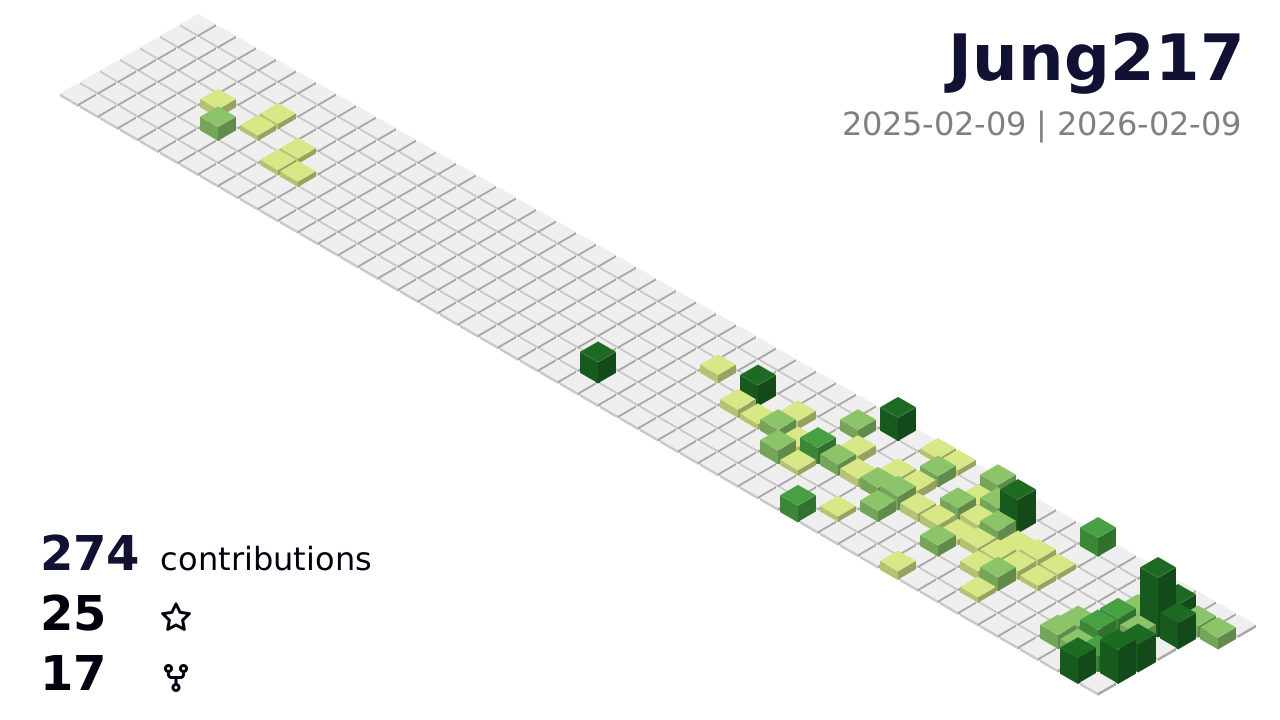
- profile-3d-contrib-simplify/profile-green.svg
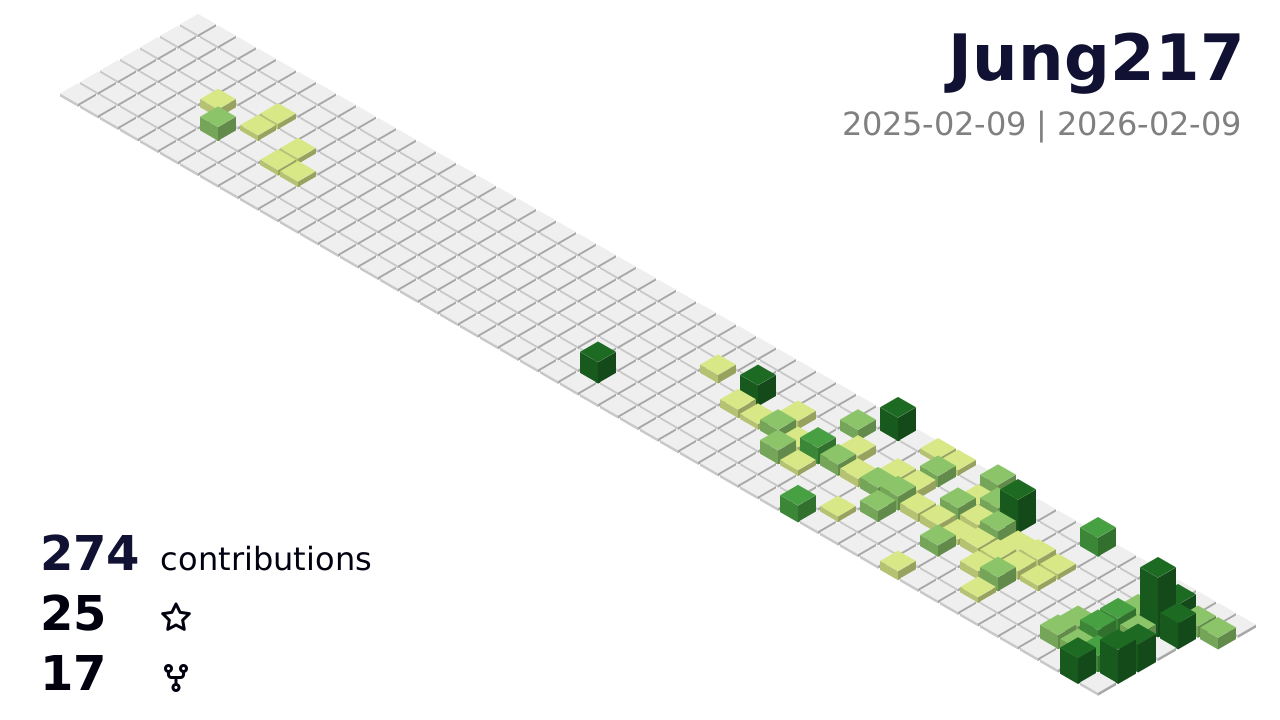
- profile-3d-contrib-simplify/profile-season-animate.svg
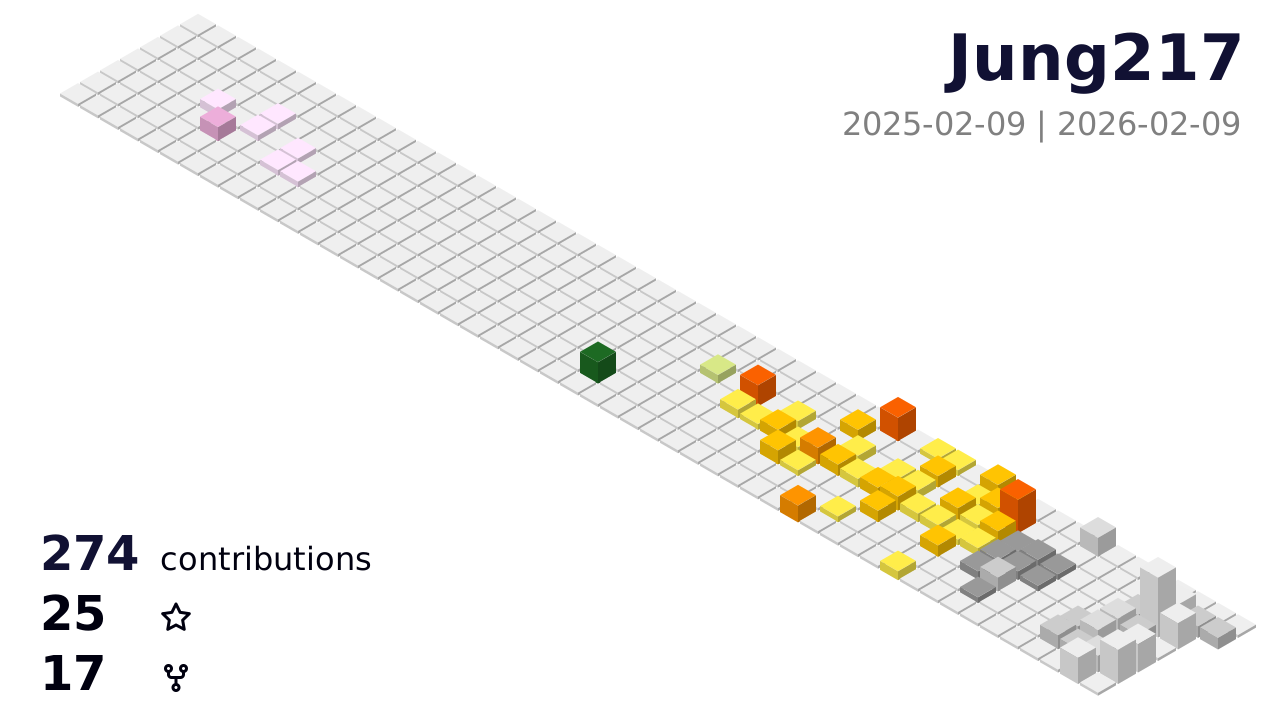
- profile-3d-contrib-simplify/profile-season.svg
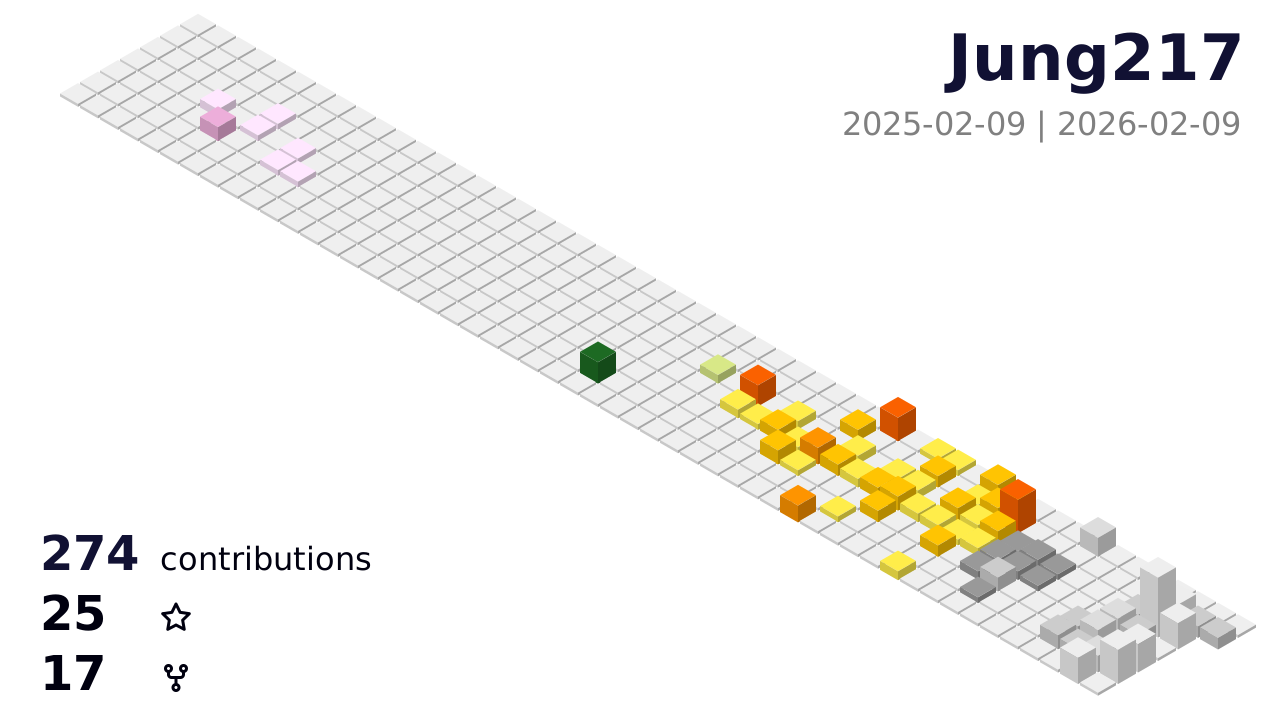
- profile-3d-contrib-simplify/profile-south-season-animate.svg
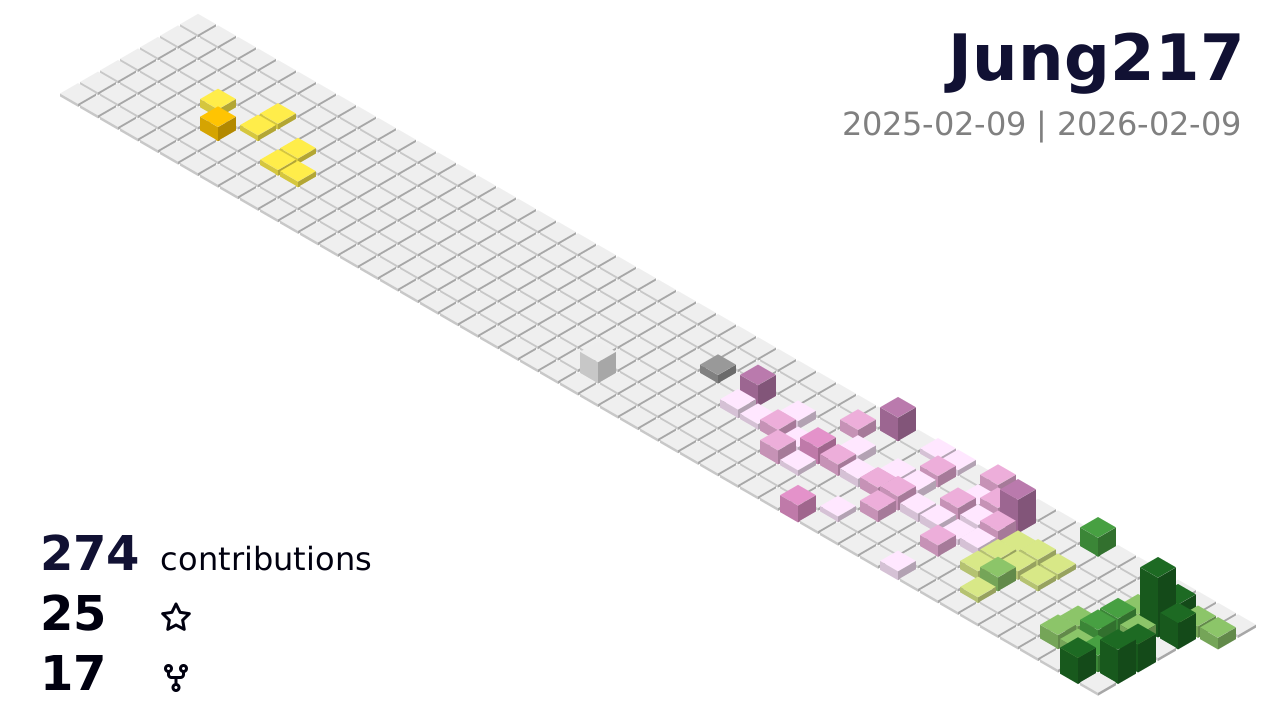
- profile-3d-contrib-simplify/profile-south-season.svg
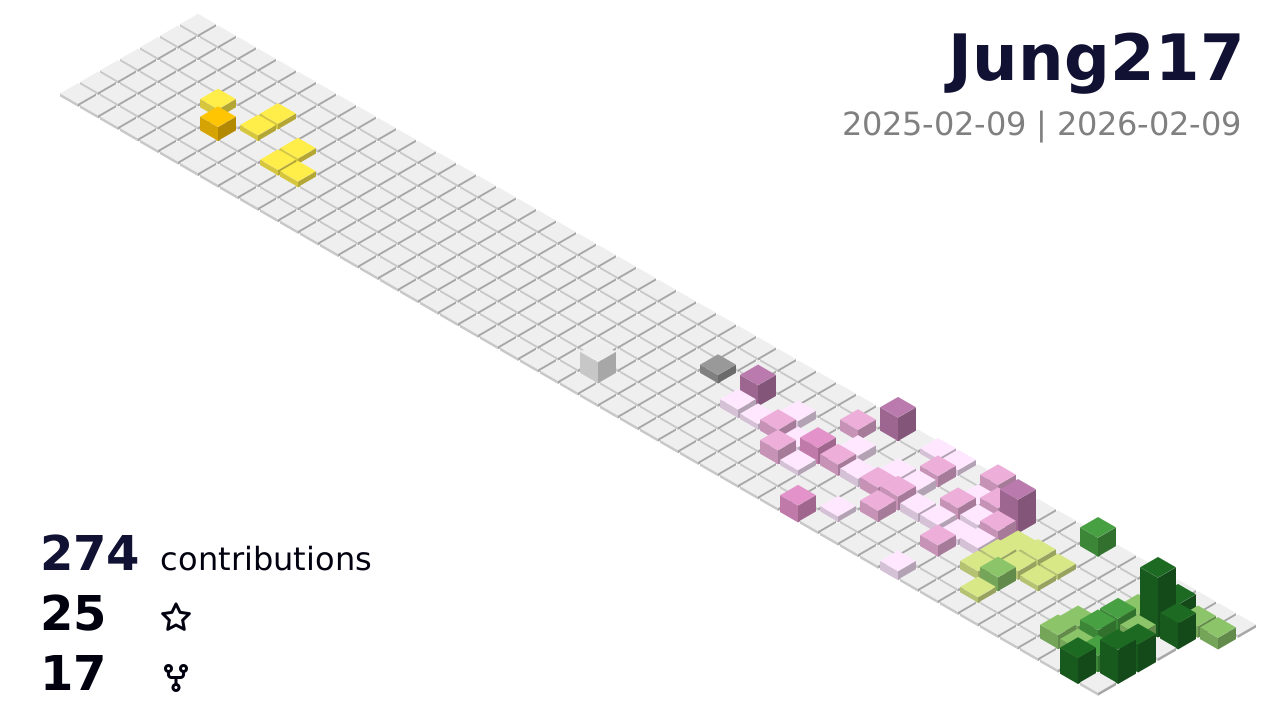
- profile-3d-contrib-simplify/profile-night-view.svg
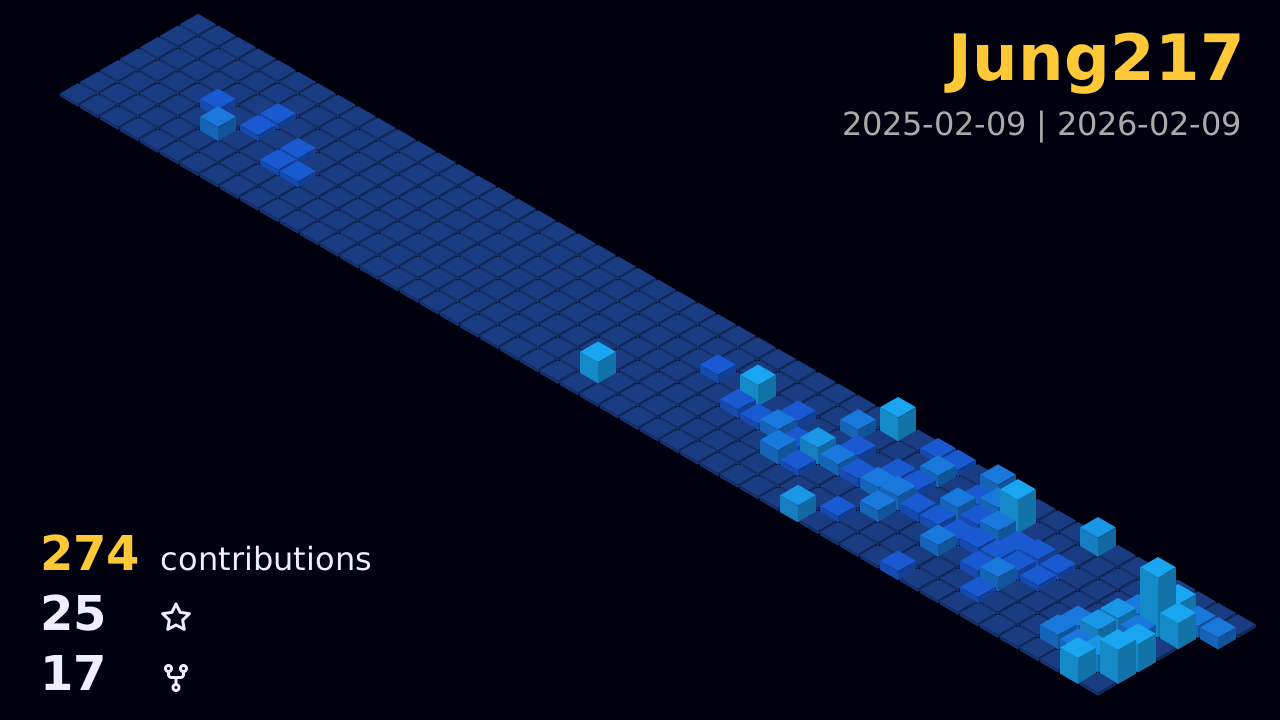
- profile-3d-contrib-simplify/profile-night-green.svg
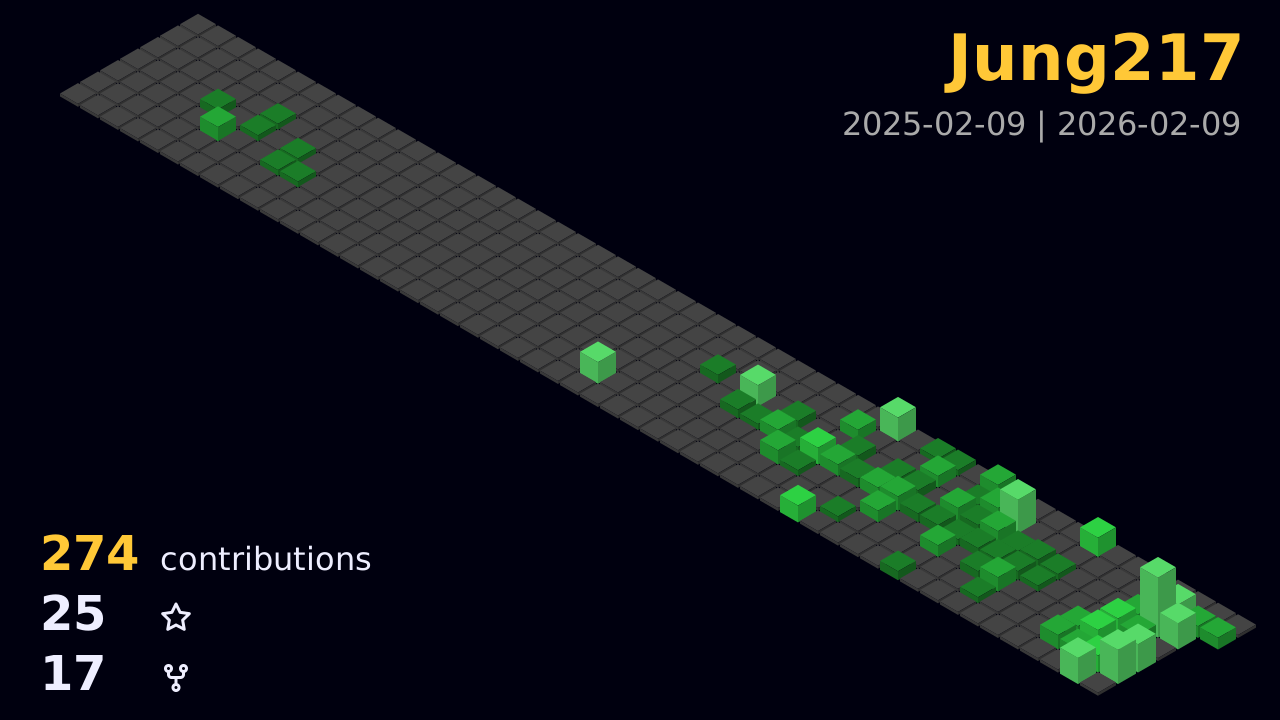
- profile-3d-contrib-simplify/profile-night-rainbow.svg
- profile-3d-contrib-simplify/profile-day-rainbow.svg
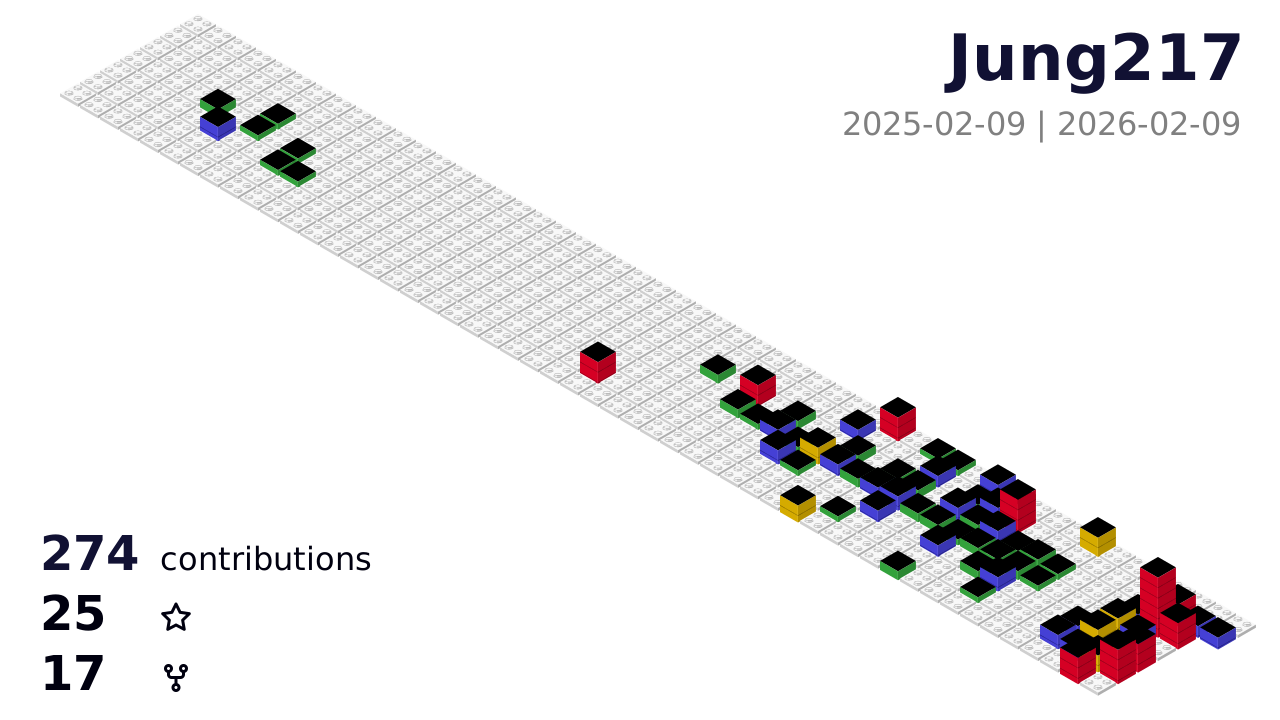
- profile-3d-contrib-simplify/profile-gitblock.svg
If you specify the SETTING_JSON environment variable without a fileName property in the json file, the following image will be generated:
profile-3d-contrib-simplify/profile-customize.svg
Add the path to the generated image in your README file.
- More info in EXAMPLES.md
-
Set the
GITHUB_TOKENenvironment variable to your personal access token.$env:GITHUB_TOKEN="XXXXXXXXXXXXXXXXXXXXXXXXXXXXXXXXXXXXXXXX"
-
Run the following command, replacing
USER_NAMEwith your GitHub username or the target username.npx ts-node src/index.ts USER_NAME