Releases: pendowski/VSaver
UStream fix and scripts auto update

6f31887 pendowski
Jarek Pendowski
pendowski
Jarek Pendowski
UStream changed something on their site and sometimes the stream wasn't loaded properly. It should be fixed now.
This issue has shown a problem with tools like VSaver. Because some of the sites do not provide proper API to get videos it's done by loading the site in a web browser and use javascript to fetch the URL for the content. Sites can change some parts quite quickly without notice and VSaver will stop working for some or all links from that provider. Pushing a new version requires much more effort and due to how screen savers work, a lot of people do not update right away (or even notice there is an update).
With this release, I took a first step at mitigating that problem in a different way. From version 1.4.2 VSaver will check if there is a compatible update available to a script that it uses. If there is it will download, cache and use that script instead. This should allow fixing issues like the one with UStream much quicker and effortless to everyone running a compatible version of VSaver.
Saving settings bug-fix
b3994f6
pendowski
Jarek Pendowski
I've been informed by one of the users that settings are broken in 1.4.
TL;DR: It should be fixed now with 1.4.1, so please update.
IGIIWH*
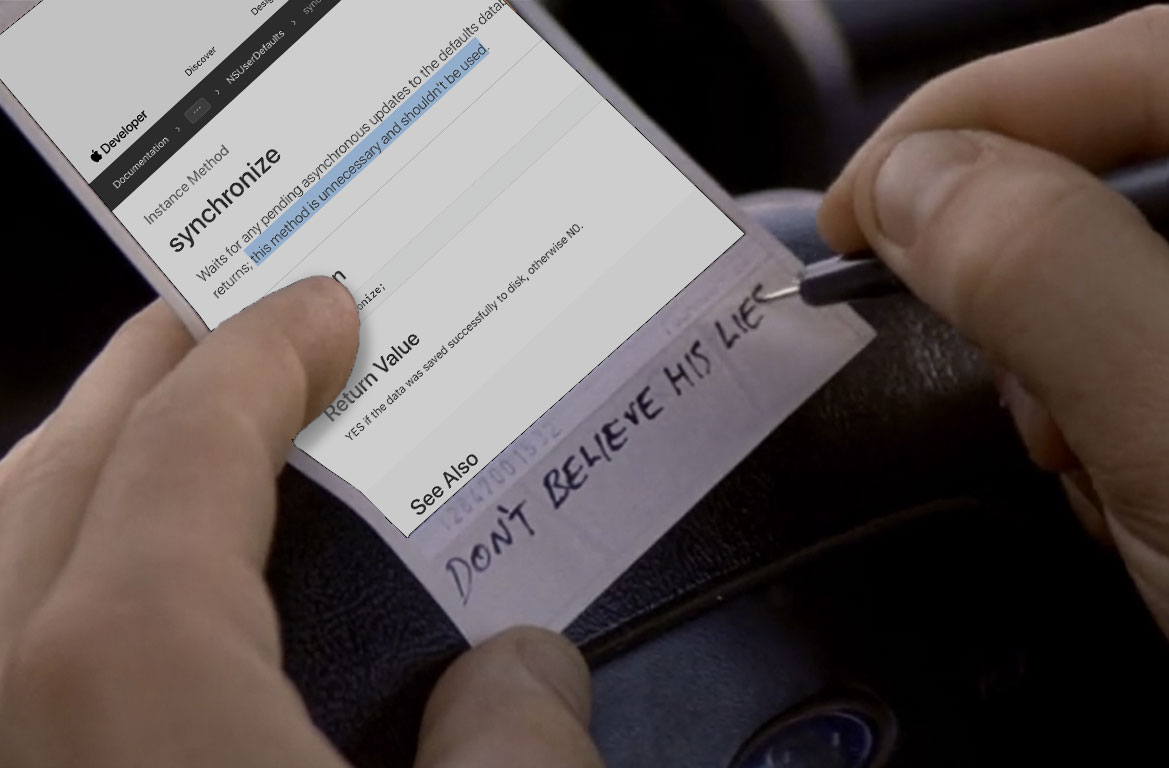
After some investigation, it turned out that one to the changes I made in 1.4 was to remove synchronize calls on UserDefaults used for saving those settings.
I decided to remove them when doing some cleanup since I thought it was my bad habit from the times where you were responsible for executing that method to save settings permanently.
For some time it's advised by Apple not to manually call this method and that it will be called at some point. When it comes to screen savers - it does not get called and when you close System Preferences your changes are lost.
I poked around in ScreenSaver.framework and my best guess is that the NSApplicationWillTerminateNotification isn't sent and the manager class which is now responsible for calling synchronize doesn't have the chance to do that on all UserDefaults classes that are in the memory. Since I believe it's not how it should work - a small example project has been made, a bug was filed and a (temporary?) fix is now in front of you. Luckily it was way easier and quicker than rewriting the whole thing because Swift wasn't handled well by System Preferences 😉
Testing these sort of things is difficult and since the only way of using a debugger is to use it within the app I usually test new features by running the Tester app (which worked fine since the app itself does send the aforementioned notification). It's often the end users that stumble upon bugs that I haven't noticed during development. So thanks for letting me know about them - it really helps! 👍
* I'm Genuinely Interested In What Happened
Ustream support, time stamps, D&D and debugging.
f825c17
pendowski
Jarek Pendowski
Main things were added:
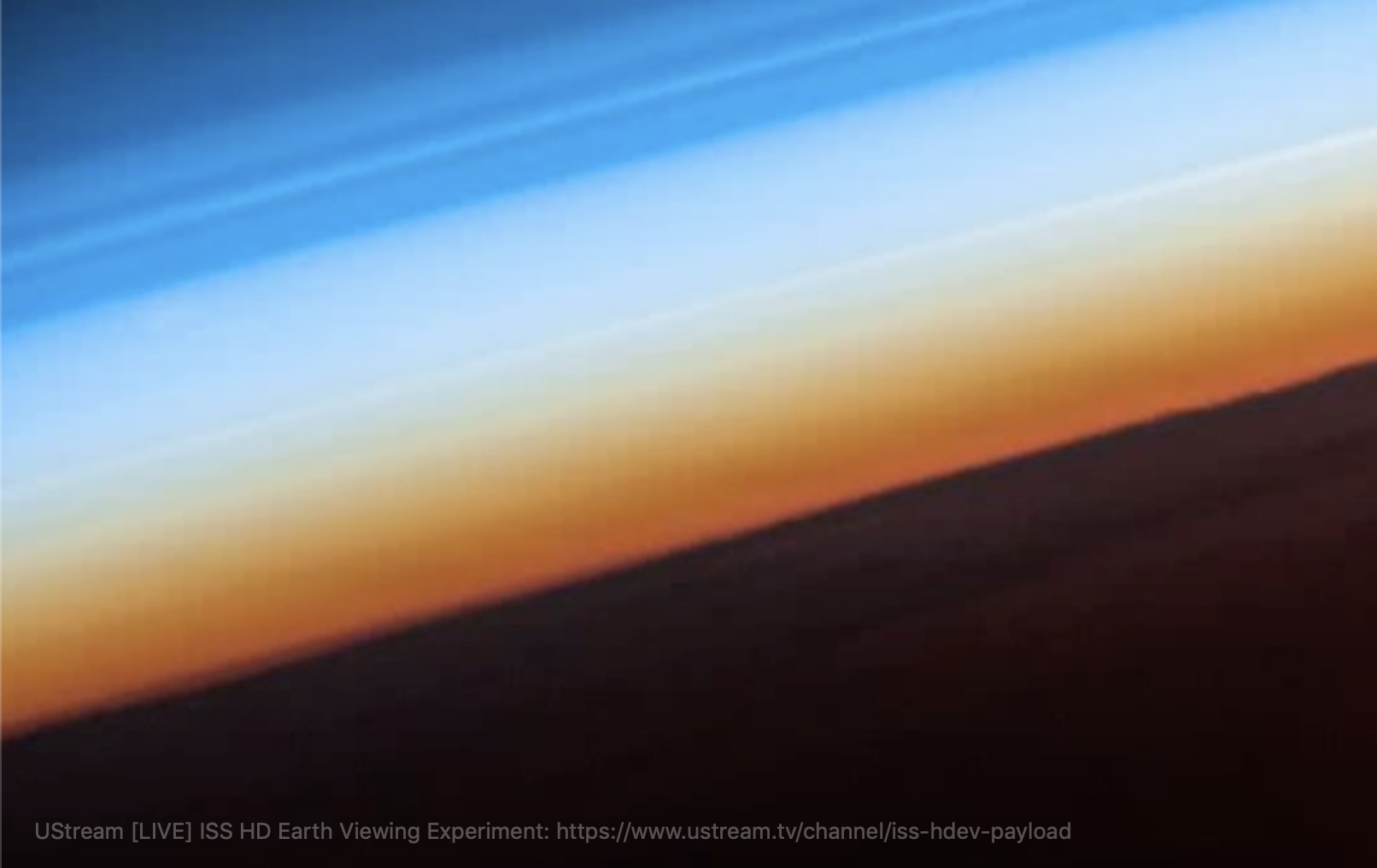
- UStream support. A user-requested feature to be able to see ISS live streams. In general, in my experience, it works a bit slower than say YouTube or Apple TV but it works and does provide some interesting streams that aren't really available elsewhere.
- Support for time-based links on YouTube and Vimeo. When providing standard links from those platforms videos should start from the time specified in the URL. I'm thinking about adding that to all providers but not sure about the URL convention that would be safe for all.
- Better list of URLs. You can now reorganize the order of your links inside settings if you want to play them in a particular order (also
In Orderoption should now work as well). You can also drag and drop links directly onto the list instead of typing/pasting them. - Logging system. Due to the nature of how screensavers work, it's very difficult to debug issues with them. I've added a logging system which logs most of the most important events which should help to pinpoint what's causing some of the glitches if and when they happen. The files are in
~/Library/Logs/VSaver. If you have an issue, it might be helpful to attach the file from that day.
Other interesting things:
- There seems to be an issue with filters added to views. One of the filters was used on the spinning activity indicator. I thought I made a workaround for one in the 1.3 release but noticed that it didn't work within the Preview and the video was just a gray screen. Decided to replace the stock indicator with a custom one.
Be always up to date
The main feature this release is checking if your installed version is up to date with what's released here on GitHub.
From now on this information is checked and displayed in settings and for a couple of seconds in the bottom-right corner of the screen saver itself.
Improvements:
- Transitions between videos.
- Slight improvements to the appearance of the source text.
Bugs:
- Videos are once again muted.
- Glitch where sometimes the first video was skipped after few seconds of playing.
- Issue where one video ending on one screen caused video on another screen to change.
Support for tvOS 12 videos
6424e24
pendowski
Jarek Pendowski
Added support for videos that Apple added with tvOS 12.
Those new Apple videos are available in 1080p and 4K. Because of this, a new setting is available to choose the preferred video quality.
Because of the addition of tvOS 12 videos appletv:// URL scheme has been extended to allow support of "classic" Apple TV videos and new ones. A quality parameter has been also added to overwrite the Video Quality setting for selected videos if needed.
If you choose to play the same video on all screens this release should significantly reduce the amount of traffic the saved uses and speed it needs.
Version 1.1 - Obj-C rewrite
f691e0b
pendowski
Jarek Pendowski
Everything has been rewritten from Swift to Objective-C.
That should get rid of the "You cannot use the VSaver screen saver with this version of macOS" issue until Apple fixes loading multiple Swift runtimes when working with bundles.
Supported sources: YouTube, Vimeo, Wistia, AppleTV aerial screensavers.
Signed screen saver
Added missing code signing for VSaver screen saver.
First release
- Support for YouTube and Vimeo
- Muting videos