


A Complete Web-Based Learning Management System for Educational Institutions
Streamlining campus operations with smart digital solutions
Installation • Features • Demo • Docs
StudyBuddy is a comprehensive Learning Management System designed to transform traditional campus operations into a seamless digital experience. This web-based portal serves both students and administrators with role-specific dashboards, academic tools, and campus utilities—all integrated into one powerful platform.
- Dual Dashboard System: Separate interfaces for students and admins
- Complete Academic Suite: Courses, exams, notices, and materials
- Campus E-commerce: Integrated stationary store
- Real-time Communication: Group chat and notice board
- Modern UI/UX: Video backgrounds and responsive design
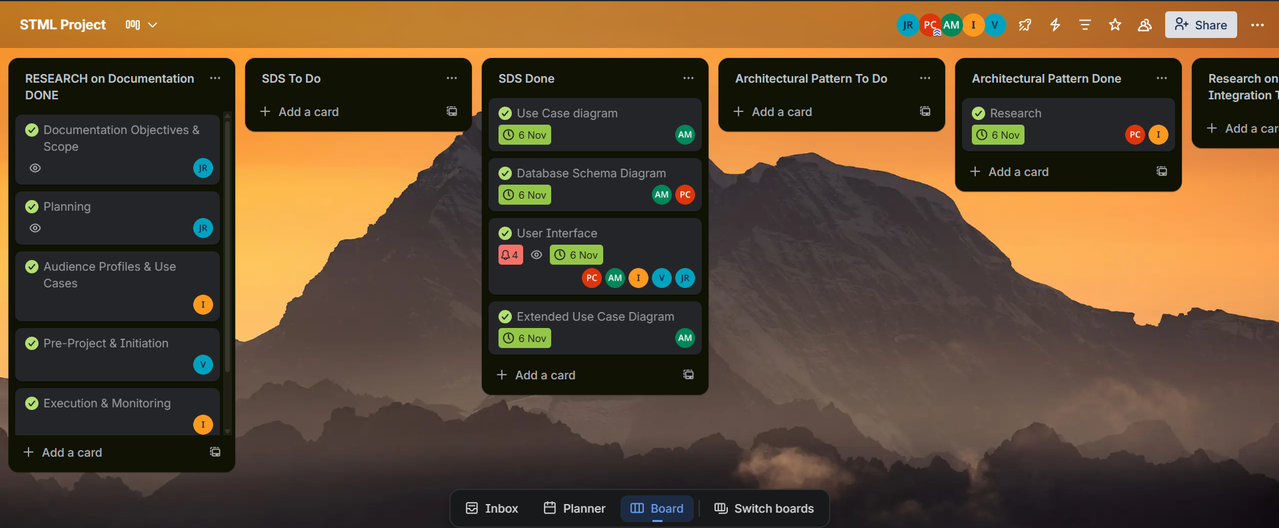
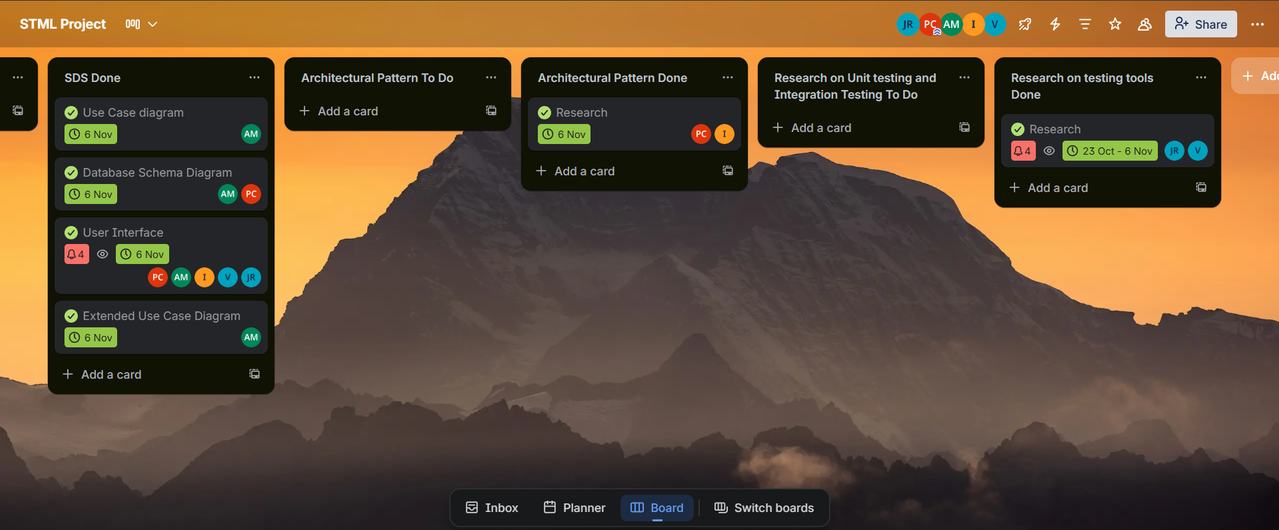
- Agile Development: Collaborative workflow with Discord & Trello
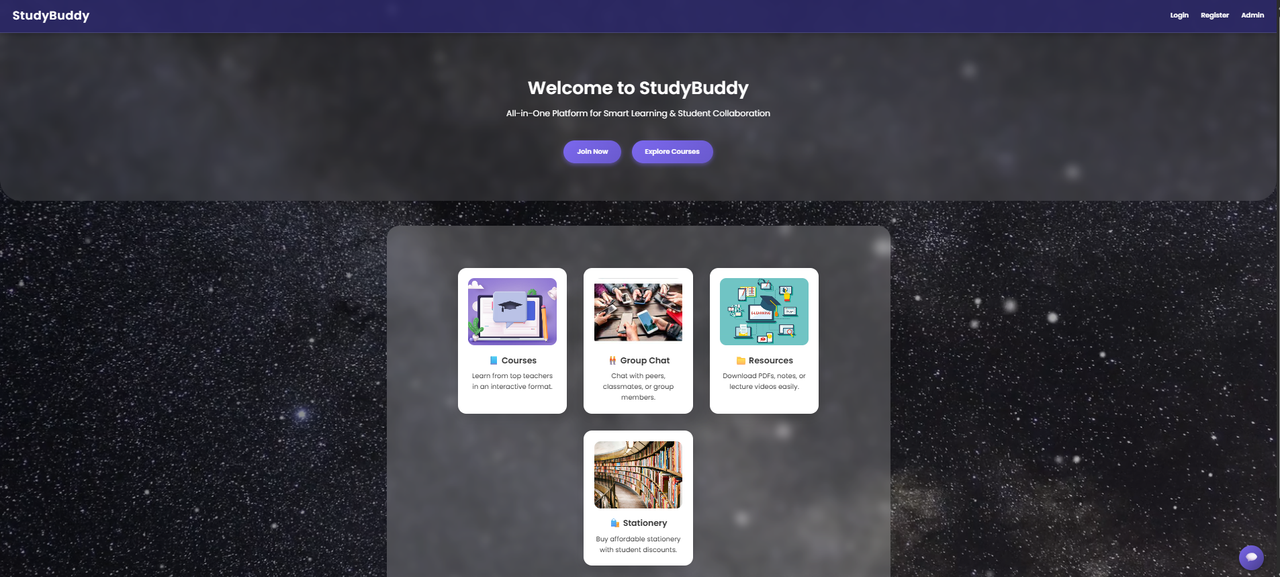
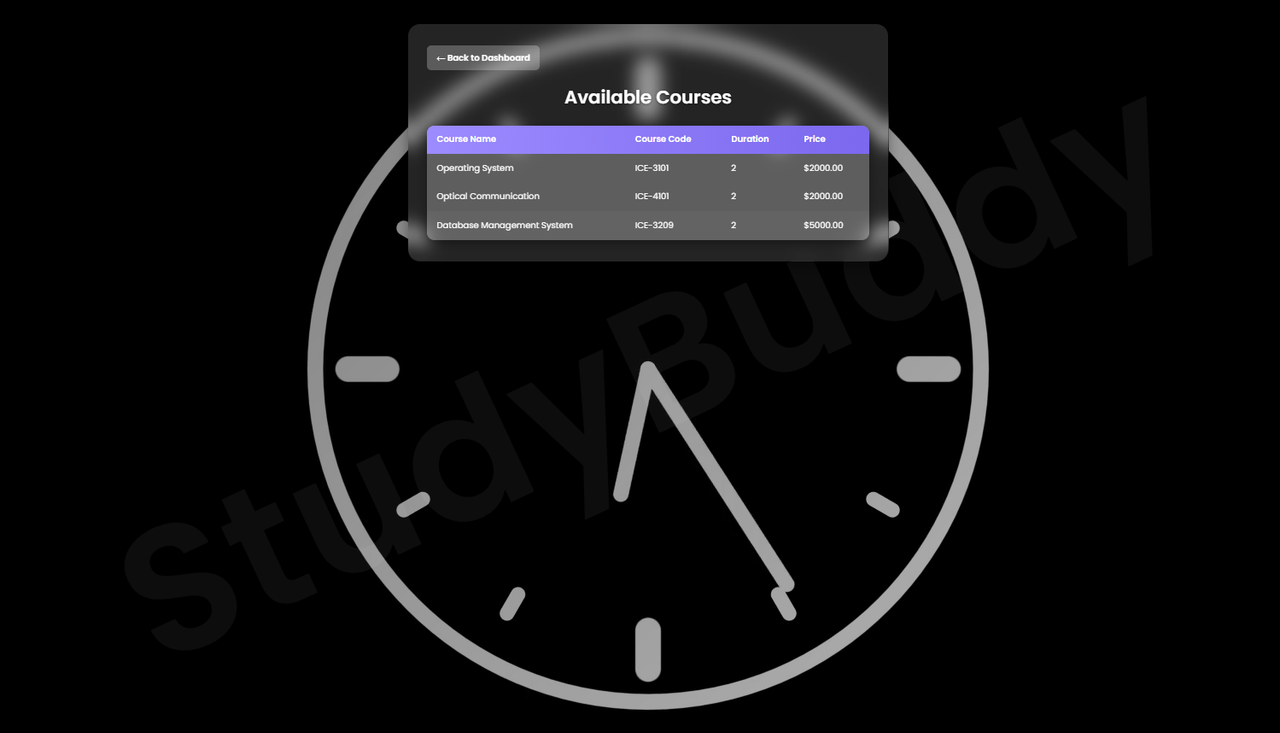
Main Dashboard & User Interface
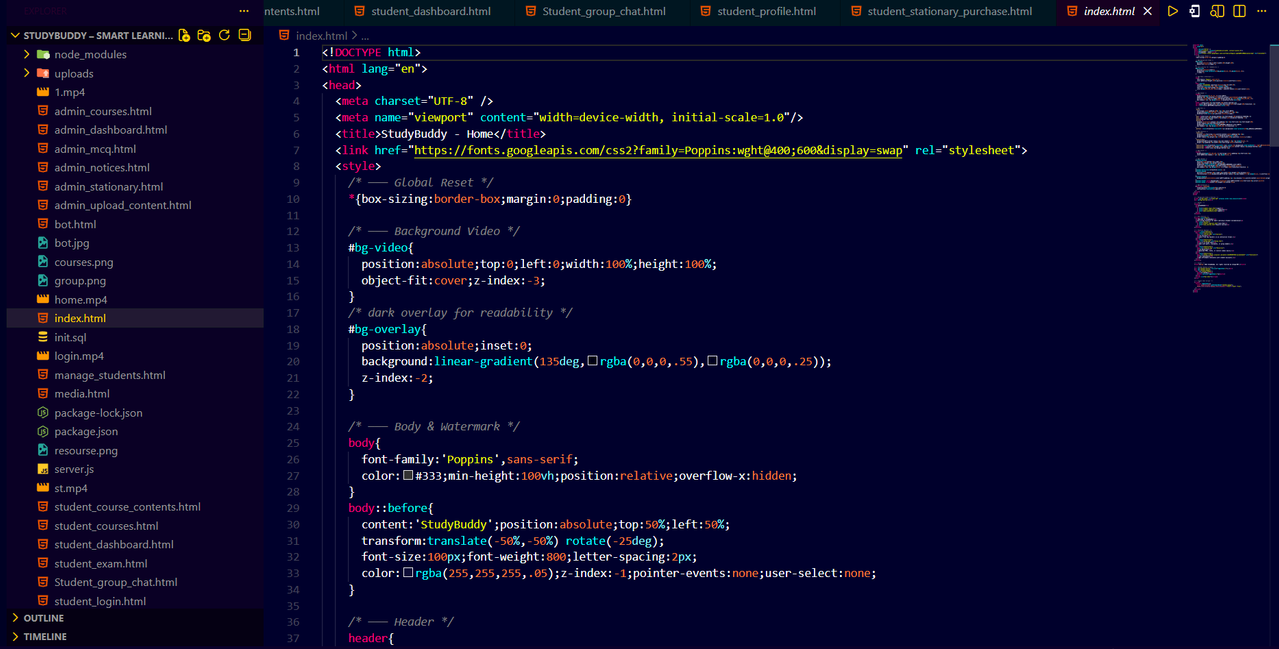
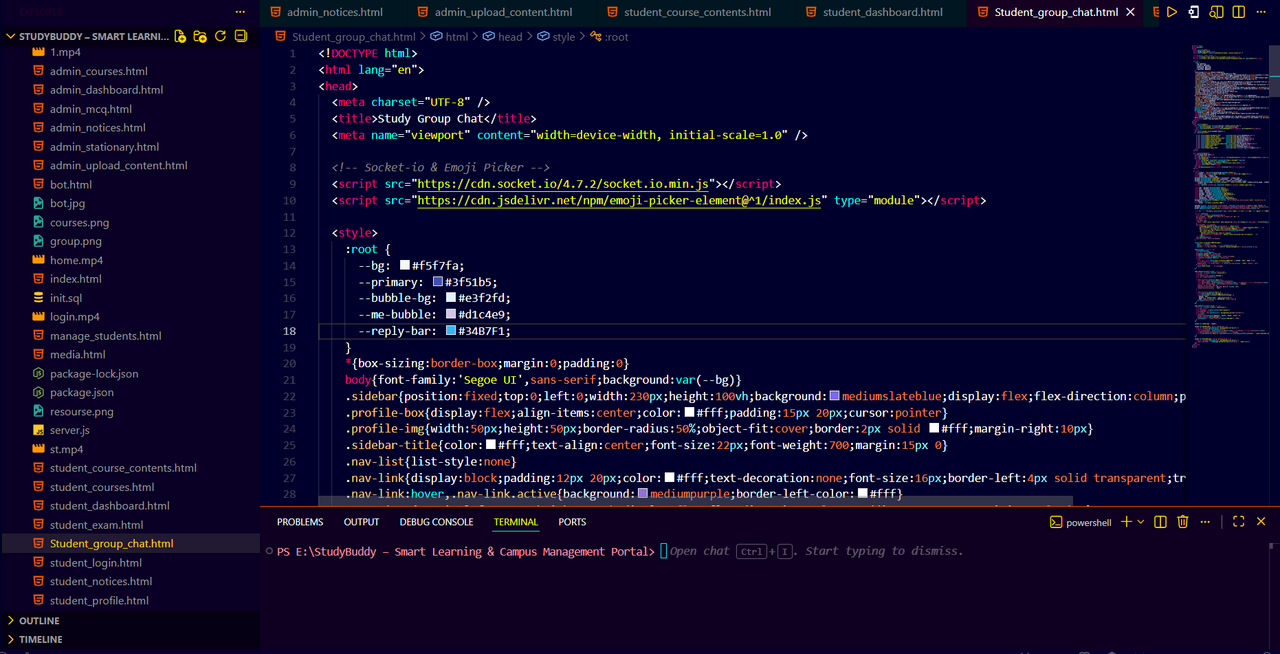
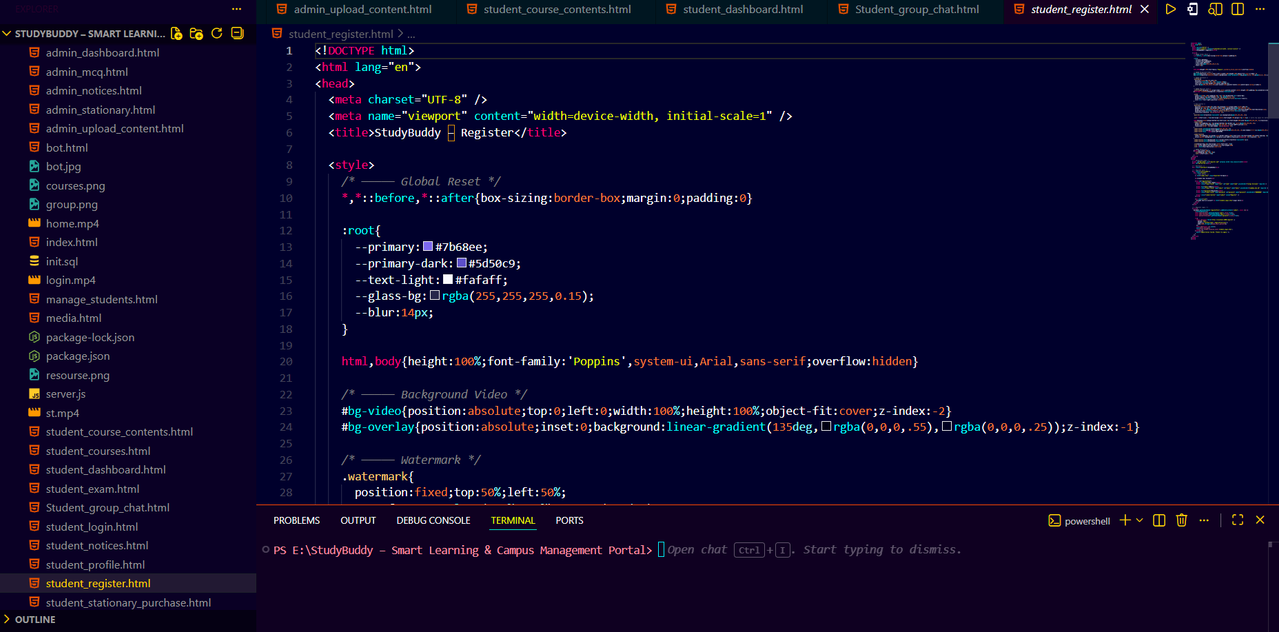
VS Code Workspace Setup
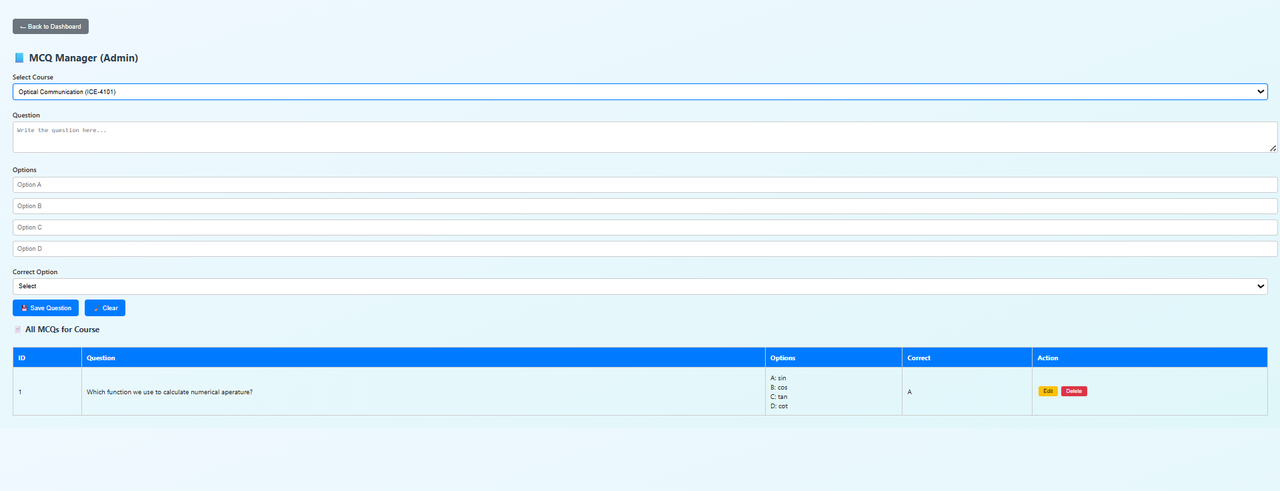
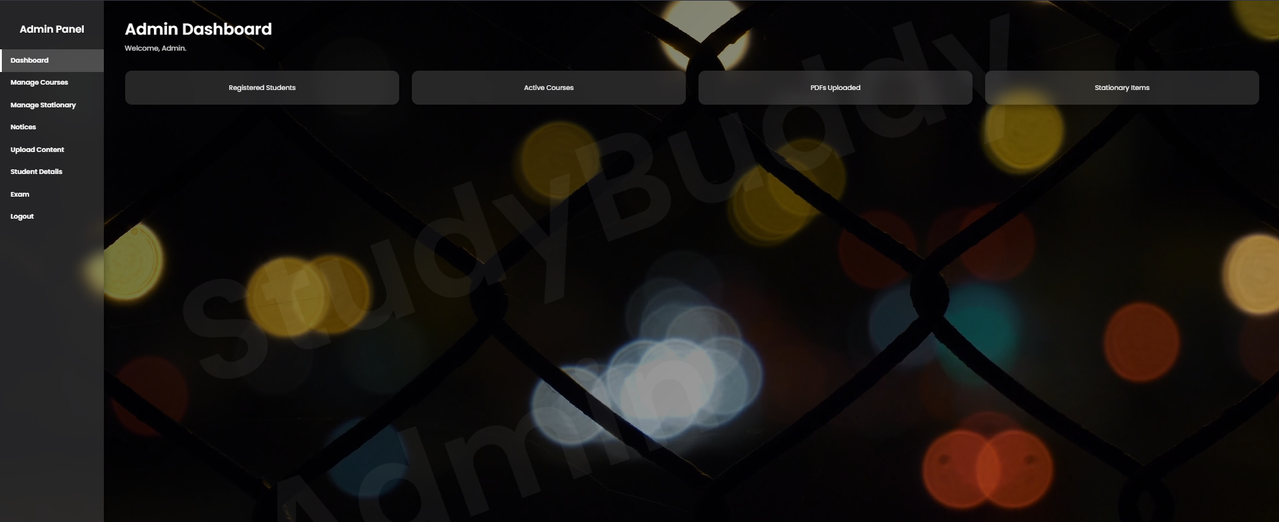
Administrative Dashboard & Management Views
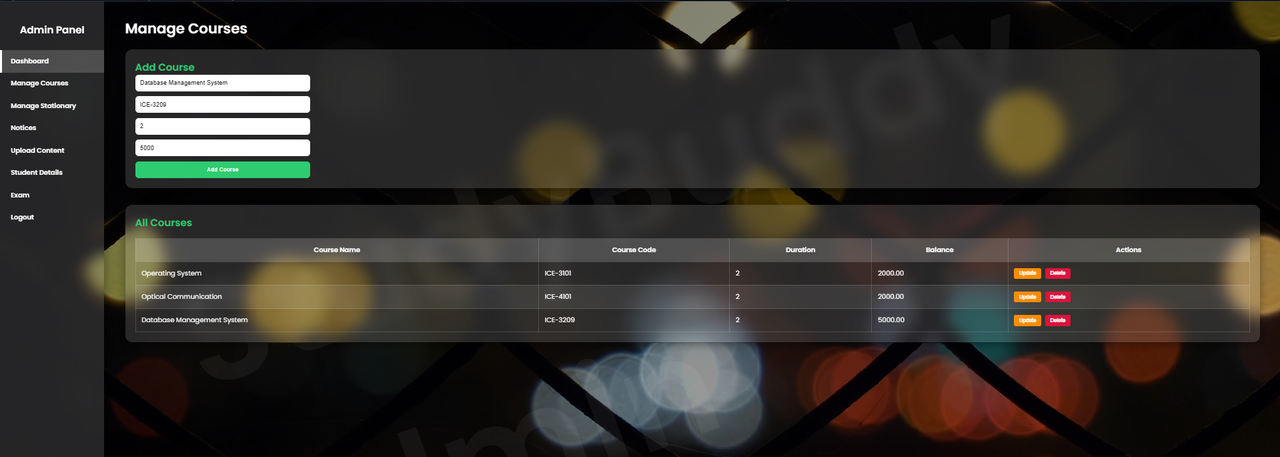
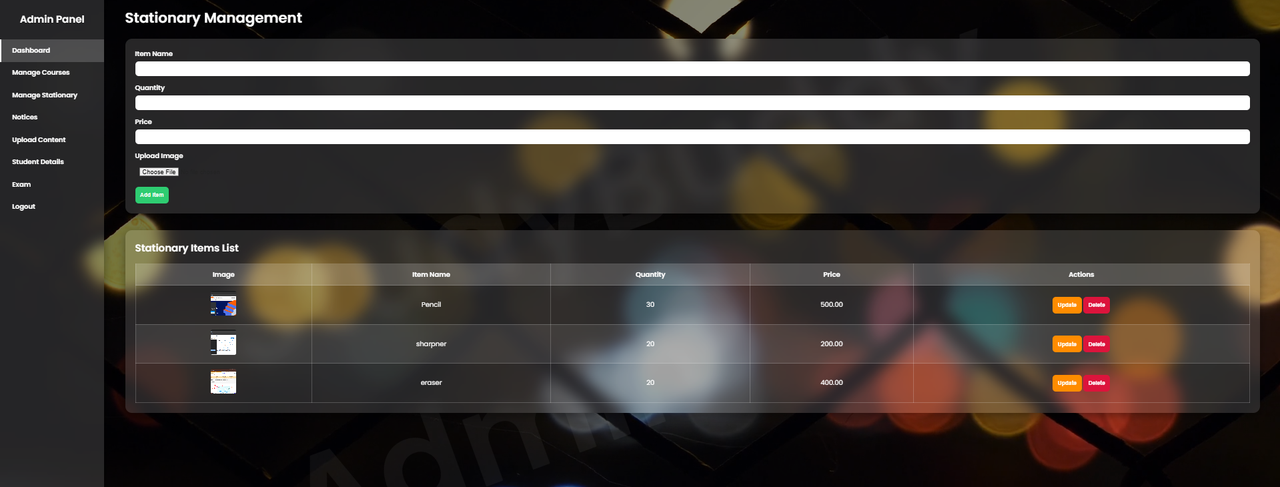
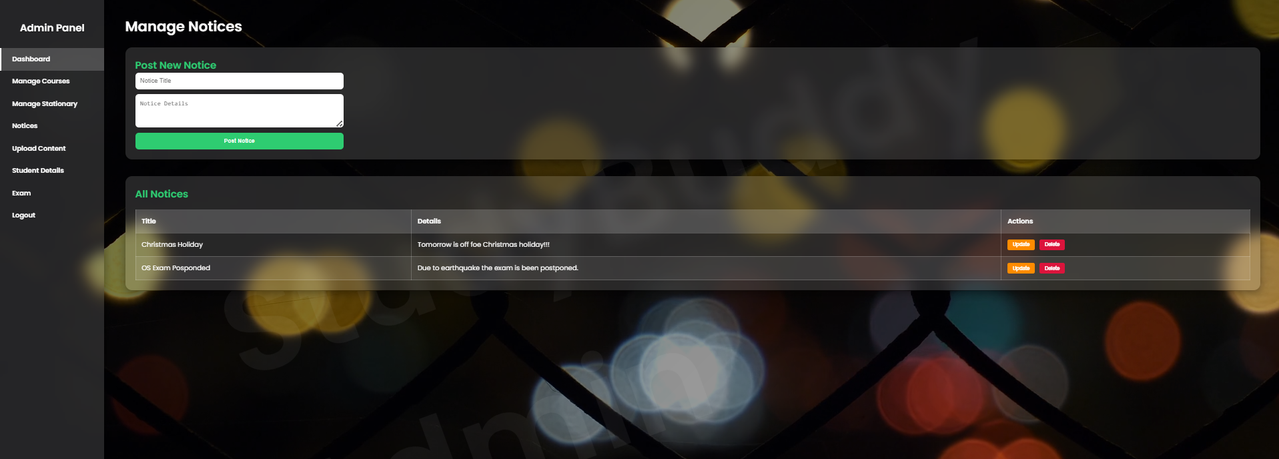
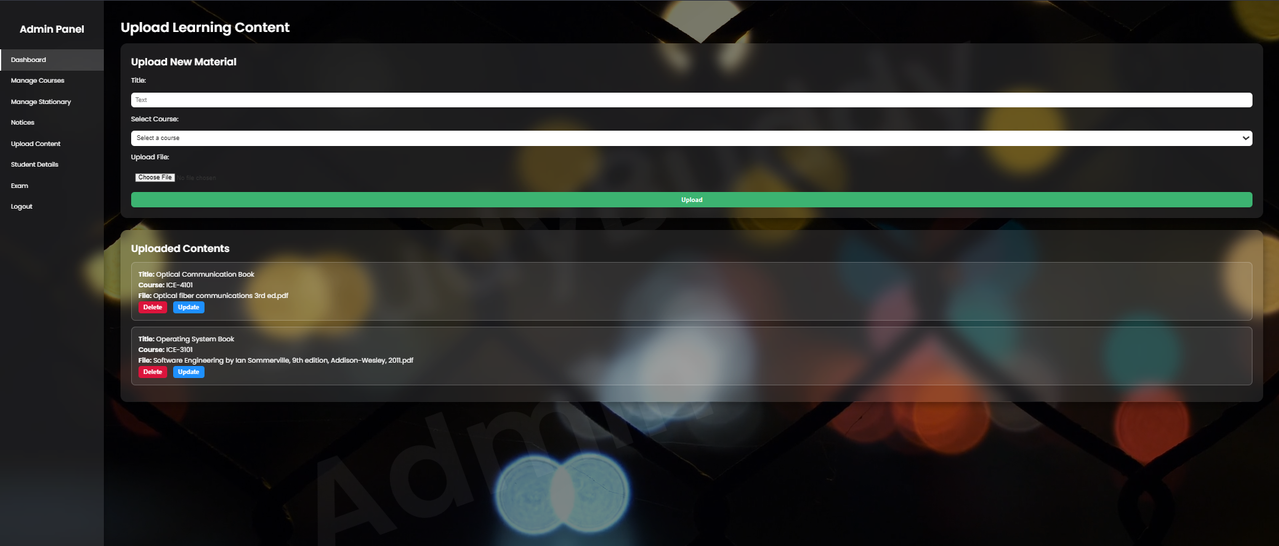

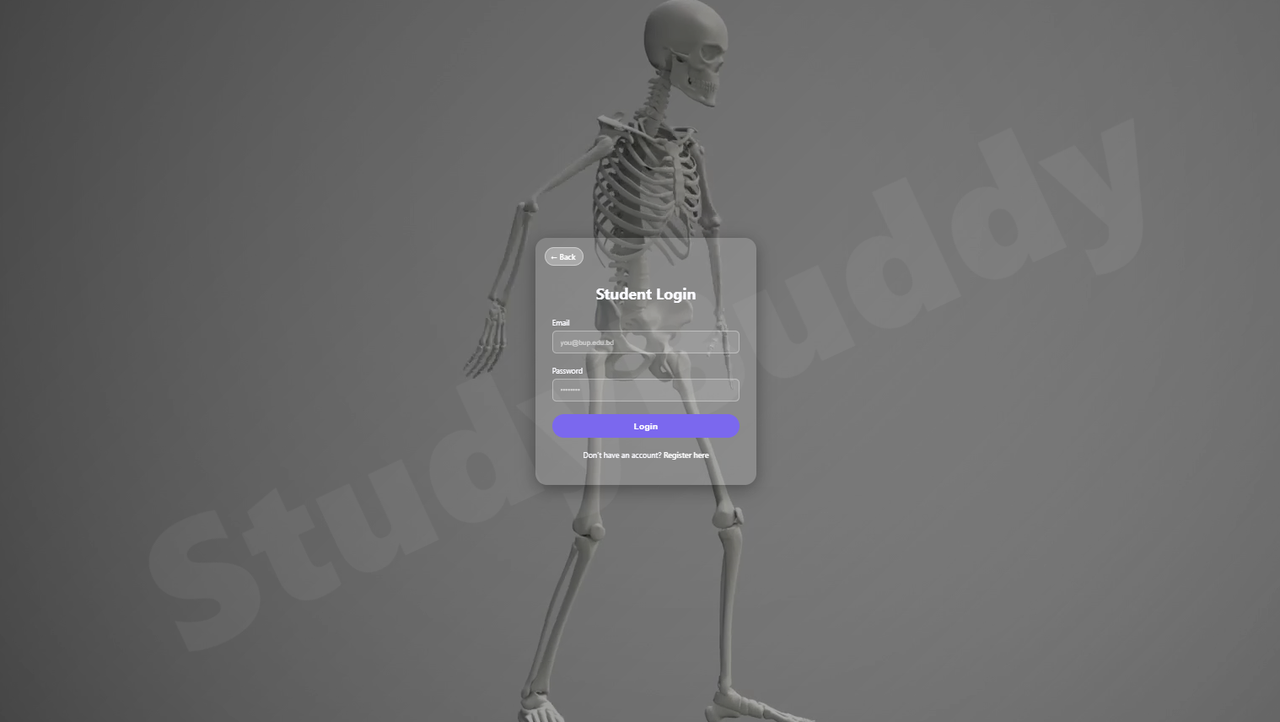
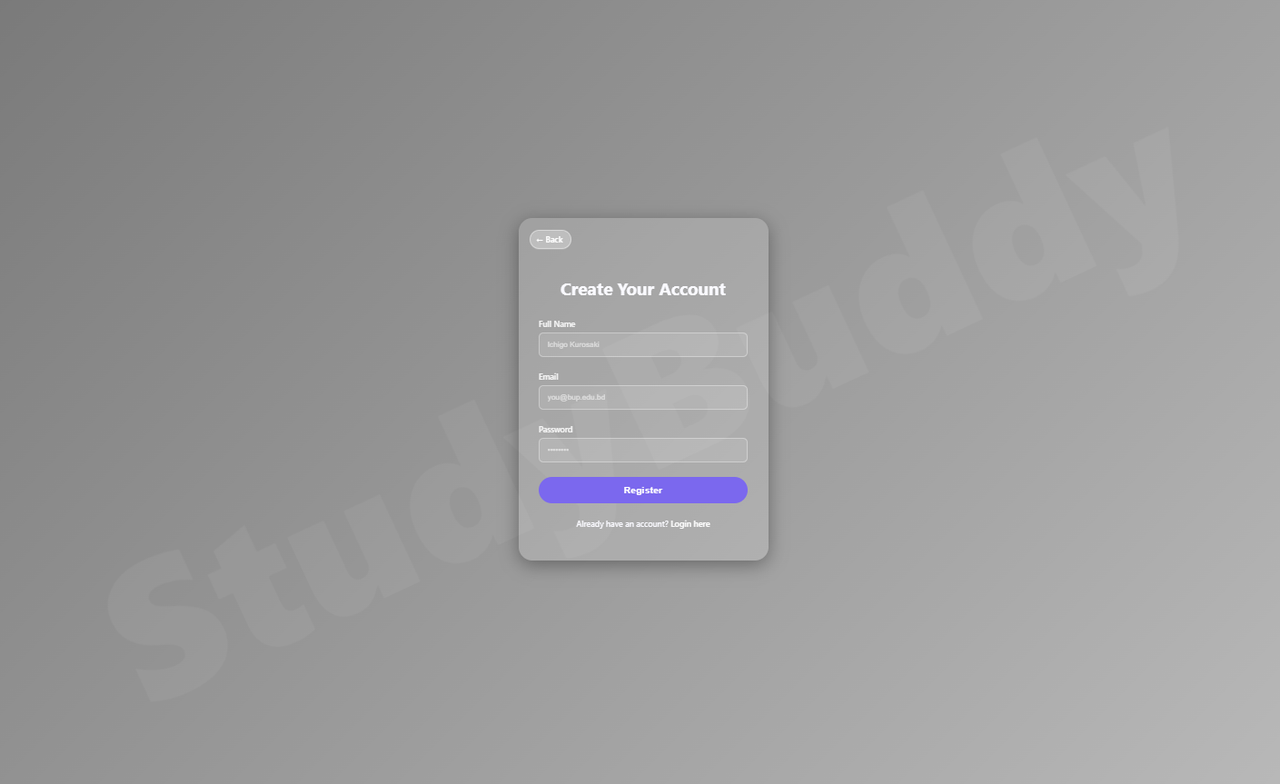
Student Dashboard & Learning Interface
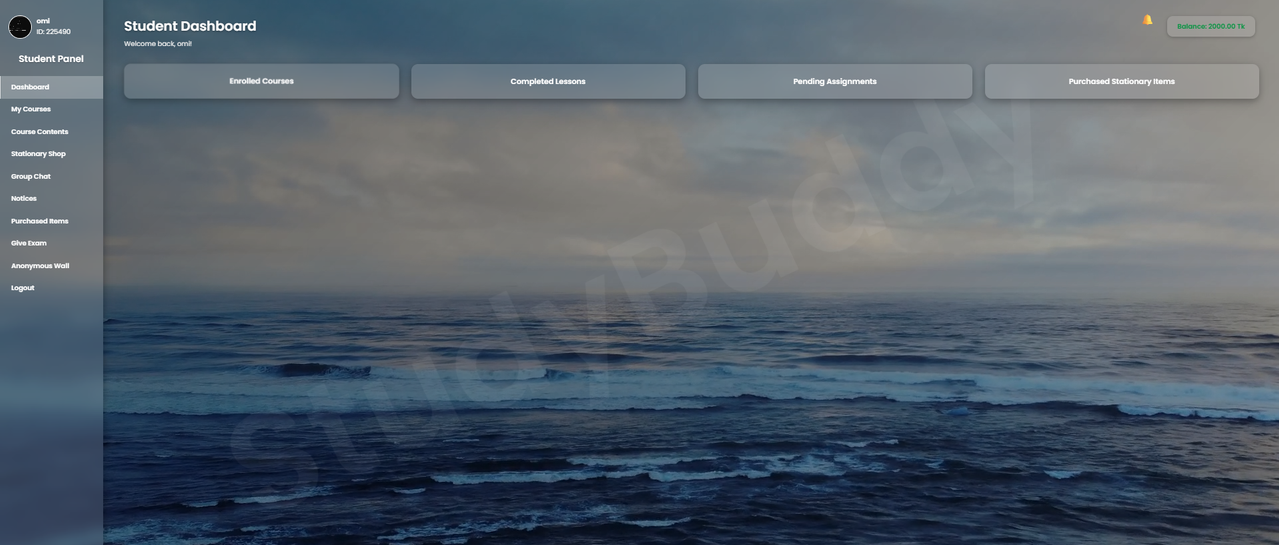
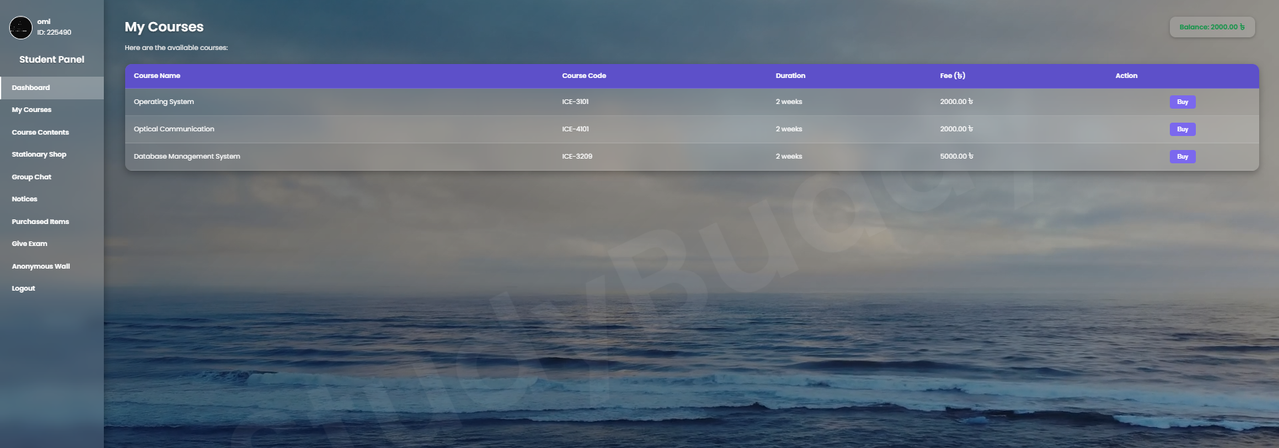
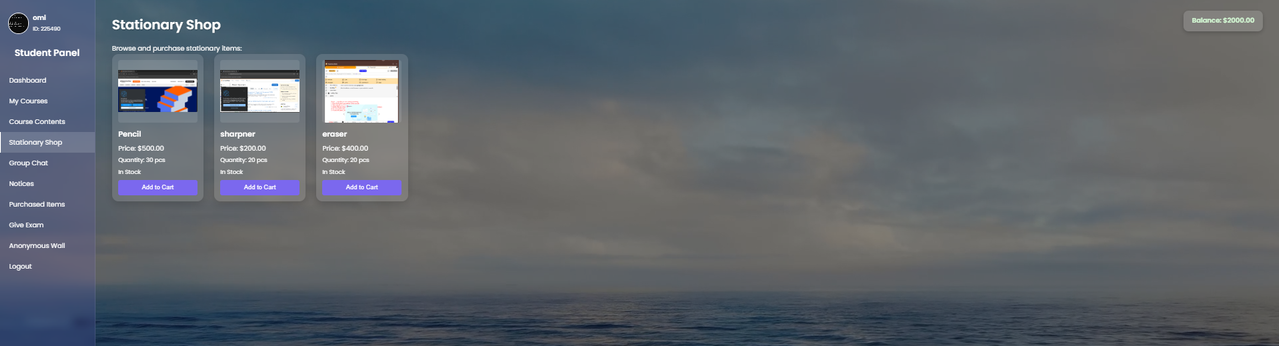
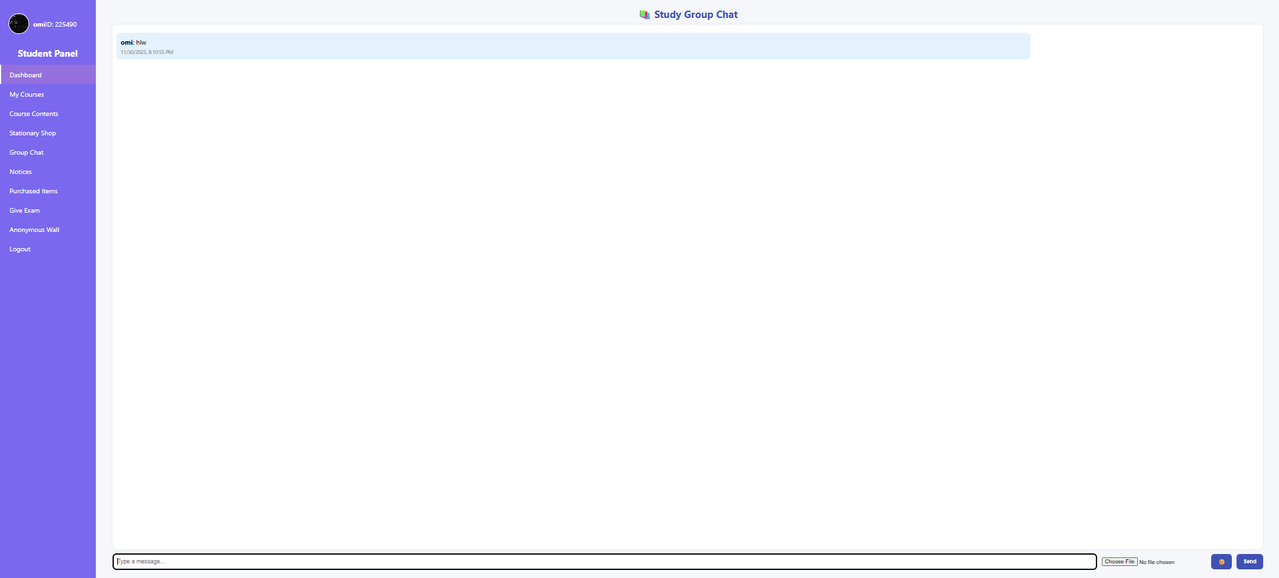
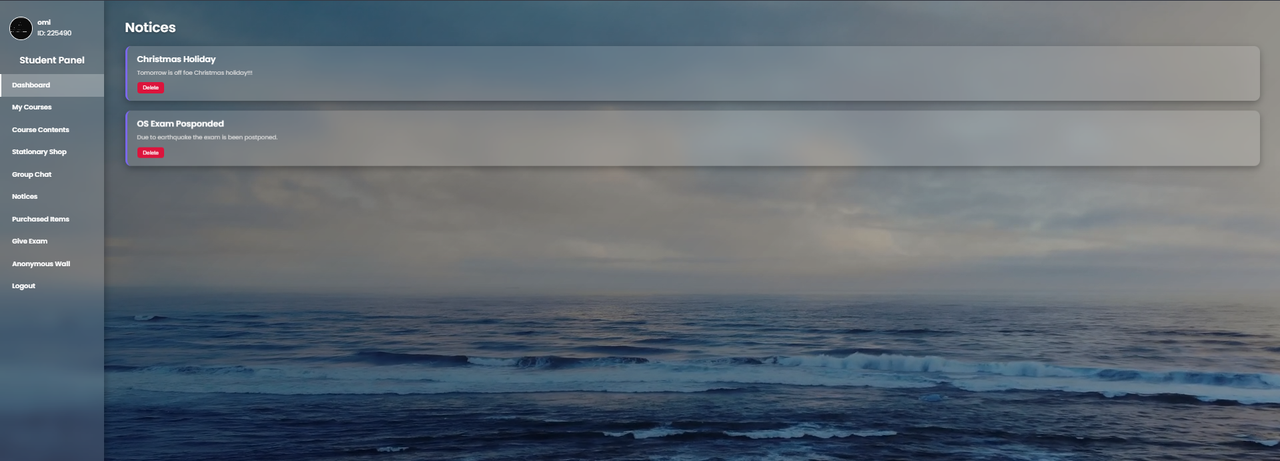
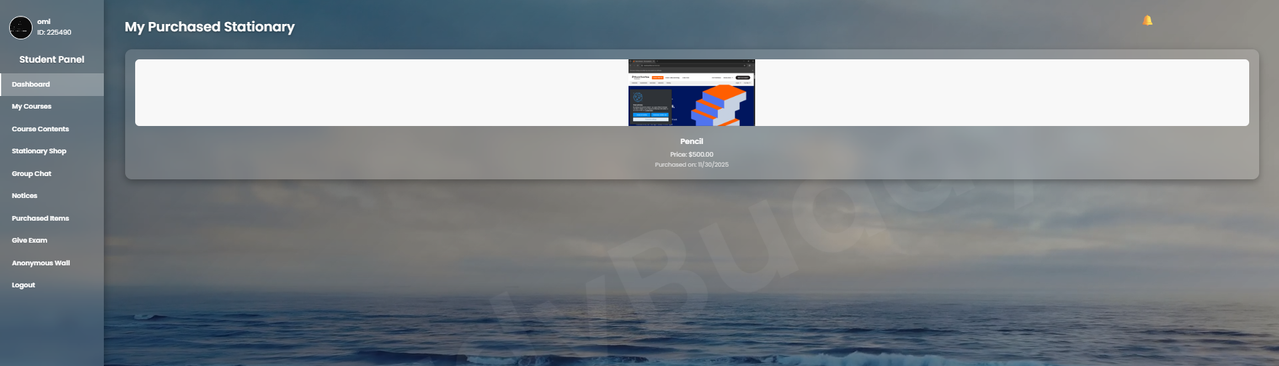
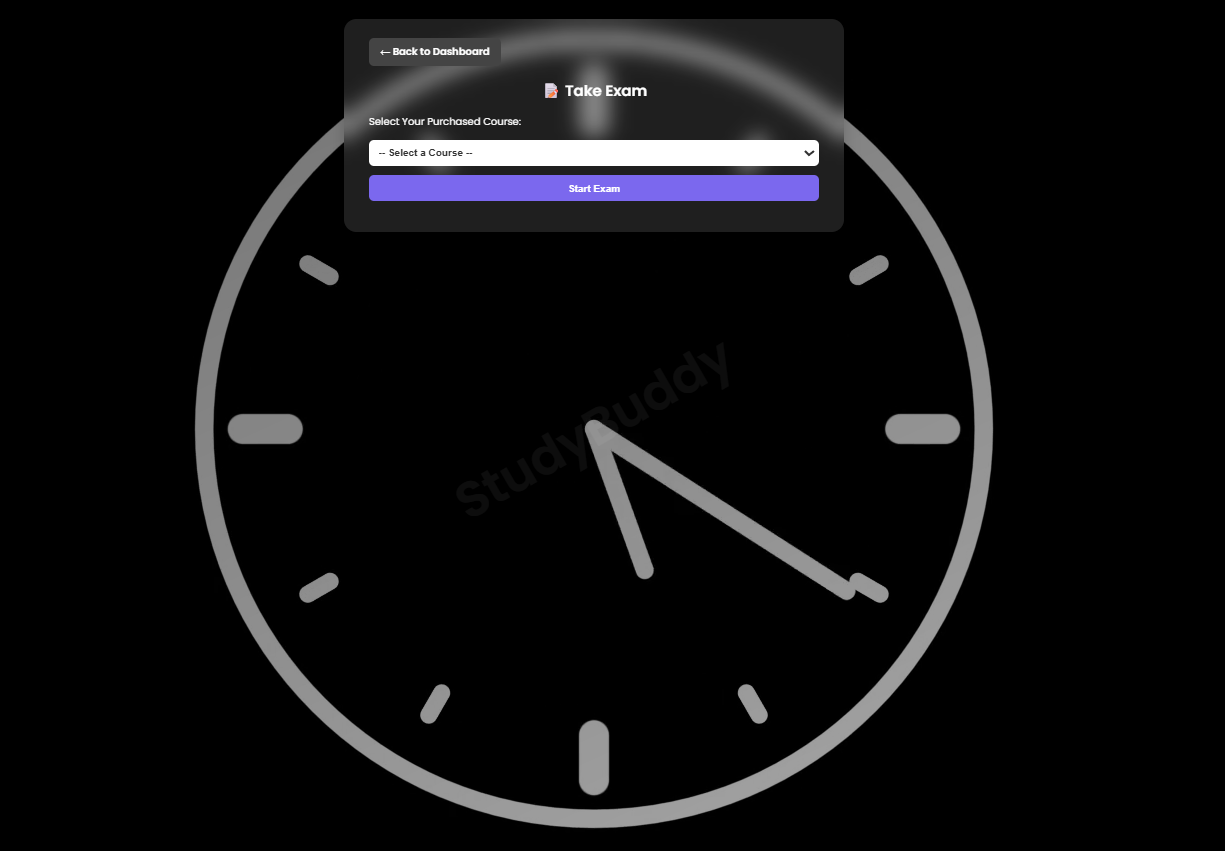
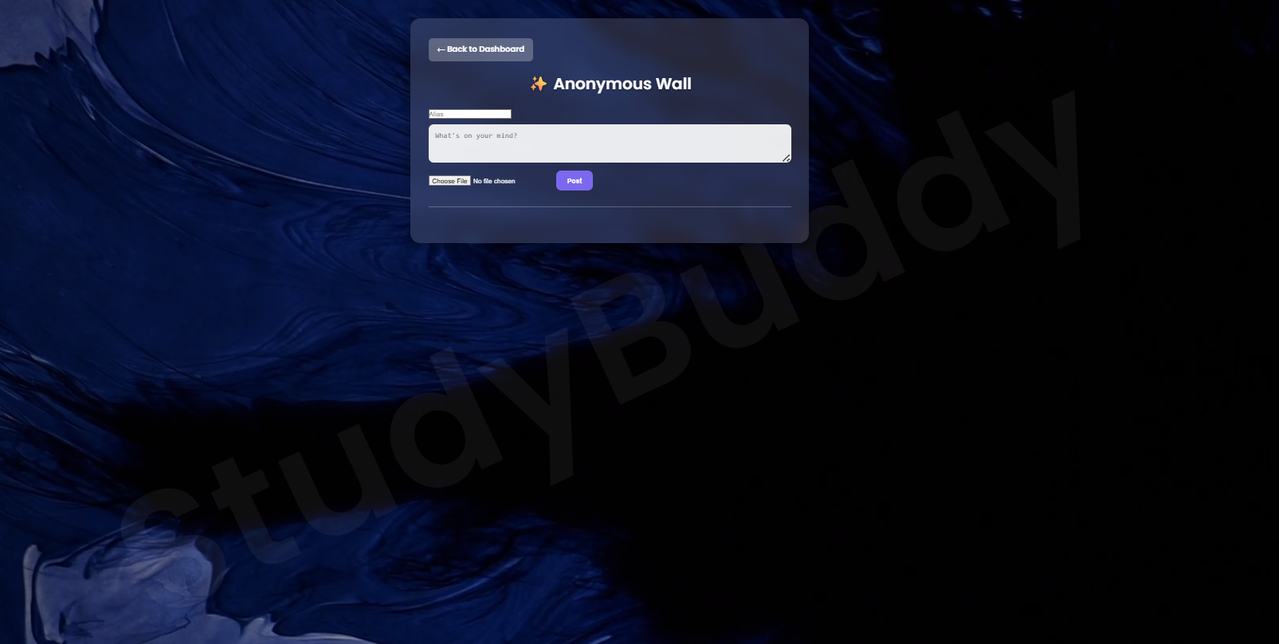
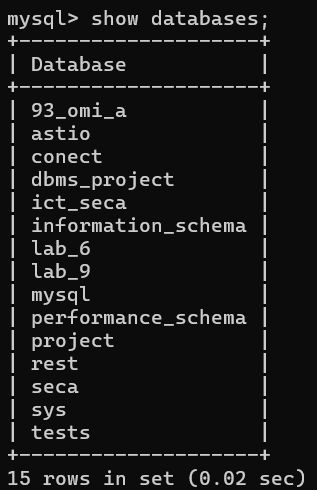
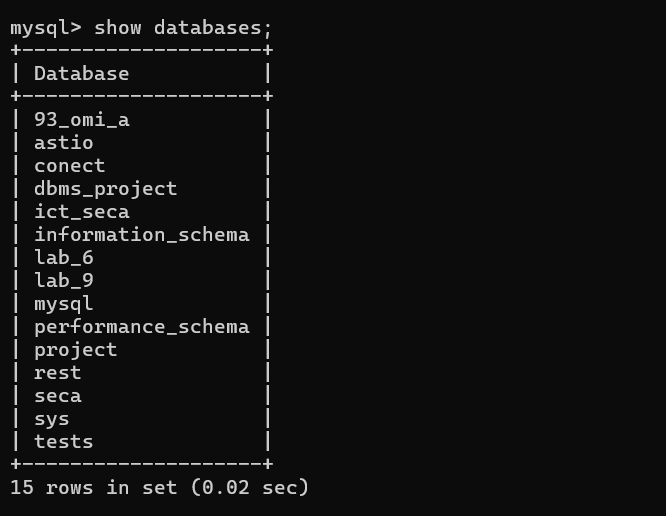
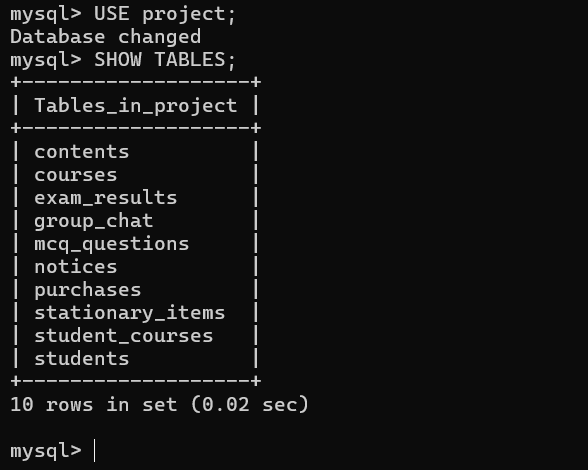
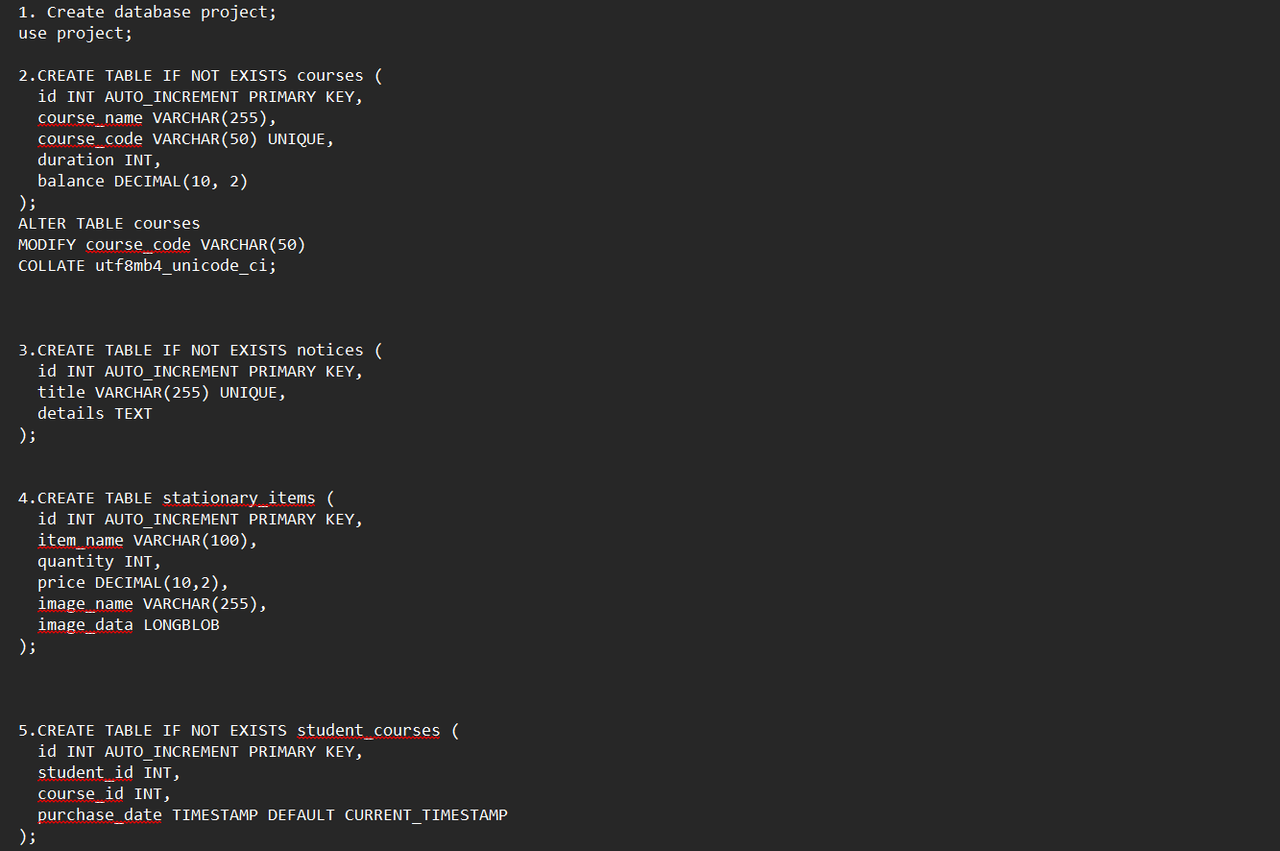
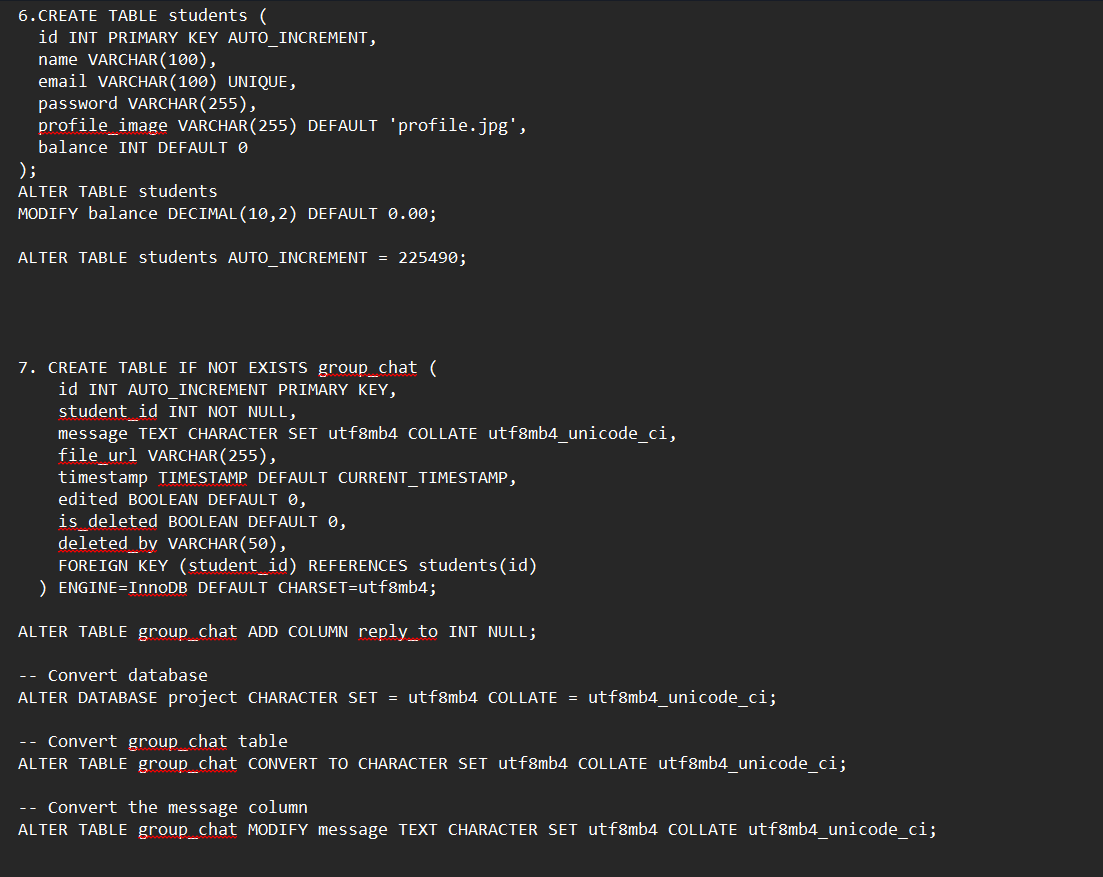
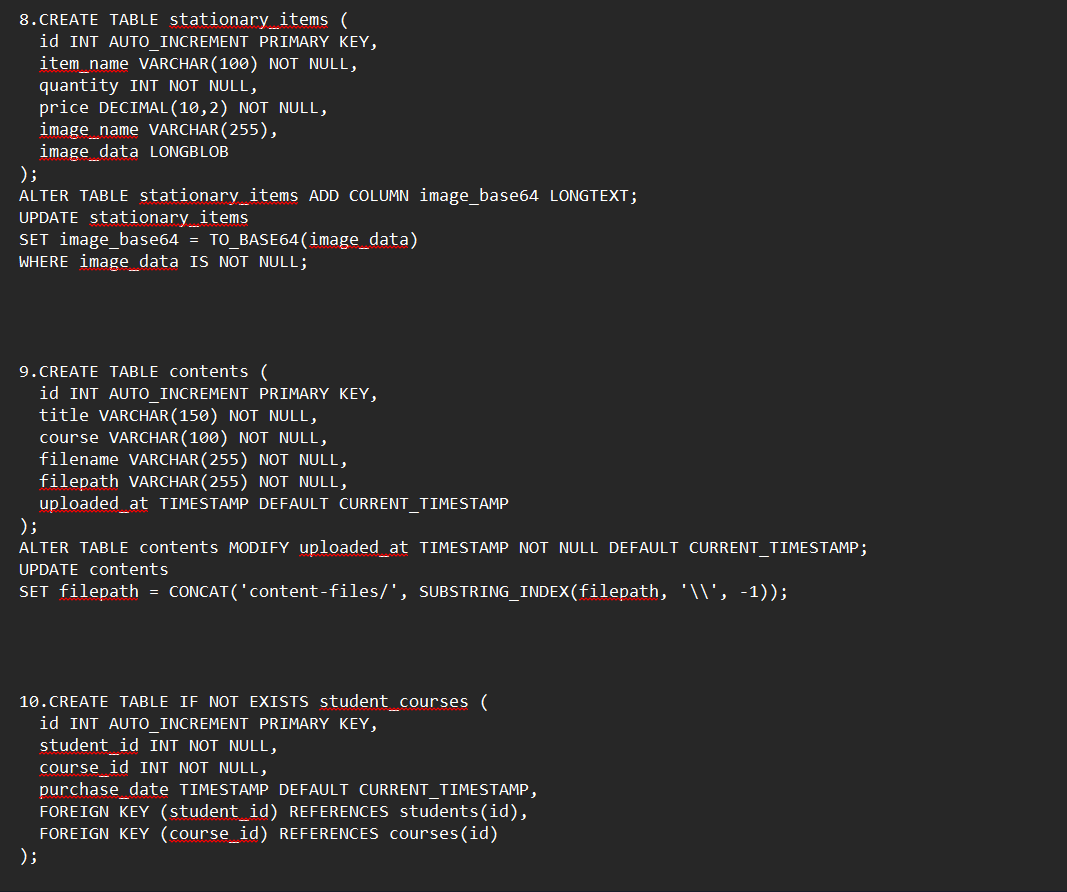
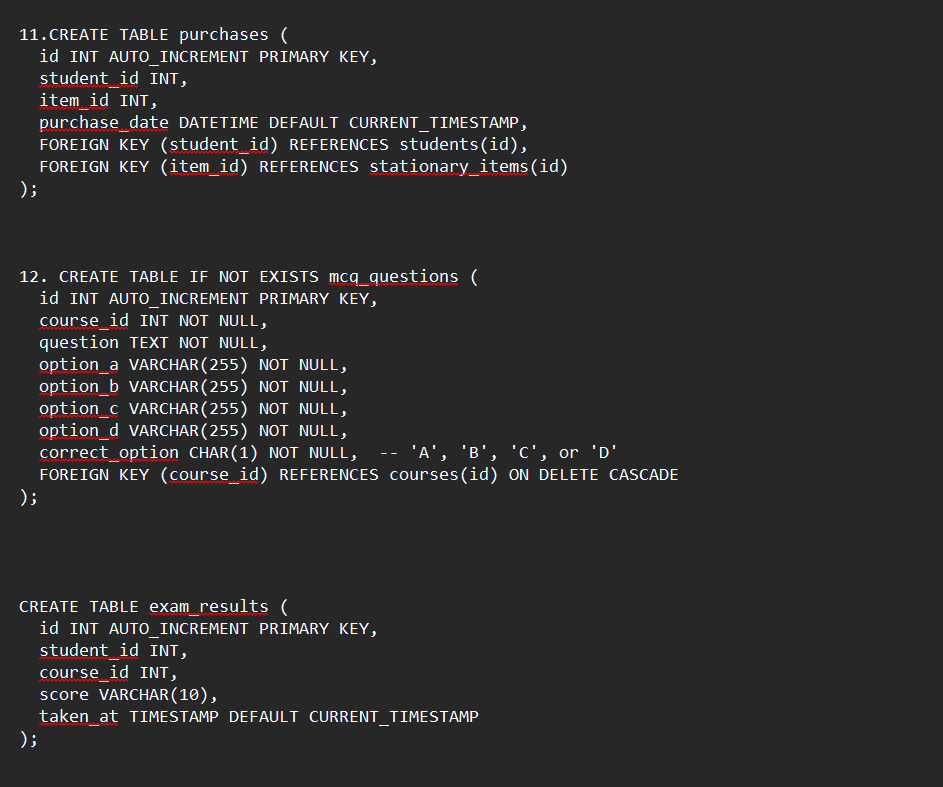
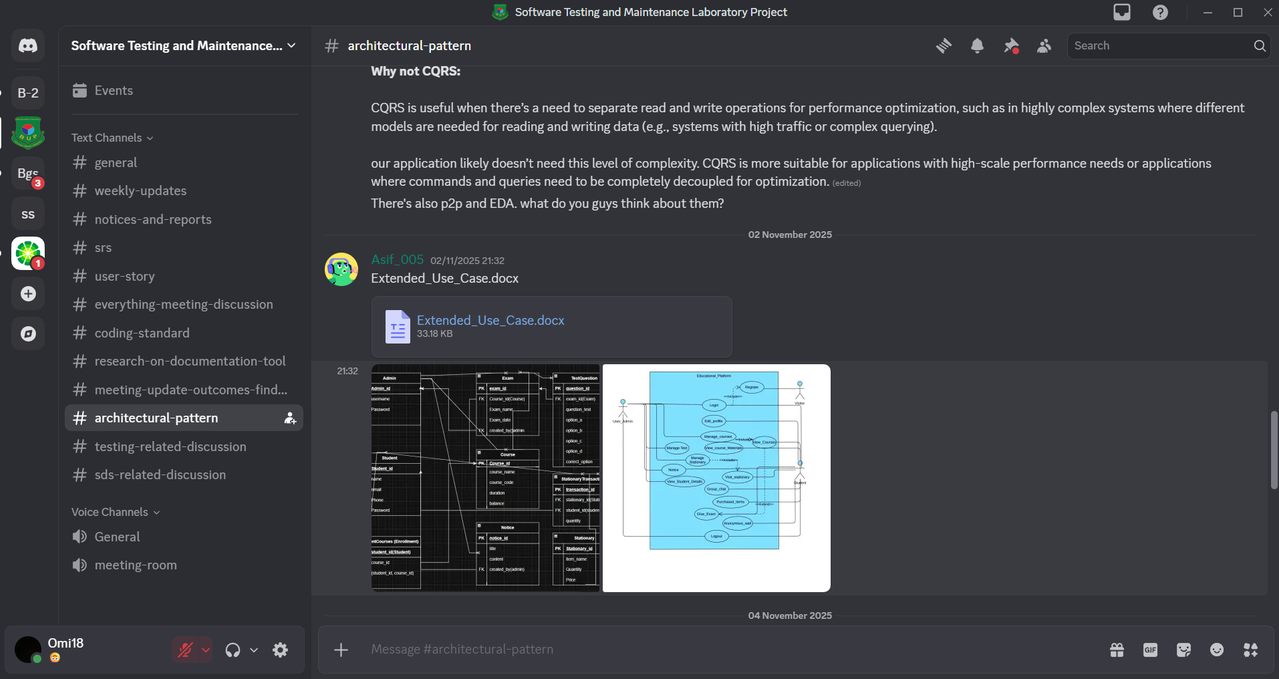
MySQL Database Structure & Operations
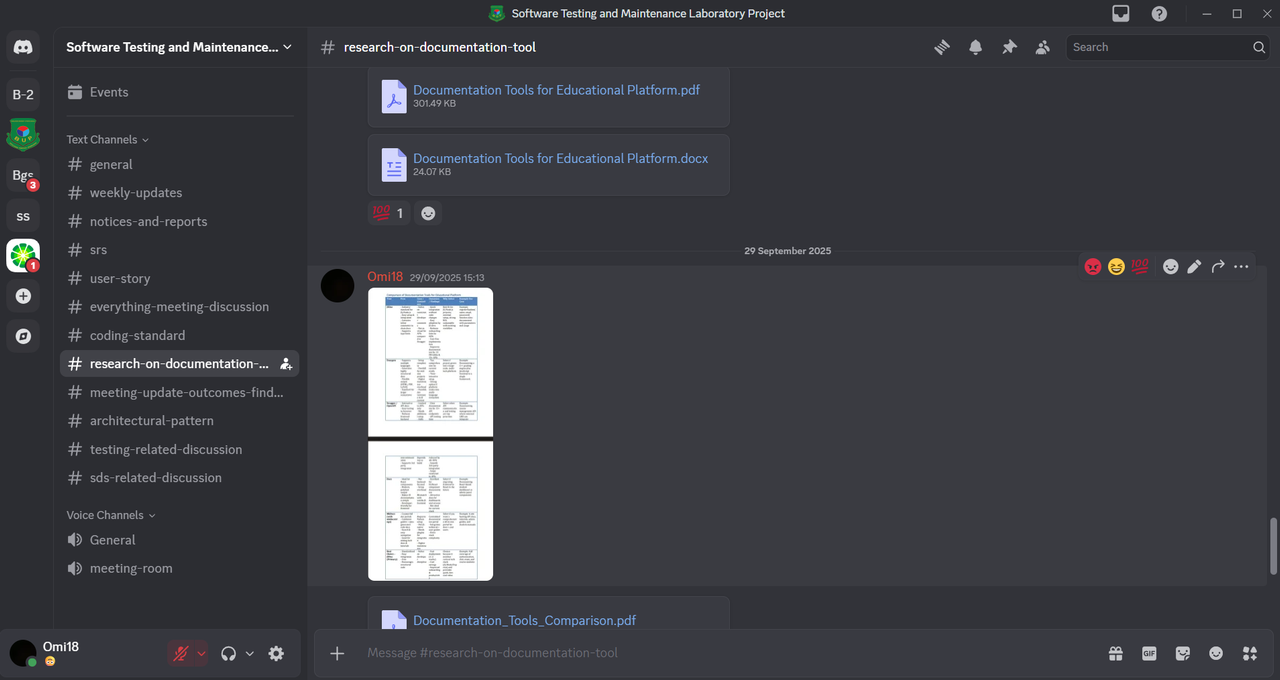
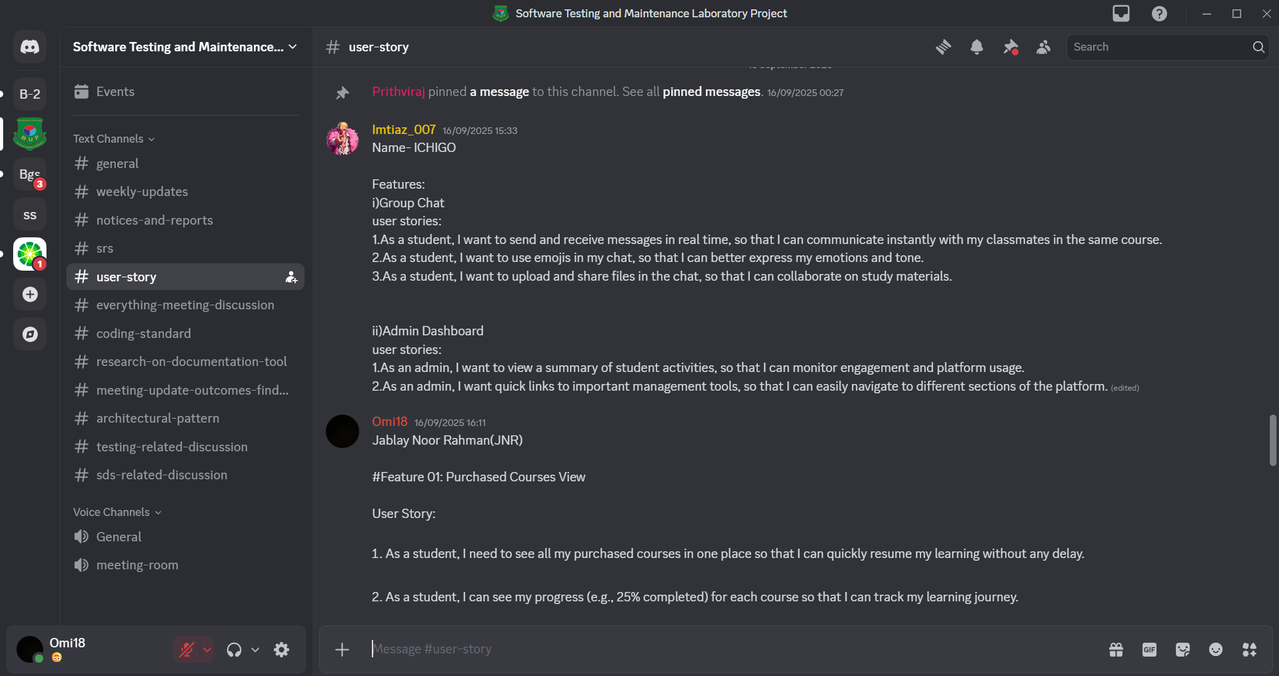
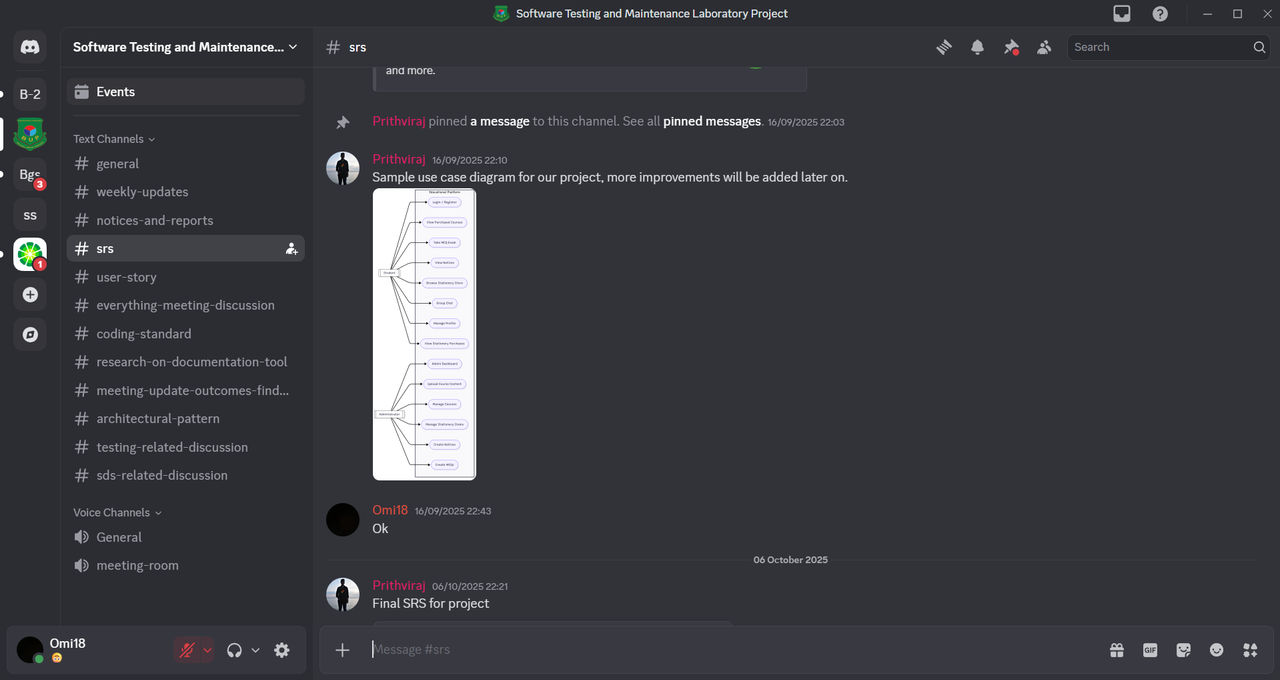
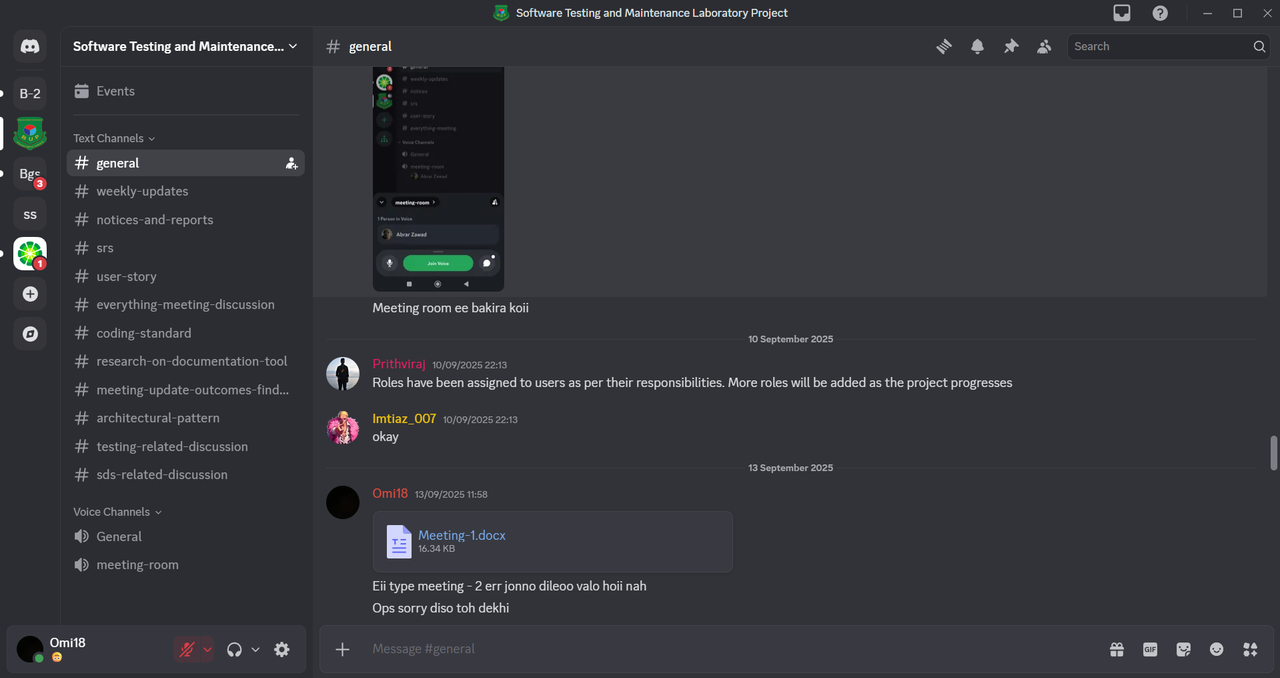
Real-time Team Coordination & Development Discussions
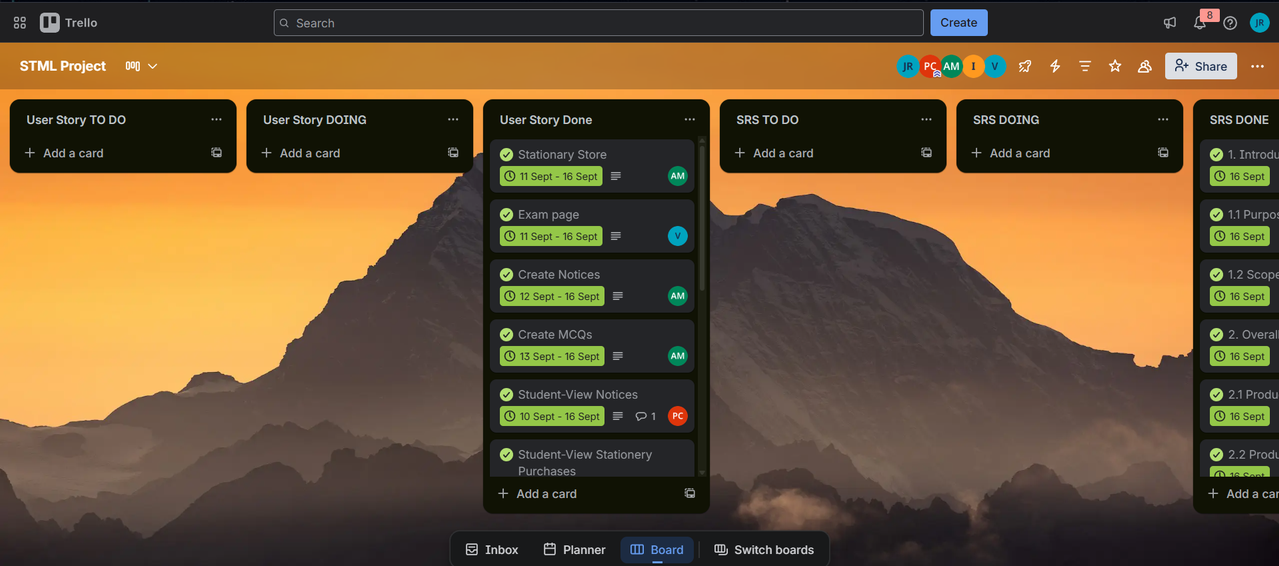
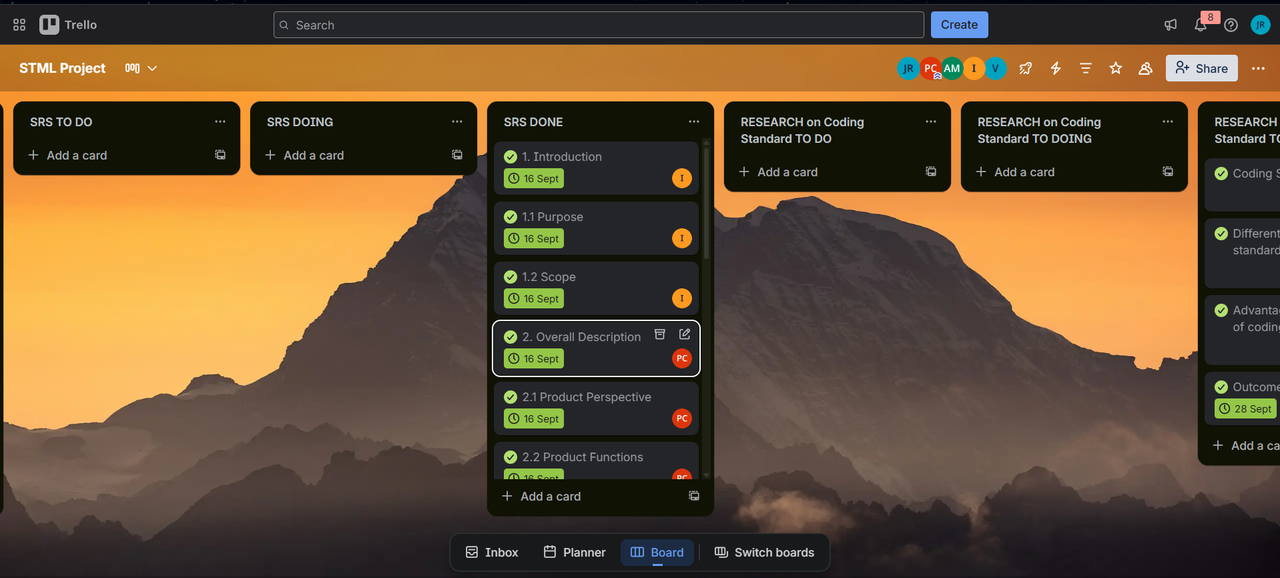
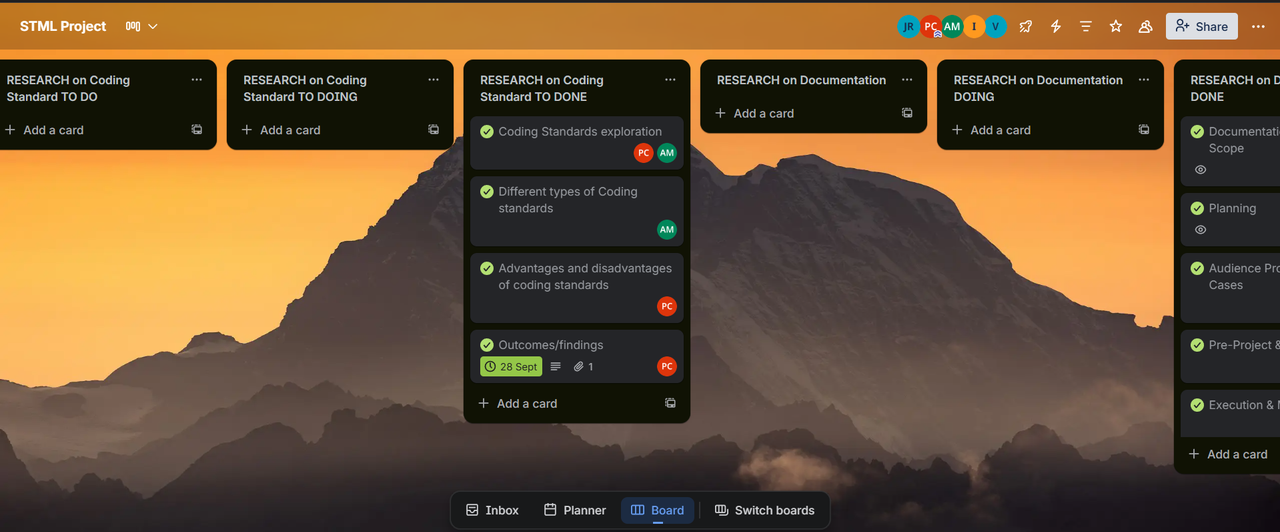
Agile Workflow & Task Management


graph TB
    A[User Access] --> B{Authentication System}
    B --> C[Student Dashboard]
    B --> D[Admin Dashboard]

    C --> C1[📚 Course Management]
    C --> C2[📝 Examination System]
    C --> C3[🛒 Stationary Store]
    C --> C4[💬 Group Chat]
    C --> C5[📢 Notice Board]

    D --> D1[👥 User Management]
    D --> D2[📁 Content Management]
    D --> D3[🎯 Exam Creation]
    D --> D4[📢 Notice System]
    D --> D5[📊 Analytics]

    E[(📦 MySQL Database)] --> C
    E --> D

    F[🎯 Agile Methodology] --> G[📋 Trello Boards]
    F --> H[💬 Discord Team]
    F --> I[🚀 Sprint Planning]

    style A fill:#4CAF50,color:white
    style B fill:#2196F3,color:white
    style C fill:#FF9800,color:white
    style D fill:#F44336,color:white
    style E fill:#9C27B0,color:white
    style F fill:#607D8B,color:white
| Module | Icon | Description | Status |
|---|---|---|---|
| Course Access | 📚 | Browse and access course materials | ✅ Implemented |
| MCQ Exams | 🎯 | Automated tests with instant scoring | ✅ Implemented |
| Stationary Store | 🛒 | Purchase study materials online | ✅ Implemented |
| Group Chat | 💬 | Real-time communication with peers | ✅ Implemented |
| Notice Board | 📢 | View important announcements | ✅ Implemented |
| Profile Management | 👤 | Update personal information | ✅ Implemented |
| Module | Icon | Description | Status |
|---|---|---|---|
| Student Management | 👥 | Manage student accounts and data | ✅ Implemented |
| Content Management | 📁 | Upload and organize course materials | ✅ Implemented |
| Exam Creation | 🎯 | Create and manage MCQ examinations | ✅ Implemented |
| Notice System | 📢 | Publish campus announcements | ✅ Implemented |
| System Analytics | 📊 | Monitor platform performance | ✅ Implemented |
| Aspect | Tool | Implementation |
|---|---|---|
| Project Planning | 📋 Trello | Agile workflow with sprints |
| Team Communication | 💬 Discord | Real-time coordination |
| Version Control | 🔄 Git | Code collaboration |
| Task Management | ✅ Checklists | Progress tracking |
- HTML5 - Semantic markup and structure
- CSS3 - Modern styling with Flexbox/Grid
- JavaScript - Interactive functionality
- Responsive Design - Mobile-first approach
- PHP - Server-side logic and processing
- MySQL - Relational database management
- Apache - Web server environment
- XAMPP - Local development environment
- phpMyAdmin - Database management
- VS Code - Code editor
- Git - Version control system
- Discord - Team communication & coordination
- Trello - Agile project management
- Google Meet - Virtual meetings & standups
- XAMPP/WAMP Server (Apache + PHP + MySQL)
- Modern web browser (Chrome, Firefox, Edge)
- PHP 7.4 or higher
- MySQL 5.7 or higher
# Download and install XAMPP from:
https://www.apachefriends.org/

# Start Apache and MySQL services via XAMPP Control Panel# Extract project files to your web server directory:
# For XAMPP: C:\xampp\htdocs\StudyBuddy\
# For WAMP: C:\wamp\www\StudyBuddy\-- Access phpMyAdmin at: http://localhost/phpmyadmin
-- Create new database named 'studybuddy'
-- Import the SQL file: Database/init.sqlOpen your browser and navigate to:
http://localhost/StudyBuddy/
| Role | Access Method | Privileges |
|---|---|---|
| Student | Self-registration | Course access, exams, store, chat |
| Admin | Pre-configured in database | Full system administration |
StudyBuddy/
├── 📂 student_dashboard/         # Student Interface
│   ├── student_dashboard.html    # Main dashboard
│   ├── courseview.html          # Course materials
│   ├── stationary.html          # E-commerce section
│   ├── chat.html               # Group chat
│   └── exam.html              # Examinations
│
├── 📂 admin_dashboard/          # Admin Interface
│   ├── admin_dashboard.html     # Control panel
│   ├── upload_content.html     # Content management
│   ├── manage_students.html    # User management
│   ├── add_exam.html          # Exam creation
│   └── notices.html           # Announcements
│
├── 📂 assets/                  # Static Resources
│   ├── 📁 images/             # UI graphics
│   ├── 📁 css/               # Stylesheets
│   ├── 📁 js/                # Scripts
│   └── 📁 videos/            # Media files
│
├── 📂 Database/               # Data Management
│   └── init.sql              # Database schema
│
├── 📂 documentation/          # Project Docs
│   ├── 📋 trello-screenshots/ # Project management
│   └── 💬 discord-screenshots/ # Team communication
│
├── 🔑 login.html              # Authentication
├── 📝 register.html           # User registration
├── 🏠 index.html             # Landing page
└── 📄 README.md              # Documentation
- Content Organization: Structured course materials with categorization
- File Upload Support: Support for PDFs, documents, presentations
- Access Control: Role-based content visibility and permissions
- Progress Tracking: Student engagement and completion metrics
- Automated Assessment: Instant result calculation and feedback
- Question Bank: Reusable question repository with categories
- Timer Functionality: Time-bound examinations with auto-submission
- Score Analytics: Detailed performance insights and reports
- Product Catalog: Organized stationary items inventory
- Shopping Cart: Item selection and management system
- Order Processing: Complete purchase workflow
- Transaction History: Comprehensive order tracking
- Real-time Chat: Instant messaging between platform users
- Notice Broadcasting: Mass communication system for announcements
- User Profiles: Complete contact information management
- Message History: Persistent conversation archives
// Default configuration in PHP files
$host = 'localhost';
$user = 'root';
$password = '';
$database = 'studybuddy';- UI Themes: Modify CSS files in
assets/css/directory - Content Types: Extend supported file upload capabilities
- User Roles: Add additional permission levels as needed
- Payment Gateway: Integrate online payment systems
- Follow the 4-step installation process above
- Use XAMPP for local hosting environment
- Access application via
http://localhost/StudyBuddy
- Upload all project files to web server
- Configure database on your hosting provider
- Update database connection strings
- Set proper file permissions (755 for folders, 644 for files)
- Sprint Planning: Weekly task assignments and goals
- Daily Standups: Team coordination via Discord
- Task Tracking: Trello boards for progress monitoring
- Code Reviews: Collaborative development approach
- Continuous Integration: Regular testing and deployment
- Discord Server: Dedicated channels for development discussions
- Trello Boards: Organized task management with deadlines
- Version Control: Git for code collaboration and history
- Documentation: Comprehensive README and inline comments
We welcome contributions from developers and educators! Here's how you can help:
- Fork the repository
- Create a feature branch (
git checkout -b feature/AmazingFeature) - Commit your changes (
git commit -m 'Add AmazingFeature') - Push to the branch (
git push origin feature/AmazingFeature) - Open a Pull Request
- Mobile app development with React Native
- Advanced analytics and reporting dashboard
- Video conferencing integration
- AI-powered learning recommendations
- Multi-language support system
| Metric | Current Status | Target Improvement |
|---|---|---|
| Page Load Time | < 3 seconds | < 2 seconds |
| Concurrent Users | 50+ users | 200+ users |
| Database Response | Optimized queries | Query caching |
| System Uptime | 99% availability | 99.9% availability |
-
Database Connection Failed
- Verify MySQL service is running in XAMPP
- Check database credentials in configuration
- Ensure init.sql was imported correctly
-
Page Loading Issues
- Confirm project files are in correct htdocs folder
- Check Apache service status
- Verify file permissions are set properly
-
Authentication Problems
- Clear browser cache and cookies
- Check session configuration in PHP
- Verify user accounts exist in database
- Check browser developer console for errors
- Review Apache error logs for server issues
- Validate database connections using test scripts
- Test individual module functionality independently
This project is licensed under the MIT License - see the LICENSE file for complete details.
- Educational Institutions - For inspiring the need for campus digitalization
- Open Source Community - For providing valuable tools and libraries
- Project Contributors - For continuous improvements and feedback
- Testing Team - For rigorous quality assurance and bug reporting
- Agile Methodology - For efficient project management and collaboration
- Development Team - For dedicated work using Discord & Trello