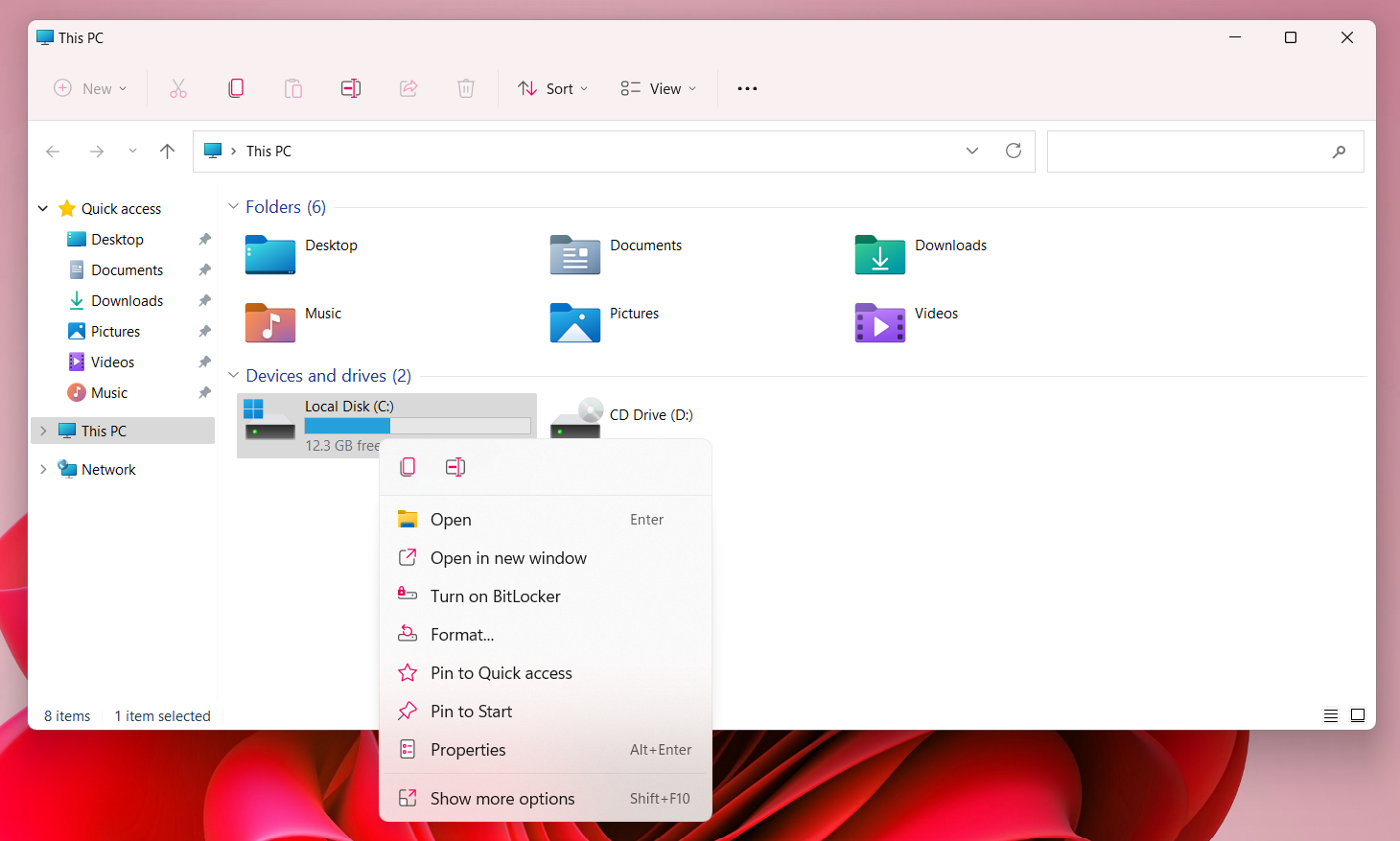
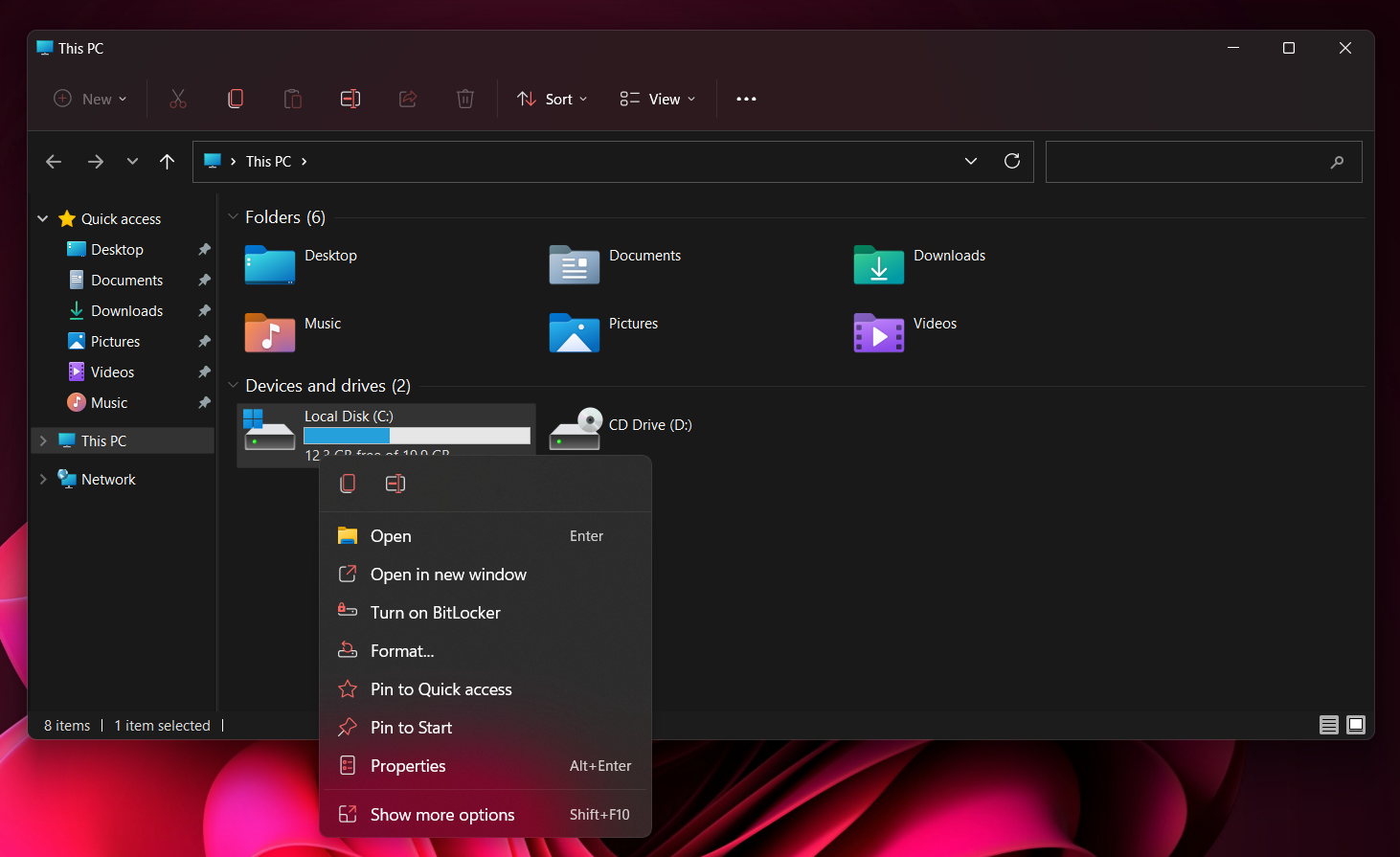
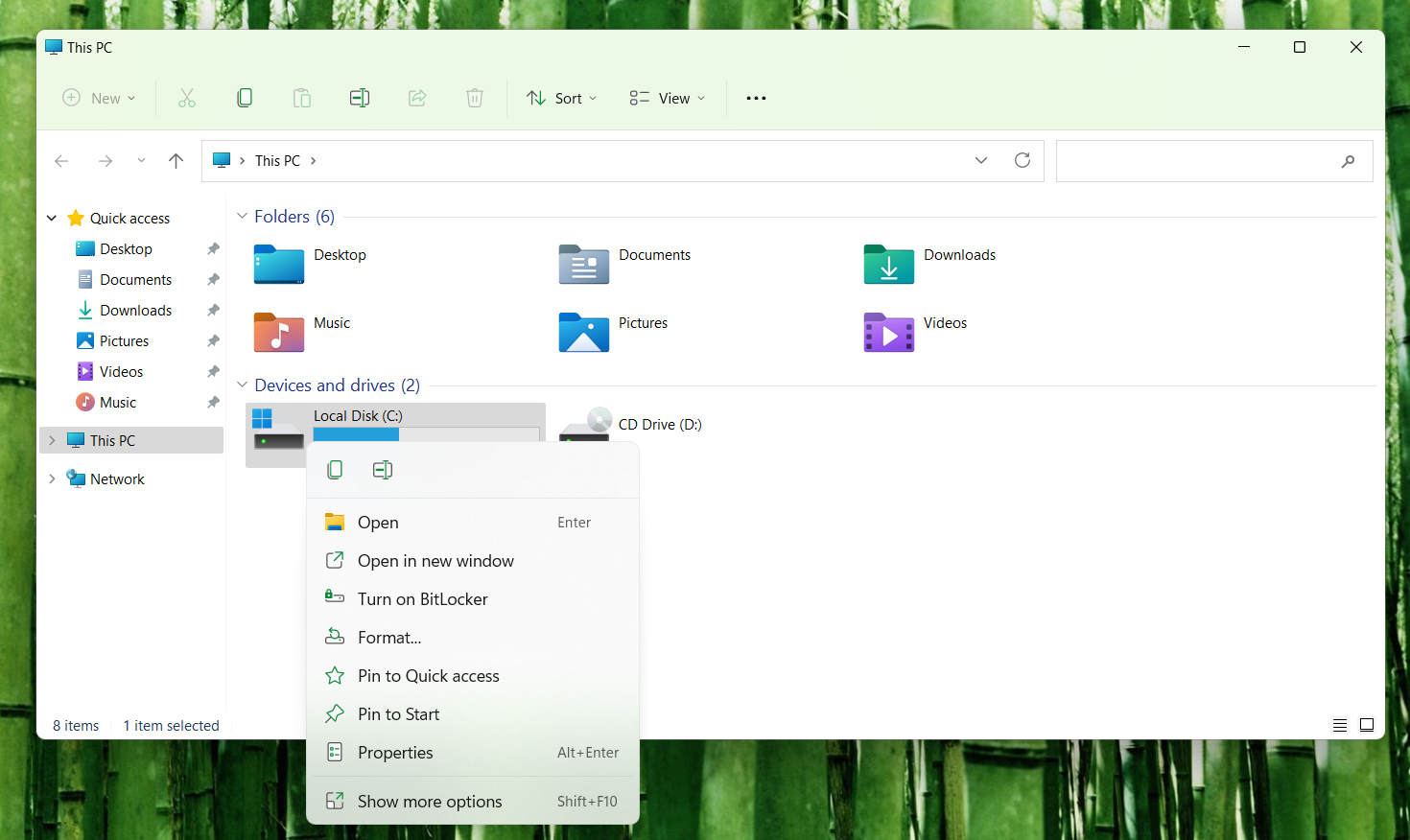
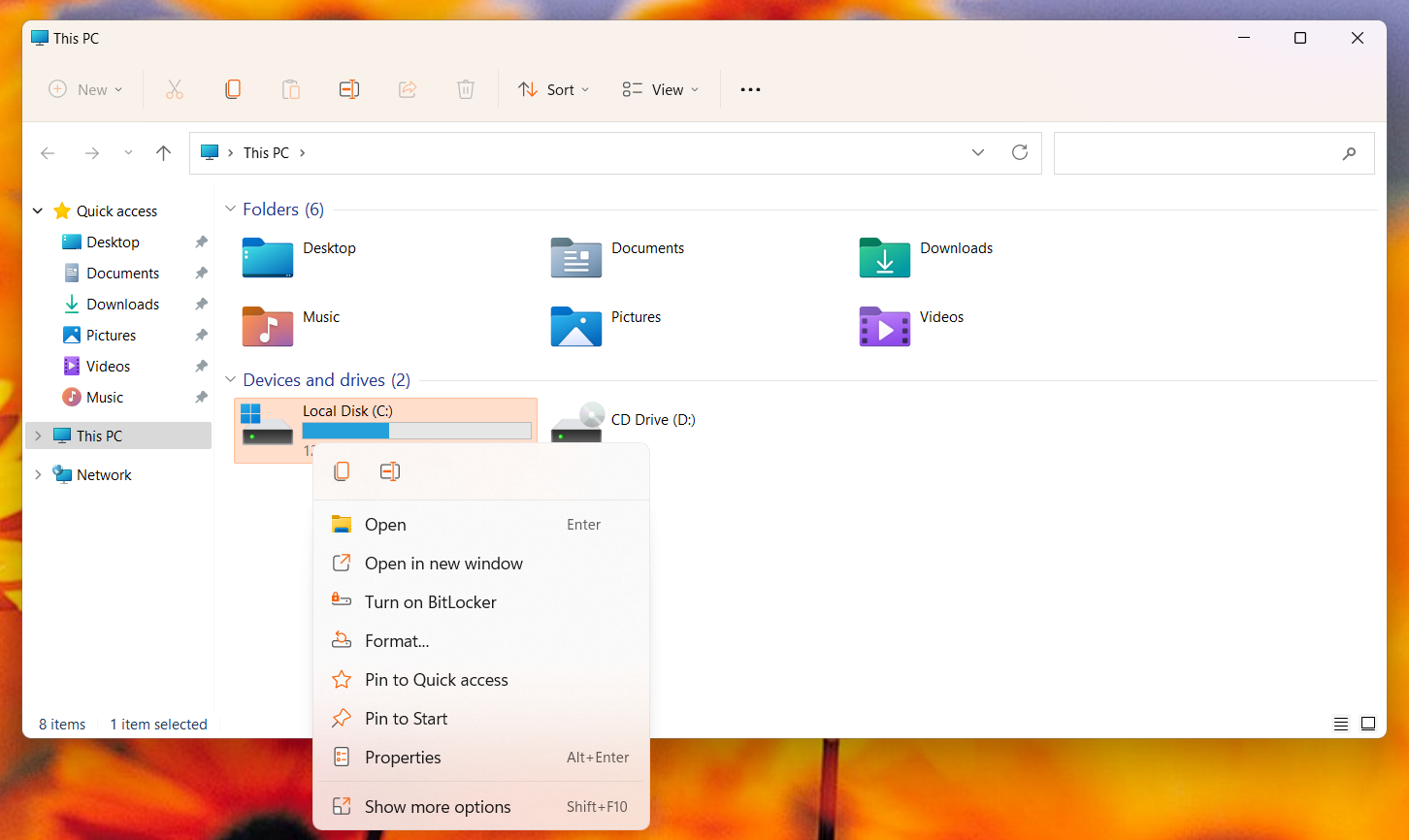
Colorize Windows 11 File Explorer Icon Glyphs with accent color
Part of the AccentColorizer project
The program will run in background and recolorize the glyphs every time accent color is changed, but if you need to run it once and don't want to have it running in background, launch it with -Apply argument:
$ AccentColorizer-E11.exe -ApplyIf you want to revert the changes made by this program, make sure it is not running in the background and then launch it using the -Revert argument:
$ AccentColorizer-E11.exe -Revert