[](https://travis-ci.org/Kokhtenko, Oleg/KOPopupView)


Popup UIView for iPhone/iPad in both orientations with nice effect.
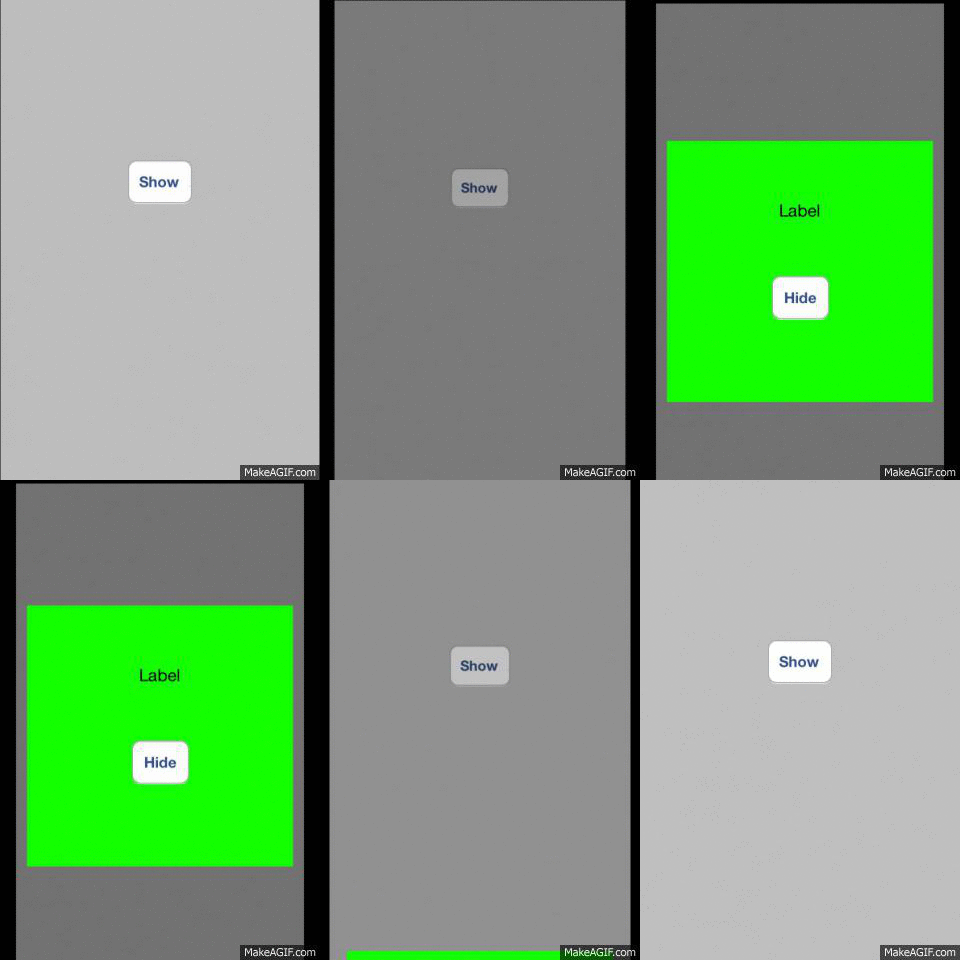

To run the example project, clone the repo, and run pod install from the Example directory first.
- Create instance with static method
[KOPopupView popupView]; - Add your custom view to
popupInstance.handleViewas subview; - In your ViewController override method
willAnimateRotationToInterfaceOrientation:duration:and call[popupInstance willRotateToOrientation:toInterfaceOrientation withDuration:duration];; - Call methods
[popupInstance show];and[popupInstance hideAnimated:]to show or hide your popup!
KOPopupView is available through CocoaPods. To install it, simply add the following line to your Podfile:
pod "KOPopupView"
Kokhtenko, Oleg, kohtenko@gmail.com
KOPopupView is available under the MIT license. See the LICENSE file for more info.