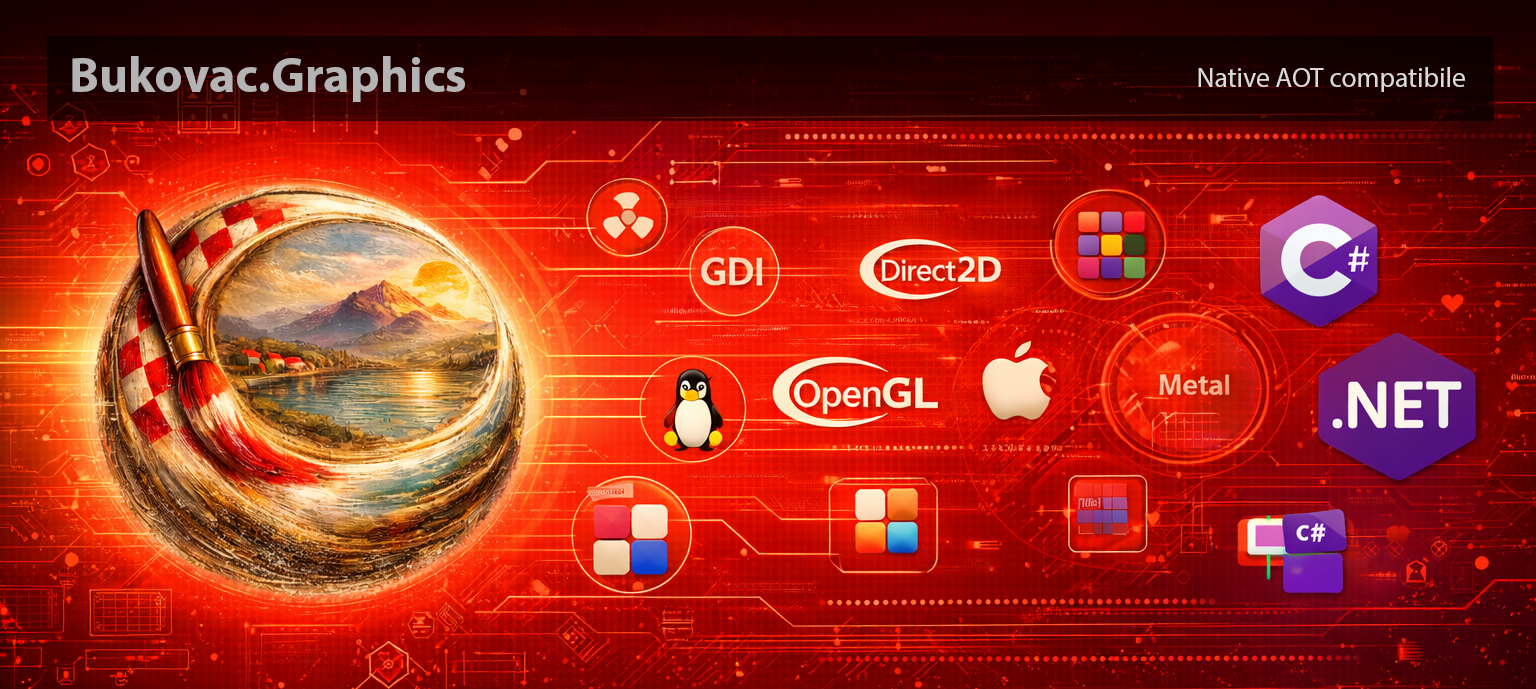
Bukovac.Graphics is Cross-Platform CPU & GPU 2D graphics NativeAOT-friendly library for .NET, with multiple native rasterizer backends per OS (Windows, Linux, macOS).
- Works across Windows, Linux, and macOS with a single
CanvasAPI. - Renders both
off-screen bitmapsanddirectly to on-screen native window surfaces. - Supports both CPU and GPU rendering backends:
- CPU backends: GDI (Windows), Cairo (Linux), CoreGraphics (macOS)
- GPU backends: Direct2D/OpenGL (Windows), OpenGL (Linux), Metal (macOS)
- NativeAOT-friendly and trimming-friendly design (switch-based factory, no reflection-heavy backend discovery).
- Full 2D drawing stack: shapes, text, images, transforms, clipping, and save/restore state.
- Off-screen rendering and export to
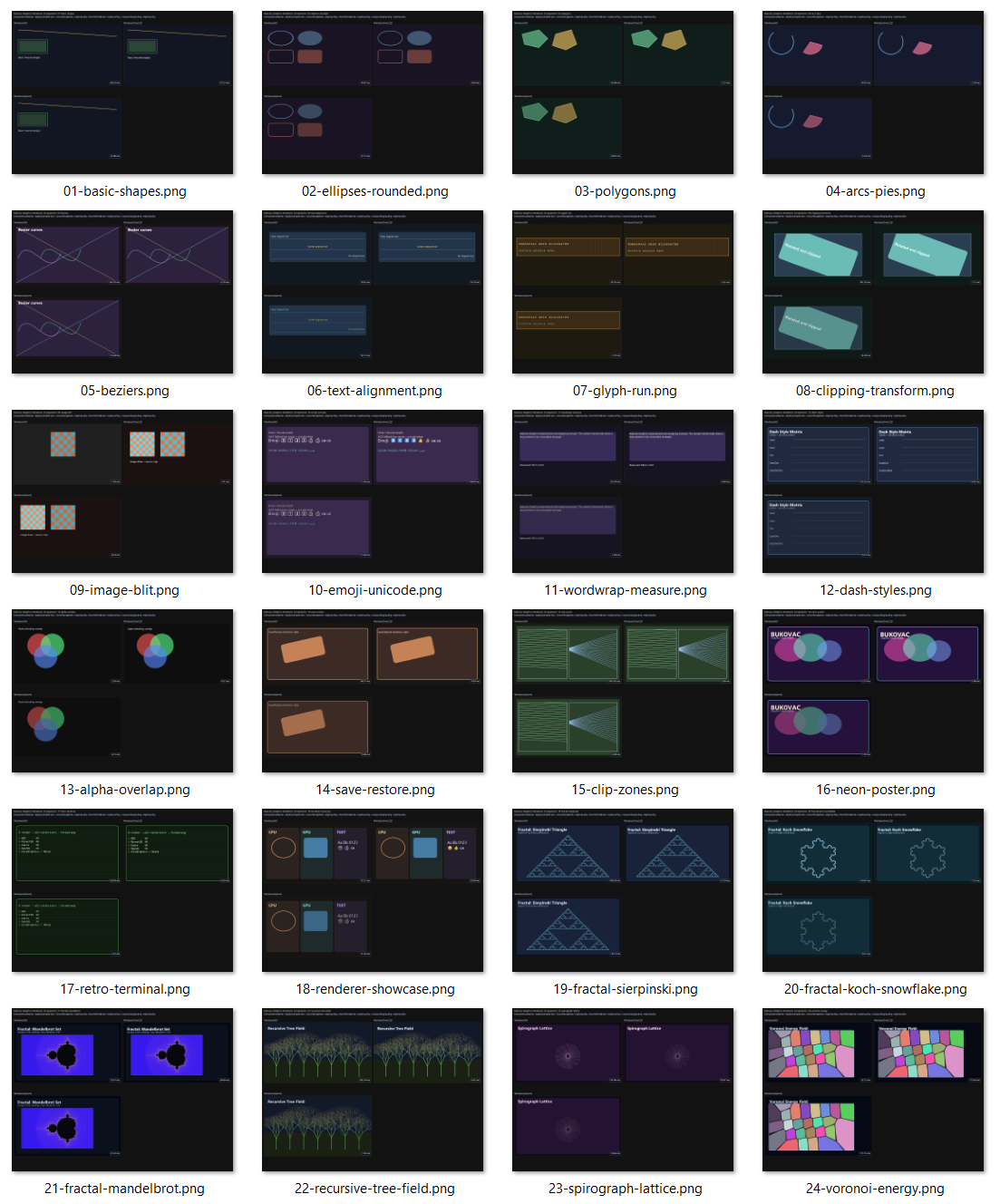
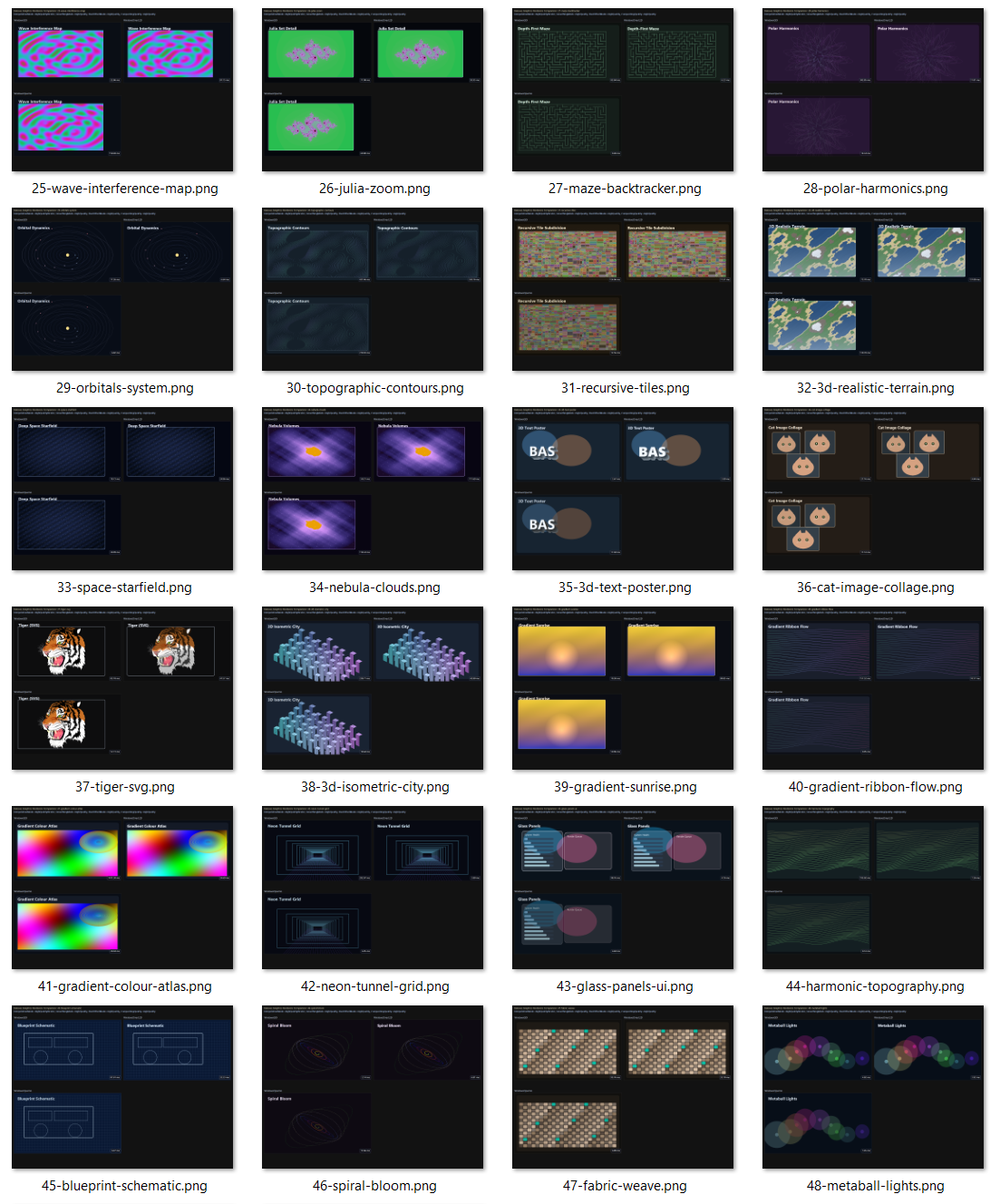
png,jpg,bmp, andgif. - Includes 50+ samples, including side-by-side backend comparison renders.
using Bukovac.Graphics;

using var canvas = new Canvas(RasterizerKind.Default);
canvas.Initialize(800, 600);

canvas.BeginFrame();
canvas.Clear(ColorF.FromRgb(30, 30, 30));
canvas.FillRectangle(new SolidBrush(ColorF.FromRgb(80, 170, 255)), 80, 80, 240, 140);
canvas.DrawString("Hello Bukovac.Graphics", new FontSpec("Segoe UI", 24), new SolidBrush(ColorF.White), 90, 130);
canvas.EndFrame();

canvas.SaveImage("hello.png", ImageFileFormat.Png);Render to a specific region of a native surface (Windows/GDI paint path):
using Bukovac.Graphics;

// Example: render into a sub-rectangle during a paint callback.
nint hdc = /* paint HDC */;
int x = 100, y = 80, width = 640, height = 360;

using var canvas = Canvas.FromGraphics(
    RasterizerKind.WindowsGDI, hdc, x, y, width, height, dpi: 96f);

canvas.BeginFrame();
canvas.Clear(ColorF.FromRgb(22, 22, 22));
canvas.DrawString("Region render", new FontSpec("Segoe UI", 20), new SolidBrush(ColorF.White), 16, 16);
canvas.EndFrame();
Keep one canvas for a native window and resize it when the host window size changes:
using Bukovac.Graphics;

nint hwnd = /* your native window handle */;
var window = NativeWindowHandle.Hwnd(hwnd);

using var canvas = new Canvas(RasterizerKind.Default);
canvas.Initialize(window, width: 1280, height: 720);

// Call this from your window resize event/message.
void OnResize(int newWidth, int newHeight)
{
    canvas.Resize(newWidth, newHeight);
}

void RenderFrame()
{
    canvas.BeginFrame();
    canvas.Clear(ColorF.FromRgb(18, 18, 18));
    canvas.DrawString("Rendered directly to window", new FontSpec("Segoe UI", 24), new SolidBrush(ColorF.White), 32, 32);
    canvas.EndFrame();
}
Native handle constructors:
- Windows:
NativeWindowHandle.Hwnd(hwnd) - Linux (X11):
NativeWindowHandle.X11(display, window, visual) - macOS:
NativeWindowHandle.NSView(nsView)
- Use
new Canvas()orRasterizerKind.Defaultto auto-select by OS. - Set globally with
GraphicsConfig.RasterizerKind. - Enumerate available backends with
GraphicsConfig.GetAvailableRasterizers().
src/Bukovac.Graphics- core librarysrc/Bukovac.Graphics.Examples- console sample app that renders demo outputsBukovac.Graphics.sln- solution file
- .NET 10 SDK (
net10.0) - Native graphics dependencies available on your OS for the backend(s) you want to use
dotnet restore
dotnet build Bukovac.Graphics.sln -c ReleaseThis project is licensed under the GNU General Public License v3.0 or later (GPL-3.0-or-later).
If you distribute this project or derivative works, include the GPLv3 license text and preserve copyright/license headers.
The library is named after Vlaho Bukovac (1855-1922), one of the most prominent Croatian painters and a key figure of Croatian modern art.