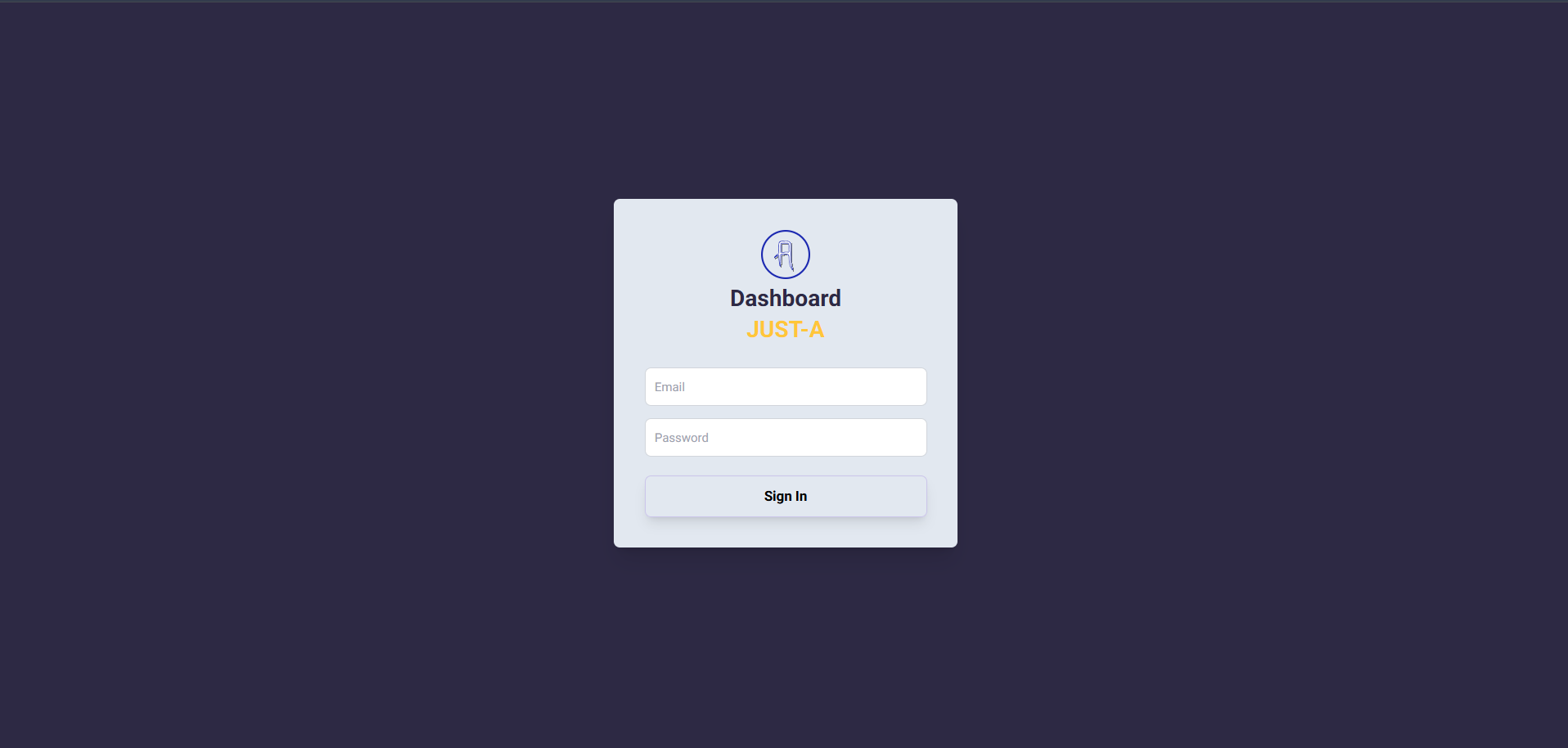
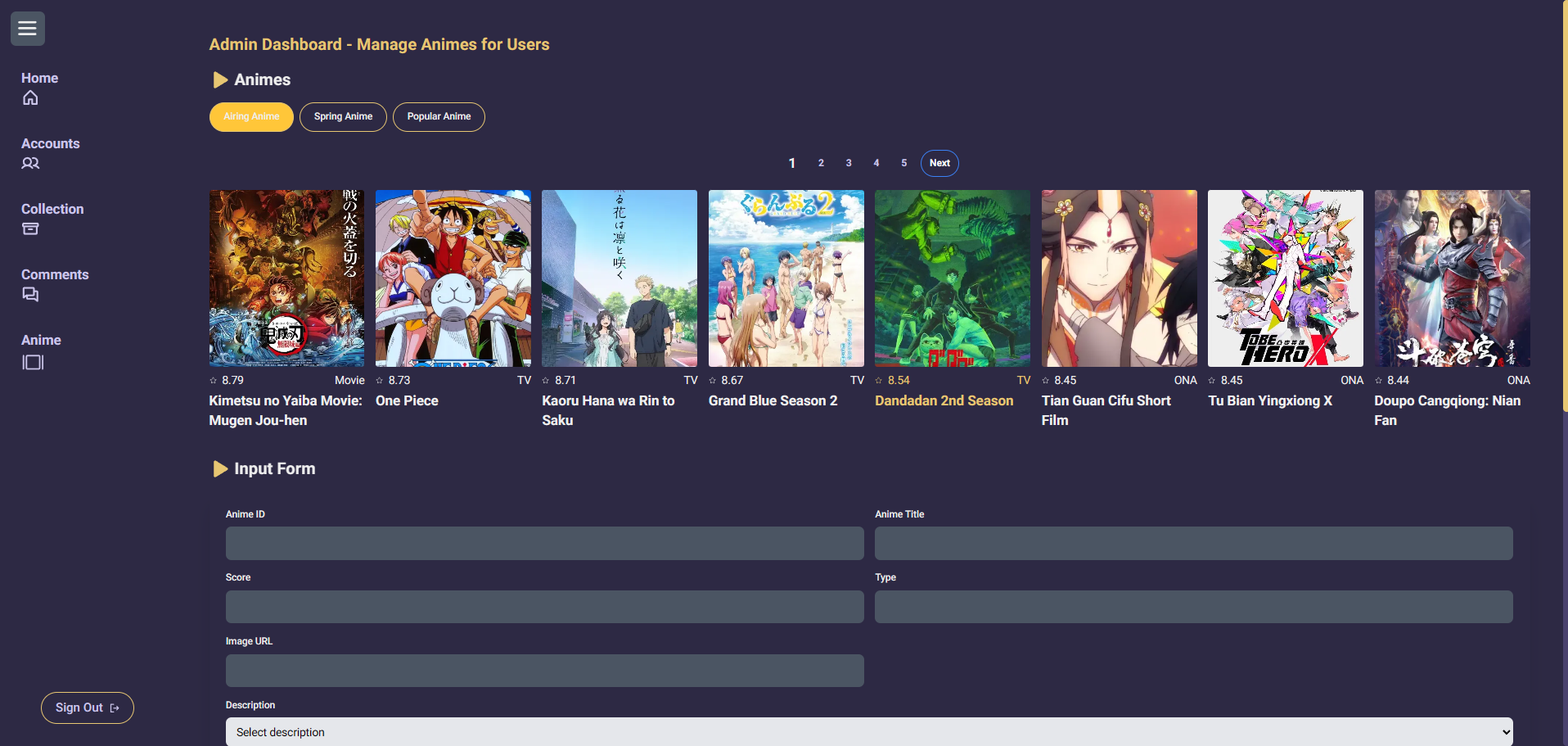
A comprehensive admin dashboard for managing anime listings, user accounts, collections, and comments. Built with Next.js 14, this application provides a complete administrative interface for an anime catalog system.
- User Management: Create, edit, and delete user accounts with role-based access control
- Anime Management: Add and manage anime entries from multiple sources (Top Airing, Spring Season, Popular)
- Collection Management: Monitor and manage user anime collections
- Comment Moderation: Review and moderate user comments across anime entries
- Authentication: Secure credential-based authentication with NextAuth.js
- Role-Based Access: Admin and user role differentiation
- Server-side rendering with Next.js 14
- MongoDB database with Prisma ORM
- Responsive UI with Tailwind CSS
- Real-time data updates
- Animated transitions with Framer Motion
- Protected routes with middleware
- RESTful API endpoints
- Framework: Next.js 14.2.13
- Database: MongoDB
- ORM: Prisma 5.19.1
- Authentication: NextAuth.js 4.24.7
- Styling: Tailwind CSS 3.4.1
- UI Components: Headless UI 2.1.9
- Icons: Phosphor Icons 2.1.7
- Animations: Framer Motion 11.5.6
- Password Hashing: bcryptjs 2.4.3
- Node.js (v18 or higher)
- MongoDB database
- npm or yarn package manager
git clone https://github.com/idmaja/JUST-A-ADMIN.git
cd JUST-A-ADMINnpm installCreate a .env file in the root directory:
NEXTAUTH_SECRET=your_nextauth_secret_key
NEXTAUTH_URL=http://localhost:3001
DATABASE_URL=your_mongodb_connection_string
NEXT_PUBLIC_API_BASE_URL=https://api.jikan.moe/v4Generate Prisma client:
npx prisma generatePush the schema to your database:
npx prisma db pushnpm run devThe application will be available at http://localhost:3000
To run on a specific port:
$env:PORT=3001; npm run deverDiagram
User {
string id PK
string email UK
string username
string password
string image
string role
}
Anime {
string id PK
string anime_mal_id UK
string anime_title
float anime_score
string anime_type
string anime_image_url
string desc
}
Collection {
string id PK
string anime_mal_id
string user_email
string anime_image
string anime_title
}
Comment {
string id PK
string anime_mal_id
string user_email
string comment
string username
string anime_title
}
User ||--o{ Collection : creates
User ||--o{ Comment : writes
POST /api/auth/[...nextauth]- NextAuth.js authentication endpoints
POST /api/v1/admin/users- Create new userPUT /api/v1/admin/users/[id]- Update userDELETE /api/v1/admin/users/[id]- Delete user
GET /api/v1/admin/animes- Fetch all animePOST /api/v1/admin/animes- Create anime entryPUT /api/v1/admin/animes- Update anime entryDELETE /api/v1/admin/animes/[id]- Delete anime entry
DELETE /api/v1/admin/collection/[id]- Delete collection entry
DELETE /api/v1/admin/comments/[id]- Delete comment
just-a-admin/
├── prisma/
│   ├── schema.prisma
│   └── migrations/
├── public/
│   └── just-a-logo.svg
├── src/
│   ├── app/
│   │   ├── admin/
│   │   │   └── dashboard/
│   │   │       ├── animes/
│   │   │       ├── collection/
│   │   │       ├── comments/
│   │   │       └── users/
│   │   ├── api/
│   │   │   ├── auth/
│   │   │   └── v1/admin/
│   │   ├── auth/
│   │   │   └── login/
│   │   ├── globals.css
│   │   ├── layout.jsx
│   │   └── page.jsx
│   ├── components/
│   │   ├── Dashboard/
│   │   │   ├── Anime/
│   │   │   ├── Collection/
│   │   │   ├── Comment/
│   │   │   ├── User/
│   │   │   └── Header.jsx
│   │   └── Utilities/
│   │       ├── DeleteModal.jsx
│   │       ├── Pagination.jsx
│   │       └── SuccessModal.jsx
│   ├── services/
│   │   ├── api-service.js
│   │   ├── auth-service.js
│   │   └── prisma.js
│   └── middleware.js
├── .env
├── .gitignore
├── next.config.mjs
├── package.json
├── postcss.config.mjs
└── tailwind.config.js
npm run buildStart the production server:
npm startThe easiest deployment method is through Vercel:
- Push your code to GitHub
- Import the project in Vercel
- Configure environment variables
- Deploy
For detailed instructions, visit the Next.js deployment documentation.
- All admin routes are protected by authentication middleware
- Passwords are hashed using bcryptjs
- Admin users cannot be deleted through the interface
- Environment variables are used for sensitive data
- API routes validate user permissions
This project is licensed under the Creative Commons Attribution-NonCommercial 4.0 International Public License.
Anime data is fetched from the Jikan API, an unofficial MyAnimeList API.
This is a private educational project. For any inquiries, please contact the repository owner.
For issues or questions, please open an issue in the GitHub repository.