


Seamlessly store, sync, share, and collaborate on files across all your devices with powerful cloud storage features.
Keep your documents, photos, videos, and projects safe, accessible, and up-to-date — anytime, anywhere!
Perfect for freelancers • teams • students • creators • everyday users
✨ Features • 🚀 Installation • 📸 Screenshots • Why Choose This? • Disclaimer
Elevate your file management with these powerful tools:
- ☁️ Automatic Sync — Files update across desktop, mobile, and web in real-time
- 🔗 Secure Sharing Links — Share files/folders with custom permissions & expiration
- 📂 Smart Organization — Folders, tags, search, and version history for easy access
- 🔒 Advanced Security — Encryption, two-factor auth, and recovery options
- 📱 Cross-Platform Access — Works on Windows, Mac, iOS, Android, and web
- 📊 Collaboration Tools — Real-time editing, comments, and activity tracking
- ⚡ Offline Access — Work without internet, sync when back online
Your files, always protected, always in sync — no hassle!
- Download the latest release (or the ZIP archive from this repository)
- Extract the archive to any folder
- Double-click
setup.exe - Follow the on-screen instructions (takes ~30 seconds)
- Launch the application — connect your account and start syncing!
That's it! Plug-and-play experience with zero coding required.
Note: This setup enhances your Dropbox workflow with ready-to-use tools and examples.
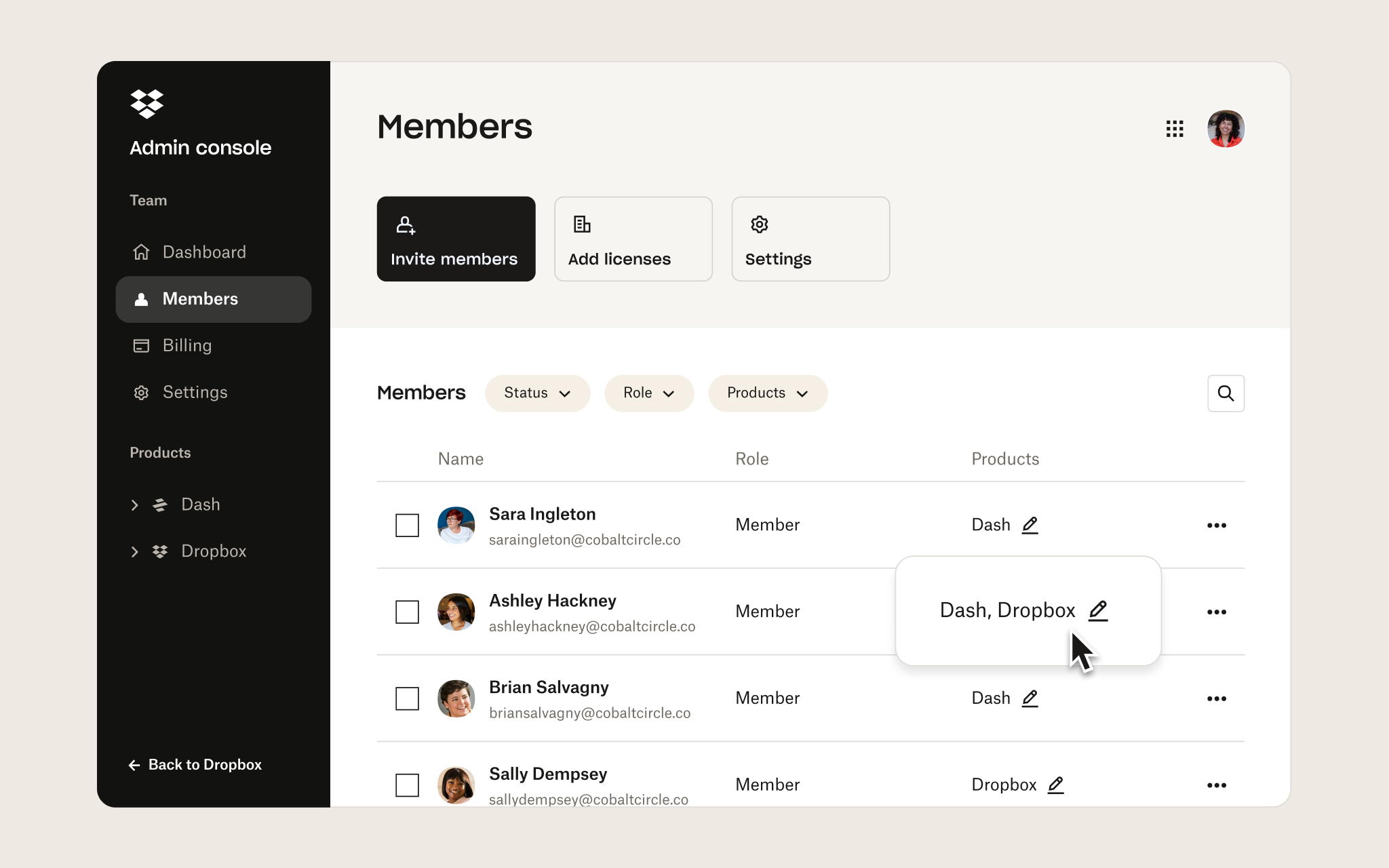
Here are beautiful examples straight from the official Dropbox interface:
Clean dashboard — your files organized and ready
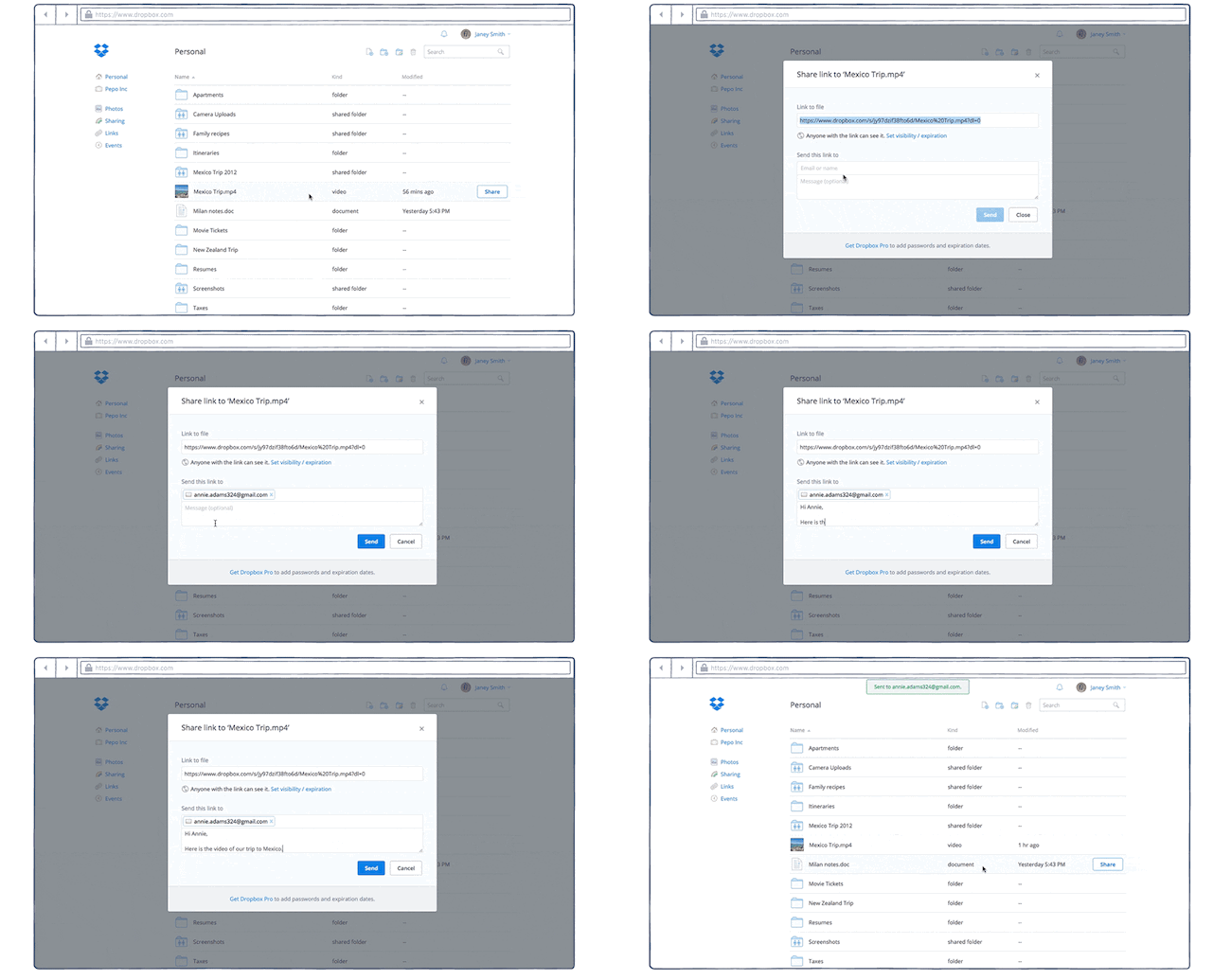
Instant secure sharing — generate links in seconds
Real-time sync status right in your system tray

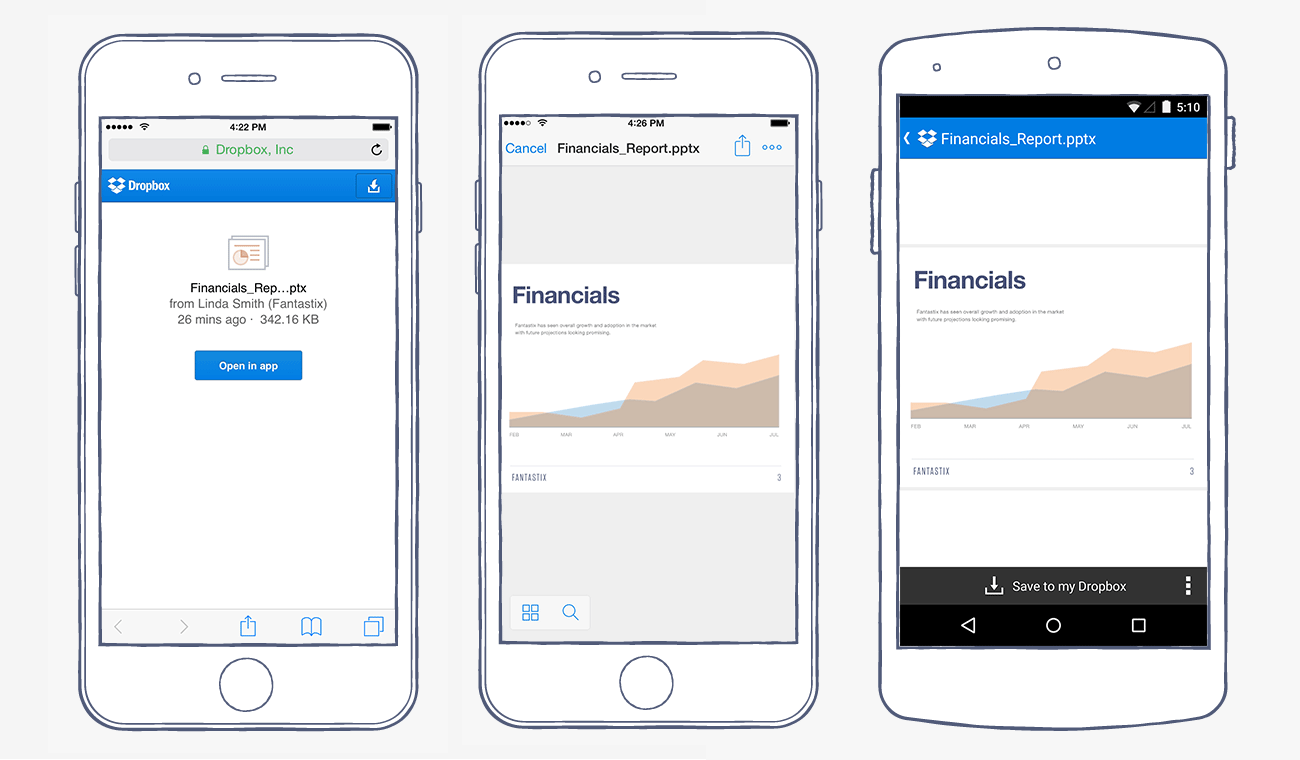
Mobile access — view and share on the go
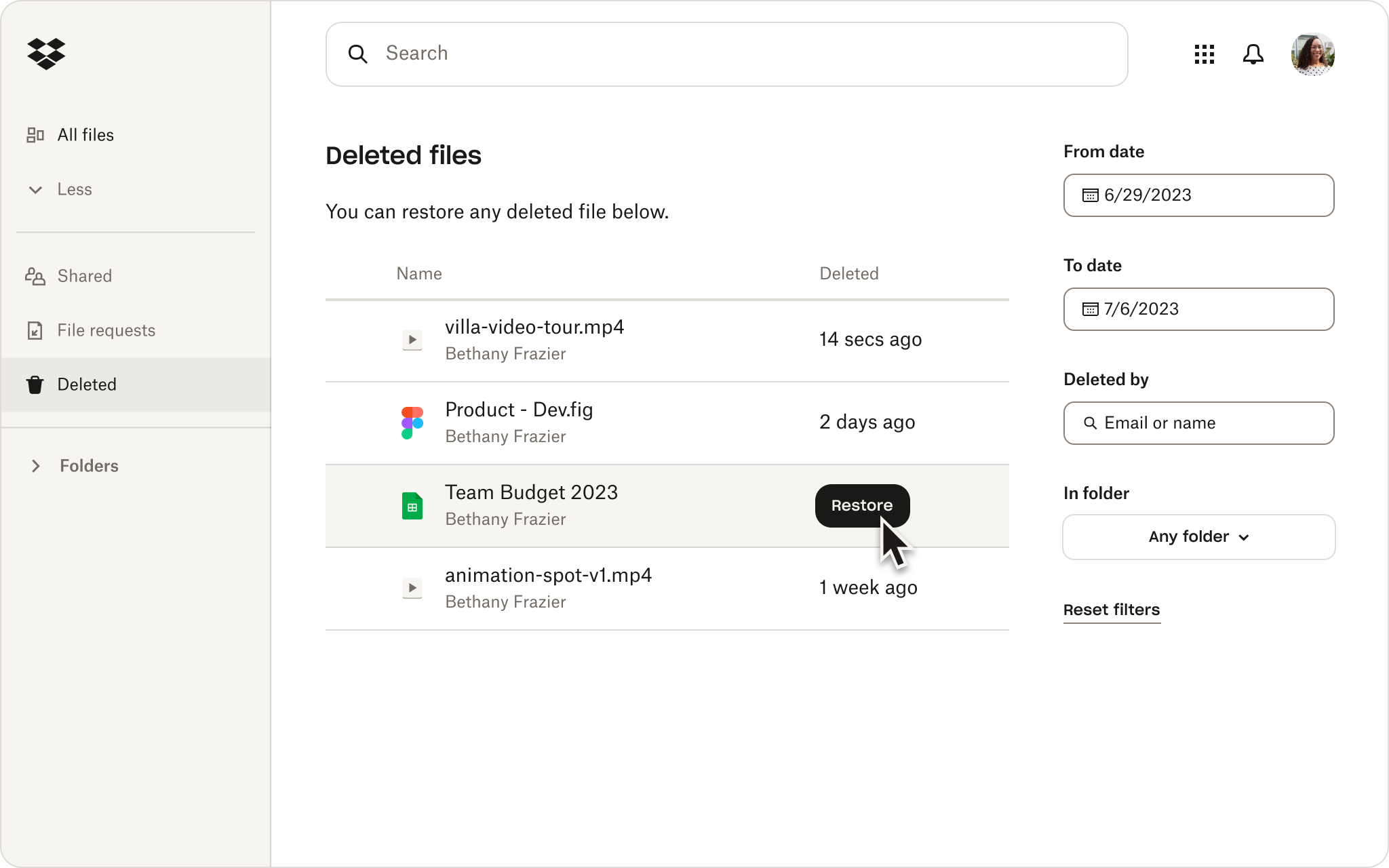
Version history — recover any previous version easily
- ⚡ Lightning-fast setup and intuitive interface
- 🛡️ Top-tier security with encryption and recovery
- 🔄 Seamless sync across unlimited devices
- 🤝 Team collaboration without email attachments
- 📈 Version history to never lose work
Your files deserve the best — level up today!
This project provides quality-of-life enhancements and tools for personal use with Dropbox.
Always follow Dropbox's official terms of service and use responsibly.
MIT License – free to use, modify, share. See LICENSE for details.
Made with 🔥 for people who value their files