Turn your vinyl records into passwords (and hide them into hidden .png meta data)
Wave-Gate is a CLI application built with Javascript which converts .wav files into encrypted passwords and hides said passwords into hidden meta data of selected .png files.
In order to properly use Wave-Gate, the instructions are actually quite simple.
- Place a .wav file in the assets folder. Title the file "audio".
- Place a .png image in the assets folder. Title the file "album".
- Launch Wave-Gate.
- First check and make sure that no passwords are already saved to the image using the check function.
- If no passwords are found, use the encrypt function.
- After the encrypt function is used, run the check function again to confirm a password is saved to the .png.
- Finally use the launch function to copy the password to your clipboard.
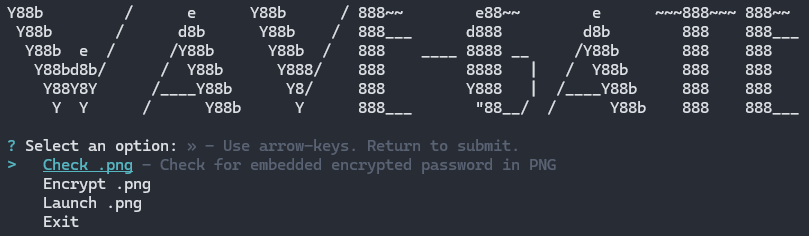
Main menu for Wave-Gate.
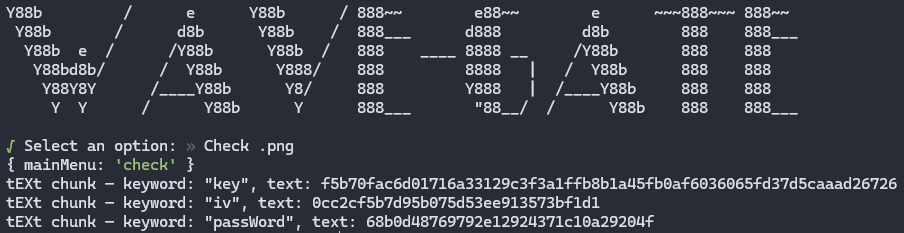
Check function used to check for passwords already stored in selected .png.
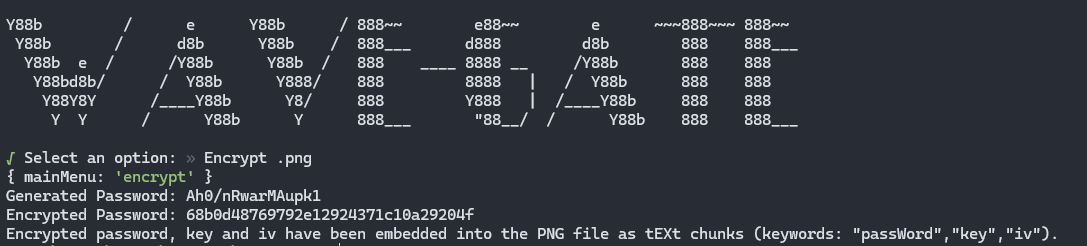
Encryption function used to take the binary data of the .wav file, generate a password, encrypt the password and then finally store the password in hidden meta data of the selected .png image.
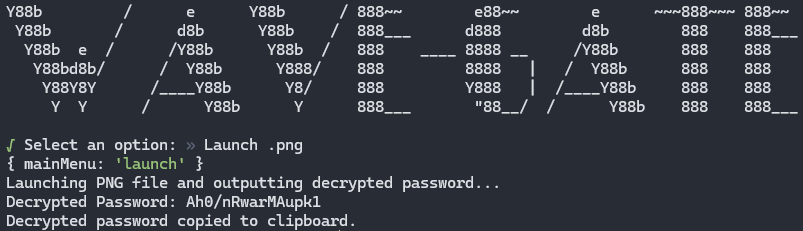
Launch function that copies the decrypted password to the user's clipboard.
- Enable the user to name the .png and .wav files.
- Enable the user to select files using an in app listing system.
- Enable the user to select password bit lengths.
- Accept that the application is finished. 🥳