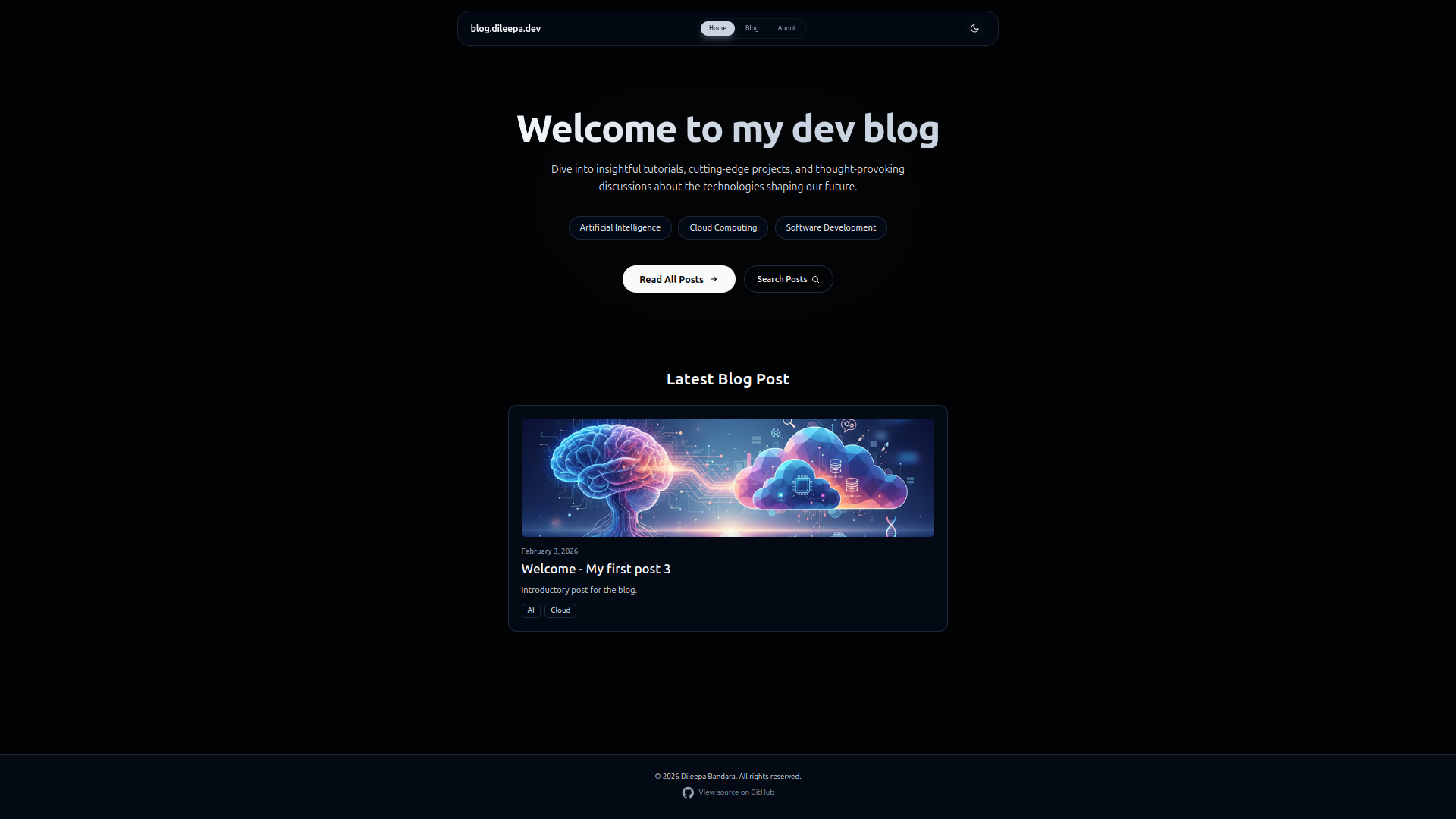
This repository contains the source for my personal dev blog where I write about AI, cloud computing, and software development.
- Node.js 22.x or later
- npm (or yarn/pnpm)
git clone https://github.com/dileepadev/blog-dileepa-dev.git
cd blog-dileepa-dev
npm install
npm run dev
Open http://localhost:4321 to view the site locally.
npm run build
npm run previewKey folders/files:
src/content/posts/- Add blog posts as.mdxfiles (filename becomes the slug)src/pages/blog/[slug].astro- Post template (renders MDX & generates ToC)src/layouts/Layout.astro- Site layout and metadatasrc/components/- Reusable components (Share, ThemeToggle, etc.)public/images/banners/- Banner images for posts
Create a new MDX file in src/content/posts/ using the pattern YYYY-MM-DD-your-slug.mdx.
Include frontmatter at the top of the file. Recommended fields:
title: "My Post Title"
description: "Short summary for listing and social cards"
publishedDate: "2026-02-03"
updatedDate: "2026-02-03" # optional
tags: ["AI", "Cloud"]
banner: "/images/banners/my-banner.png"
bannerAlt: "A short description of the banner image"

## Content

Write content here using MDX...
Note:
- The
slugis derived from the file name (without the date and extension). publishedDateshould be an ISO date string (YYYY-MM-DD).
The post page now shows a Read Next section under each post with two cards:
- Latest — the most recent post (excluding the current one)
- Recommended — a tag-related post (falls back to a random post if no tag-match exists)
This is done at build-time by scanning src/content/posts.
- The site is compatible with
GitHub Pagesand other static hosts that support Astro builds. - For
GitHub Pagesread this official documentation: Deploy your Astro Site to GitHub Pages
When you push a new blog post to main, the GitHub Actions workflow runs automatically:
- Build — Installs dependencies and builds the Astro site to static HTML.
- Deploy — Publishes the built site to GitHub Pages. Your blog is now live.
- Sync — Runs
scripts/sync-blogs.mjs, which reads all.mdxposts, extracts frontmatter (title, date, description, banner, etc.), and calls thePOST /blogs/syncAPI endpoint for each post.
The API upserts each post by slug — new posts are created, existing ones are updated. This keeps the blog database in sync with the repository automatically.
Setup: This requires two GitHub repository secrets:
API_BASE_URL— Base URL of the API (e.g.https://api.dileepa.dev)BLOG_SYNC_API_KEY— A shared API key that must match theBLOG_SYNC_API_KEYin the API's environment
- Run
npm run devto run the dev server with hot reload. npm run buildproduces a static build into.output/distdepending on Astro config.
- Please open issues or submit pull requests.
- Follow the repository's CONTRIBUTING.md and use the branch/commit naming guidelines.
This project is licensed under the MIT License. See the LICENSE file.
- Website: https://dileepa.dev
- Email: contact@dileepa.dev