You signed in with another tab or window. Reload to refresh your session.You signed out in another tab or window. Reload to refresh your session.You switched accounts on another tab or window. Reload to refresh your session.Dismiss alert
pg_activity [options]

Options:
	--version            Show program's version number and exit
	-U USERNAME, --username=USERNAME
                    	  Database user name (default: "postgres").
	-p PORT, --port=PORT  Database server port (default: "5432").
	-h HOSTNAME, --host=HOSTNAME
						  Database server host or socket directory (default:
                    	  "localhost").
    -d DBNAME, --dbname=DBNAME
                          Database name to connect to (default: "postgres").
	-C, --no-color        Disable color usage.
	--help                Show this help message and exit.
	--debug               Enable debug mode for traceback tracking.

Display options, you can exclude some columns by using them :
	--no-database         Disable DATABASE.
	--no-user             Disable USER.
	--no-client           Disable CLIENT.
	--no-cpu              Disable CPU%.
	--no-mem              Disable MEM%.
	--no-read             Disable READ/s.
	--no-write            Disable WRITE/s.
	--no-time             Disable TIME+.
	--no-wait             Disable W.
Interactives commands
C			Activate/deactivate colors
r			Sort by READ/s, descending
w			Sort by WRITE/s, descending
c			Sort by CPU%, descending
m			Sort by MEM%, descending
t			Sort by TIME+, descending
Space		Pause on/off
v			Change queries display mode: full, truncated, indented
UP / DOWN	Scroll process list
q			Quit
+			Increase refresh time. Maximum value : 3s
-			Decrease refesh time. Minimum Value : 1s
F1/1		Running queries monitoring
F2/2		Waiting queries monitoring
F3/3		Blocking queries monitoring
h			Help page
R           Refresh
Navigation mode
UP			Move up the cursor
DOWN		Move down the cursor
k			Cancel the backend
Space		Back to activity
q			Quit
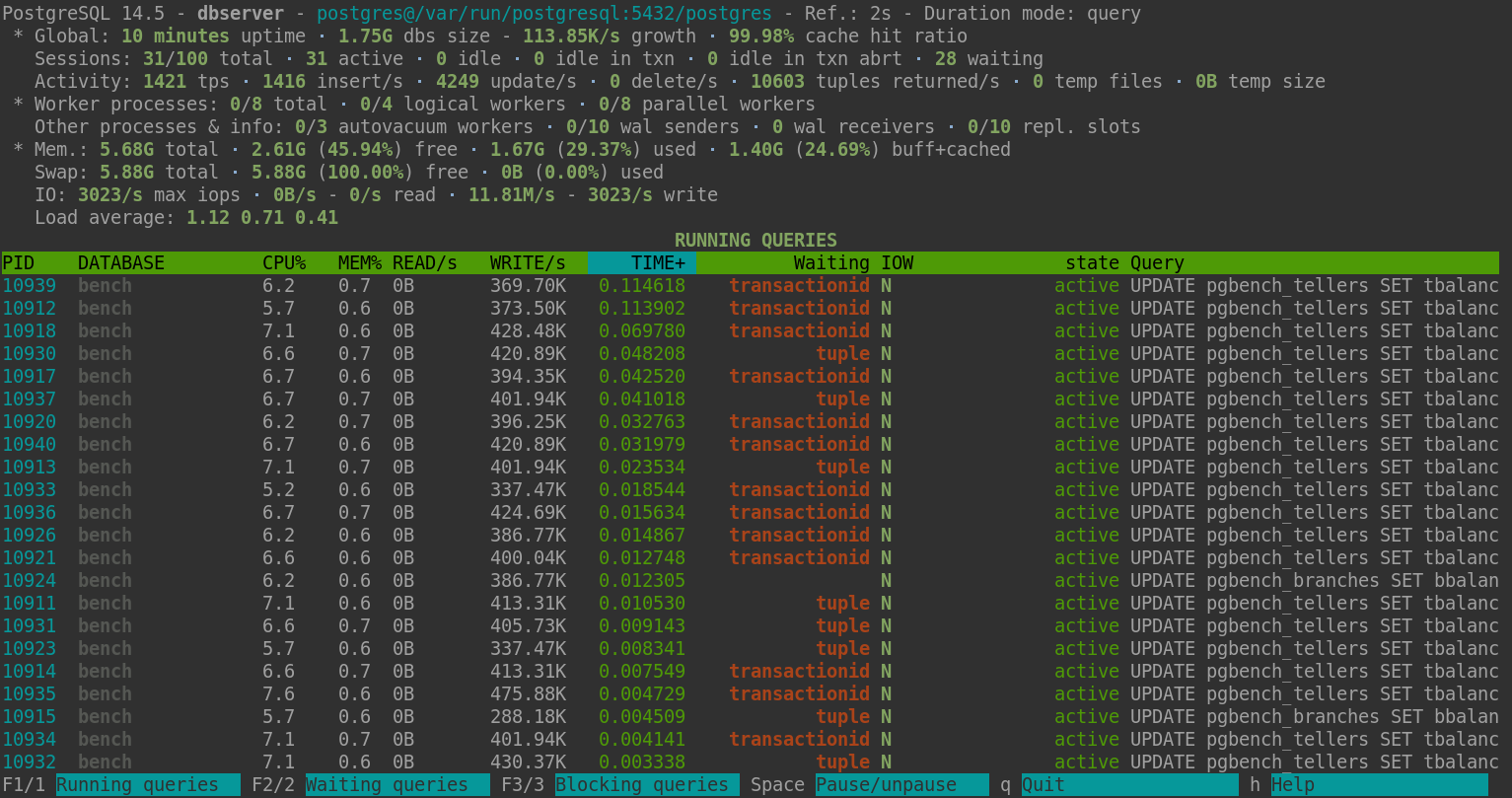
Screenshot
About
pg_activity is a top like application for PostgreSQL server activity monitoring.