
|
WordServe is a minimalistic and high performance Autocompletion plugin.
It suggests top ranking words when typing and exapnsions on abbreviations! simple.
You can insert them by pressing So many desktop tools and apps I use on daily basis do not offer any form of word completion, AI/NLP driven or otherwise, there are times when I need to quickly find a word or phrase that I know exists in my vocabulary, but I don't feel like typing for that long. Think of this as a basic nvim-cmp or vscode Intellisense daemon. Suggestions menu appear when typing any words + Expansions on text via abbreviations, defined and customisable by you.
|
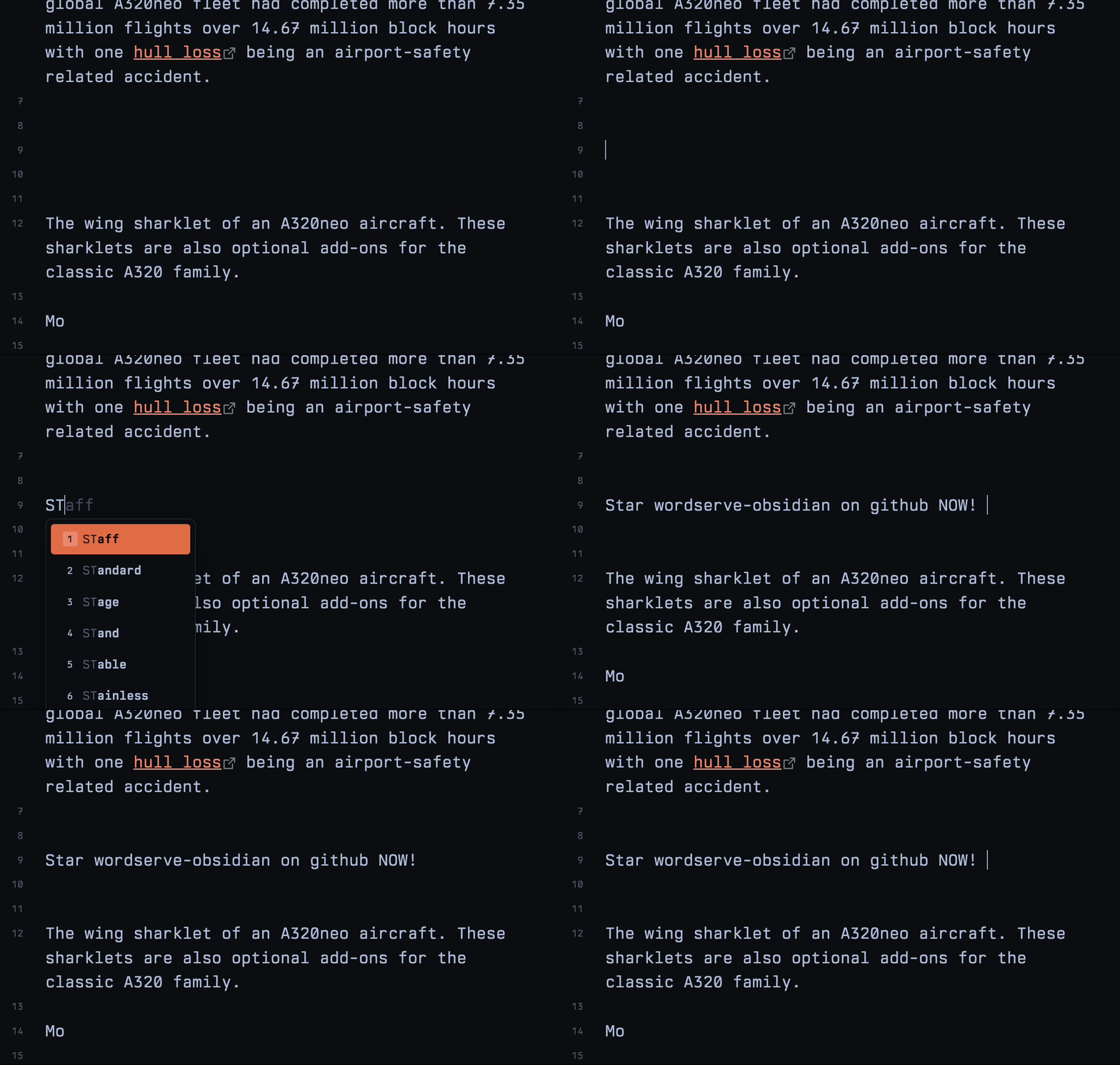
Easily find the relevant words and phrases as you type, suggestions are shown in a native menu

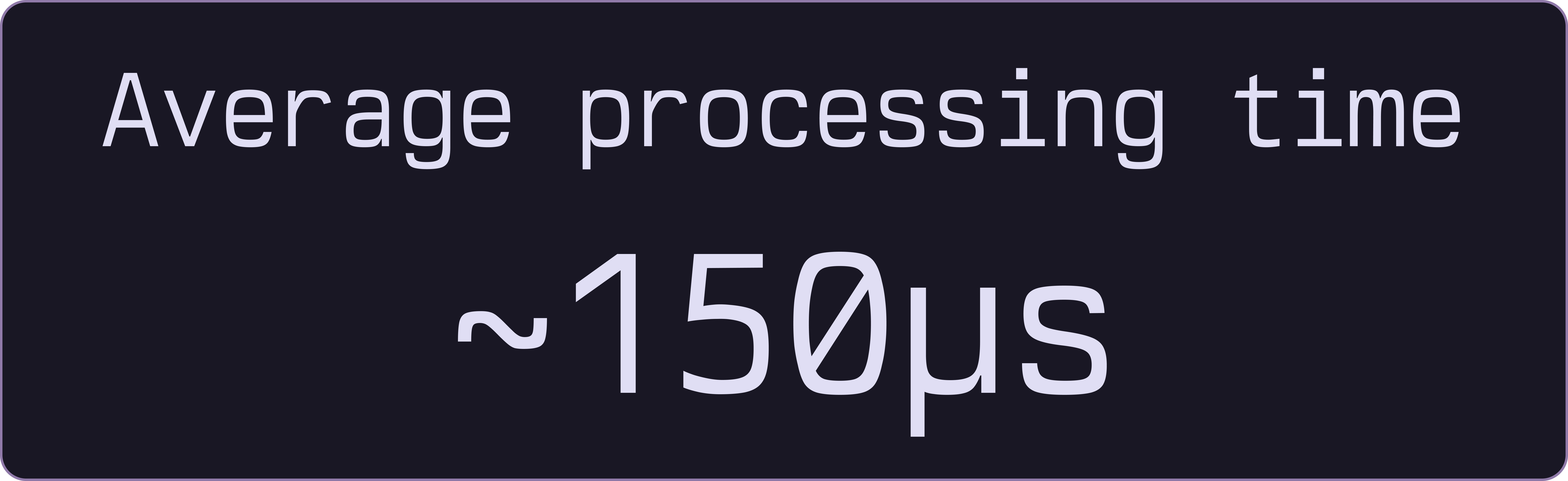
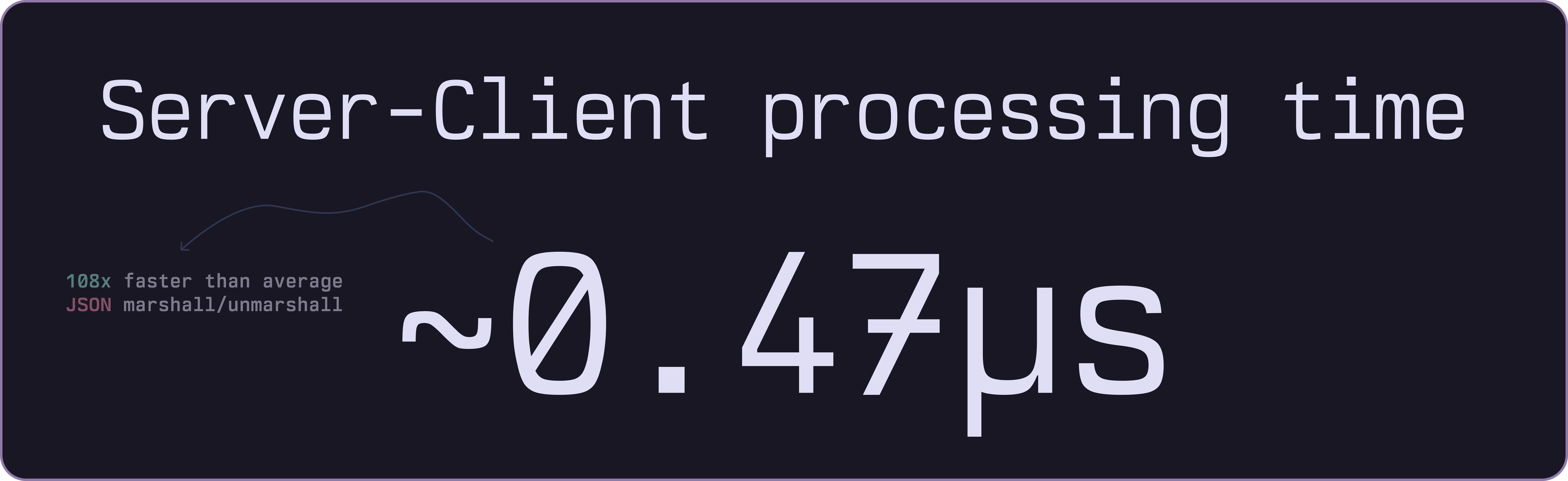
WordServe returns suggestions in rapid IPC MessagePacks. Read more about this on wordserv'e docs
Automatically expands abbreviations as you type,
for example typing btw will expand to by the way
Easily add and manage your own abbreviations in the settings tab

Use digits on the keyboard to quickly insert a suggestion from the list!
Cross-platform and quick to use, built on top of a Go binary. Read more about how all this works in our Go library's docs

Adapts to your Obsidian's current theme! with lots of accessbility options too (font / colors / size)
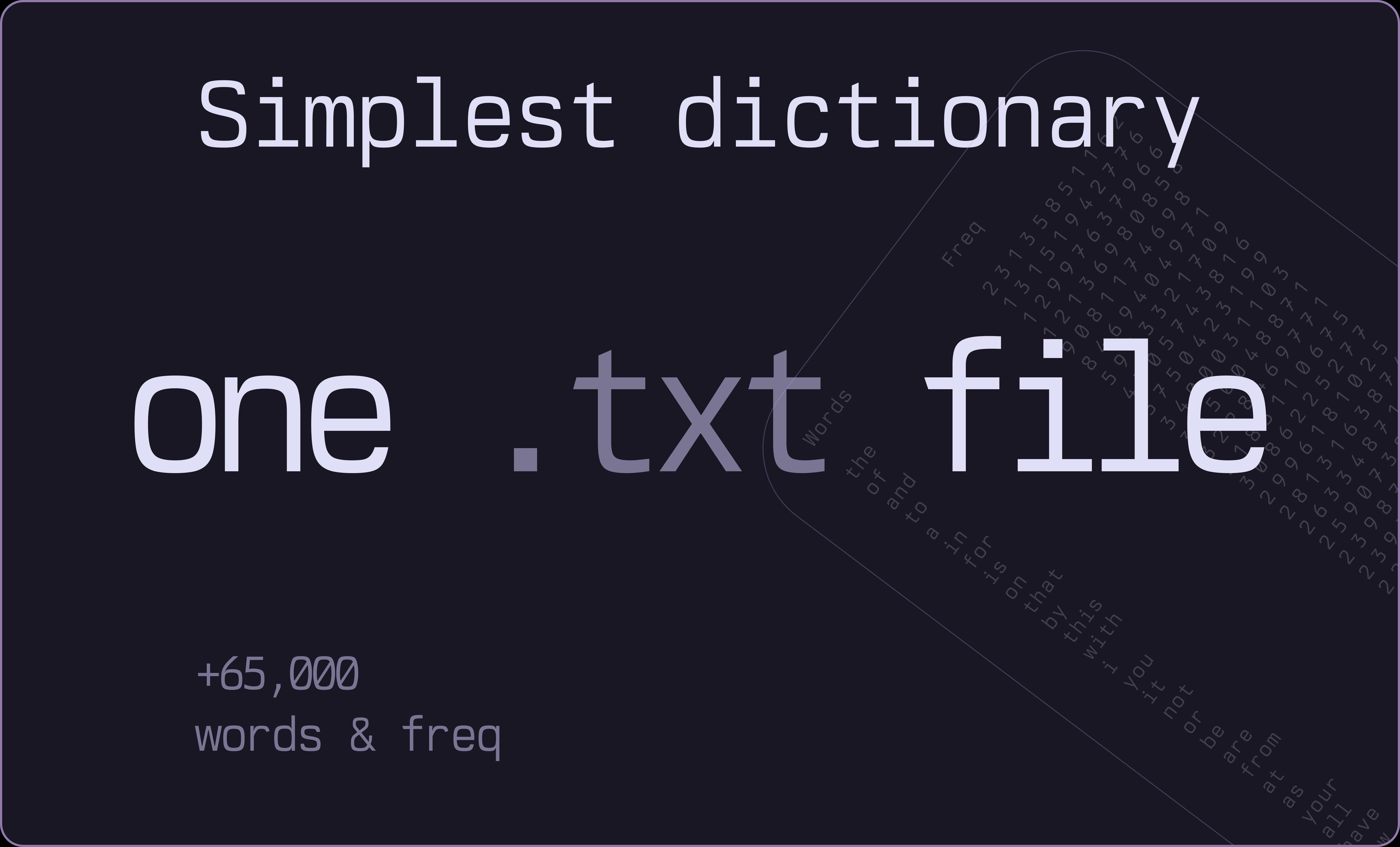
Start with a simple words.txt file containing 65,000+ entries.
WordServe chunks the dictionary into binary trie files and loads only what's needed, managing memory based on usage patterns.
Open the Community plugins tab, browse and search for WordServe
git clone https://github.com/bastiangx/wordserve-obsidian.git
cd wordserve-obsidian
bun i
bun run dev
place cloned folder inside Obsidina's plugins directory, Obsidian should load it autmatically by clicking the community plugin's refersh button
~/username/Documents/Vault/.obsidian/plugins/
The initial build for dictionary files are handled by the
wordservebinary itself, If you encounter any issues, refer to the Go library
Make sure the
data/directory exists and has thewords.txtfile in it.
Important
Core is powered by WordServe's own Go library! check it out if you want to see how the prefixes are actually processed
-
Core components ARE DOWNLOADED FROM GITHUB via the release versions noted, if plugin version is for example
v0.1.2, it will only download thev0.1.2binaries from WordServe' repo -- (no mechanisms of auto updating)- These binaries include the
wordserveGo executable, awords.txtfile and the dictionary files needed for this to work. - all fetching impls are done in downloader.ts file
- If you have any issues with the fetching, you can manually get them from the releases page
- These binaries include the
-
WordServe does not track any usage data, analytics, telemetry or provide any internal methods of tracking activities to external connections.
- The
words.txtfile is a simple text file containing a list of words, phrases and abbreviations. - precompiled dictionary files are generated from the
words.txtfile and are used to provide autosuggestions.
- The
See the open issues for a list of proposed features (and known issues).
Any PRs are welcome! Refer to the guidelines
WordServe is licensed under the MIT license. Feel free to edit and distribute as you like.
See LICENSE
- The Beautiful Rosepine theme used for graphics and screenshots throughout the readme.
- The Incredible mono font, Berkeley Mono by U.S. Graphics used in screenshots, graphics, gifs and more.
