This project aims to develop a smart search system for enhanced document retrieval and information extraction, by leveraging on and integrating state-of-the-art Natural Language Processing (NLP) techniques.
The primary dataset of this project is the Stanford Question Answering Dataset 2.0 (SQuAD 2.0).
SQuAD is a reading comprehension dataset, consisting of questions queried to a set of Wikipedia compositions. The answer to each question is a snippet of text or span, from the corresponding context paragraph. Alternatively, the question might be unanswerable. SQuAD 2.0 combines the 107,786 questions in the first version of SQuAD 1.1 with over 50,000 unanswerable questions written to look identical to the answerable ones. There are a total of 19,035 context paragraphs to which the questions are being queried to.
An example of a context paragraph would look like this:
North Carolina consists of three main geographic sections: the Atlantic Coastal Plain, which occupies the eastern 45% of the state; the Piedmont region, which contains the middle 35%; and the Appalachian Mountains and foothills. The extreme eastern section of the state contains the Outer Banks, a string of sandy, narrow barrier islands between the Atlantic Ocean and two inland waterways or "sounds": Albemarle Sound in the north and Pamlico Sound in the south. They are the two largest landlocked sounds in the United States.
Some examples of the question-answer pair that are queried to this context paragraph are:
- How many main geographical sections make up North Carolina? A: three
- What section of North Carolina makes up 45% of the state? A: the Atlantic Coastal Plain
- What is the section in the middle 35% of North Carolina called? A: the Piedmont region
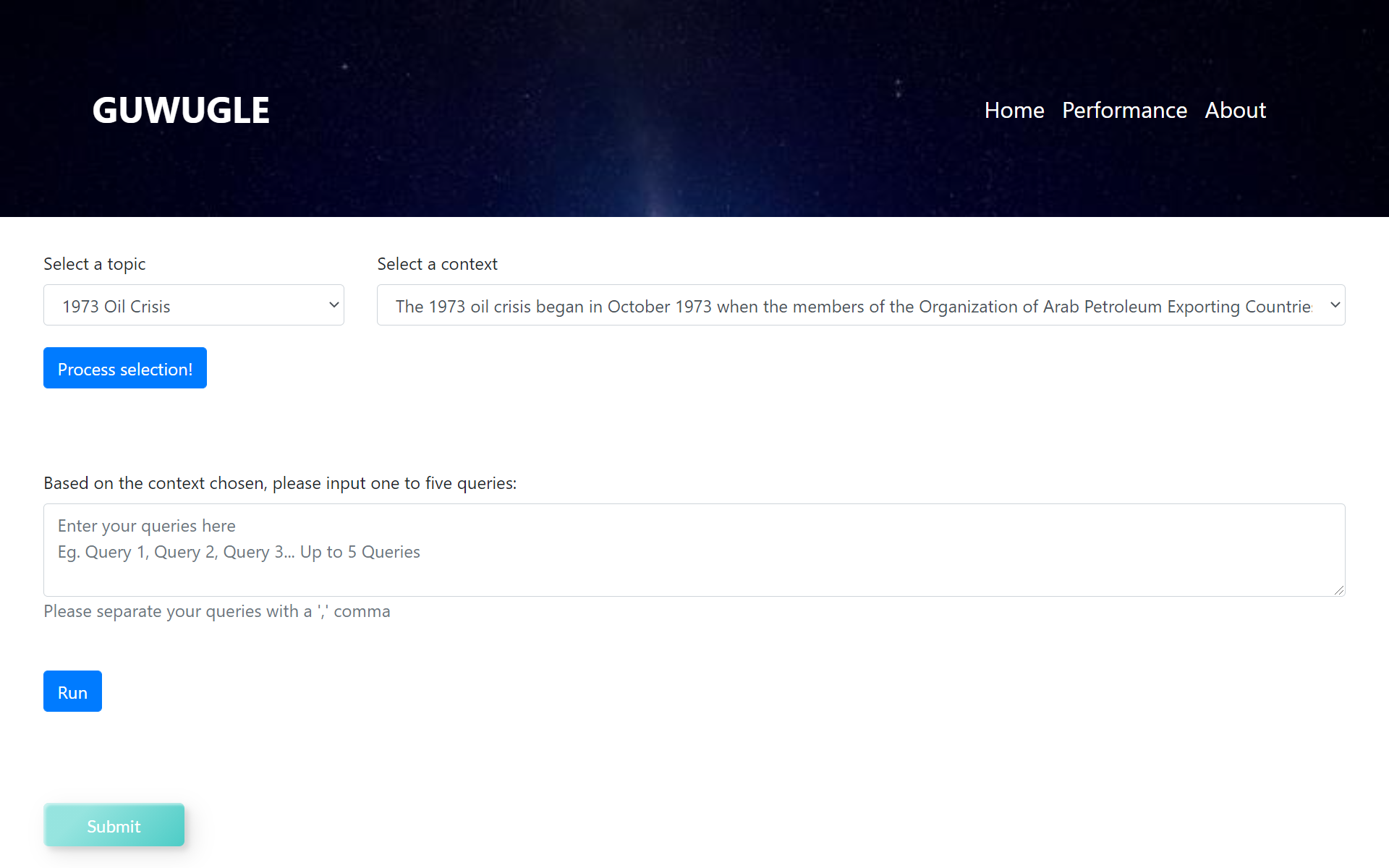
Home Page:
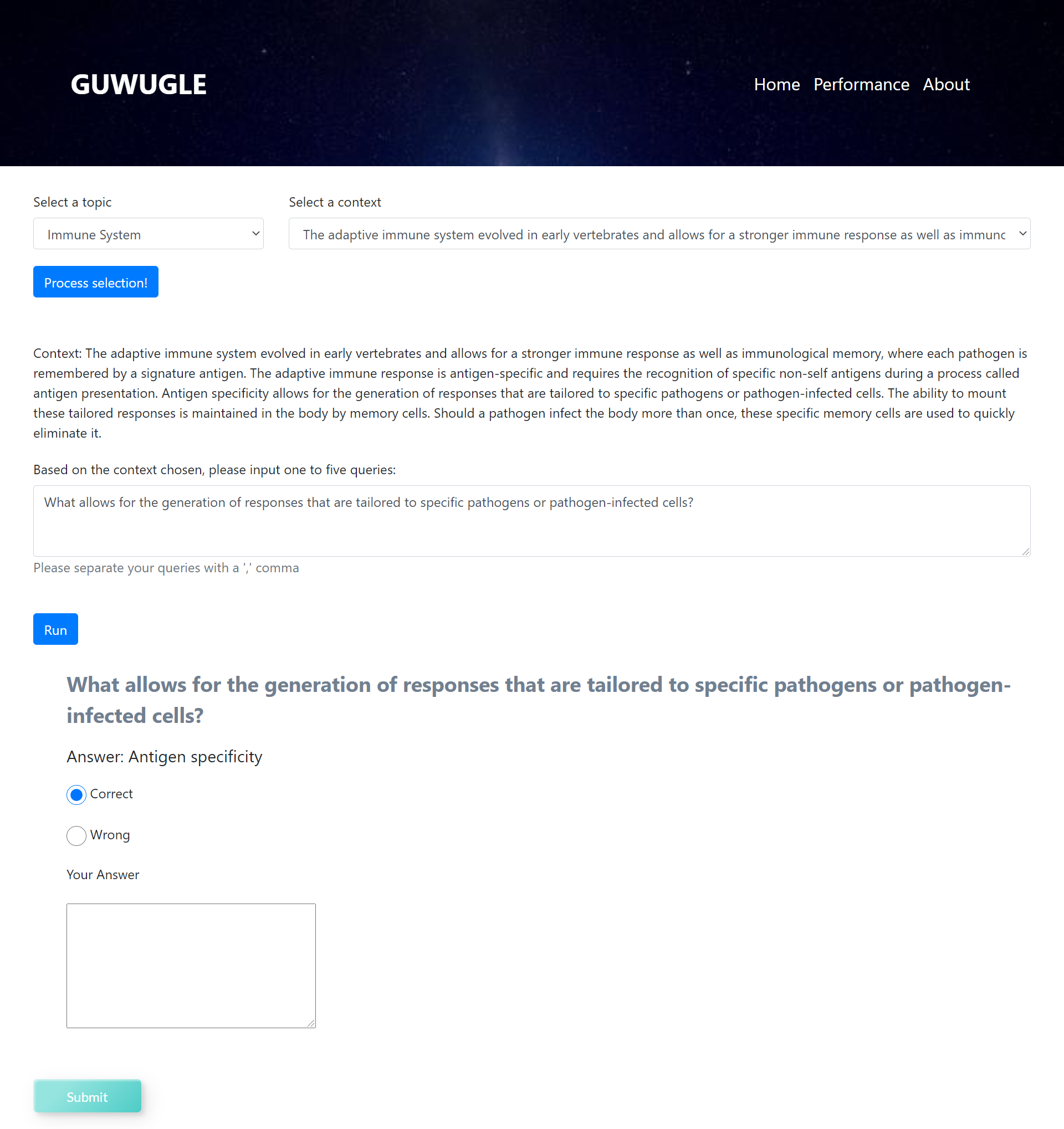
Changes to Home Page after asking a question:
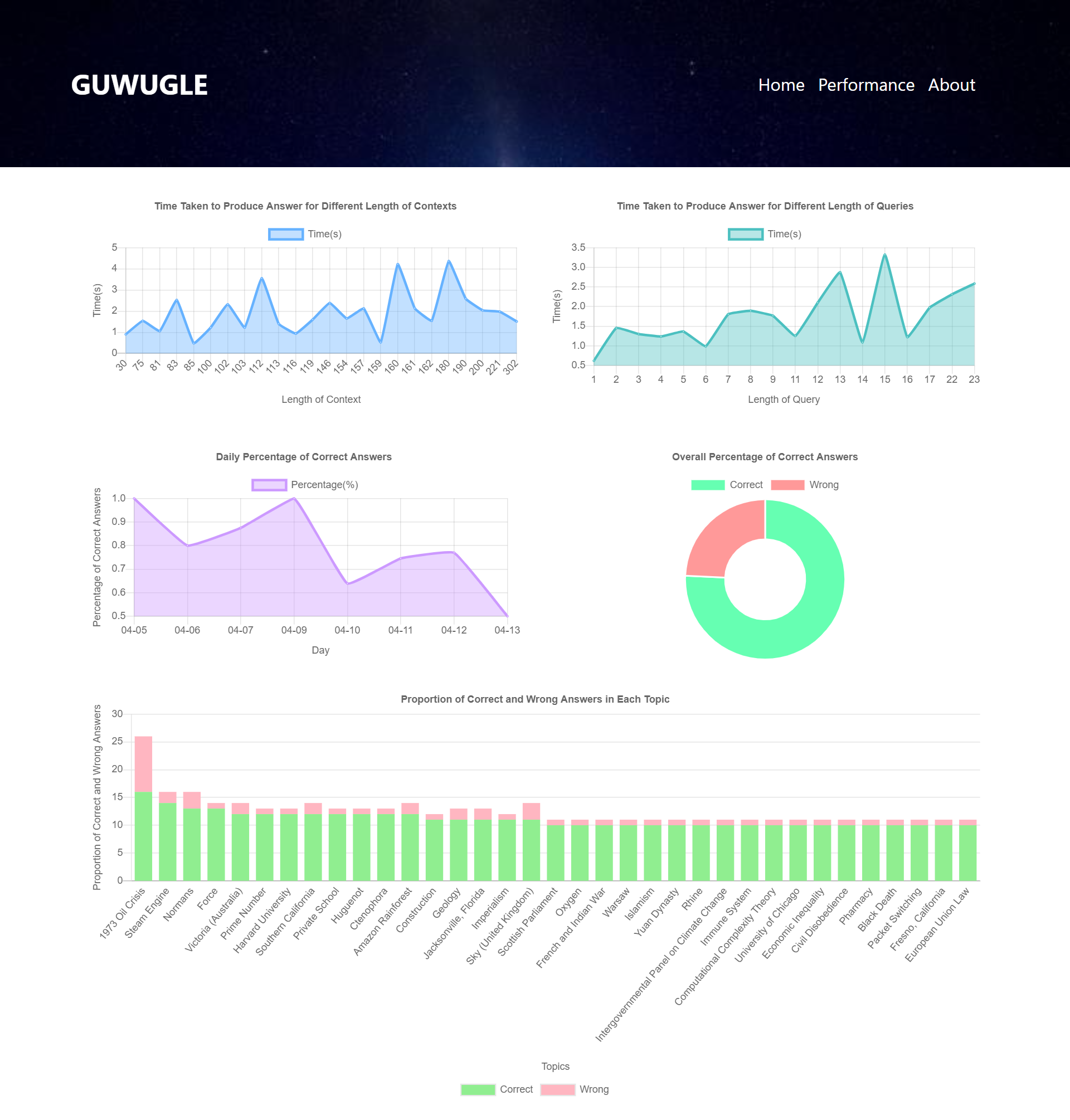
Performance Page:
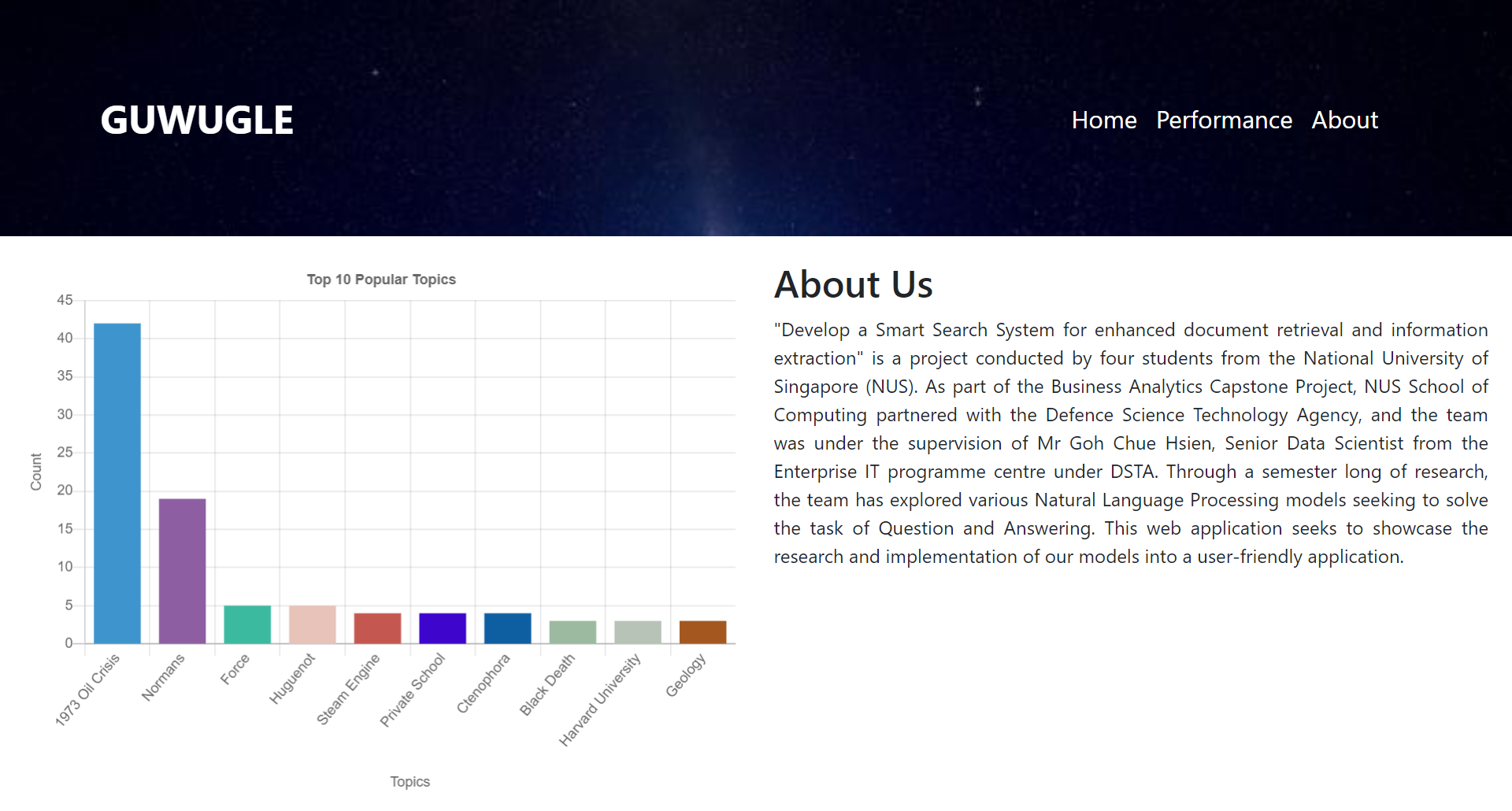
About Page:
pip install -r requirements.txtSimply run app.py in the console
python app.pyAll user-tunable parameters can be found in config.py
Firstly, ensure that the GloVe corpus has been downloaded and placed in the the BiDAF directory, the GloVe corpus can be downloaded from : https://nlp.stanford.edu/projects/glove/
Secondly, ensure that the data folder that has been submitted seperately (certain files had size exceeding the threshold on Github). Another way of getting the processed data would be to run the python script make_dataset.py, however since there are many implementations that deviates slightly, there is a need to made slight adjustments to return all data files. The make_dataset.py is now configured to produced default GloVe Embeddings and trained character embeddings.
python make_dataset.pyWith regard to training the model, you may just run the python script train.py. Similar to the case of dataset creation, the train.py is configured to train the Hybrid Model (GloVe Embeddings + Trained Character Embeddings + BERT Embeddings)
python train.pyTo test the performance of the model on the test/ Dev set ; the test set is not configured to test the the Hybrid Model (GloVe Embeddings + Trained Character Embeddings + BERT Embeddings)
python test.pyLastly to use the model, you may want to take a look into eval.py. It has a function that takes in a context paragraph as well as a question and it returns the model's prediction. The eval.py will also be the Python script that is called by the Frontend
python eval.pyTo create the Embeddings that combines the GloVe embeddings with the BERT embeddings : Kindly refer to combine_embeddings.ipynb
BERT_Train.ipynb contains the codes to train the BERT model with the tuned parameters.
BERT_Test.ipynb contains the codes to test the BERT model to produce an answer when passing a context and query, after the model weights has been inserted.
bert.h5 contains the model weights.
bert_optimizer_tunning_visualization.ipynb contains the visualization for the optimizer parameters tuning process.
Upload both Jupyter Notebooks to Google Collaboratory
Change the runtime type under the tab runtime to TPU
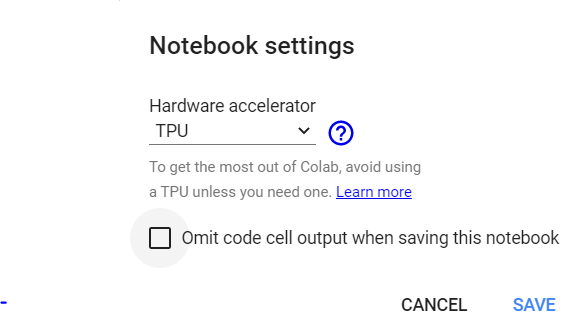
Run the BERT_Train notebook by clicking on Run all under runtime tab
Save the bert.h5 file from the google collaboratory files on the left of the webpage
Upload the bert.h5 file into google drive files by uploading to the session storage
Run the BERT_Test notebook by clicking on Run all under runtime