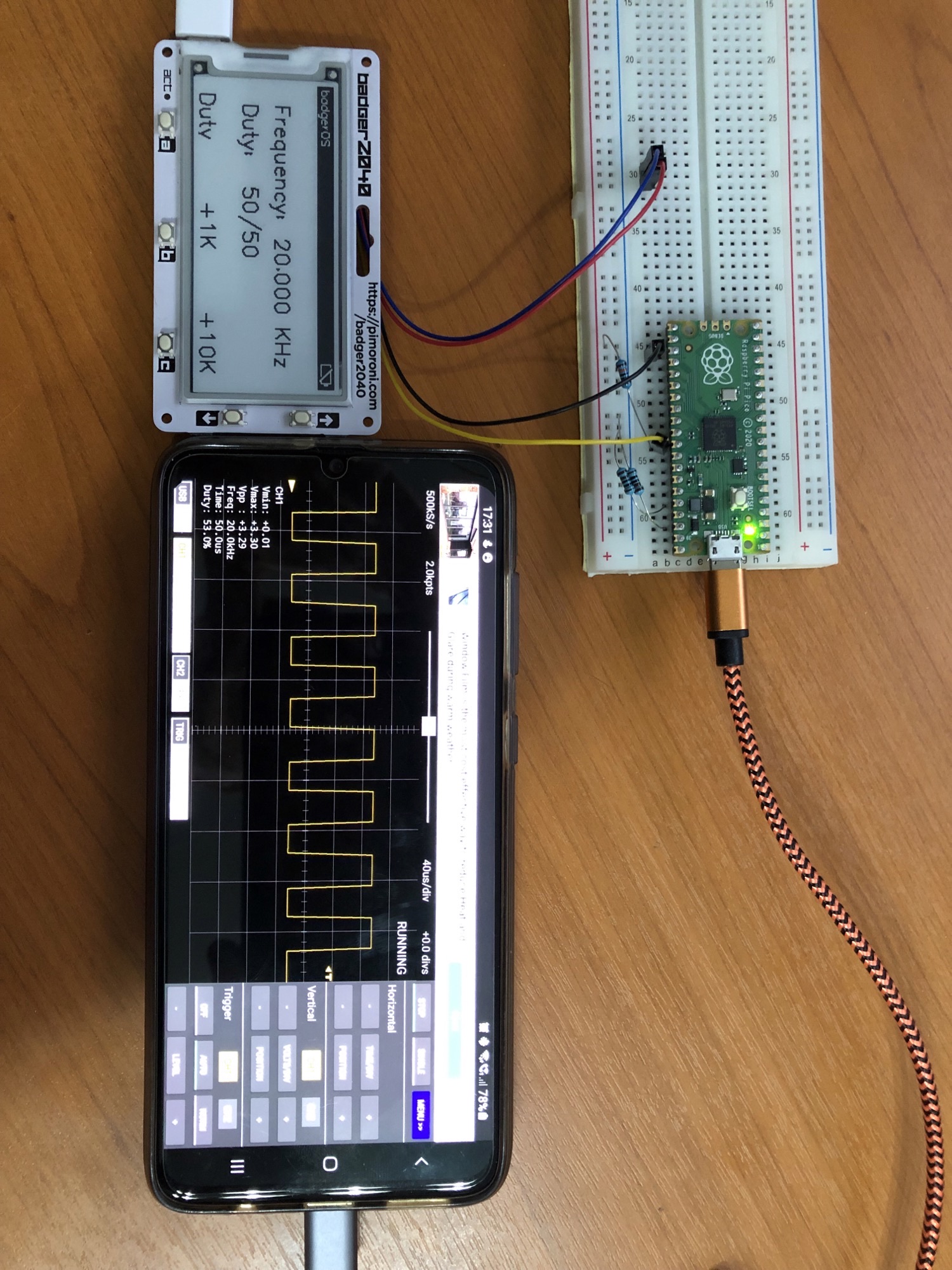
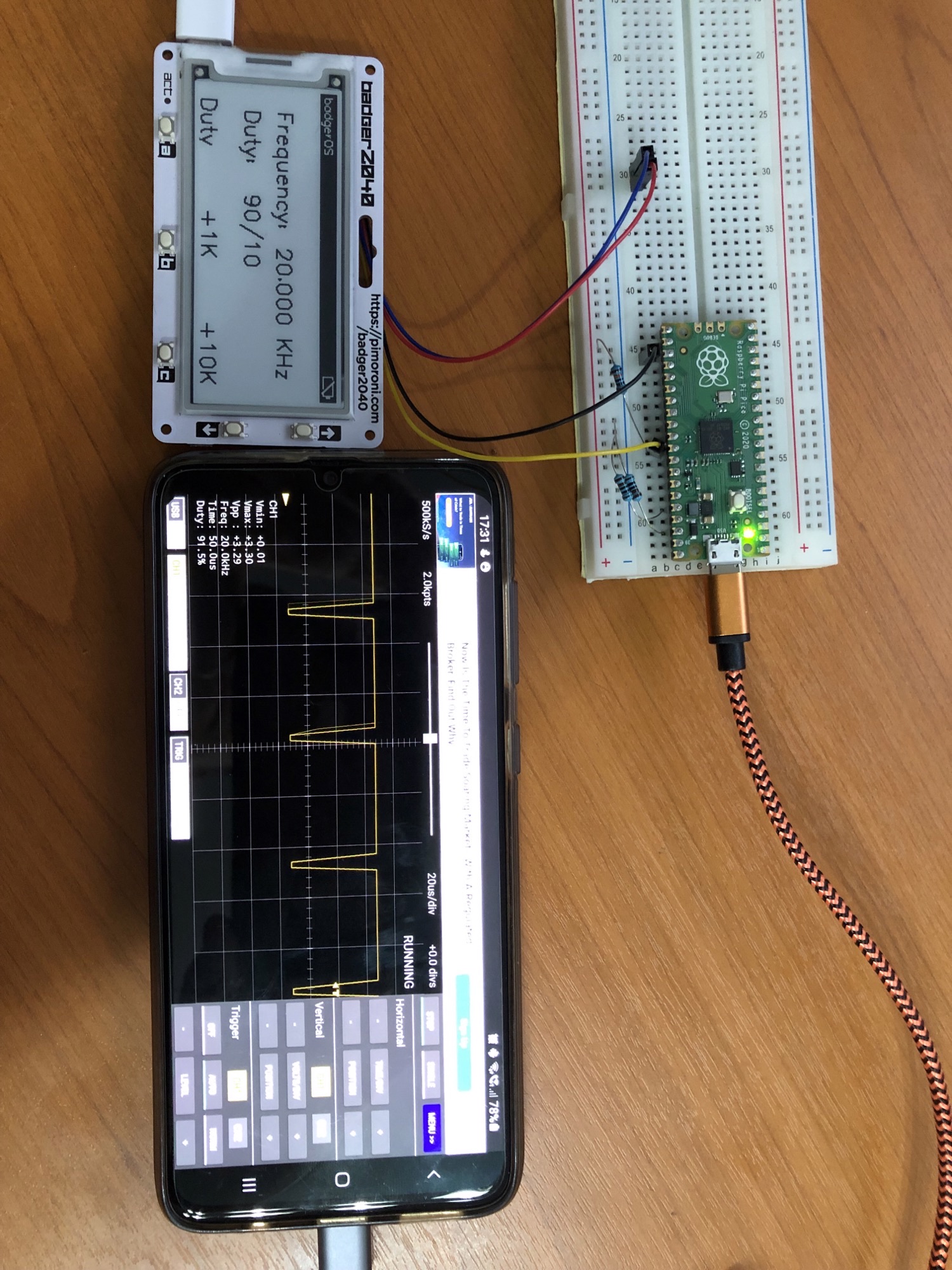
A Square wave generator with duty cycle control for a Rasberry Pi Pico which uses the Pimoroni Badger2040 screen and the Qw/ST connector to access PIO pins. Streams 10 bits to a single pin in a single cycle under DMA control - 10 bits is used for duty cycle manipulation, hence the maximum frequency is 1/10 of the pico frequency of 125Mhz.
- Button a - steps through the duty cycles available
- Buttons b & c - select the frequency increment, either 1Khz or 10Khz
- Button Up - increases the frequency by the increment
- Button Down - decreases the frequency by the increment
Although not tested, it should be possible to set the frequency down to 200hz if the frequency increment was modified. Lack of available buttons limited this.
Equally it should be possible to set the frequency up to 12.5Mhz, but I only have the Scoppy android application and an RP2040 so can't verify signals above around 250Khz. See https://github.com/fhdm-dev/scoppy/ for further details.
So for under £20 I now have a squarewave generator and oscilloscope for basic testing with minimal hardware.