A minimal, dark blue theme for VS Code, Sublime Text, Atom, and more.
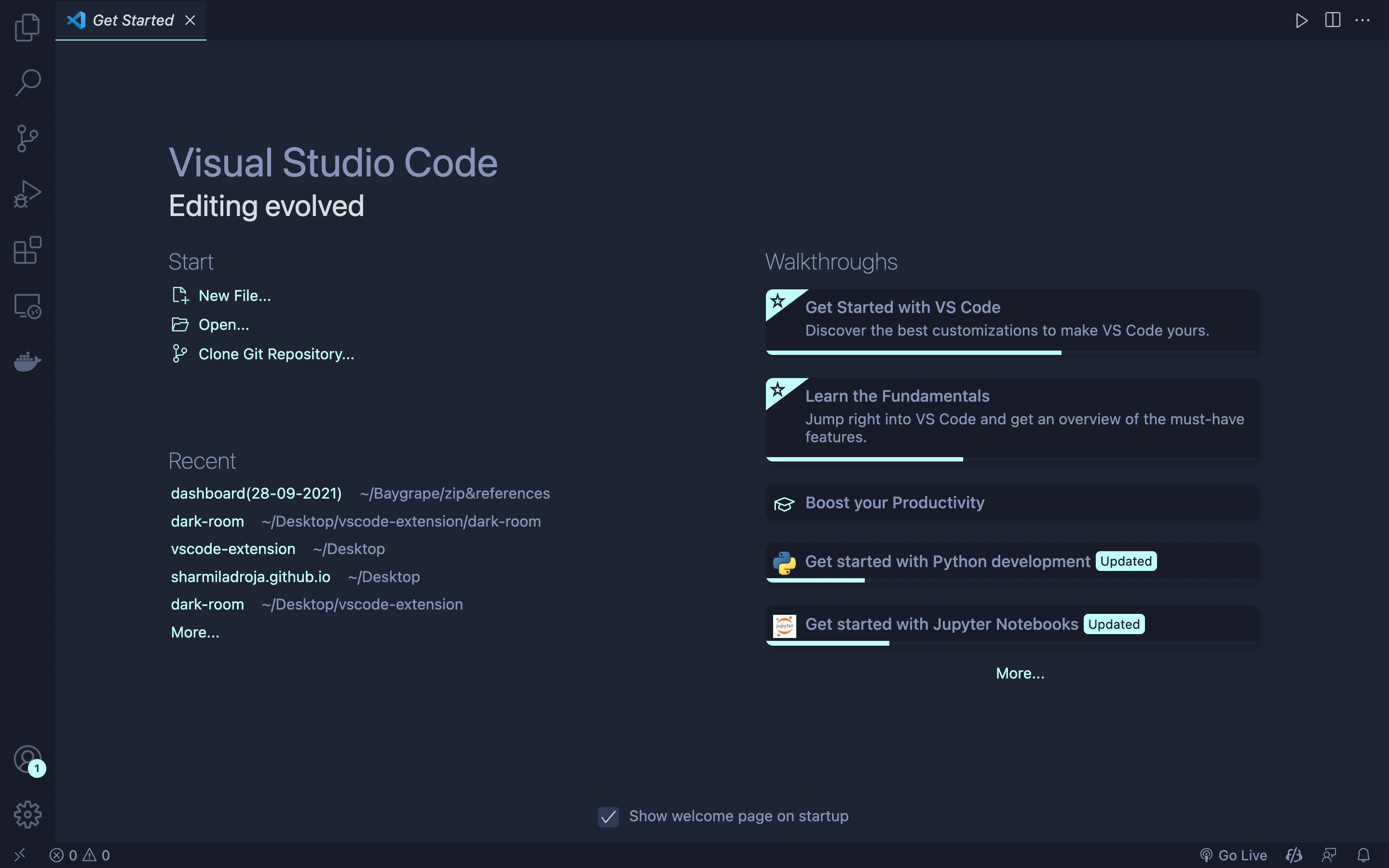
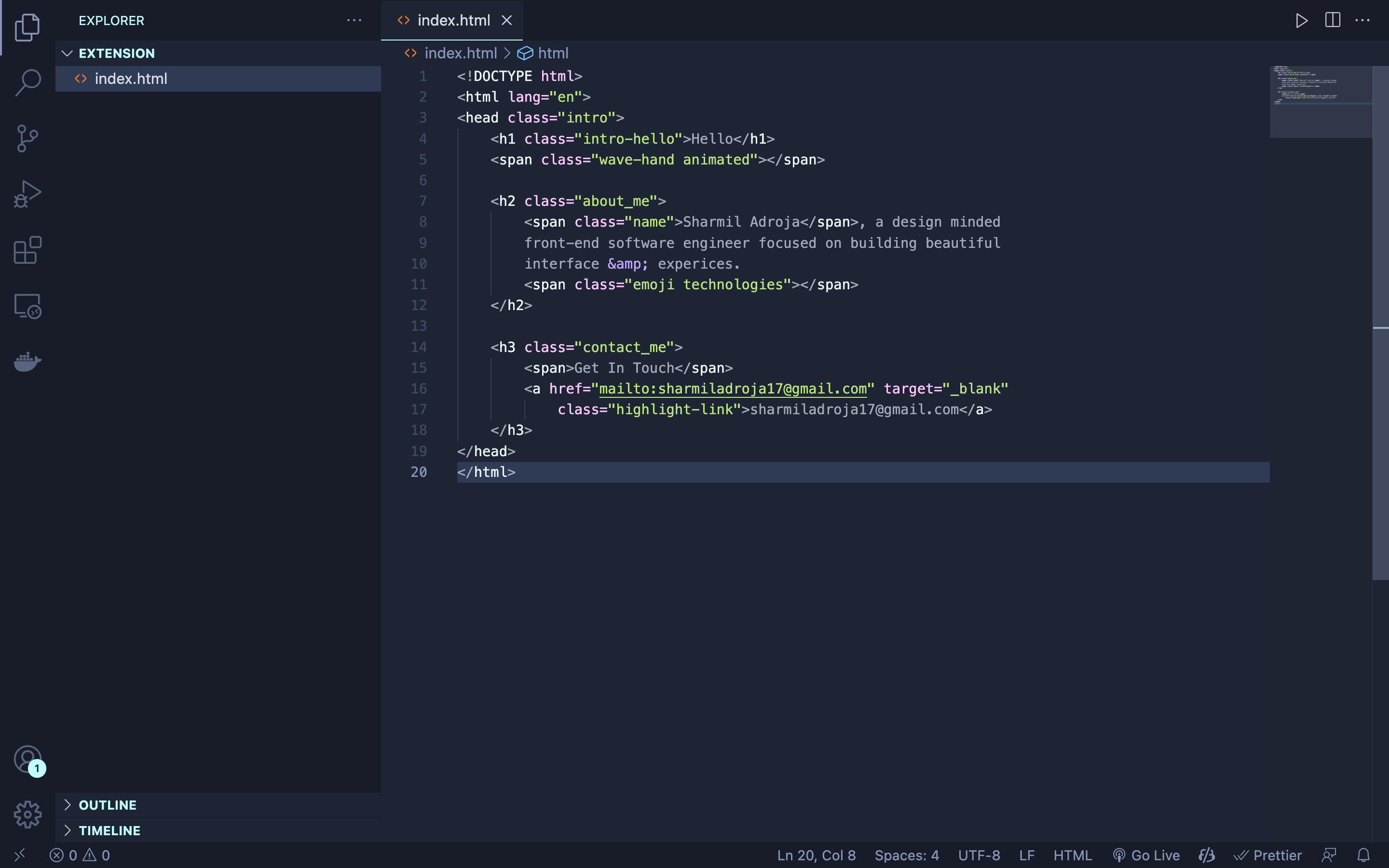
- Open Extensions sidebar panel in VS Code.
View → Extensions - Search for
Dark Room - Click Install to install it
- Click Reload to reload the editor
- Code > Preferences > Color Theme > Dark Room Theme
Read the VSC Extension Quickstart Guide
The file icon theme seen in the screenshot above is Material Icon Theme with these settings:
  "material-icon-theme.folders.color": "#8695b7",
  "material-icon-theme.folders.theme": "specific",
"material-icon-theme.hidesExplorerArrows": true,| Color | Usage |
|---|
|
#c3a6ff | Functions, classes, object literal keys |
|
#ffc6ff | Constants, operators |
|
#c0fdff77 | Strings, markdown headings |
|
#c0fdff | Special keywords, classes, markdown code blocks |
|
#a2aabc | Variables, property names, tags |
| Color | Usage |
|---|---|
#171c28 |
Workbench background |
#1d2433 |
Editor background |
#2f3b54 |
Highlight, widgets, panels |
#6679a4 |
Dividers, subtle UI elements |
#8695b7 |
Status bar text, buttons, etc |
#d7dce2 |
Active text, anything that should be white |
#ffcc66 |
Accent, list tree titles, badges, etc |
#bae67e |
Addition highlights |
#ef6b73 |
Deletion highlights, errors, warnings |
#5ccfe6 |
Modified highlights |
Syntax & Workbench colors based on Ayu Mirage Theme
vsce publish patch/minor/majorDark Room Theme is also available for Sublime Text, Atom, iTerm, and more!.