The ultimate Roam power-user toolkit: faster navigation, richer command palette, live previews, mind maps, editable tables, OCR, article import, tag cycling, hotkeys, and privacy redaction—choose the modules you want and supercharge your daily workflow.

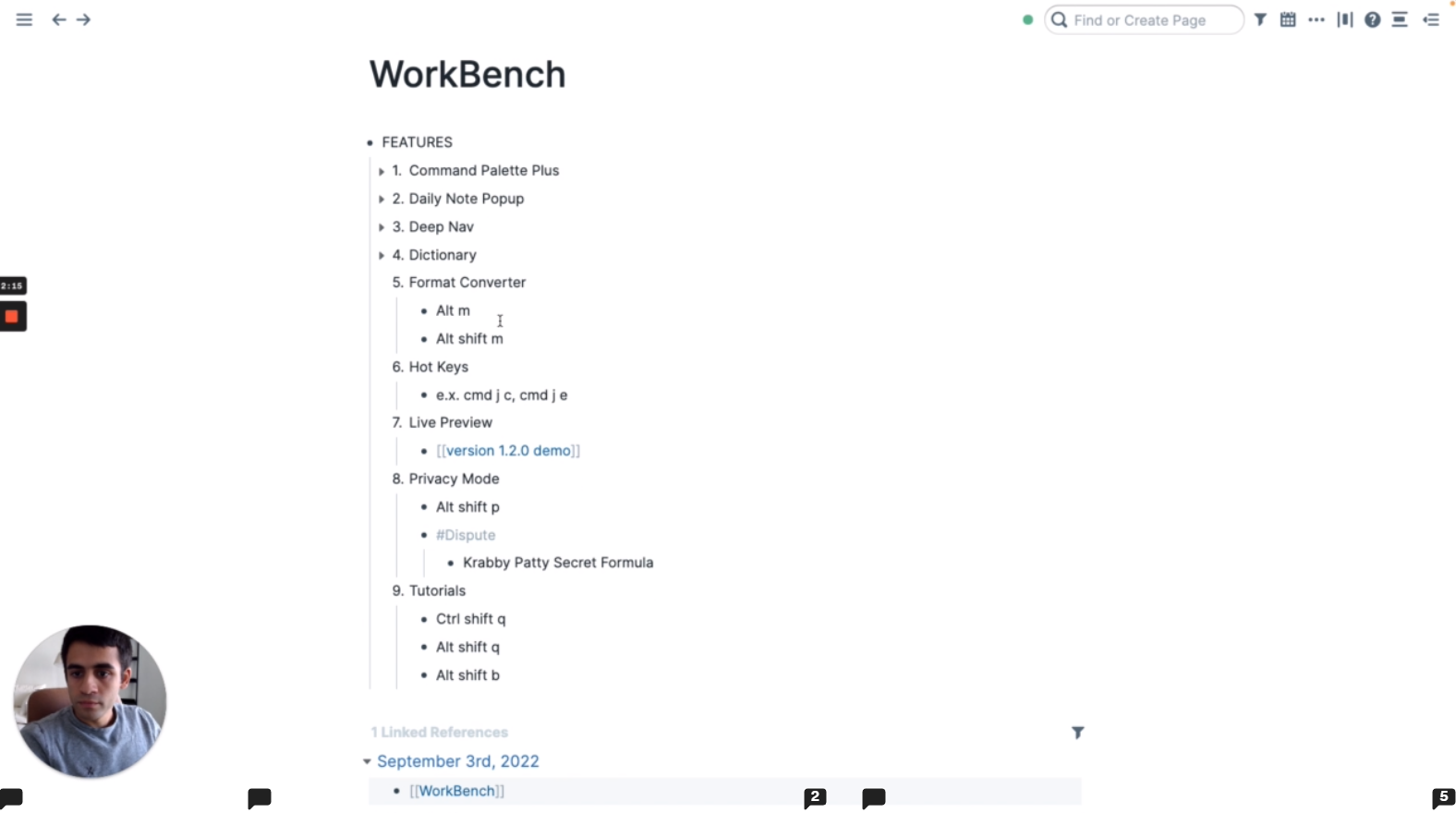
Click on the name of the feature for more details and information about it.
| Plugin | Description |
|---|---|
| Alert | Allows users to schedule alerts within their graphs. |
| Attribute Select | Add a dropdown to specific Attributes that shows user set values. |
| Command Palette+ | Adds an extensive set of user generated and prebuilt commands to help users push Roam to new places. |
| Daily Note Popup | Toggle your Daily Notes page in a popup window for quick access. |
| Decorated Blocks | Decorates blocks with various configurable features for quick actions. |
| Deep Nav | Advanced keyboard navigation of Roam using the keyboard, used to jump to any block in a page or sidebar. |
| Dictionary | Rich dictionary at your fingertips right inside of Roam without having to leave Roam. |
| Format Converter | Outputs the current page to various formats. |
| Hot Keys | Keyboard shortcuts for interacting with the Roam user interface. |
| Image OCR | Extract the text from an image and add it as child blocks! |
| Import Article | Add commands to import web articles directly into Roam. |
| Live Preview | See live and editable previews of page links underneath your mouse cursor. |
| Mind Map | Visualize pieces of your Roam graph as a mind map! |
| Privacy Mode | This feature redacts confidential information when showing your Roam database to others. |
| Table | Editable table component that can be used in your Roam database. |
| Tag Cycle | Define custom tag cycles tied to a keyboard shortcut! |
| Tally | Introduces a tally button component to use directly in your Roam graph. |
| Tutorials | Learn how to use extensions and Roam basics right from within Roam. |
| Weekly Notes | Enabling workflows surrounding weekly note pages. |
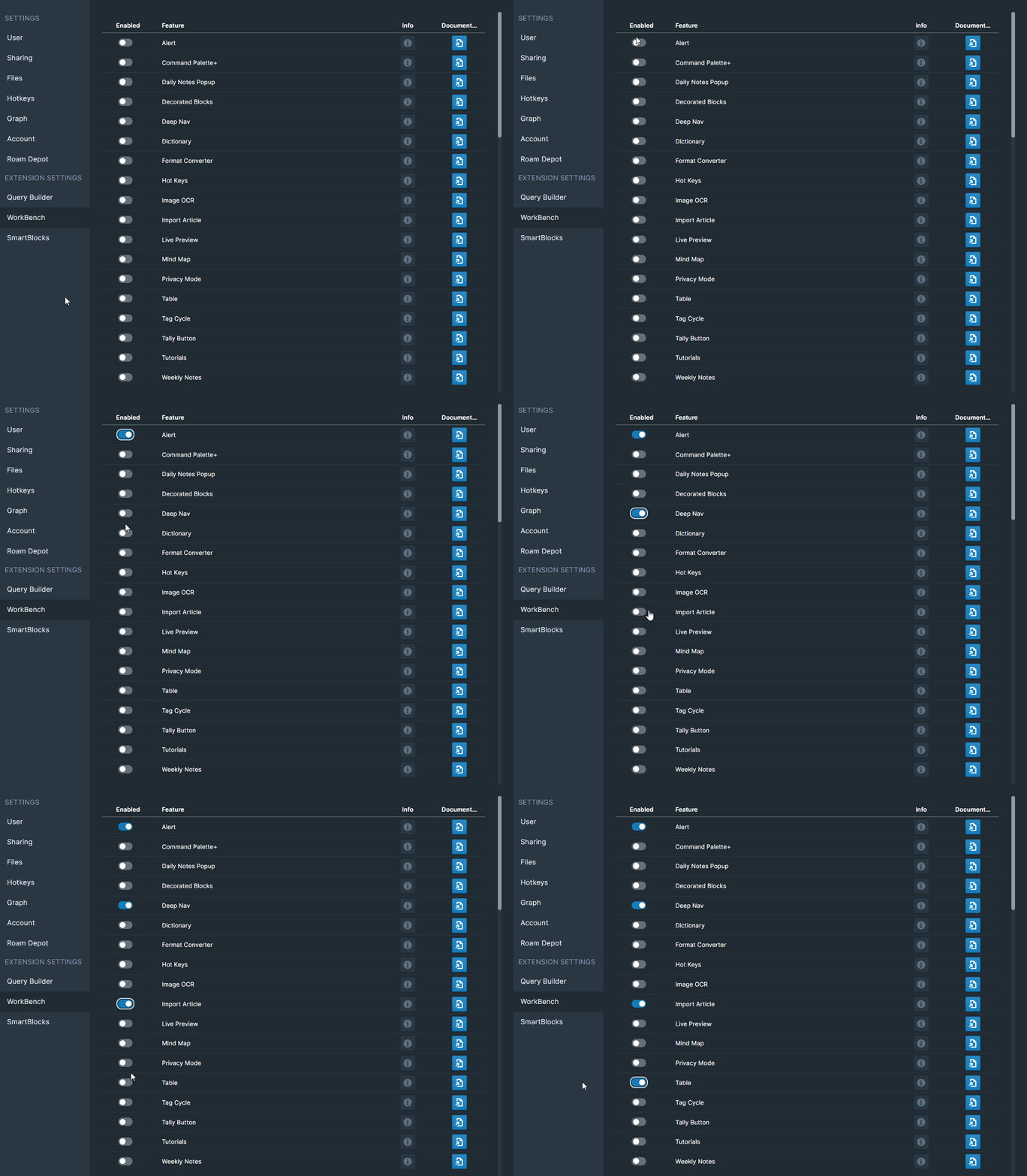
All WorkBench features are disabled by default.
To disable or enable a module, simply open your Roam Depot settings for each feature and toggle the switch for the given feature.