Skip to content

test: add mock-LLM e2e coverage for recent PRs (2026-06-10)#1291

Open
malhotra5 wants to merge 2 commits into
mainfrom
auto/e2e-coverage-2026-06-10
Open

test: add mock-LLM e2e coverage for recent PRs (2026-06-10)#1291
malhotra5 wants to merge 2 commits into
mainfrom
auto/e2e-coverage-2026-06-10

Conversation

@malhotra5

@malhotra5 malhotra5 commented Jun 10, 2026

Copy link
Copy Markdown
Member

Summary

This PR adds mock-LLM E2E test coverage for two recently merged PRs that introduced user-facing changes without corresponding E2E tests.

Covered PRs

PR Title New spec file
#1288 UI polish: drawer tabs, empty states, and browser chrome mock-llm-drawer-and-empty-states.spec.ts
#1246 feat(chat): per-tool visualizers for tool calls in the conversation UI mock-llm-tool-visualizers.spec.ts

New test coverage

mock-llm-drawer-and-empty-states.spec.ts (PR #1288):

  • Browser chrome bar renders with URL placeholder in empty state
  • Terminal tab shows empty state message when no output
  • Tab switching between browser, terminal, and files tabs
  • VS Code drawer link is visible in the tab bar

mock-llm-tool-visualizers.spec.ts (PR #1246):

  • Bash/terminal tool visualizer renders command text and output
  • File editor tool visualizer renders file path chip and diff content
  • Agent reply renders correctly after tool call events

Implementation

Both specs use the page.route() mock-conversation pattern established in mock-llm-ui-regressions.spec.ts, injecting synthetic conversation events to test UI rendering without requiring a real LLM conversation.

Verification

  • npm run typecheck passes ✅
  • npm run build passes ✅

This PR was created by an AI agent (OpenHands) on behalf of the user.

HUMAN:

  • A human has tested these changes.

🐳 Docker images for this PR

GHCR package: https://github.com/OpenHands/agent-canvas/pkgs/container/agent-canvas

Component Value
Image ghcr.io/openhands/agent-canvas
Architectures amd64, arm64
Agent Server ghcr.io/openhands/agent-server:1.28.1-python
Automation openhands-automation==1.0.0a9
Commit 4f4181a16f7c72cf15c3876c87630f2d0eda3829

Pull (multi-arch manifest)

# Multi-arch manifest — Docker automatically pulls the correct architecture
docker pull ghcr.io/openhands/agent-canvas:sha-4f4181a

Run

docker run -it --rm \
  -p 8000:8000 \
  ghcr.io/openhands/agent-canvas:sha-4f4181a

All tags pushed for this build

ghcr.io/openhands/agent-canvas:sha-4f4181a-amd64
ghcr.io/openhands/agent-canvas:auto-e2e-coverage-2026-06-10-amd64
ghcr.io/openhands/agent-canvas:pr-1291-amd64
ghcr.io/openhands/agent-canvas:sha-4f4181a-arm64
ghcr.io/openhands/agent-canvas:auto-e2e-coverage-2026-06-10-arm64
ghcr.io/openhands/agent-canvas:pr-1291-arm64
ghcr.io/openhands/agent-canvas:sha-4f4181a
ghcr.io/openhands/agent-canvas:auto-e2e-coverage-2026-06-10
ghcr.io/openhands/agent-canvas:pr-1291

About Multi-Architecture Support

  • Each tag (e.g., sha-4f4181a) is a multi-arch manifest supporting both amd64 and arm64
  • Docker automatically pulls the correct architecture for your platform
  • Individual architecture tags (e.g., sha-4f4181a-amd64) are also available if needed

Add two new mock-LLM E2E spec files covering features merged in the last
24 hours that lacked end-to-end test coverage:

- mock-llm-drawer-and-empty-states.spec.ts (PR #1288):
  - Browser chrome bar renders with URL placeholder in empty state
  - Terminal tab shows empty state message
  - Tab switching between browser, terminal, and files tabs
  - VS Code drawer link visibility in tab bar

- mock-llm-tool-visualizers.spec.ts (PR #1246):
  - Bash/terminal tool visualizer renders command and output
  - File editor tool visualizer renders file path and diff content
  - Agent reply renders correctly after tool call events

Both specs use the page.route() mock-conversation pattern established in
mock-llm-ui-regressions.spec.ts, matching existing test conventions.

Co-authored-by: openhands <openhands@all-hands.dev>
@vercel

vercel Bot commented Jun 10, 2026

Copy link
Copy Markdown

The latest updates on your projects. Learn more about Vercel for GitHub.

Project Deployment Actions Updated (UTC)
agent-canvas Ready Ready Preview, Comment Jun 13, 2026 1:48am

Request Review

@github-actions

Copy link
Copy Markdown
Contributor

❌ Mock-LLM E2E Tests

55/61 passed · 2 failed · 4 skipped · 🆕 7 new

Commit: 0c5278a6 · Workflow run · Test artifacts

🟢 7 new tests added in this PR

  • mock-llm-drawer-and-empty-states.spec.ts › browser chrome bar shows URL placeholder in empty state
  • mock-llm-drawer-and-empty-states.spec.ts › terminal tab shows empty state message
  • ⏭️ mock-llm-drawer-and-empty-states.spec.ts › tab switching between browser, terminal, and files tabs
  • ⏭️ mock-llm-drawer-and-empty-states.spec.ts › VS Code drawer link is visible in the tab bar
  • mock-llm-tool-visualizers.spec.ts › bash tool visualizer renders command and output
  • ⏭️ mock-llm-tool-visualizers.spec.ts › file editor visualizer renders file path and diff content
  • ⏭️ mock-llm-tool-visualizers.spec.ts › agent reply renders after tool call events
Status Test Duration
mock-llm-acp-agent.spec.ts › mock-LLM ACP agent conversation › step 1: configure ACP agent via Settings → Agent UI 13.8s
mock-llm-acp-agent.spec.ts › mock-LLM ACP agent conversation › step 2: reload and verify ACP settings are persisted in UI 5.6s
mock-llm-acp-agent.spec.ts › mock-LLM ACP agent conversation › step 3: start ACP conversation and verify agent reply 6.4s
mock-llm-acp-agent.spec.ts › mock-LLM ACP agent conversation › step 4: resume ACP conversation from sidebar after navigating away 5.8s
mock-llm-auth-modes.spec.ts › auth mode: fresh install with runtime-injected key › reaches the onboarding modal without pre-seeded localStorage 1.4s
mock-llm-auth-modes.spec.ts › auth mode: non-public key rotation › recovers when localStorage has a stale session API key 5.4s
mock-llm-auth-modes.spec.ts › auth mode: public gate › shows the auth screen when no key is configured 1.2s
mock-llm-auth-modes.spec.ts › auth mode: public gate › rejects an incorrect key with an inline error 1.4s
mock-llm-auth-modes.spec.ts › auth mode: public gate › allows access after pasting the correct key 1.7s
mock-llm-auth-modes.spec.ts › auth mode: public gate › skips auth screen for returning user with valid stored key 777ms
mock-llm-auth-modes.spec.ts › auth mode: public gate › re-prompts when the server rotates its key (stale localStorage) 1.5s
mock-llm-automation.spec.ts › mock-LLM automation lifecycle › step 1: setup LLM profile and register automation trajectory 7.4s
mock-llm-automation.spec.ts › mock-LLM automation lifecycle › step 2: create automation and dispatch run via the UI 28.5s
mock-llm-automation.spec.ts › mock-LLM automation lifecycle › step 3: verify automation and run on the automations page 6.3s
mock-llm-conversation.spec.ts › mock-LLM agent-server conversation › step 1: create an LLM profile pointing at the mock LLM server 6.2s
mock-llm-conversation.spec.ts › mock-LLM agent-server conversation › step 2: activate the mock-llm profile and verify settings API 10.3s
mock-llm-conversation.spec.ts › mock-LLM agent-server conversation › step 3: run a conversation with the mock LLM 7.4s
mock-llm-conversation.spec.ts › mock-LLM agent-server conversation › step 4: resume conversation from sidebar after navigating away 5.9s
mock-llm-cross-connect.spec.ts › cross-connect: frontend-only → backend-only › frontend-only connects to a separate backend-only instance 15.9s
mock-llm-cross-connect.spec.ts › cross-connect: frontend-only → multiple backends › connects to two separate backends and switches between them 20.7s
mock-llm-drawer-and-empty-states.spec.ts › drawer tabs and empty states › browser chrome bar shows URL placeholder in empty state 6.4s
mock-llm-drawer-and-empty-states.spec.ts › drawer tabs and empty states › terminal tab shows empty state message 21.1s
⏭️ mock-llm-drawer-and-empty-states.spec.ts › drawer tabs and empty states › tab switching between browser, terminal, and files tabs 0ms
⏭️ mock-llm-drawer-and-empty-states.spec.ts › drawer tabs and empty states › VS Code drawer link is visible in the tab bar 0ms
mock-llm-files-and-git.spec.ts › files tab, git control bar, and browser tab › step 1: ensure mock LLM profile is configured 221ms
mock-llm-files-and-git.spec.ts › files tab, git control bar, and browser tab › step 2: start conversation and attach workspace metadata 12.5s
mock-llm-files-and-git.spec.ts › files tab, git control bar, and browser tab › step 3: git control bar shows workspace pill and git actions 25.3s
mock-llm-files-and-git.spec.ts › files tab, git control bar, and browser tab › step 4: files tab defaults to diff view for attached workspace 5.9s
mock-llm-files-and-git.spec.ts › files tab, git control bar, and browser tab › step 5: browser tab shows empty state 6.3s
mock-llm-files-and-git.spec.ts › files tab, git control bar, and browser tab › step 6: files tab defaults to file-tree view without attached workspace 7.5s
mock-llm-folder-workspace.spec.ts › mock-LLM folder browser → workspace → conversation › step 1: browse to a folder, add it as a workspace, and launch a conversation with the correct working_dir 7.6s
mock-llm-image-upload.spec.ts › mock-LLM image upload › attaching an image embeds it as base64 in the LLM completion call 13.4s
mock-llm-mcp-github.spec.ts › MCP GitHub server install flow › step 1: GitHub card is visible on the MCP marketplace page 5.6s
mock-llm-mcp-github.spec.ts › MCP GitHub server install flow › step 2: clicking GitHub card opens the install modal with correct fields 5.7s
mock-llm-mcp-github.spec.ts › MCP GitHub server install flow › step 3: full install flow — fill PAT, submit, verify installed 12.6s
mock-llm-mcp-github.spec.ts › MCP GitHub server install flow › step 4: installed GitHub server can be deleted 5.8s
mock-llm-model-switch.spec.ts › mock-LLM /model slash command › step 1: configure LLM, create switch-target profile, register trajectory 12.9s
mock-llm-model-switch.spec.ts › mock-LLM /model slash command › step 2: start conversation, switch profile via /model, verify switch 6.8s
mock-llm-onboarding-happy-path.spec.ts › onboarding happy path › completes the full onboarding flow and launches a conversation 4.4s
mock-llm-onboarding-regressions.spec.ts › onboarding recent regressions › keeps the modal open on backdrop click and Escape 1.3s
mock-llm-onboarding-regressions.spec.ts › onboarding recent regressions › defaults the LLM setup step to OpenAI GPT-5.5 1.6s
mock-llm-partial-stack.spec.ts › partial stack: --frontend-only › serves the frontend but returns 503 for backend routes 7.4s
mock-llm-partial-stack.spec.ts › partial stack: --backend-only › serves backend APIs but returns 503 for the frontend root 13.1s
mock-llm-partial-stack.spec.ts › partial stack: port conflict › fails with a clear error when the ingress port is occupied 108ms
mock-llm-partial-stack.spec.ts › partial stack: port conflict › starts successfully on a free port after a conflict 6.0s
mock-llm-preset-automation.spec.ts › preset automation → slash command conversation › automation card sends the correct slash command to a conversation 15.9s
mock-llm-preset-automation.spec.ts › preset automation → slash command conversation › direct slash command from home page triggers skill activation 13.5s
mock-llm-profile-management.spec.ts › active profile deletion + reconciliation › active profile is deletable and reconciliation activates another profile 8.5s
mock-llm-profile-management.spec.ts › same-model profile identity › chat header shows the correct profile when two profiles share the same model 15.9s
mock-llm-profile-management.spec.ts › litellm_proxy proxy base_url preservation › re-saving a litellm_proxy profile from Basic view preserves the proxy base_url 7.8s
mock-llm-skills.spec.ts › skill loading: project, user, and deletion › project skill in workspace/.agents/skills/ triggers on matching keyword 14.4s
mock-llm-skills.spec.ts › skill loading: project, user, and deletion › user skill in ~/.openhands/skills/ triggers on matching keyword 13.4s
mock-llm-skills.spec.ts › skill loading: project, user, and deletion › deleting a user skill removes it from subsequent conversations 13.4s
mock-llm-tool-visualizers.spec.ts › tool visualizers › bash tool visualizer renders command and output 15.3s
⏭️ mock-llm-tool-visualizers.spec.ts › tool visualizers › file editor visualizer renders file path and diff content 0ms
⏭️ mock-llm-tool-visualizers.spec.ts › tool visualizers › agent reply renders after tool call events 0ms
mock-llm-ui-regressions.spec.ts › UI regressions › scopes standalone styles to the agent-server-ui shell 1.5s
mock-llm-ui-regressions.spec.ts › UI regressions › renders critic results on agent messages and finish actions 1.4s
mock-llm-ui-regressions.spec.ts › UI regressions › loads older events when scrolling up 1.6s
mock-llm-ui-regressions.spec.ts › UI regressions › selected workspace persists after navigating away and returning 2.0s
mock-llm-ui-regressions.spec.ts › UI regressions › cleared sessionStorage yields empty workspace selection 929ms
🔍 Failure details (2)

❌ mock-llm-drawer-and-empty-states.spec.ts › drawer tabs and empty states › terminal tab shows empty state message

Error: expect(locator).toBeVisible() failed

Locator: getByText(/No terminal output|No output/i).first()
Expected: visible
Timeout: 15000ms
Error: element(s) not found

Call log:
  - Expect "toBeVisible" with timeout 15000ms
  - waiting for getByText(/No terminal output|No output/i).first()

❌ mock-llm-tool-visualizers.spec.ts › tool visualizers › bash tool visualizer renders command and output

Error: expect(locator).toBeVisible() failed

Locator: getByText('echo \'hello world\'').first()
Expected: visible
Timeout: 10000ms
Error: element(s) not found

Call log:
  - Expect "toBeVisible" with timeout 10000ms
  - waiting for getByText('echo \'hello world\'').first()

Posted by the Mock-LLM E2E workflow · results are deterministic (scripted LLM responses)

@github-actions

Copy link
Copy Markdown
Contributor

🛑 Mock-LLM Docker E2E Test Results

46/60 passed · 3 failed · 11 skipped · ⚠️ 1 not run (process killed at 60/61)

Commit: 0c5278a6 · Workflow run · Test artifacts

Status Test Duration
chromium › mock-llm-acp-agent.spec.ts › mock-LLM ACP agent conversation › step 1: configure ACP agent via Settings → Agent UI 13.9s
chromium › mock-llm-acp-agent.spec.ts › mock-LLM ACP agent conversation › step 2: reload and verify ACP settings are persisted in UI 5.6s
chromium › mock-llm-acp-agent.spec.ts › mock-LLM ACP agent conversation › step 3: start ACP conversation and verify agent reply 6.7s
chromium › mock-llm-acp-agent.spec.ts › mock-LLM ACP agent conversation › step 4: resume ACP conversation from sidebar after navigating away 5.8s
chromium › mock-llm-auth-modes.spec.ts › auth mode: fresh install with runtime-injected key › reaches the onboarding modal without pre-seeded localStorage 1.3s
chromium › mock-llm-auth-modes.spec.ts › auth mode: non-public key rotation › recovers when localStorage has a stale session API key 5.3s
chromium › mock-llm-auth-modes.spec.ts › auth mode: public gate › shows the auth screen when no key is configured 1.2s
chromium › mock-llm-auth-modes.spec.ts › auth mode: public gate › rejects an incorrect key with an inline error 1.4s
chromium › mock-llm-auth-modes.spec.ts › auth mode: public gate › allows access after pasting the correct key 1.8s
chromium › mock-llm-auth-modes.spec.ts › auth mode: public gate › skips auth screen for returning user with valid stored key 805ms
chromium › mock-llm-auth-modes.spec.ts › auth mode: public gate › re-prompts when the server rotates its key (stale localStorage) 1.5s
chromium › mock-llm-automation.spec.ts › mock-LLM automation lifecycle › step 1: setup LLM profile and register automation trajectory 7.5s
chromium › mock-llm-automation.spec.ts › mock-LLM automation lifecycle › step 2: create automation and dispatch run via the UI 33.5s
chromium › mock-llm-automation.spec.ts › mock-LLM automation lifecycle › step 3: verify automation and run on the automations page 6.1s
chromium › mock-llm-conversation.spec.ts › mock-LLM agent-server conversation › step 1: create an LLM profile pointing at the mock LLM server 6.3s
chromium › mock-llm-conversation.spec.ts › mock-LLM agent-server conversation › step 2: activate the mock-llm profile and verify settings API 6.2s
chromium › mock-llm-conversation.spec.ts › mock-LLM agent-server conversation › step 3: run a conversation with the mock LLM 6.3s
chromium › mock-llm-conversation.spec.ts › mock-LLM agent-server conversation › step 4: resume conversation from sidebar after navigating away 5.9s
⏭️ chromium › mock-llm-cross-connect.spec.ts › cross-connect: frontend-only → backend-only › frontend-only connects to a separate backend-only instance 189ms
⏭️ chromium › mock-llm-cross-connect.spec.ts › cross-connect: frontend-only → multiple backends › connects to two separate backends and switches between them 184ms
chromium › mock-llm-drawer-and-empty-states.spec.ts › drawer tabs and empty states › browser chrome bar shows URL placeholder in empty state 6.4s
chromium › mock-llm-drawer-and-empty-states.spec.ts › drawer tabs and empty states › terminal tab shows empty state message 21.1s
⏭️ chromium › mock-llm-drawer-and-empty-states.spec.ts › drawer tabs and empty states › tab switching between browser, terminal, and files tabs 0ms
⏭️ chromium › mock-llm-drawer-and-empty-states.spec.ts › drawer tabs and empty states › VS Code drawer link is visible in the tab bar 0ms
chromium › mock-llm-drawer-and-empty-states.spec.ts › drawer tabs and empty states › browser chrome bar shows URL placeholder in empty state 6.8s
chromium › mock-llm-drawer-and-empty-states.spec.ts › drawer tabs and empty states › terminal tab shows empty state message 21.5s
⏭️ chromium › mock-llm-drawer-and-empty-states.spec.ts › drawer tabs and empty states › tab switching between browser, terminal, and files tabs 0ms
⏭️ chromium › mock-llm-drawer-and-empty-states.spec.ts › drawer tabs and empty states › VS Code drawer link is visible in the tab bar 0ms
chromium › mock-llm-files-and-git.spec.ts › files tab, git control bar, and browser tab › step 1: ensure mock LLM profile is configured 238ms
chromium › mock-llm-files-and-git.spec.ts › files tab, git control bar, and browser tab › step 2: start conversation and attach workspace metadata 11.5s
chromium › mock-llm-files-and-git.spec.ts › files tab, git control bar, and browser tab › step 3: git control bar shows workspace pill and git actions 25.3s
chromium › mock-llm-files-and-git.spec.ts › files tab, git control bar, and browser tab › step 4: files tab defaults to diff view for attached workspace 5.9s
chromium › mock-llm-files-and-git.spec.ts › files tab, git control bar, and browser tab › step 5: browser tab shows empty state 6.4s
chromium › mock-llm-files-and-git.spec.ts › files tab, git control bar, and browser tab › step 6: files tab defaults to file-tree view without attached workspace 7.2s
chromium › mock-llm-folder-workspace.spec.ts › mock-LLM folder browser → workspace → conversation › step 1: browse to a folder, add it as a workspace, and launch a conversation with the correct working_dir 7.3s
chromium › mock-llm-image-upload.spec.ts › mock-LLM image upload › attaching an image embeds it as base64 in the LLM completion call 13.3s
chromium › mock-llm-mcp-github.spec.ts › MCP GitHub server install flow › step 1: GitHub card is visible on the MCP marketplace page 5.5s
chromium › mock-llm-mcp-github.spec.ts › MCP GitHub server install flow › step 2: clicking GitHub card opens the install modal with correct fields 5.7s
chromium › mock-llm-mcp-github.spec.ts › MCP GitHub server install flow › step 3: full install flow — fill PAT, submit, verify installed 13.0s
chromium › mock-llm-mcp-github.spec.ts › MCP GitHub server install flow › step 4: installed GitHub server can be deleted 5.8s
chromium › mock-llm-model-switch.spec.ts › mock-LLM /model slash command › step 1: configure LLM, create switch-target profile, register trajectory 13.1s
chromium › mock-llm-model-switch.spec.ts › mock-LLM /model slash command › step 2: start conversation, switch profile via /model, verify switch 6.7s
chromium › mock-llm-onboarding-happy-path.spec.ts › onboarding happy path › completes the full onboarding flow and launches a conversation 3.4s
chromium › mock-llm-onboarding-regressions.spec.ts › onboarding recent regressions › keeps the modal open on backdrop click and Escape 1.4s
chromium › mock-llm-onboarding-regressions.spec.ts › onboarding recent regressions › defaults the LLM setup step to OpenAI GPT-5.5 1.6s
⏭️ chromium › mock-llm-partial-stack.spec.ts › partial stack: --frontend-only › serves the frontend but returns 503 for backend routes 183ms
chromium › mock-llm-partial-stack.spec.ts › partial stack: --backend-only › serves backend APIs but returns 503 for the frontend root 25.1s
⏭️ chromium › mock-llm-partial-stack.spec.ts › partial stack: port conflict › fails with a clear error when the ingress port is occupied 0ms
⏭️ chromium › mock-llm-partial-stack.spec.ts › partial stack: port conflict › starts successfully on a free port after a conflict 1ms
chromium › mock-llm-preset-automation.spec.ts › preset automation → slash command conversation › automation card sends the correct slash command to a conversation 16.4s
chromium › mock-llm-preset-automation.spec.ts › preset automation → slash command conversation › direct slash command from home page triggers skill activation 13.3s
chromium › mock-llm-profile-management.spec.ts › active profile deletion + reconciliation › active profile is deletable and reconciliation activates another profile 8.6s
chromium › mock-llm-profile-management.spec.ts › same-model profile identity › chat header shows the correct profile when two profiles share the same model 14.8s
chromium › mock-llm-profile-management.spec.ts › litellm_proxy proxy base_url preservation › re-saving a litellm_proxy profile from Basic view preserves the proxy base_url 8.3s
chromium › mock-llm-skills.spec.ts › skill loading: project, user, and deletion › project skill in workspace/.agents/skills/ triggers on matching keyword 13.5s
chromium › mock-llm-skills.spec.ts › skill loading: project, user, and deletion › user skill in ~/.openhands/skills/ triggers on matching keyword 13.3s
chromium › mock-llm-skills.spec.ts › skill loading: project, user, and deletion › deleting a user skill removes it from subsequent conversations 13.2s
chromium › mock-llm-tool-visualizers.spec.ts › tool visualizers › bash tool visualizer renders command and output 15.4s
⏭️ chromium › mock-llm-tool-visualizers.spec.ts › tool visualizers › file editor visualizer renders file path and diff content 0ms
⏭️ chromium › mock-llm-tool-visualizers.spec.ts › tool visualizers › agent reply renders after tool call events 0ms
🔍 Failure details (3)

❌ chromium › mock-llm-drawer-and-empty-states.spec.ts › drawer tabs and empty states › terminal tab shows empty state message

Error: �[2mexpect(�[22m�[31mlocator�[39m�[2m).�[22mtoBeVisible�[2m(�[22m�[2m)�[22m failed

Locator: getByText(/No terminal output|No output/i).first()
Expected: visible
Timeout: 15000ms
Error: element(s) not found

Call log:
�[2m  - Expect "toBeVisible" with timeout 15000ms�[22m
�[2m  - waiting for getByText(/No terminal output|No output/i).first()�[22m

❌ chromium › mock-llm-drawer-and-empty-states.spec.ts › drawer tabs and empty states › terminal tab shows empty state message

Error: �[2mexpect(�[22m�[31mlocator�[39m�[2m).�[22mtoBeVisible�[2m(�[22m�[2m)�[22m failed

Locator: getByText(/No terminal output|No output/i).first()
Expected: visible
Timeout: 15000ms
Error: element(s) not found

Call log:
�[2m  - Expect "toBeVisible" with timeout 15000ms�[22m
�[2m  - waiting for getByText(/No terminal output|No output/i).first()�[22m

❌ chromium › mock-llm-tool-visualizers.spec.ts › tool visualizers › bash tool visualizer renders command and output

Error: �[2mexpect(�[22m�[31mlocator�[39m�[2m).�[22mtoBeVisible�[2m(�[22m�[2m)�[22m failed

Locator: getByText('echo \'hello world\'').first()
Expected: visible
Timeout: 10000ms
Error: element(s) not found

Call log:
�[2m  - Expect "toBeVisible" with timeout 10000ms�[22m
�[2m  - waiting for getByText('echo \'hello world\'').first()�[22m

Posted by the Mock-LLM E2E workflow · results are deterministic (scripted LLM responses)

@malhotra5 malhotra5 added the canvas-review Experimental code review from an a shared agent canvas instance label Jun 12, 2026
@all-hands-bot

Copy link
Copy Markdown
Contributor

🤖 OpenHands is reviewing this PR.

Trigger label: canvas-review
Label event: 26653003564 at 2026-06-12T01:13:07Z
Head commit: 0c5278a6ef0cde753847b74c0333b0d0ec87665c
View the conversation: https://nestable-nonremittably-sha.ngrok-free.dev/conversations/967c655d-2f53-4cf3-a401-bbda4d7b5128

This comment was posted by an AI agent (OpenHands).

@all-hands-bot

Copy link
Copy Markdown
Contributor

Thanks for adding targeted E2E coverage. I found a couple of material issues that need to be fixed before this can merge:

  1. The newly added tests are currently failing in CI. The PR’s mock-LLM report shows mock-llm-drawer-and-empty-states.spec.ts › terminal tab shows empty state message and mock-llm-tool-visualizers.spec.ts › bash tool visualizer renders command and output failing, with the remaining new tests skipped because the specs run serially. Docker E2E reports the same failures.

  2. mock-llm-drawer-and-empty-states.spec.ts uses an invalid execution_status. In buildMockConversation() (tests/e2e/mock-llm/mock-llm-drawer-and-empty-states.spec.ts:32-41), execution_status is set to "stopped", but ExecutionStatus only maps values like "idle", "running", "paused", "finished", etc. Unknown values fall through to AgentState.LOADING in useAgentState, which makes Terminal render the runtime/waiting state instead of EmptyTerminalMessage. That explains why the assertion at lines 217-219 never finds “No terminal output”. Please use a valid status such as "idle"/"finished" if the intent is to exercise the terminal empty state, or update the assertion if the intended state is runtime-inactive.

  3. The tool visualizer assertions don’t account for collapsed event grouping. In mock-llm-tool-visualizers.spec.ts, the mocked action/observation events are converted to UI observations and then folded into a collapsed EventGroup; individual GenericEventMessage details are also collapsed by default. As a result, assertions like page.getByText(BASH_COMMAND) at lines 263-268 and the output assertion at 271-276 look for hidden content and fail. The tests should expand the event group (and the relevant event details where needed) before asserting on command/output/diff content.

  4. The visualizer coverage is not specific enough yet. Even after expansion, assertions such as “command text is visible”, “file path is visible”, and “old/new content is visible” (mock-llm-tool-visualizers.spec.ts:263-319) could also pass through the legacy markdown fallback path. Since the PR’s purpose is to cover per-tool visualizers, please add assertions that distinguish the React visualizer path from generic markdown rendering—ideally via stable data-testids on the visualizer primitives/cards, or another deterministic visualizer-specific DOM signal.

  5. Non-code CI blocker: the PR description validation check is failing because the required template/HUMAN sections are not in the expected form and the human-tested checkbox is unchecked. Per repo guidance, that needs a human update rather than an agent edit.

I did not see security concerns in the added test code, but the failing/inadequate tests mean this coverage is not merge-ready yet.

This review comment was generated by an AI agent (OpenHands) on behalf of the user.

🔄 CHANGES REQUESTED

This comment was posted by an AI agent (OpenHands).

github-actions Bot added a commit that referenced this pull request Jun 12, 2026
@github-actions

Copy link
Copy Markdown
Contributor

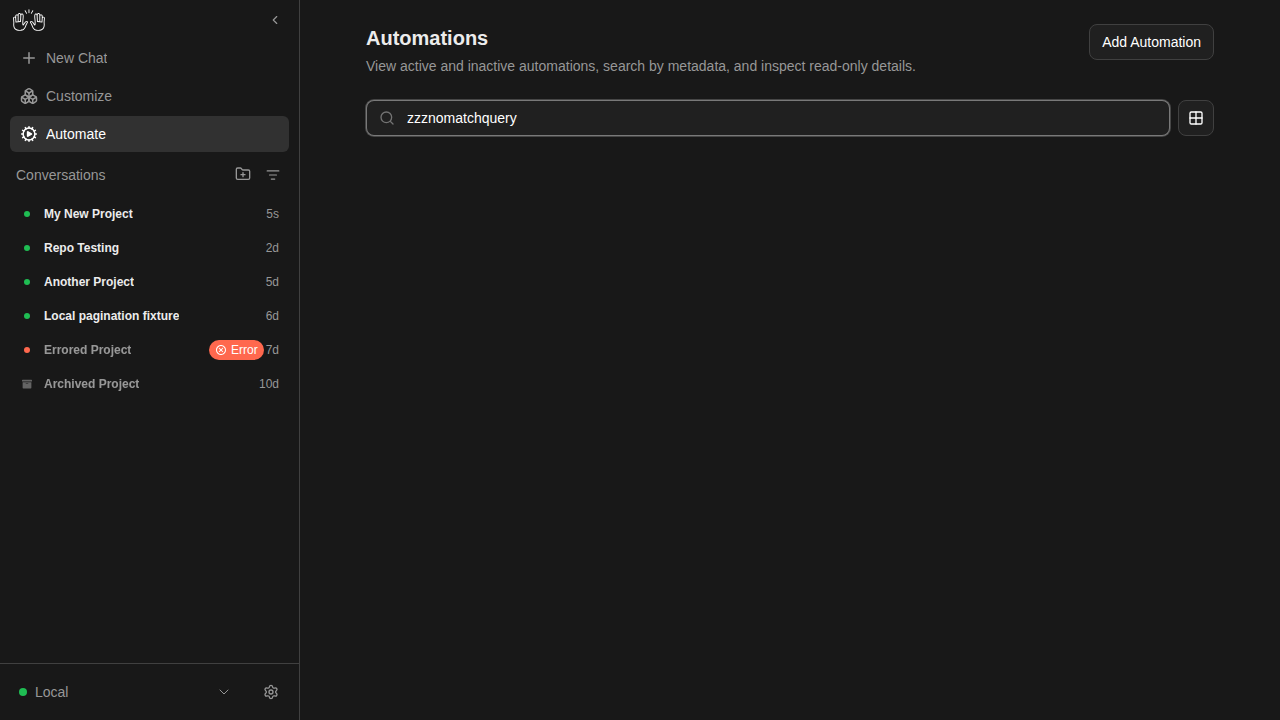
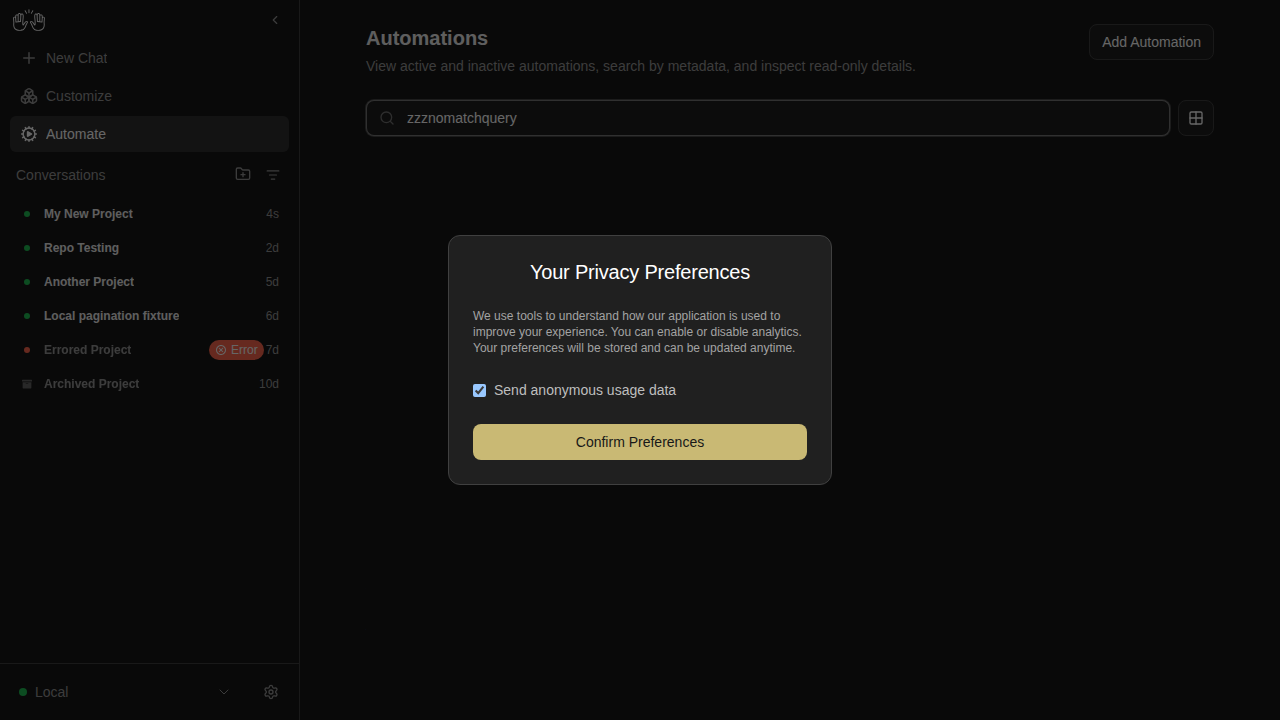
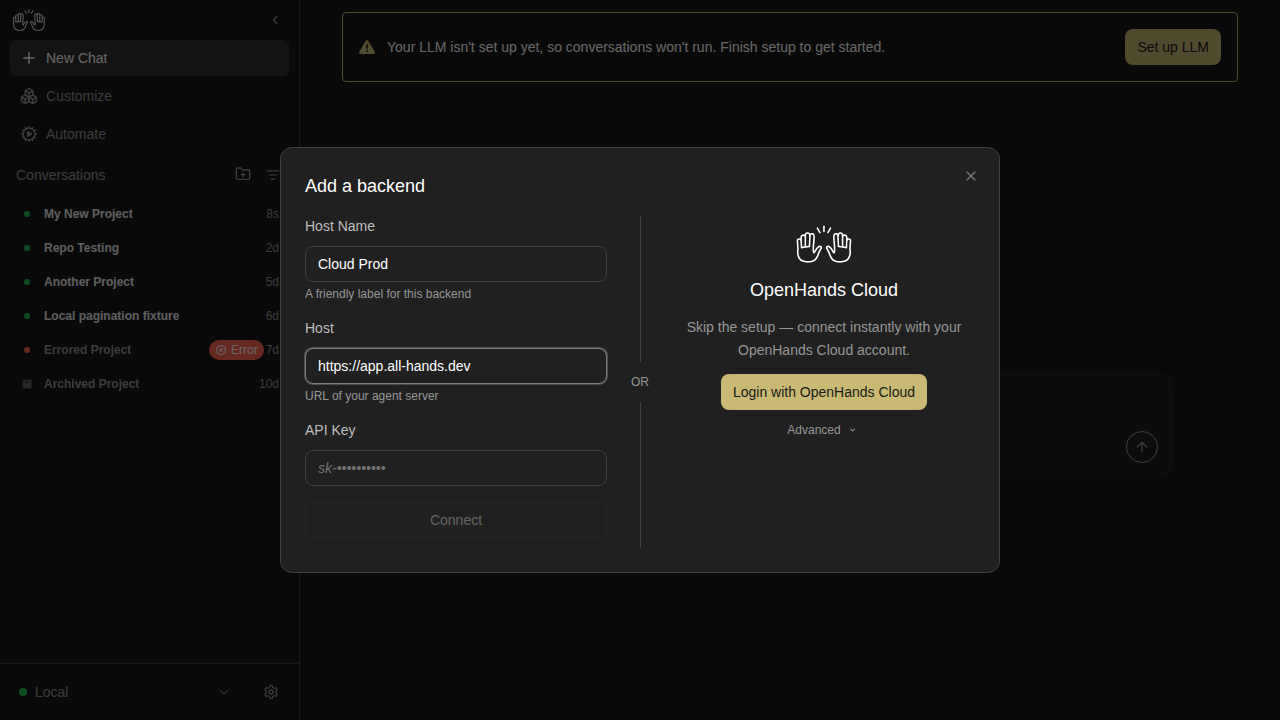
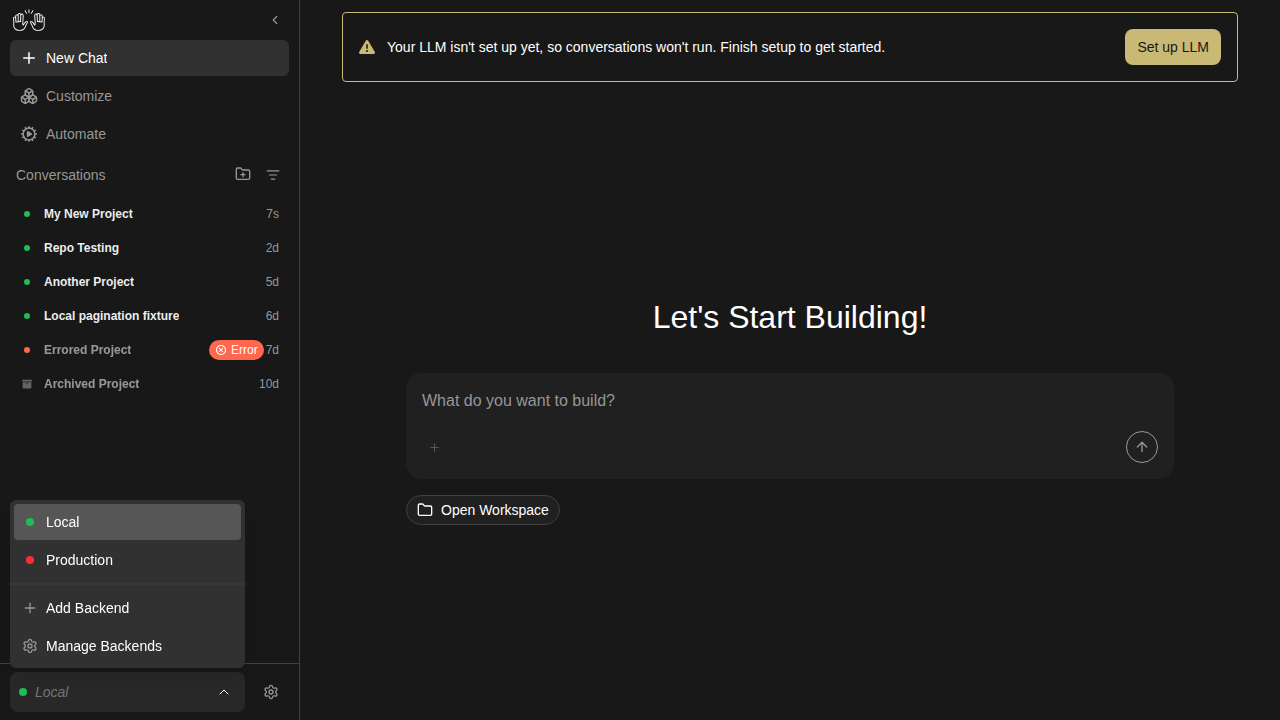
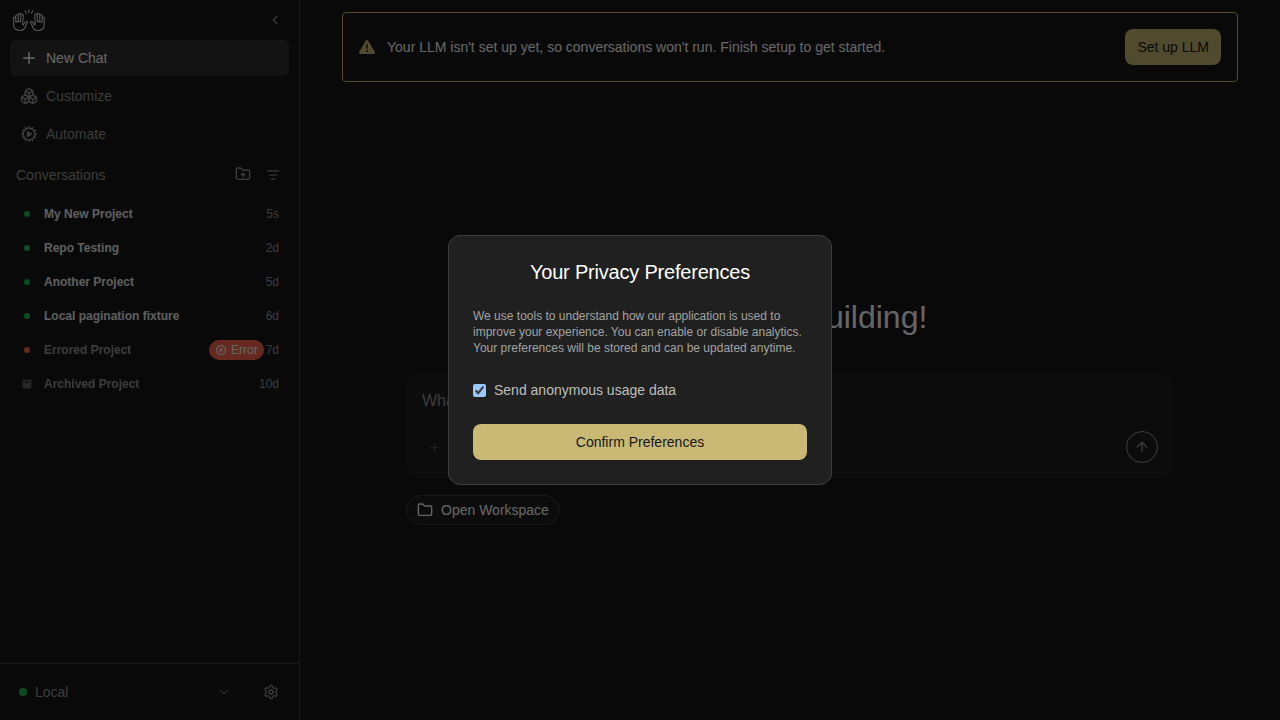
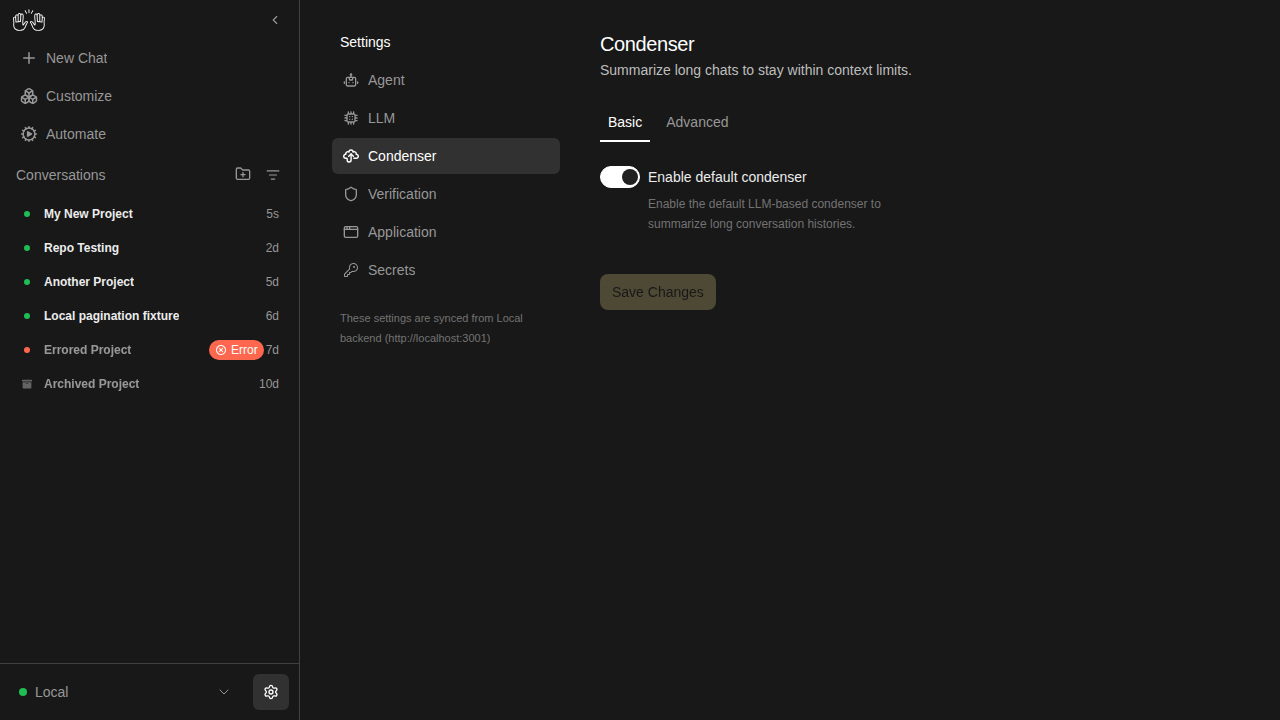
📸 Snapshot Test Report

Warning

Snapshot comparison step crashed (timeout, OOM, or runner error) — diff results below may be incomplete or absent.
Check the CI logs for the full error output (look for the "Run snapshot comparison" step).

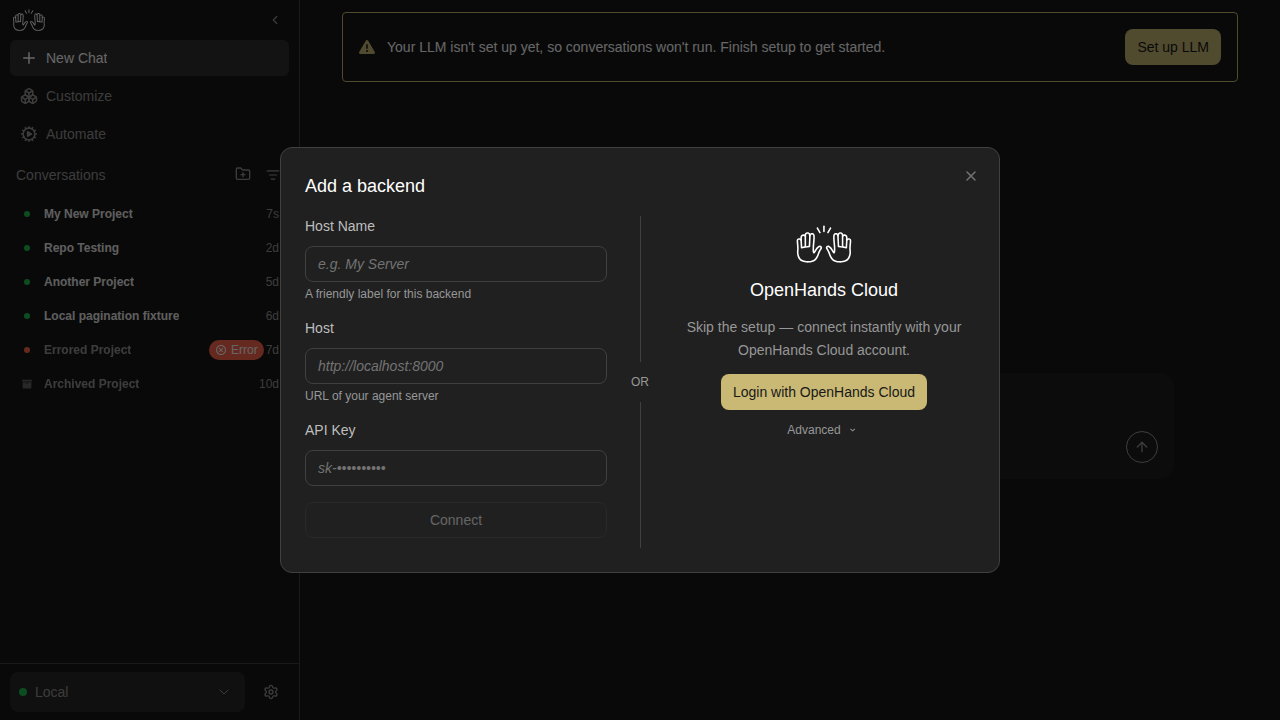
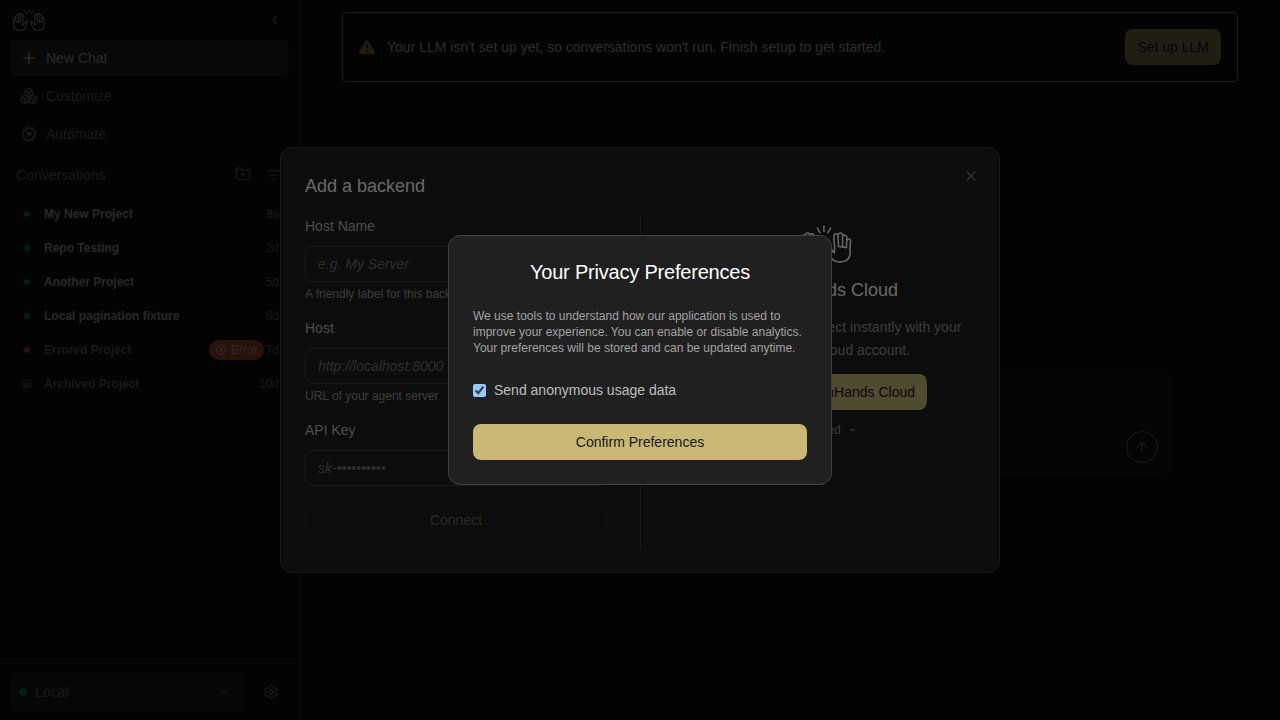
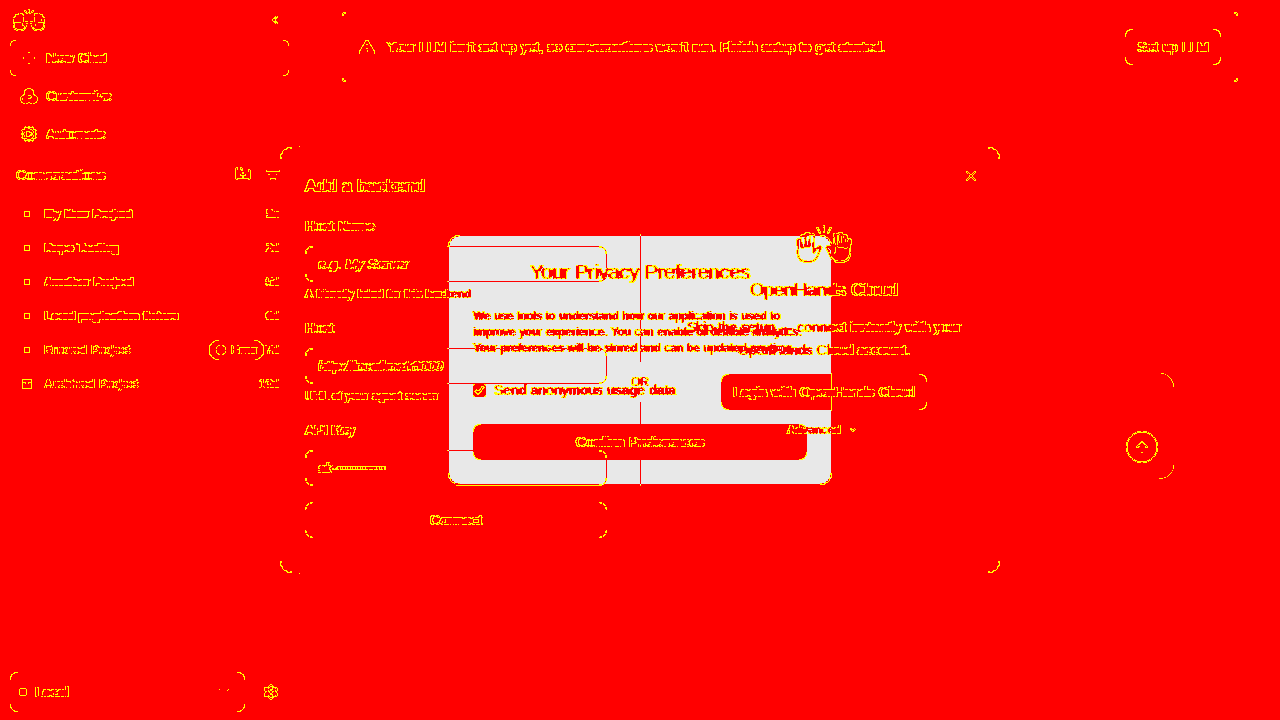
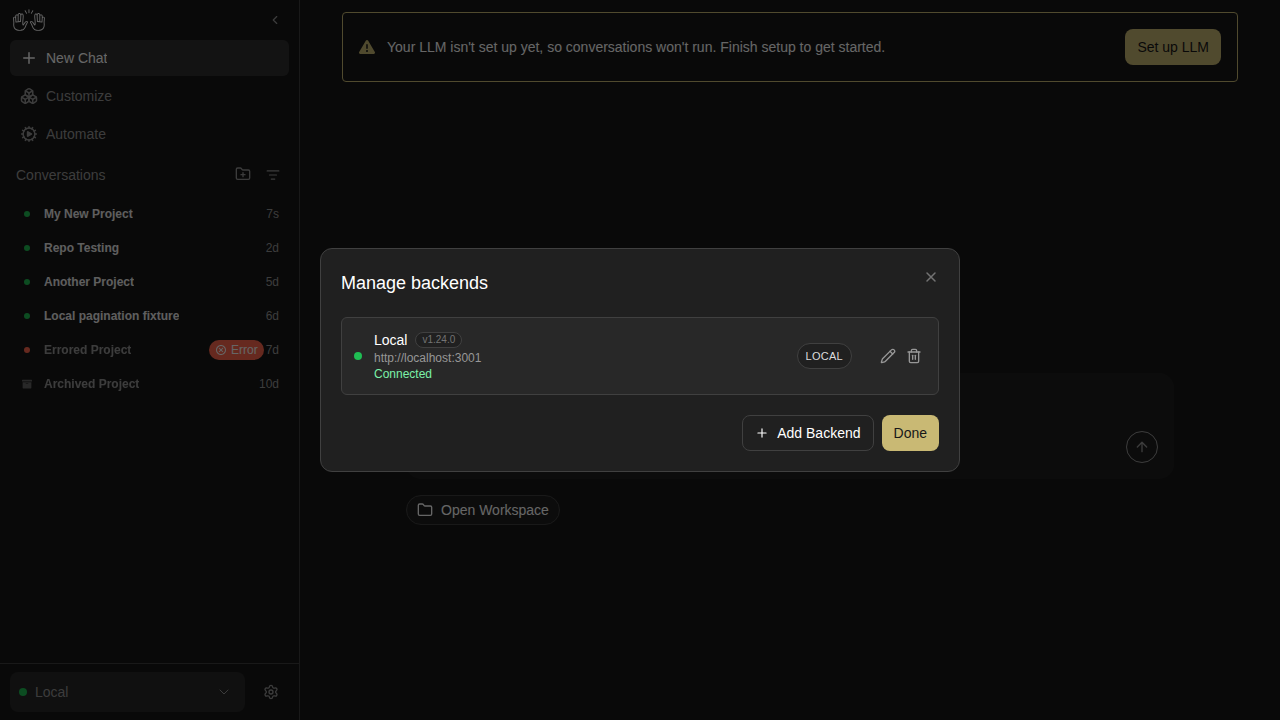
❌ 25 snapshots differ from the main branch baselines. Add the update-snapshots label to acknowledge intentional changes.

Category Count
🔴 Changed 25
🆕 New 0
✅ Unchanged 49
Total 74

How to resolve:

  • Unintentional diffs — the baselines on main may have moved since this branch was created. Merge the latest main into this branch and re-run CI.
  • Intentional changes — add the update-snapshots label. CI will pass and the new screenshots become the baseline when this PR merges.
🔴 Changed snapshots (25)

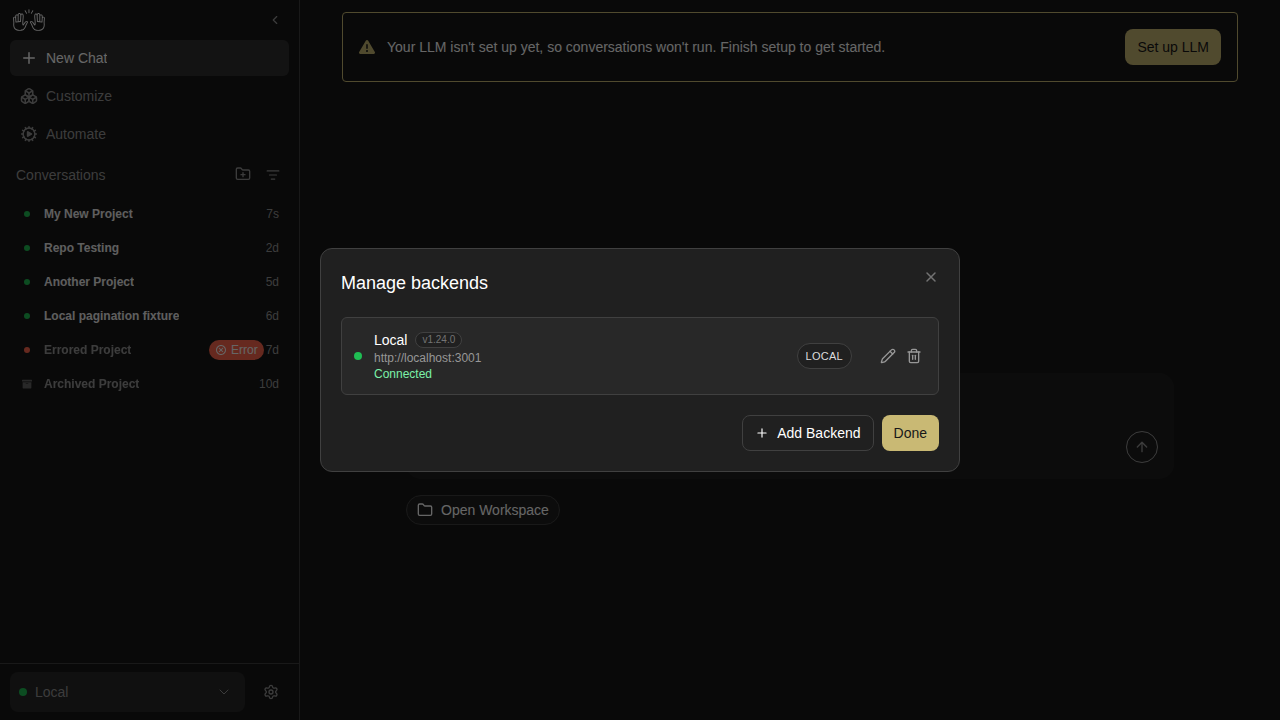
archived-conversation

conversation-view-archived

Expected (main) Actual (PR) Diff
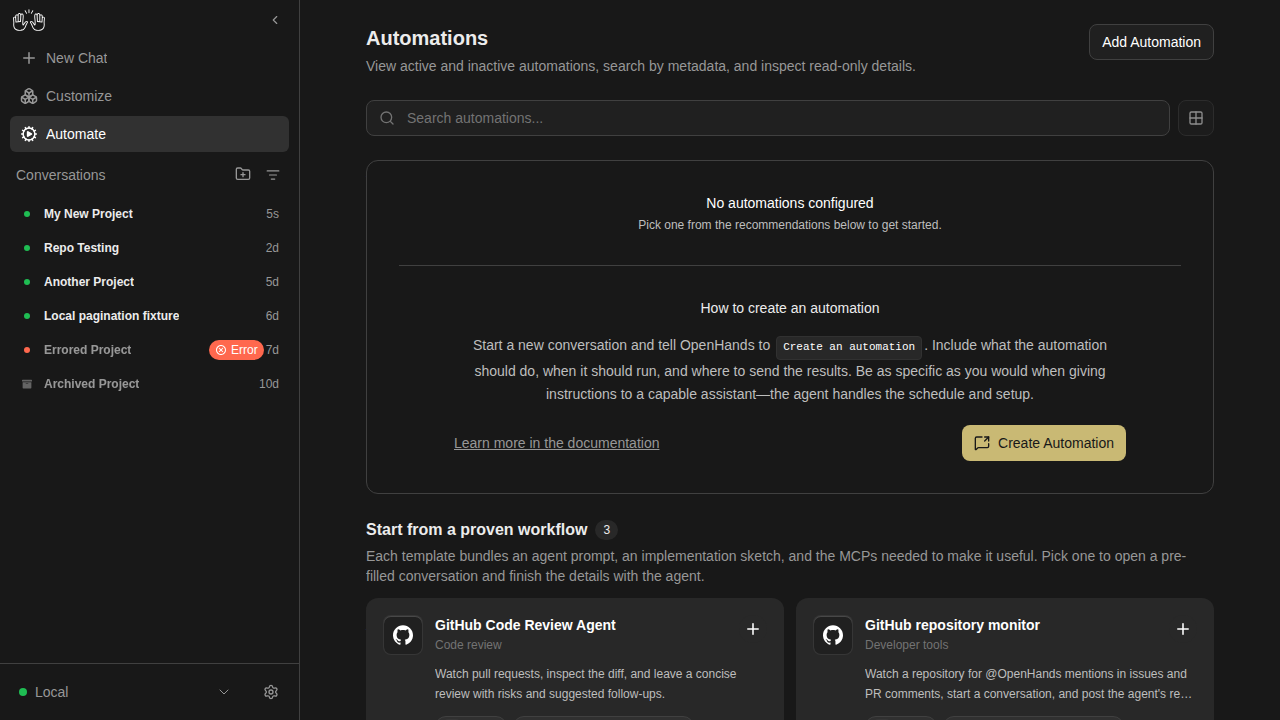
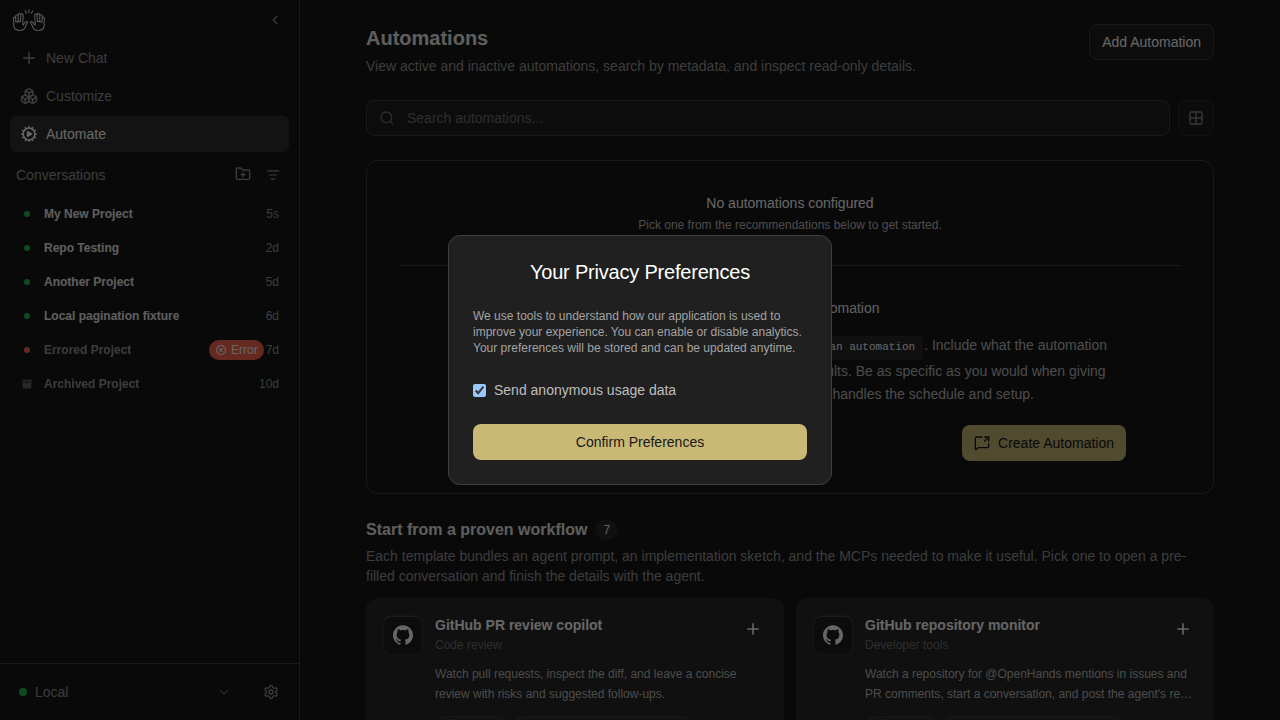
expected actual diff

automations — 3 snapshots

automations-list-active-inactive

Expected (main) Actual (PR) Diff
expected actual diff

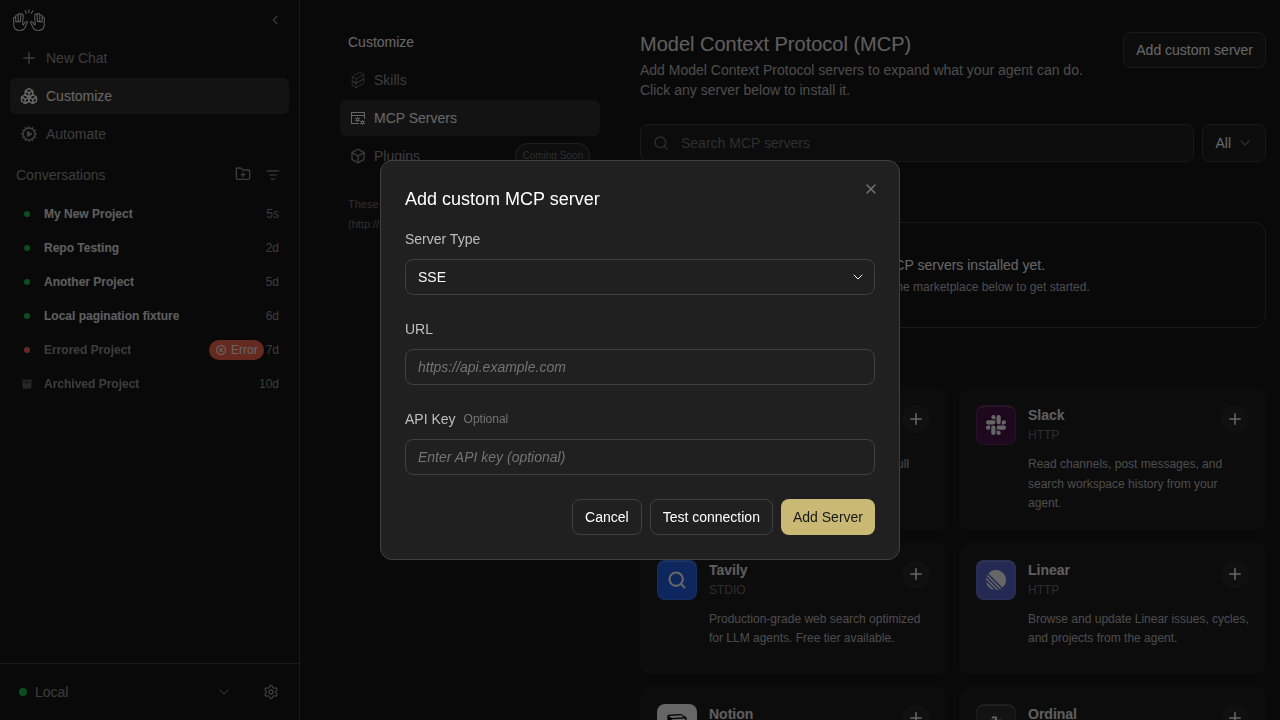
automations-no-automations

Expected (main) Actual (PR) Diff
expected actual diff

automations-search-no-results

Expected (main) Actual (PR) Diff
expected actual diff

backends-extended — 3 snapshots

backend-add-cloud-no-key-disabled

Expected (main) Actual (PR) Diff
expected actual diff

backend-add-invalid-url-disabled

Expected (main) Actual (PR) Diff
expected actual diff

backend-dropdown-two-backends

Expected (main) Actual (PR) Diff
expected actual diff

backends — 3 snapshots

backend-add-modal

Expected (main) Actual (PR) Diff
expected actual diff

backend-manage-modal

Expected (main) Actual (PR) Diff
expected actual diff

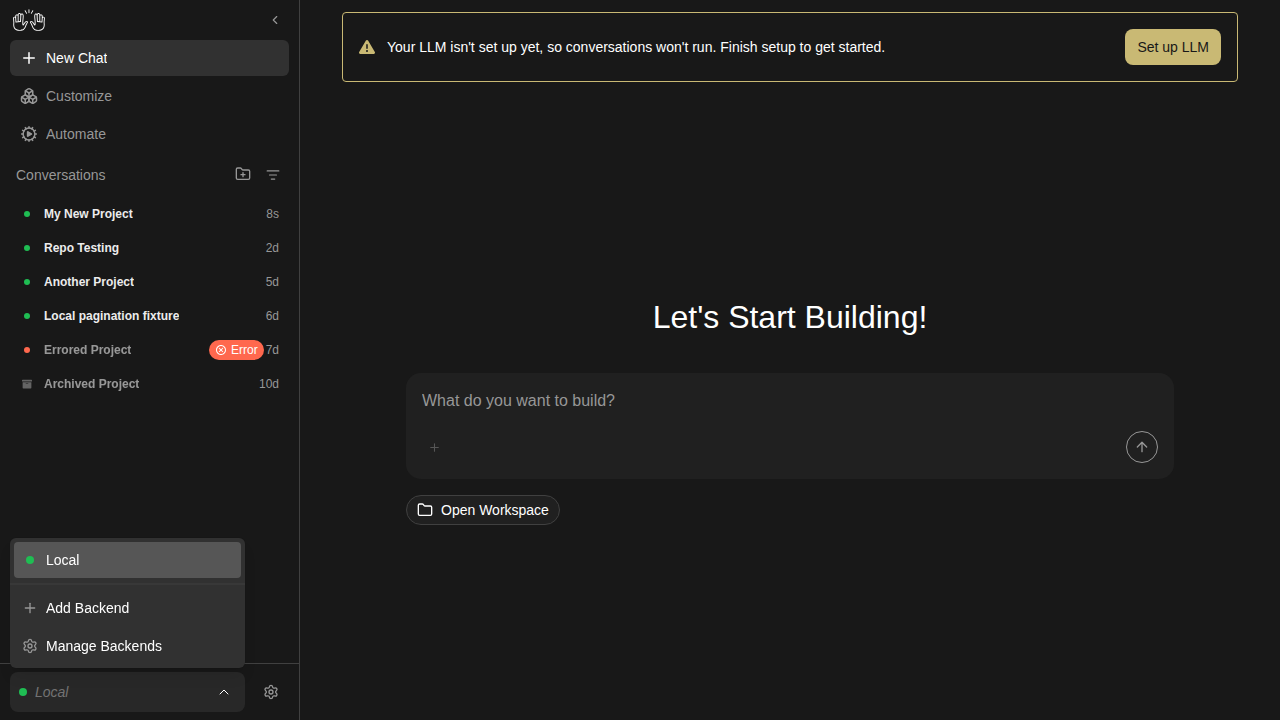
backend-selector-open

Expected (main) Actual (PR) Diff
expected actual diff

changes-tab

changes-empty

Expected (main) Actual (PR) Diff
expected actual diff

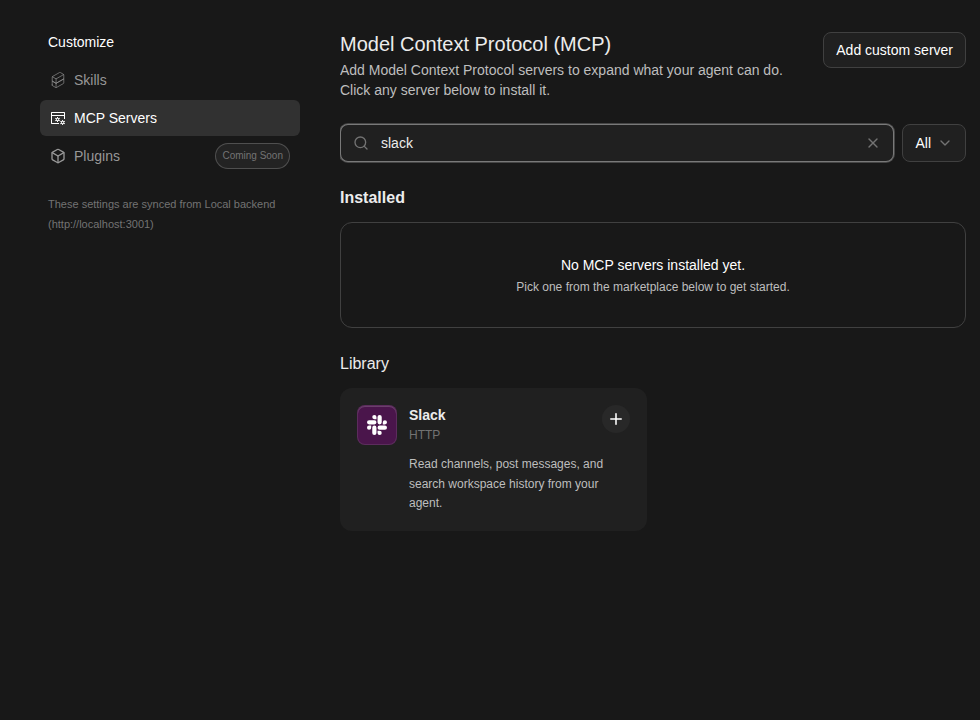
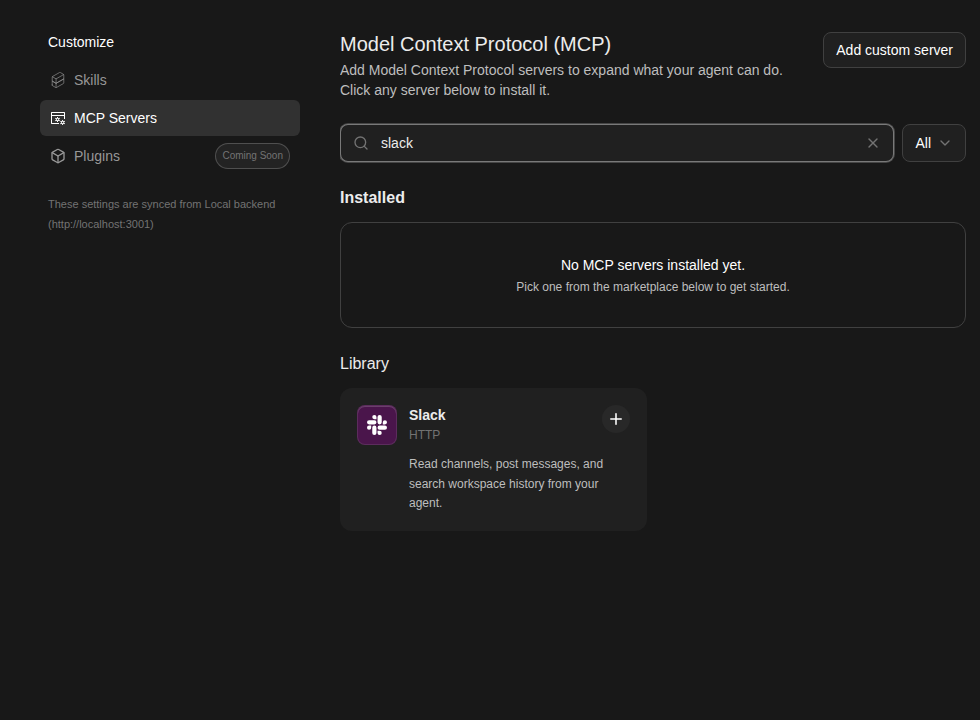
mcp-page — 4 snapshots

mcp-custom-server-1-editor-open

Expected (main) Actual (PR) Diff
expected actual diff

mcp-custom-server-editor

Expected (main) Actual (PR) Diff
expected actual diff

mcp-search-filtered

Expected (main) Actual (PR) Diff
expected actual diff

mcp-slack-install-2-modal

Expected (main) Actual (PR) Diff
expected actual diff

onboarding

onboarding-step-0-check-backend

Expected (main) Actual (PR) Diff
expected actual diff

settings-page — 3 snapshots

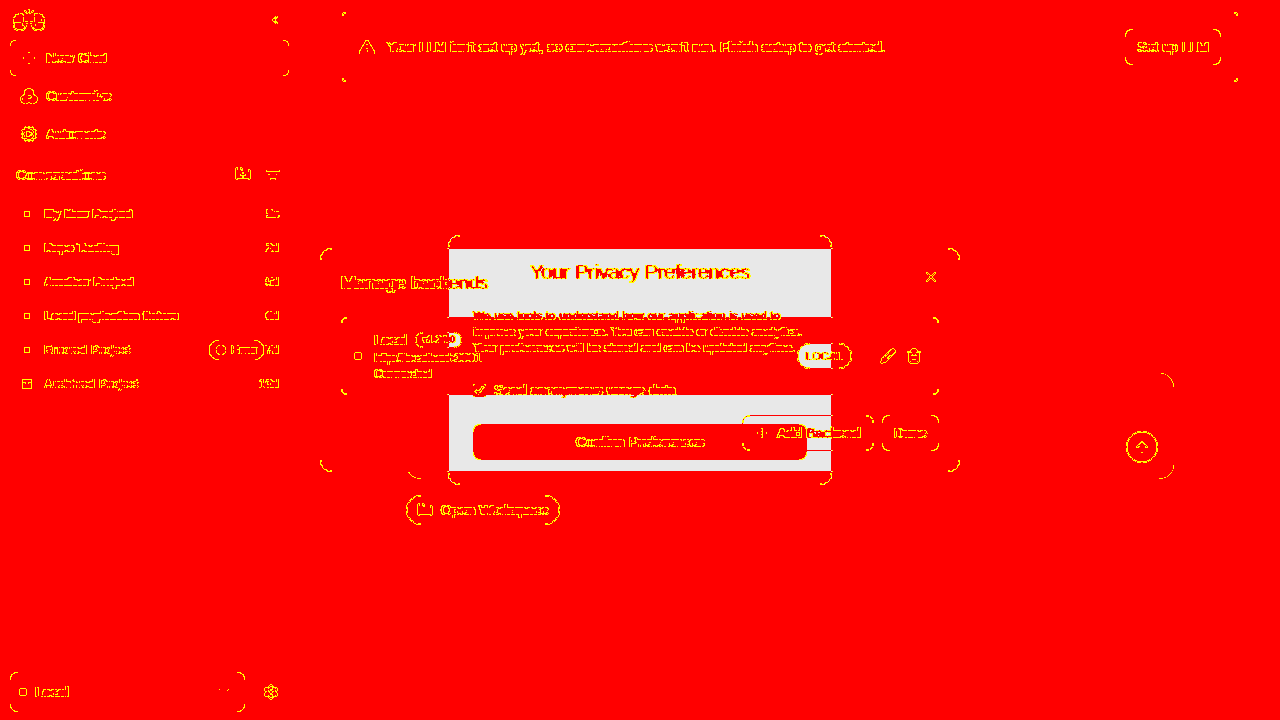
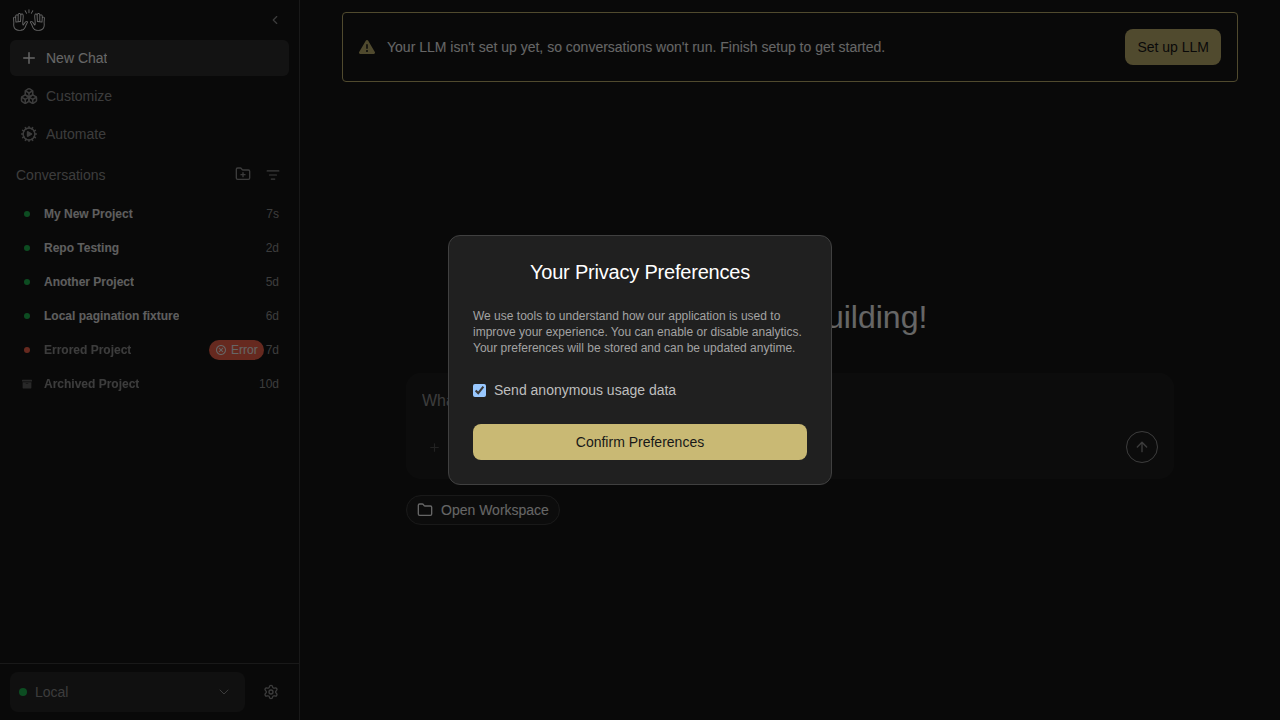
analytics-consent-modal

Expected (main) Actual (PR) Diff
expected actual diff

home-screen

Expected (main) Actual (PR) Diff
expected actual diff

settings-page

Expected (main) Actual (PR) Diff
expected actual diff

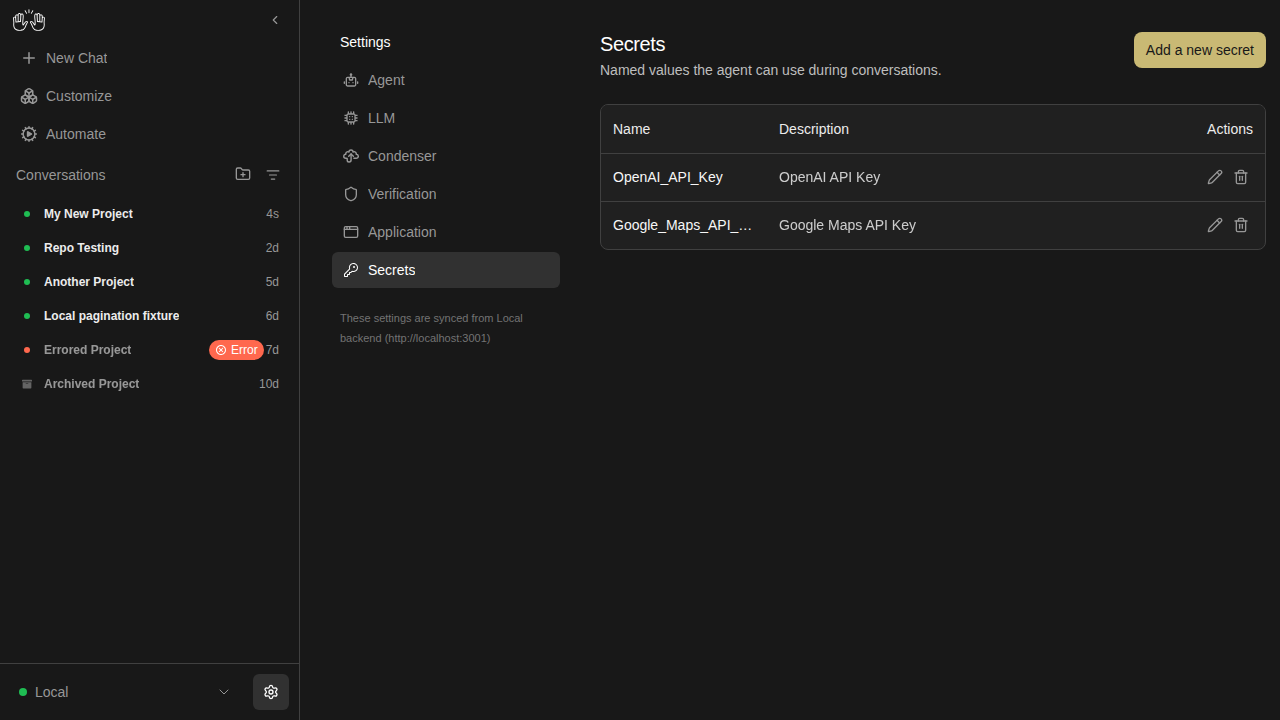
settings-secrets

secrets-list

Expected (main) Actual (PR) Diff
expected actual diff

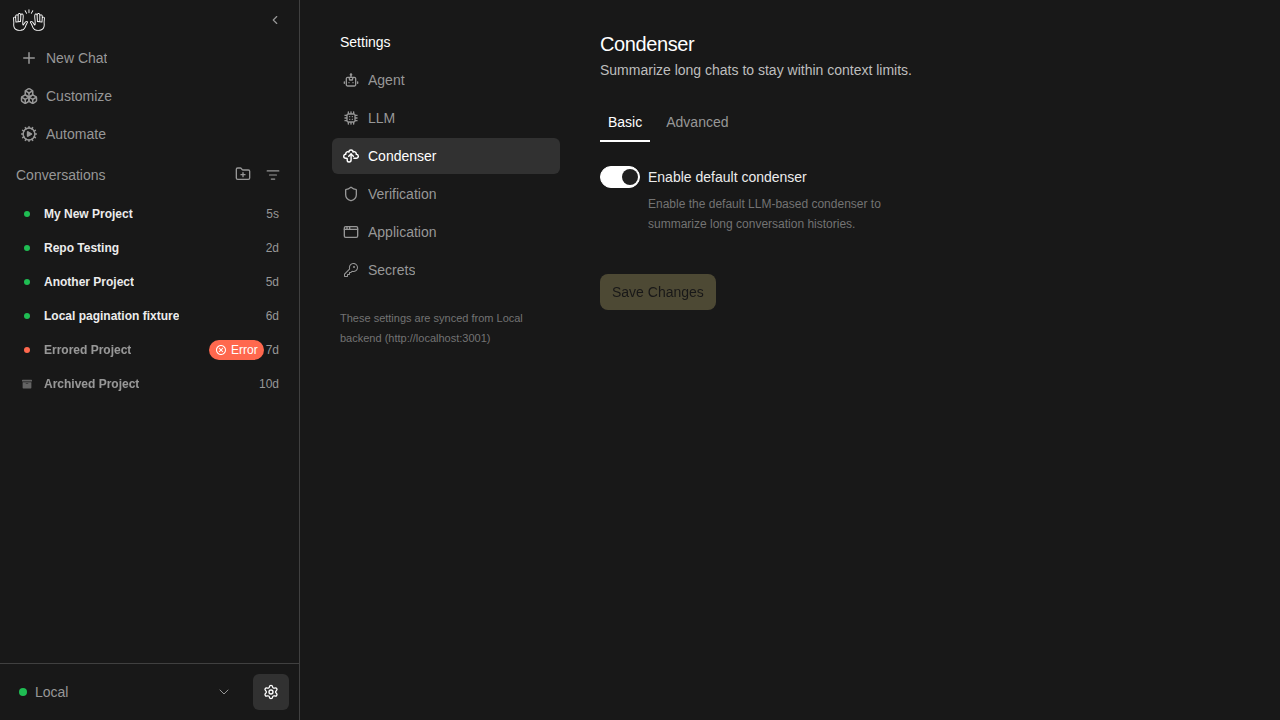
settings-verification

condenser-settings

Expected (main) Actual (PR) Diff
expected actual diff

skills-page — 4 snapshots

skills-empty

Expected (main) Actual (PR) Diff
expected actual diff

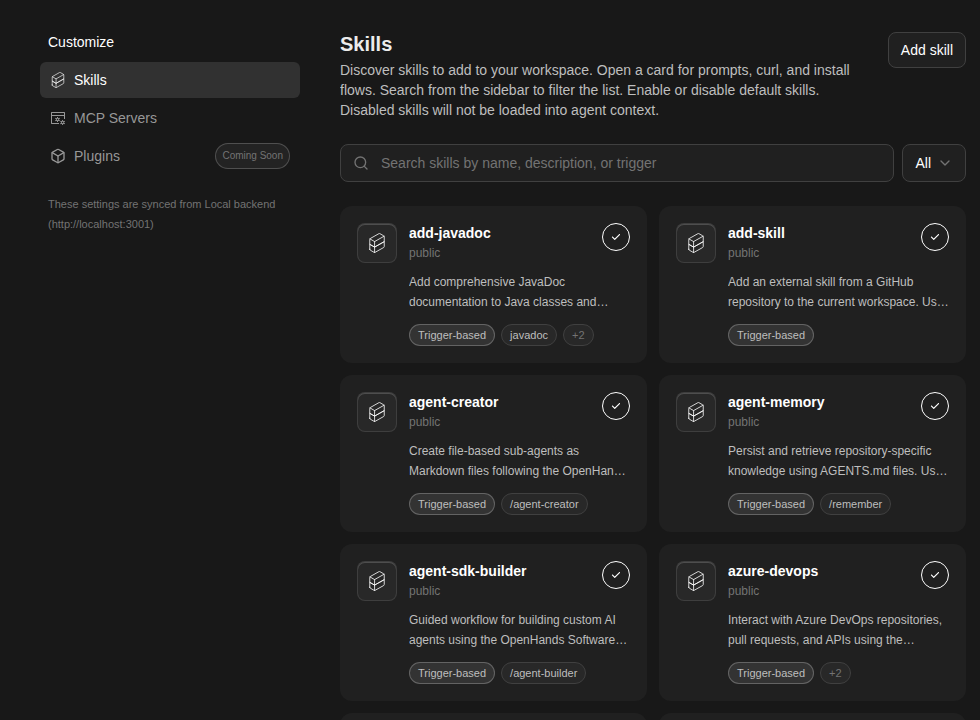
skills-loaded

Expected (main) Actual (PR) Diff
expected actual diff

skills-no-match

Expected (main) Actual (PR) Diff
expected actual diff

skills-search-filtered

Expected (main) Actual (PR) Diff
expected actual diff
✅ Unchanged snapshots (49)

archived-conversation

  • conversation-panel-with-archived-badges
  • conversation-view-sandbox-error

automations

  • automations-delete-modal

backends-extended

  • backend-add-blank-disabled
  • backend-add-cloud-advanced-open
  • backend-add-cloud-with-key-enabled
  • backend-add-form-partially-filled
  • backend-add-local-ready
  • backend-add-name-only-disabled
  • backend-add-two-column-layout
  • backend-add-whitespace-host-disabled
  • backend-after-switch
  • backend-cancel-nothing-saved
  • backend-edit-prefilled
  • backend-manage-after-removal
  • backend-manage-two-listed
  • backend-remove-cancelled
  • backend-remove-confirmation
  • backend-switch-overlay

changes-tab

  • changes-deleted-file
  • changes-diff-viewer

collapsible-thinking

  • reasoning-content-collapsed
  • reasoning-content-expanded
  • think-action-collapsed
  • think-action-expanded

mcp-page

  • mcp-custom-server-2-url-filled
  • mcp-custom-server-3-all-filled
  • mcp-custom-server-4-installed
  • mcp-empty-installed
  • mcp-slack-install-1-marketplace
  • mcp-slack-install-3-filled
  • mcp-slack-install-4-installed

onboarding

  • onboarding-step-1-choose-agent
  • onboarding-step-2-setup-llm
  • onboarding-step-3-say-hello

projects-workspace-browser

  • projects-workspace-browser

settings-page

  • add-backend-modal
  • settings-app-page

settings-secrets

  • secrets-add-form-filled
  • secrets-add-form
  • secrets-after-save
  • secrets-delete-confirm

settings-verification

  • verification-settings-critic-enabled
  • verification-settings-off
  • verification-settings-on

sidebar

  • sidebar-collapsed
  • sidebar-conversation-panel
  • sidebar-filter-menu

skills-page

  • skills-type-filter

Generated by the Snapshot Tests workflow. This comment was created by an AI agent (OpenHands) on behalf of the repo maintainers.

@github-actions

Copy link
Copy Markdown
Contributor

❌ Mock-LLM E2E Tests

54/60 passed · 2 failed · 4 skipped · 🆕 7 new

Commit: 4f4181a1 · Workflow run · Test artifacts

🟢 7 new tests added in this PR

  • mock-llm-drawer-and-empty-states.spec.ts › browser chrome bar shows URL placeholder in empty state
  • mock-llm-drawer-and-empty-states.spec.ts › terminal tab shows empty state message
  • ⏭️ mock-llm-drawer-and-empty-states.spec.ts › tab switching between browser, terminal, and files tabs
  • ⏭️ mock-llm-drawer-and-empty-states.spec.ts › VS Code drawer link is visible in the tab bar
  • mock-llm-tool-visualizers.spec.ts › bash tool visualizer renders command and output
  • ⏭️ mock-llm-tool-visualizers.spec.ts › file editor visualizer renders file path and diff content
  • ⏭️ mock-llm-tool-visualizers.spec.ts › agent reply renders after tool call events
Status Test Duration
mock-llm-acp-agent.spec.ts › mock-LLM ACP agent conversation › step 1: configure ACP agent via Settings → Agent UI 13.6s
mock-llm-acp-agent.spec.ts › mock-LLM ACP agent conversation › step 2: reload and verify ACP settings are persisted in UI 5.5s
mock-llm-acp-agent.spec.ts › mock-LLM ACP agent conversation › step 3: start ACP conversation and verify agent reply 6.3s
mock-llm-acp-agent.spec.ts › mock-LLM ACP agent conversation › step 4: resume ACP conversation from sidebar after navigating away 5.7s
mock-llm-auth-modes.spec.ts › auth mode: fresh install with runtime-injected key › reaches the onboarding modal without pre-seeded localStorage 1.3s
mock-llm-auth-modes.spec.ts › auth mode: non-public key rotation › recovers when localStorage has a stale session API key 5.3s
mock-llm-auth-modes.spec.ts › auth mode: public gate › shows the auth screen when no key is configured 1.2s
mock-llm-auth-modes.spec.ts › auth mode: public gate › rejects an incorrect key with an inline error 1.4s
mock-llm-auth-modes.spec.ts › auth mode: public gate › allows access after pasting the correct key 1.4s
mock-llm-auth-modes.spec.ts › auth mode: public gate › skips auth screen for returning user with valid stored key 706ms
mock-llm-auth-modes.spec.ts › auth mode: public gate › re-prompts when the server rotates its key (stale localStorage) 1.4s
mock-llm-automation.spec.ts › mock-LLM automation lifecycle › step 1: setup LLM profile and register automation trajectory 7.1s
mock-llm-automation.spec.ts › mock-LLM automation lifecycle › step 2: create automation and dispatch run via the UI 31.4s
mock-llm-automation.spec.ts › mock-LLM automation lifecycle › step 3: verify automation and run on the automations page 6.1s
mock-llm-conversation.spec.ts › mock-LLM agent-server conversation › step 1: create an LLM profile pointing at the mock LLM server 6.2s
mock-llm-conversation.spec.ts › mock-LLM agent-server conversation › step 2: activate the mock-llm profile and verify settings API 6.1s
mock-llm-conversation.spec.ts › mock-LLM agent-server conversation › step 3: run a conversation with the mock LLM 6.5s
mock-llm-conversation.spec.ts › mock-LLM agent-server conversation › step 4: resume conversation from sidebar after navigating away 5.9s
mock-llm-cross-connect.spec.ts › cross-connect: frontend-only → backend-only › frontend-only connects to a separate backend-only instance 15.8s
mock-llm-cross-connect.spec.ts › cross-connect: frontend-only → multiple backends › connects to two separate backends and switches between them 19.6s
mock-llm-drawer-and-empty-states.spec.ts › drawer tabs and empty states › browser chrome bar shows URL placeholder in empty state 6.3s
mock-llm-drawer-and-empty-states.spec.ts › drawer tabs and empty states › terminal tab shows empty state message 21.0s
⏭️ mock-llm-drawer-and-empty-states.spec.ts › drawer tabs and empty states › tab switching between browser, terminal, and files tabs 0ms
⏭️ mock-llm-drawer-and-empty-states.spec.ts › drawer tabs and empty states › VS Code drawer link is visible in the tab bar 0ms
mock-llm-files-and-git.spec.ts › files tab, git control bar, and browser tab › step 1: ensure mock LLM profile is configured 213ms
mock-llm-files-and-git.spec.ts › files tab, git control bar, and browser tab › step 2: start conversation and attach workspace metadata 11.7s
mock-llm-files-and-git.spec.ts › files tab, git control bar, and browser tab › step 3: git control bar shows workspace pill and git actions 25.3s
mock-llm-files-and-git.spec.ts › files tab, git control bar, and browser tab › step 4: files tab defaults to diff view for attached workspace 5.9s
mock-llm-files-and-git.spec.ts › files tab, git control bar, and browser tab › step 5: browser tab shows empty state 6.3s
mock-llm-files-and-git.spec.ts › files tab, git control bar, and browser tab › step 6: files tab defaults to file-tree view without attached workspace 7.4s
mock-llm-folder-workspace.spec.ts › mock-LLM folder browser → workspace → conversation › step 1: browse to a folder, add it as a workspace, and launch a conversation with the correct working_dir 7.7s
mock-llm-image-upload.spec.ts › mock-LLM image upload › attaching an image embeds it as base64 in the LLM completion call 13.4s
mock-llm-mcp-github.spec.ts › MCP GitHub server install flow › step 1: GitHub card is visible on the MCP marketplace page 5.5s
mock-llm-mcp-github.spec.ts › MCP GitHub server install flow › step 2: clicking GitHub card opens the install modal with correct fields 5.7s
mock-llm-mcp-github.spec.ts › MCP GitHub server install flow › step 3: full install flow — fill PAT, submit, verify installed 12.6s
mock-llm-mcp-github.spec.ts › MCP GitHub server install flow › step 4: installed GitHub server can be deleted 5.8s
mock-llm-model-switch.spec.ts › mock-LLM /model slash command › step 1: configure LLM, create switch-target profile, register trajectory 13.0s
mock-llm-model-switch.spec.ts › mock-LLM /model slash command › step 2: start conversation, switch profile via /model, verify switch 7.7s
mock-llm-onboarding-happy-path.spec.ts › onboarding happy path › completes the full onboarding flow and launches a conversation 3.8s
mock-llm-onboarding-regressions.spec.ts › onboarding recent regressions › keeps the modal open on backdrop click and Escape 1.3s
mock-llm-onboarding-regressions.spec.ts › onboarding recent regressions › defaults the LLM setup step to OpenAI GPT-5.5 1.5s
mock-llm-partial-stack.spec.ts › partial stack: --frontend-only › serves the frontend but returns 503 for backend routes 7.5s
mock-llm-partial-stack.spec.ts › partial stack: --backend-only › serves backend APIs but returns 503 for the frontend root 13.1s
mock-llm-partial-stack.spec.ts › partial stack: port conflict › fails with a clear error when the ingress port is occupied 100ms
mock-llm-partial-stack.spec.ts › partial stack: port conflict › starts successfully on a free port after a conflict 6.0s
mock-llm-preset-automation.spec.ts › preset automation → slash command conversation › automation card sends the correct slash command to a conversation 16.3s
mock-llm-preset-automation.spec.ts › preset automation → slash command conversation › direct slash command from home page triggers skill activation 13.4s
mock-llm-profile-management.spec.ts › active profile deletion + reconciliation › active profile is deletable and reconciliation activates another profile 8.4s
mock-llm-profile-management.spec.ts › same-model profile identity › chat header shows the correct profile when two profiles share the same model 15.1s
mock-llm-skills.spec.ts › skill loading: project, user, and deletion › project skill in workspace/.agents/skills/ triggers on matching keyword 13.6s
mock-llm-skills.spec.ts › skill loading: project, user, and deletion › user skill in ~/.openhands/skills/ triggers on matching keyword 13.4s
mock-llm-skills.spec.ts › skill loading: project, user, and deletion › deleting a user skill removes it from subsequent conversations 13.3s
mock-llm-tool-visualizers.spec.ts › tool visualizers › bash tool visualizer renders command and output 15.3s
⏭️ mock-llm-tool-visualizers.spec.ts › tool visualizers › file editor visualizer renders file path and diff content 0ms
⏭️ mock-llm-tool-visualizers.spec.ts › tool visualizers › agent reply renders after tool call events 0ms
mock-llm-ui-regressions.spec.ts › UI regressions › scopes standalone styles to the agent-server-ui shell 1.5s
mock-llm-ui-regressions.spec.ts › UI regressions › renders critic results on agent messages and finish actions 1.5s
mock-llm-ui-regressions.spec.ts › UI regressions › loads older events when scrolling up 1.6s
mock-llm-ui-regressions.spec.ts › UI regressions › selected workspace persists after navigating away and returning 1.9s
mock-llm-ui-regressions.spec.ts › UI regressions › cleared sessionStorage yields empty workspace selection 904ms
🔍 Failure details (2)

❌ mock-llm-drawer-and-empty-states.spec.ts › drawer tabs and empty states › terminal tab shows empty state message

Error: expect(locator).toBeVisible() failed

Locator: getByText(/No terminal output|No output/i).first()
Expected: visible
Timeout: 15000ms
Error: element(s) not found

Call log:
  - Expect "toBeVisible" with timeout 15000ms
  - waiting for getByText(/No terminal output|No output/i).first()

❌ mock-llm-tool-visualizers.spec.ts › tool visualizers › bash tool visualizer renders command and output

Error: expect(locator).toBeVisible() failed

Locator: getByText('echo \'hello world\'').first()
Expected: visible
Timeout: 10000ms
Error: element(s) not found

Call log:
  - Expect "toBeVisible" with timeout 10000ms
  - waiting for getByText('echo \'hello world\'').first()

Posted by the Mock-LLM E2E workflow · results are deterministic (scripted LLM responses)

@github-actions

Copy link
Copy Markdown
Contributor

❌ Mock-LLM Docker E2E Test Results

49/60 passed · 2 failed · 9 skipped · 🆕 7 new

Commit: 4f4181a1 · Workflow run · Test artifacts

🟢 7 new tests added in this PR

  • mock-llm-drawer-and-empty-states.spec.ts › browser chrome bar shows URL placeholder in empty state
  • mock-llm-drawer-and-empty-states.spec.ts › terminal tab shows empty state message
  • ⏭️ mock-llm-drawer-and-empty-states.spec.ts › tab switching between browser, terminal, and files tabs
  • ⏭️ mock-llm-drawer-and-empty-states.spec.ts › VS Code drawer link is visible in the tab bar
  • mock-llm-tool-visualizers.spec.ts › bash tool visualizer renders command and output
  • ⏭️ mock-llm-tool-visualizers.spec.ts › file editor visualizer renders file path and diff content
  • ⏭️ mock-llm-tool-visualizers.spec.ts › agent reply renders after tool call events
Status Test Duration
mock-llm-acp-agent.spec.ts › mock-LLM ACP agent conversation › step 1: configure ACP agent via Settings → Agent UI 13.9s
mock-llm-acp-agent.spec.ts › mock-LLM ACP agent conversation › step 2: reload and verify ACP settings are persisted in UI 5.5s
mock-llm-acp-agent.spec.ts › mock-LLM ACP agent conversation › step 3: start ACP conversation and verify agent reply 6.7s
mock-llm-acp-agent.spec.ts › mock-LLM ACP agent conversation › step 4: resume ACP conversation from sidebar after navigating away 5.7s
mock-llm-auth-modes.spec.ts › auth mode: fresh install with runtime-injected key › reaches the onboarding modal without pre-seeded localStorage 1.3s
mock-llm-auth-modes.spec.ts › auth mode: non-public key rotation › recovers when localStorage has a stale session API key 5.3s
mock-llm-auth-modes.spec.ts › auth mode: public gate › shows the auth screen when no key is configured 1.2s
mock-llm-auth-modes.spec.ts › auth mode: public gate › rejects an incorrect key with an inline error 1.3s
mock-llm-auth-modes.spec.ts › auth mode: public gate › allows access after pasting the correct key 1.7s
mock-llm-auth-modes.spec.ts › auth mode: public gate › skips auth screen for returning user with valid stored key 753ms
mock-llm-auth-modes.spec.ts › auth mode: public gate › re-prompts when the server rotates its key (stale localStorage) 1.5s
mock-llm-automation.spec.ts › mock-LLM automation lifecycle › step 1: setup LLM profile and register automation trajectory 7.1s
mock-llm-automation.spec.ts › mock-LLM automation lifecycle › step 2: create automation and dispatch run via the UI 32.5s
mock-llm-automation.spec.ts › mock-LLM automation lifecycle › step 3: verify automation and run on the automations page 6.2s
mock-llm-conversation.spec.ts › mock-LLM agent-server conversation › step 1: create an LLM profile pointing at the mock LLM server 6.3s
mock-llm-conversation.spec.ts › mock-LLM agent-server conversation › step 2: activate the mock-llm profile and verify settings API 6.2s
mock-llm-conversation.spec.ts › mock-LLM agent-server conversation › step 3: run a conversation with the mock LLM 6.3s
mock-llm-conversation.spec.ts › mock-LLM agent-server conversation › step 4: resume conversation from sidebar after navigating away 5.7s
⏭️ mock-llm-cross-connect.spec.ts › cross-connect: frontend-only → backend-only › frontend-only connects to a separate backend-only instance 141ms
⏭️ mock-llm-cross-connect.spec.ts › cross-connect: frontend-only → multiple backends › connects to two separate backends and switches between them 176ms
mock-llm-drawer-and-empty-states.spec.ts › drawer tabs and empty states › browser chrome bar shows URL placeholder in empty state (1 retries) 13.2s
mock-llm-drawer-and-empty-states.spec.ts › drawer tabs and empty states › terminal tab shows empty state message (1 retries) 42.5s
⏭️ mock-llm-drawer-and-empty-states.spec.ts › drawer tabs and empty states › tab switching between browser, terminal, and files tabs (1 retries) 0ms
⏭️ mock-llm-drawer-and-empty-states.spec.ts › drawer tabs and empty states › VS Code drawer link is visible in the tab bar (1 retries) 0ms
mock-llm-files-and-git.spec.ts › files tab, git control bar, and browser tab › step 1: ensure mock LLM profile is configured 245ms
mock-llm-files-and-git.spec.ts › files tab, git control bar, and browser tab › step 2: start conversation and attach workspace metadata 11.5s
mock-llm-files-and-git.spec.ts › files tab, git control bar, and browser tab › step 3: git control bar shows workspace pill and git actions 25.4s
mock-llm-files-and-git.spec.ts › files tab, git control bar, and browser tab › step 4: files tab defaults to diff view for attached workspace 5.9s
mock-llm-files-and-git.spec.ts › files tab, git control bar, and browser tab › step 5: browser tab shows empty state 6.4s
mock-llm-files-and-git.spec.ts › files tab, git control bar, and browser tab › step 6: files tab defaults to file-tree view without attached workspace 7.3s
mock-llm-folder-workspace.spec.ts › mock-LLM folder browser → workspace → conversation › step 1: browse to a folder, add it as a workspace, and launch a conversation with the correct working_dir 7.3s
mock-llm-image-upload.spec.ts › mock-LLM image upload › attaching an image embeds it as base64 in the LLM completion call 13.5s
mock-llm-mcp-github.spec.ts › MCP GitHub server install flow › step 1: GitHub card is visible on the MCP marketplace page 5.5s
mock-llm-mcp-github.spec.ts › MCP GitHub server install flow › step 2: clicking GitHub card opens the install modal with correct fields 5.7s
mock-llm-mcp-github.spec.ts › MCP GitHub server install flow › step 3: full install flow — fill PAT, submit, verify installed 12.9s
mock-llm-mcp-github.spec.ts › MCP GitHub server install flow › step 4: installed GitHub server can be deleted 5.8s
mock-llm-model-switch.spec.ts › mock-LLM /model slash command › step 1: configure LLM, create switch-target profile, register trajectory 13.2s
mock-llm-model-switch.spec.ts › mock-LLM /model slash command › step 2: start conversation, switch profile via /model, verify switch 6.6s
mock-llm-onboarding-happy-path.spec.ts › onboarding happy path › completes the full onboarding flow and launches a conversation 3.8s
mock-llm-onboarding-regressions.spec.ts › onboarding recent regressions › keeps the modal open on backdrop click and Escape 1.5s
mock-llm-onboarding-regressions.spec.ts › onboarding recent regressions › defaults the LLM setup step to OpenAI GPT-5.5 1.8s
⏭️ mock-llm-partial-stack.spec.ts › partial stack: --frontend-only › serves the frontend but returns 503 for backend routes 173ms
mock-llm-partial-stack.spec.ts › partial stack: --backend-only › serves backend APIs but returns 503 for the frontend root 24.1s
⏭️ mock-llm-partial-stack.spec.ts › partial stack: port conflict › fails with a clear error when the ingress port is occupied 0ms
⏭️ mock-llm-partial-stack.spec.ts › partial stack: port conflict › starts successfully on a free port after a conflict 1ms
mock-llm-preset-automation.spec.ts › preset automation → slash command conversation › automation card sends the correct slash command to a conversation 16.0s
mock-llm-preset-automation.spec.ts › preset automation → slash command conversation › direct slash command from home page triggers skill activation 13.4s
mock-llm-profile-management.spec.ts › active profile deletion + reconciliation › active profile is deletable and reconciliation activates another profile 8.7s
mock-llm-profile-management.spec.ts › same-model profile identity › chat header shows the correct profile when two profiles share the same model 15.0s
mock-llm-skills.spec.ts › skill loading: project, user, and deletion › project skill in workspace/.agents/skills/ triggers on matching keyword 13.6s
mock-llm-skills.spec.ts › skill loading: project, user, and deletion › user skill in ~/.openhands/skills/ triggers on matching keyword 13.4s
mock-llm-skills.spec.ts › skill loading: project, user, and deletion › deleting a user skill removes it from subsequent conversations 13.3s
mock-llm-tool-visualizers.spec.ts › tool visualizers › bash tool visualizer renders command and output (1 retries) 31.1s
⏭️ mock-llm-tool-visualizers.spec.ts › tool visualizers › file editor visualizer renders file path and diff content (1 retries) 0ms
⏭️ mock-llm-tool-visualizers.spec.ts › tool visualizers › agent reply renders after tool call events (1 retries) 0ms
mock-llm-ui-regressions.spec.ts › UI regressions › scopes standalone styles to the agent-server-ui shell 1.5s
mock-llm-ui-regressions.spec.ts › UI regressions › renders critic results on agent messages and finish actions 1.5s
mock-llm-ui-regressions.spec.ts › UI regressions › loads older events when scrolling up 1.7s
mock-llm-ui-regressions.spec.ts › UI regressions › selected workspace persists after navigating away and returning 2.5s
mock-llm-ui-regressions.spec.ts › UI regressions › cleared sessionStorage yields empty workspace selection 994ms
🔍 Failure details (2)

❌ mock-llm-drawer-and-empty-states.spec.ts › drawer tabs and empty states › terminal tab shows empty state message

Error: expect(locator).toBeVisible() failed

Locator: getByText(/No terminal output|No output/i).first()
Expected: visible
Timeout: 15000ms
Error: element(s) not found

Call log:
  - Expect "toBeVisible" with timeout 15000ms
  - waiting for getByText(/No terminal output|No output/i).first()

❌ mock-llm-tool-visualizers.spec.ts › tool visualizers › bash tool visualizer renders command and output

Error: expect(locator).toBeVisible() failed

Locator: getByText('echo \'hello world\'').first()
Expected: visible
Timeout: 10000ms
Error: element(s) not found

Call log:
  - Expect "toBeVisible" with timeout 10000ms
  - waiting for getByText('echo \'hello world\'').first()

Posted by the Mock-LLM E2E workflow · results are deterministic (scripted LLM responses)

@malhotra5 malhotra5 added the review-test experimental cloud code review bot label Jun 17, 2026

all-hands-bot commented Jun 17, 2026

Copy link
Copy Markdown
Contributor

Review complete.

This review was performed through OpenHands Cloud Automation. You can log in and view the conversation here.

@all-hands-bot all-hands-bot left a comment

Copy link
Copy Markdown
Contributor

Choose a reason for hiding this comment

The reason will be displayed to describe this comment to others. Learn more.

🟡 Acceptable — but the test suite has a few weak assertions and the PR description is missing the required Evidence section.

The new specs cover useful real-user paths (drawer tabs, empty states, bash + file-editor visualizers), and the mock event payloads are well-structured. I verified the referenced i18n keys (BROWSER$NO_PAGE_LOADED, TERMINAL$NO_OUTPUT, BROWSER$URL_PLACEHOLDER), the targeted data-testids (chat-interface, browser-chrome-bar, browser-chrome-url, conversation-tab-*, drawer-vscode-link, files-tab-diff-toggle), and the visualizer schemas (ExecuteBashAction/TerminalAction handling observation.command + observation.content; FileEditorAction/StrReplaceEditorAction handling observation.path/old_content/new_content). The mock payloads match what those components consume, so the wiring is correct.

However, a handful of the assertions are weaker than they should be — they would silently pass through a regression instead of catching it. The PR is also missing the Evidence section required by the repo's review policy (commands + output proving the real test paths ran in CI, or a link to the agent conversation).

See inline comments for specific fixes.


Improve this review? If any feedback above seems incorrect or irrelevant to this repository, you can teach the reviewer to do better:

  1. Add a .agents/skills/custom-codereview-guide.md file to your branch (or edit it if one already exists) with the /codereview trigger and the context the reviewer is missing (e.g., "Security concerns about X do not apply here because Y"). See the customization docs for the required frontmatter format.
  2. Re-request a review - the reviewer reads guidelines from the PR branch, so your changes take effect immediately.
  3. When your PR is merged, the guideline file goes through normal code review by repository maintainers.

Resolve with AI? Install the iterate skill in your agent and run /iterate to automatically drive this PR through CI, review, and QA until it's merge-ready.

Was this review helpful? React with 👍 or 👎 to give feedback.


[RISK ASSESSMENT]

  • [Overall PR] ⚠️ Risk Assessment: 🟢 LOW
    Test-only change (two new spec files, no production code modified). Worst case: tests are flaky and need follow-up. No user-facing impact.

VERDICT:
Needs rework — add the Evidence section required by the PR template, and tighten the weak assertions flagged inline.

KEY INSIGHT:
The test wiring against real production components is correct, but two assertions (the .or(files) fallback and the toBeTruthy() URL check) are written to never fail by design — they prove the test ran, not that the code is correct.

This review was generated by an AI agent (OpenHands) on behalf of the user through OpenHands Automation. View conversation

// No external link should be active when there's no page loaded
const openExternal = page.getByTestId("browser-chrome-open-external");
await expect(openExternal).toHaveCount(0);
});

Copy link
Copy Markdown
Contributor

Choose a reason for hiding this comment

The reason will be displayed to describe this comment to others. Learn more.

🟠 Important: Weak assertion — toBeTruthy() on the URL field proves nothing about the empty state. The comment says it should be the i18n placeholder, but the test only checks the field is non-empty. A regression that renders the last-seen URL (or "https://…") in empty state would pass. Assert on the actual placeholder text:

Suggested change
});
const text = (await urlField.textContent()) ?? "";
expect(text).toContain("No URL loaded");

(The BROWSER$URL_PLACEHOLDER i18n value is No URL loaded, verified in src/i18n/translation.json.)

});
});

// ── Terminal tab: empty state ──────────────────────────────────────

Copy link
Copy Markdown
Contributor

Choose a reason for hiding this comment

The reason will be displayed to describe this comment to others. Learn more.

🟡 Suggestion: Brittle i18n string match. getByText("No page loaded yet", { exact: false }) will pass on the current translation but break for any future copy edit, or silently no-op in any non-English locale the test runner picks up. Add a data-testid to the empty-state message component and assert on that instead — it's the same pattern you already use everywhere else in this file.

});
});

// ── Tab switching ──────────────────────────────────────────────────

Copy link
Copy Markdown
Contributor

Choose a reason for hiding this comment

The reason will be displayed to describe this comment to others. Learn more.

🟡 Suggestion: Brittle i18n string match (regex). Same issue as the browser empty-state check: getByText(/No terminal output|No output/i) couples the test to the English copy. Add a data-testid to the empty-terminal component and use that.

page.locator('[class*="file"]').first(),
),
).toBeVisible({ timeout: 10_000 });
});

Copy link
Copy Markdown
Contributor

Choose a reason for hiding this comment

The reason will be displayed to describe this comment to others. Learn more.

🔴 Critical: .or() fallback makes the assertion meaningless. page.getByTestId("files-tab-diff-toggle").or(page.locator('[class*="file"]').first()) passes if any element in the DOM has the substring file in its class — the body container, a dropdown, an unrelated file-tree node. If the files tab is completely broken, this test will still pass. Replace with a real assertion on the files tab's own testid (e.g. assert a container that lives inside the files tab panel is visible):

Suggested change
});
await expect(
page.getByTestId("files-tab-diff-toggle"),
).toBeVisible({ timeout: 10_000 });

If files-tab-diff-toggle doesn't always exist, that's a separate bug to fix in the component, not a reason to weaken the test.

await expect(page.getByTestId("browser-chrome-bar")).not.toBeVisible();
});
});

Copy link
Copy Markdown
Contributor

Choose a reason for hiding this comment

The reason will be displayed to describe this comment to others. Learn more.

🟡 Suggestion: waitForTimeout(500) is a magic number. The comment says "wait for tab switch" but a fixed sleep is exactly what Playwright's auto-waiting was designed to avoid. Either drop the timeout (the next assertion already has its own timeout) or wait for a specific selector that only appears in the terminal tab.

});
});

// ── VS Code drawer link ────────────────────────────────────────────

Copy link
Copy Markdown
Contributor

Choose a reason for hiding this comment

The reason will be displayed to describe this comment to others. Learn more.

🟡 Suggestion: Negative assertion is too weak. "Verify the browser chrome bar is not visible" doesn't actually prove the terminal tab is the active one — the chrome bar could simply be off-screen, or the panel could be in a transient state during the click. A positive assertion (e.g. that the terminal empty-state testid from line 223 is visible) is much stronger evidence the tab switch succeeded.

Sign up for free to join this conversation on GitHub. Already have an account? Sign in to comment

Labels

canvas-review Experimental code review from an a shared agent canvas instance review-test experimental cloud code review bot

Projects

None yet

Development

Successfully merging this pull request may close these issues.

3 participants