Compiling Custom Version
Download Visual Studio Community and .NET framework 4.7.2
Download GitHub Desktop (https://desktop.github.com/)
In GitHub Desktop, Clone the repository somewhere:
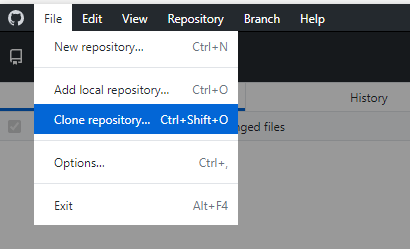
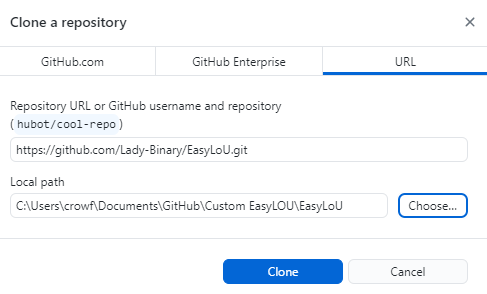
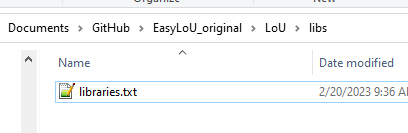
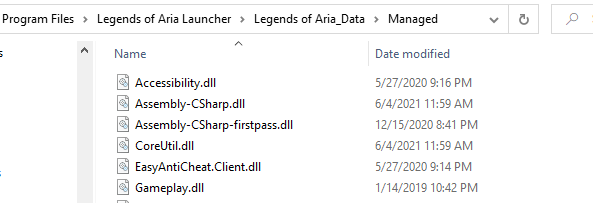
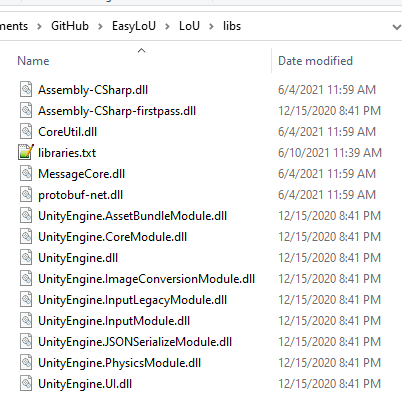
After it's cloned, copy all the libraries in LoU/lib/libraries.txt from your LOU installation folder to the LoU/libs/ folder:
Open the "EasyLoU.sln" file in the base directory to open it in Visual Studio
At the top, change the dropdowns to "Release" and "x64"

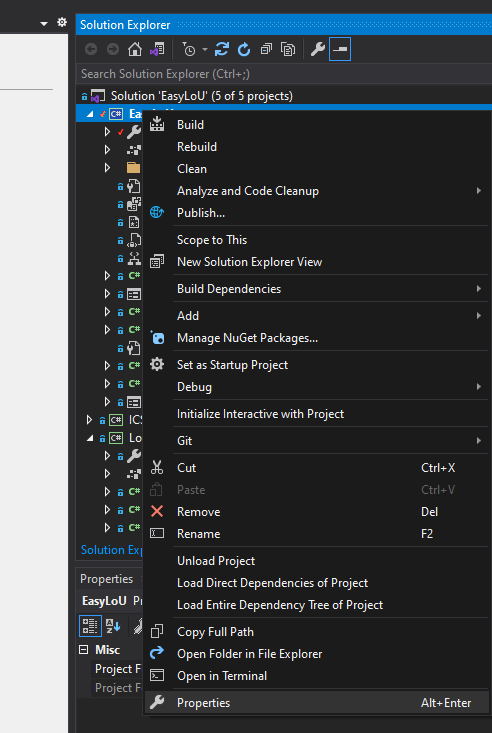
Right-click on the project on the right side "Solution Explorer", and go to properties:
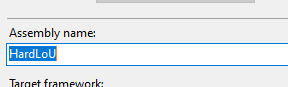
Change the Assembly Name to something obscure/random:
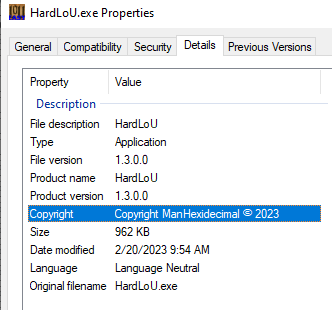
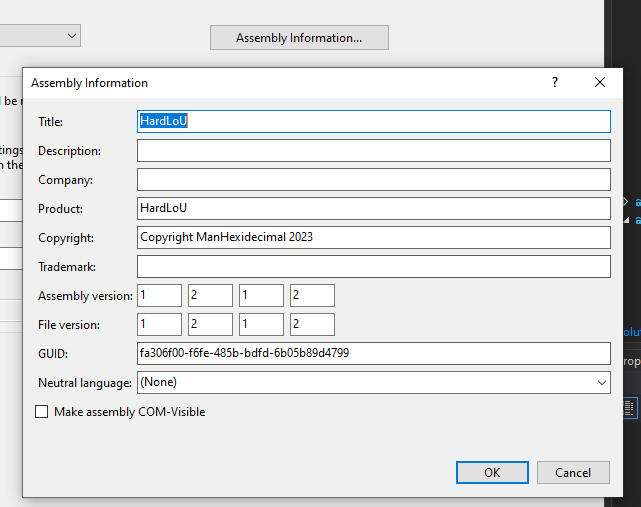
Click on the Assembly Information button, and change the shown values to something obscure/random:
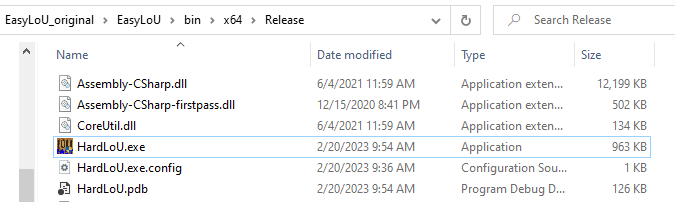
On the top bar, go to Build->Build Solution. Your file will end up in the bin/x64/release folder: