
The ultimate browser extension for web designers.
Measure · Identify · Pick — with precision. Free. Offline. Open source.


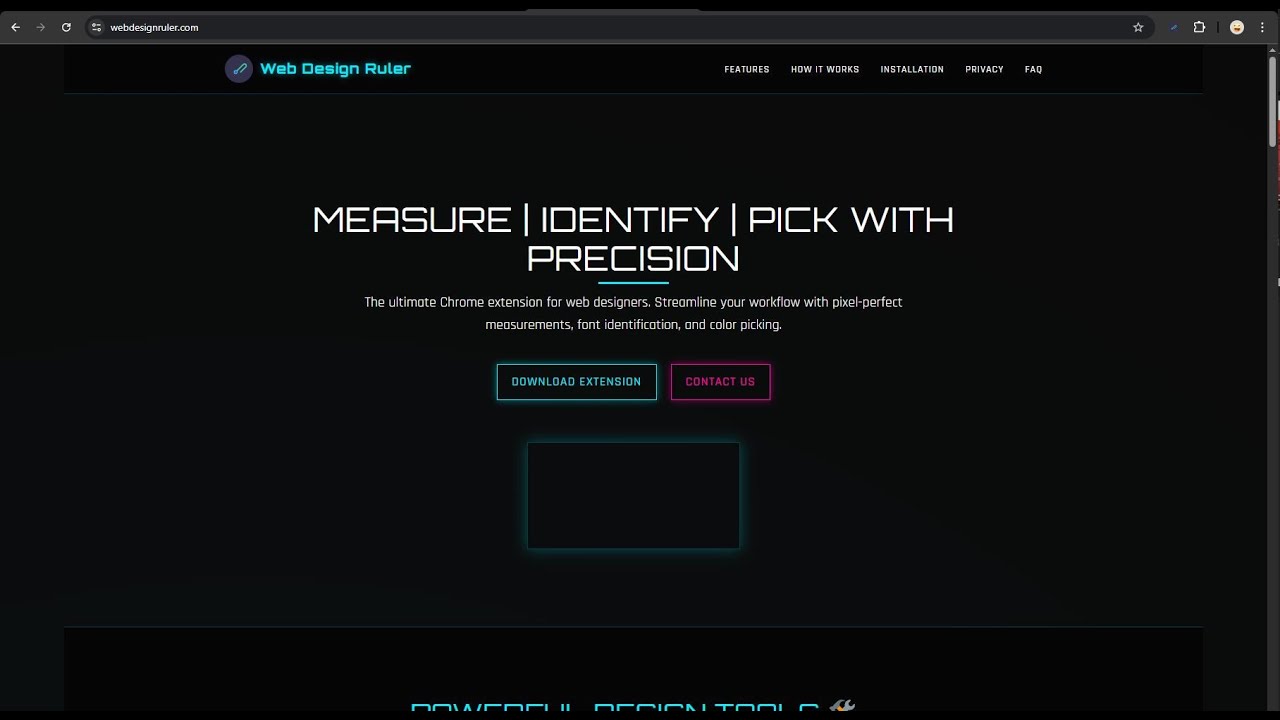
Click to watch the 60-second walkthrough on YouTube.
Three precision tools, available from one toolbar button or the right-click menu.
|
Pixel-perfect ruler that snaps to elements. Get width, height, padding, margin, and border in one drag. No more squinting at DevTools' computed panel. |
Hover any text on any site. See font family, weight, size, line-height, letter-spacing, and color — instantly. Click to lock the panel for copy-paste. |
Eyedropper-style color picker with HEX/RGB/HSL output, recent colors history, and saved palettes. Native EyeDropper API where supported, visual fallback elsewhere. |
Web Design Ruler on the Chrome Web Store → click Add to Chrome.
Web Design Ruler on Edge Add-ons → click Get.
Web Design Ruler on Firefox Add-ons → click Add to Firefox.
Useful if you want the absolute latest source or you're hacking on the code.
git clone https://github.com/LXBStudioLLC/web-design-ruler.gitThen, in your browser:
| Browser | Steps |
|---|---|
| Chrome / Edge | Open chrome://extensions/ (or edge://extensions/) → toggle Developer mode → click Load unpacked → select the chrome/ (or edge/) folder. |
| Firefox | Open about:debugging#/runtime/this-firefox → click Load Temporary Add-on → select firefox/manifest.json. Note: Firefox temporary add-ons unload when the browser closes. |
The chrome/, edge/, and firefox/ folders at the repo root are each a complete, ready-to-load unpacked extension. There is no build step.
The four guarantees that shape every line of code in this repo:
Operates entirely on your device. We don't collect, store, or transmit any of your data or browsing history to our servers or third parties.
Minimum permissions. The extension only requests the permissions needed to function. See each manifest for the exact list.
No ads, no trackers, no bloat. Every dependency adds weight and risk. We shipped this in roughly 60 KB of JavaScript per build.
Works offline. No internet connection is required for the tools to operate after installation.
This is auditable. See AUDIT.md for a verified grep of every
network-related call in the codebase — fetch, XMLHttpRequest, analytics
SDK names, eval, the lot. They are all zero.
As web designers and developers at LXB Studio, we often found ourselves switching between multiple tools to measure elements, identify fonts, and pick colors from websites. This workflow was inefficient and interrupted our creative process. We built Web Design Ruler to solve these pain points and create a streamlined workflow for ourselves and the design community.
If it saves you ten clicks a day, it's done its job.
The Roadmap is the source of truth for upcoming work. Highlights:
- v2.0.1 — audit-driven polish (Firefox popup callback fix, permissions reconciliation) before the v2.0.0 store upload.
- v2.1 — performance work on the mousemove paths and a popup toggle for the native EyeDropper API.
- v2.2+ — CSS export, spacing inspector, WCAG contrast checker, box-shadow / gradient extractor, annotated screenshot export, per-site palettes.
Open an issue to push something up the list.
PRs welcome. Read CONTRIBUTING.md first — it's short. The TL;DR: keep changes browser-aware (we ship three builds), don't add network calls, and don't add permissions without an issue thread.
MIT © 2026 LXB Studio LLC. Use it, fork it, sell a variant, whatever. The license is permissive.


