WebViewer is a powerful JavaScript-based PDF Library that's part of the PDFTron SDK. It provides a slick out-of-the-box responsive UI that interacts with the core library to view, annotate and manipulate PDFs, MS Office, videos, images, and CAD that can be embedded into any web project.
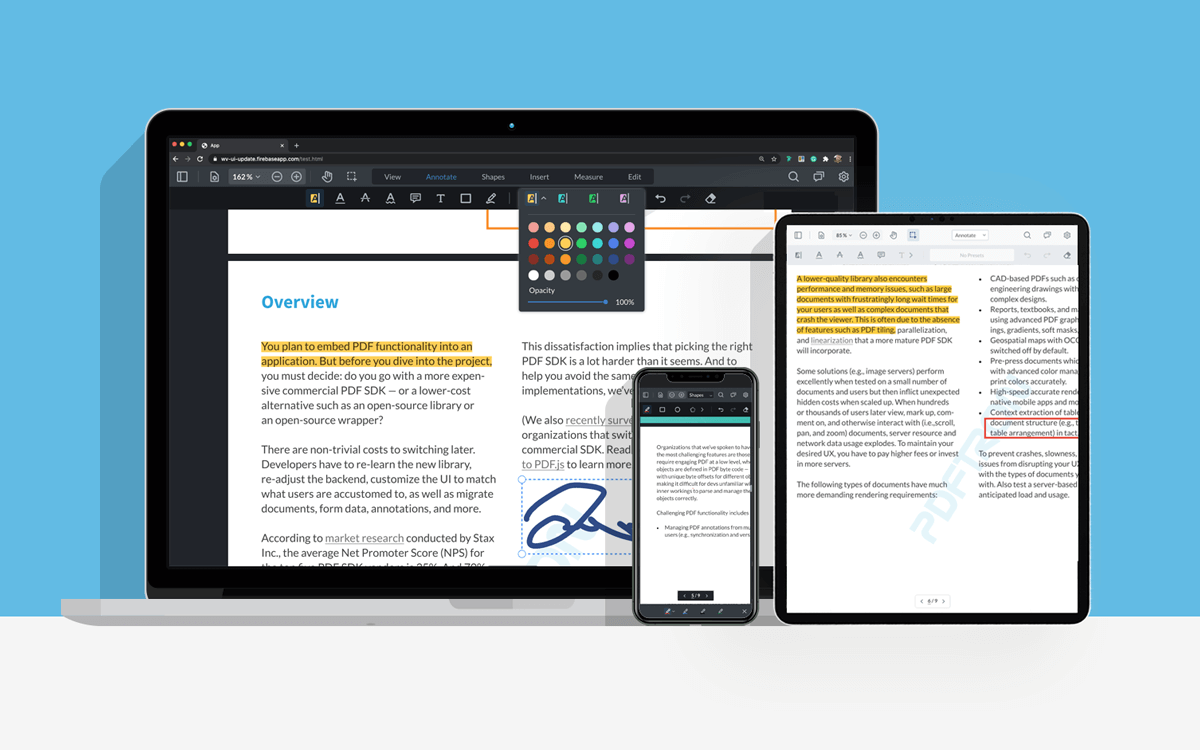
This repo is specifically designed for any users interested in integrating WebViewer into a vanilla JS project.
You can explore all of the functionality in our showcase.
Before you begin, make sure your development environment includes Node.js.
git clone https://github.com/PDFTron/webviewer-js-sample.git
cd webviewer-js-sample
npm install
npm start
After the app starts, you will be able to see WebViewer running on localhost:1234.
WebViewer requires static resources. parcel-reporter-multiple-static-file-copier does the job for us by copying the resources into statically served directory:
  "multipleStaticFileCopier": [
    {
      "origin": "node_modules/@pdftron/webviewer/public",
      "destination": "dist/public/webviewer"
    }
  ]
You can manually copy it, use a postinstall script or leverage parcel.
Remember to install @parcel/config-default and configure .parcelrc:
{
  "extends": "@parcel/config-default",
  "reporters": [
    "...",
    "parcel-reporter-multiple-static-file-copier"
  ]
}
See API documentation.
See license.