Configuration
GRating Rebalancer is configured from the plugin customization dialog. The dialog is organized into Main, Series, and Distribution tabs.
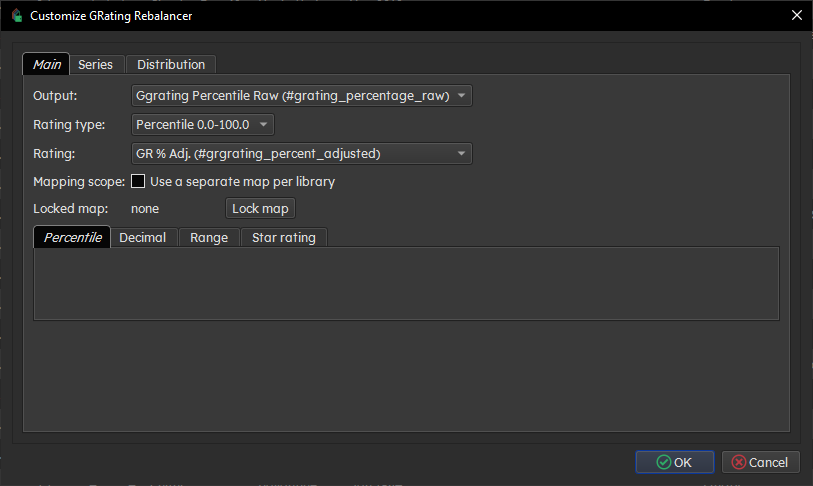
Required. Choose the custom column that receives the raw library percentile from 0.0 to 100.0.
Controls the optional Rating value format:
- Percentile
- Decimal
- User-defined range
- Star rating
Optional. Choose a destination field for the shaped Rating value.
If the selected Rating field is a Calibre rating-type column, GRating Rebalancer locks Rating type to Star rating because that is the only compatible output for that field.
Choose whether locked maps are shared globally or stored separately per Calibre library.
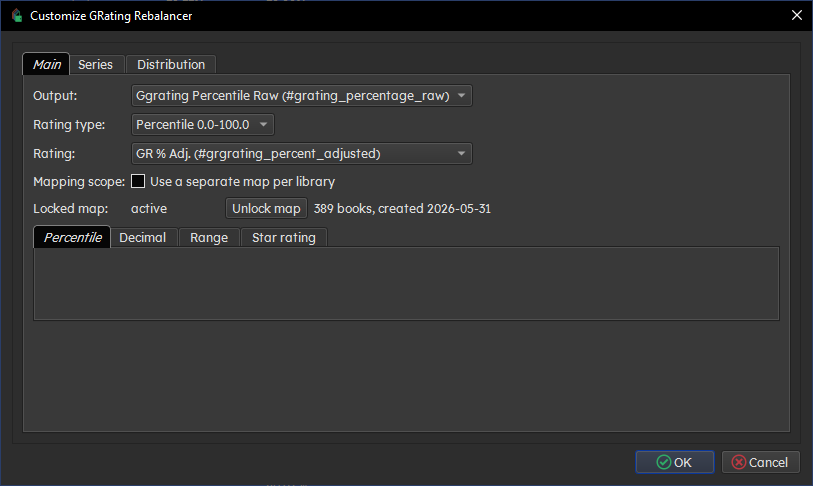
Use this row to lock, unlock, or rebuild the rating-to-percentile map.
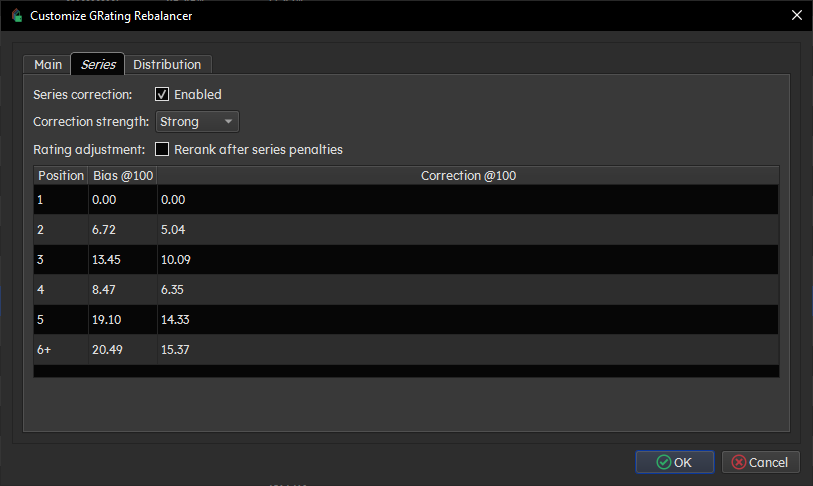
The Series tab controls series-position correction.
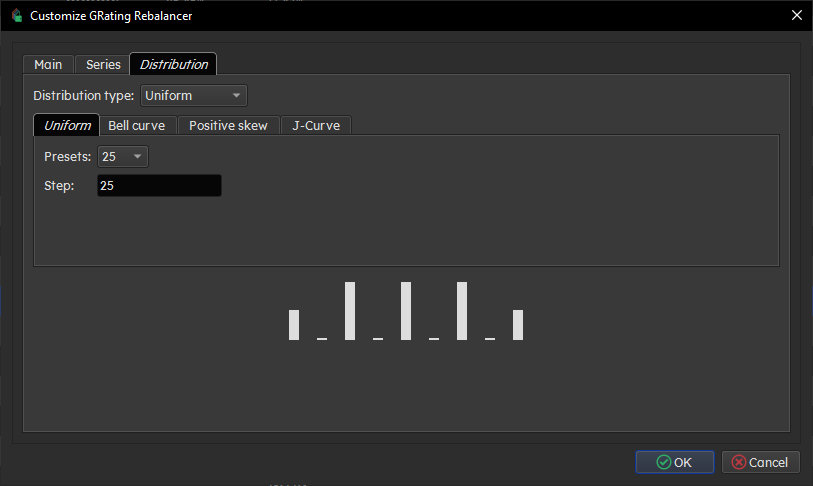
The Distribution tab controls the optional Rating field shape.