The data pipeline is shown in the following airflow DAG picture:
Write events to a Kafka cluster. A producer partitioner maps each message from the train.csv file to a topic partition named by Transactions, and the producer sends a produce request to the leader of that partition. The partitioners shipped with Kafka guarantee that all messages with the same non-empty key will be sent to the same partition.

- Create a path used to recover from failures if something goes wrong during data treatments
- Read (consume) messages from a number of Kafka TOPICS, in this case we have a unic topic called by:
Topic1 = "transactions" - Run validation (Data Test) on data based on expecation suite.
- If the Data Test is True, that means there is no problem with the data and this can be modeled and saved with success. But if the Data Test is False, the data will be discarded.

The data are modeled for be saved on this ways:
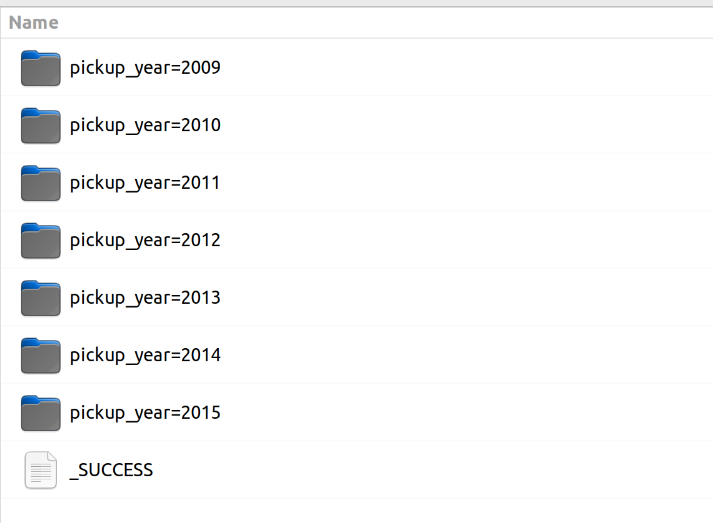
ride_per_monthThis query calculates fare amount per month and year. The Dataframe is saved on data lake partitioned by column pickup year and pickup year month.ride_amount_per_hourThis query calculates fare amount per hour. The Dataframe is saved on data lake partitioned by columns pickup year and pickup year month.taxi_ride_local_per_hourThis query calculate how many taxi ride there are per hour considering same local. The Dataframe is saved on data lake partitioned by columns pickup year and pickup year month.taxi_ride_localThis query calculate how many taxi ride there are per month considering same local. The Dataframe is saved on data lake partitioned by columns pickup year and pickup year month.taxi_ride_local_rankingThis query calculate how many taxi ride there are considering same local. The Dataframe is saved on data lake partitioned by columns pickup year and pickup year month.

- Container 1: Postgresql for Airflow db
- Container 2: Airflow + KafkaProducer
- Container 3: Zookeeper for Kafka server
- Container 4: Kafka Server
- Container 5: Spark + hadoop
- Container 2 is responsible for producing data in a stream fashion, so my source data (train.csv).
- Container 5 is responsible for Consuming the data in partitioned way.
To bind all the containers together using docker-compose i have taken Pre-Configured DockerFiles available on Docker-hub.

Before starting any dag, it is necessary to do some settings. These settings are described below:
-
- Download train.csv https://www.kaggle.com/competitions/new-york-city-taxi-fare-prediction/data?select=train.csv and save on directory data.
-
- On Airflow UI, create the airflow variables in Admin>Variables:
- BOOTSTRAP_SERVERS = kafka:9092
- DATA_OUTPUT = /usr/local/airflow/data/output/
- TEST_SUITE = /usr/local/airflow/data/great_expectation_suite.json
- PATH_STREAM = /data/train.csv
- On Airflow UI, create the airflow variables in Admin>Variables:
-
- Export Java Home inside container:
- Access the container using:
docker exec -ti [airflow-container-id] bash export JAVA_HOME=$(readlink -f /usr/bin/java | sed "s:bin/java::")source ~/.bashrc
- Access the container using:
- Export Java Home inside container:
-
- Start Hive inside container:
- Access the container using:
docker exec -ti [airflow-container-id] bash - Before you run hive for the first time, run:
schematool -initSchema -dbType derby - If you already ran hive and then tried to initSchema and it's failing:
cd /data/hive/mv metastore_db metastore_db.tmp- Re run:
schematool -initSchema -dbType derby
- Access the container using:
- Start Hive inside container:
-
cd /opt/apache-hive-2.0.1-bin/bin/
-
chmod 777 hive
-
hive --service metastore
-
- Now trigger the DAG 1_streaming from Airflow UI.