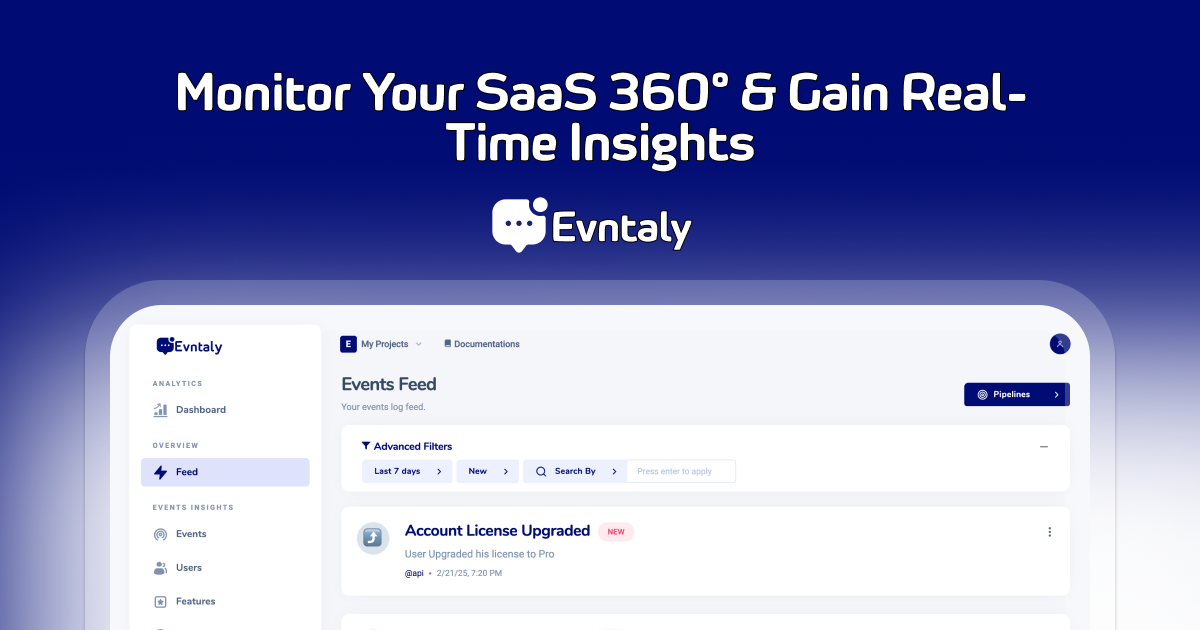
An advanced event tracking and analytics platform designed to help developers capture, analyze, and react to user interactions efficiently.
Evntaly Web SDK is a lightweight JavaScript library for integrating event tracking directly into websites. It supports automatic event tracking, manual event logging, user identification, page view tracking, and comprehensive device/browser detection.
- Automatic Button Click Tracking using
data-eventattributes - Manual Event Tracking via
window.evntaly()function - Identify Users for personalized analytics
- Automatic Page View Tracking with optional disable
- Comprehensive Request Context including location, device, browser, and OS data
- Advanced User Agent Parsing with detailed browser/OS version detection
- Geolocation Support using free IP-based location services
- Enable or Disable Tracking dynamically
- Cross-browser Compatibility with graceful fallbacks
Add the following to your HTML file:
<script async src="https://cdn.evntaly.com/evntaly-web-v2.0.2.js"></script>
<script>
    window.evntaly("init", "YOUR_API_TOKEN", "YOUR_PROJECT_NAME");
</script><script>
// Initialize with options
window.evntaly("init", "YOUR_API_TOKEN", "YOUR_PROJECT_NAME", {
disableAutoPageViewTracking: true // Disable automatic page view tracking
});
</script><button
data-event="Upgraded Plan"
data-user-id="user-123"
data-channel="billing"
data-icon="💰"
data-tag-plan="Pro"
data-tag-period="Monthly"
data-tag-price="9.99"
data-payload-amount="9.99"
data-payload-currency="USD">
Upgrade to Pro
</button>- The SDK automatically tracks click events on buttons with
data-eventattributes. - Use
data-tag-*for adding tags to events - Use
data-payload-*for adding custom data to events
<script>
window.evntaly("track", {
    event: "Manual Event",
    userId: "user-123",
    channel: "manual",
    icon: "✅",
    data: {
        plan: "Pro",
        amount: 9.99,
        currency: "USD"
    },
    tags: ["conversion", "upgrade"]
});
</script><script>
window.evntaly("identifyUser", {
id: "user-123",
email: "user@example.com",
full_name: "John Doe",
organization: "ExampleCorp",
data: {
location: "USA",
timezone: "America/New_York",
plan: "Pro"
}
});
</script><script>
window.evntaly("disableTracking"); // Disables all event tracking
window.evntaly("enableTracking"); // Enables event tracking
</script>The SDK automatically tracks Page Viewed events when:
- The page loads
- The URL changes via
history.pushStateorpopstateevents
To disable automatic page view tracking:
<script>
window.evntaly("init", "YOUR_API_TOKEN", "YOUR_PROJECT_NAME", {
    disableAutoPageViewTracking: true
});
</script>- IP-based geolocation
- Includes country, region, city, timezone, and coordinates
- Cached for performance (one request per session)
- Comprehensive OS detection (Windows, macOS, iOS, Android, Linux distributions)
- Detailed browser detection (Chrome, Firefox, Safari, Edge, Opera, and mobile variants)
- Device type classification (Desktop, Mobile, Tablet, Smart TV, Gaming Console, Wearable, Bot)
- Version extraction for both OS and browsers
Every event now includes detailed context:
{
  "requestContext": {
    "userAgent": "Mozilla/5.0...",
    "referer": "https://example.com",
    "url": "https://example.com/page",
    "host": "example.com",
    "origin": "https://example.com",
    "acceptLanguage": "en-US",
    "os": "macOS",
    "osVersion": "14.0 (Sonoma)",
    "browser": "Chrome",
    "browserVersion": "120.0.6099.109",
    "deviceType": "Desktop",
    "location": {
      "country": "United States",
      "countryCode": "US",
      "region": "California",
      "city": "San Francisco",
      "timezone": "America/Los_Angeles",
      "latitude": 37.7749,
      "longitude": -122.4194
    }
  }
}- Async location fetching with caching
- Optimized user agent parsing
- Reduced bundle size with better error handling
- Fixed
navigator.platformdeprecation warnings - Safe handling of
navigator.connectionAPI - Graceful fallbacks for unsupported features
- Chrome 60+
- Firefox 55+
- Safari 12+
- Edge 79+
- Mobile browsers (iOS Safari, Chrome Mobile, Samsung Internet)
window.evntaly("init", token, projectName, options)window.evntaly("track", eventData)window.evntaly("identifyUser", userData)window.evntaly("disableTracking")
window.evntaly("enableTracking")This project is licensed under the MIT License.
Note: Replace 'YOUR_API_TOKEN' and 'YOUR_PROJECT_NAME' with actual credentials from your Evntaly dashboard.