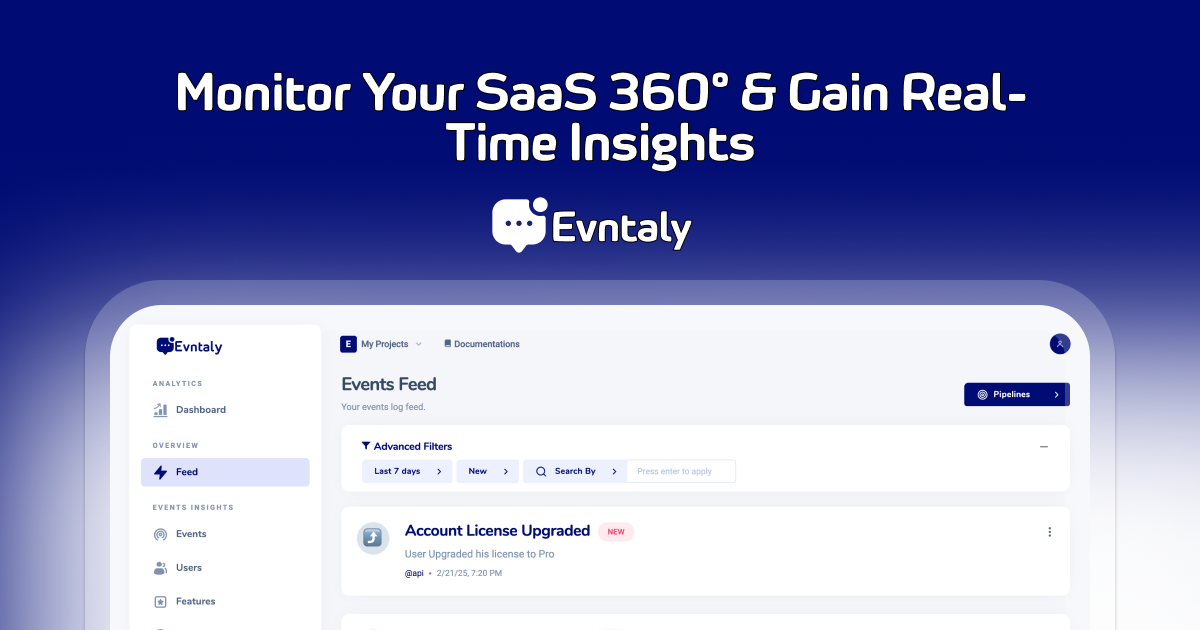
Open-source event analytics platform for tracking users, sessions, and product events in real time.
Quick Start • Test Results • Features • SDK & Docs • Architecture • Manual Setup • Configuration • Contributing


| Suite | Tests | Status |
|---|---|---|
| Backend (Jest) | 14 tests, 3 suites | ✅ Passing |
| Portal (Karma/Jasmine) | 4 tests, 2 components | ✅ Passing |
Backend coverage: utilities.service, lookups.service, lookup.controller
# Run backend tests
cd backend && npm test

# Run portal tests
cd portal && npm test- Real-Time Event Tracking — Capture and visualize events as they happen via WebSocket
- User & Session Analytics — Track active users, sessions, page views, and user journeys
- Dashboard — KPIs, charts, geographic distribution, browser/OS breakdown, UTM analysis
- Funnel Analytics — Build and analyze conversion funnels
- Alerting System — Set up alerts on events with Slack and email notifications
- Integrations — Slack, email (Resend/Nodemailer), and webhook support
- Multi-Project — Manage multiple projects under one account
- OAuth Login — Sign in with GitHub or Google
- REST API — Full API with JWT authentication and PAT tokens
Track events from your app using the official SDKs:
| SDK | Install | Docs |
|---|---|---|
| JavaScript/Node | npm install evntaly-js |
SDK Integration Guide |
| Python | pip install evntaly-python |
SDK Integration Guide |
| Go | go get github.com/Evntaly/evntaly-go |
SDK Integration Guide |
| C# | dotnet add package EvntalySDK |
SDK Integration Guide |
Self-hosted: When running Evntaly yourself, configure the SDK with your backend URL (e.g. http://localhost/api/v1 or your domain). See each SDK's docs for the apiUrl or baseUrl option.
┌─────────────────────────────────────────────────┐
│                   Browser (:80)                  │
└──────────────────────┬──────────────────────────┘
                       │
              ┌────────▼────────┐
              │  Portal (Nginx) │
              │  Angular SPA    │
              └───┬─────────┬───┘
                  │         │
         /api/*   │         │  /*
                  │         │
          ┌───────▼───┐     │ Static files
          │  Backend  │     │ served by Nginx
          │  NestJS   │     │
          │  (:3000)  │
          └─────┬─────┘
                │
         ┌──────▼──────┐
         │   MongoDB   │
         │  (:27017)   │
         └─────────────┘
| Component | Tech Stack |
|---|---|
| Backend | NestJS 10, TypeScript, Mongoose, Socket.IO, Passport JWT |
| Portal | Angular 17, Angular Material, Bootstrap 5, ApexCharts, ECharts |
| Database | MongoDB 7 |
| Container | Docker, Docker Compose, Nginx |
The fastest way to run Evntaly is with Docker Compose.
Prerequisites: Docker and Docker Compose
# 1. Clone the repo
git clone https://github.com/Evntaly/Evntaly.git
cd Evntaly

# 2. Copy and configure environment variables
cp .env.example .env

# 3. Start all services
docker compose up -d
Open http://localhost:8080 in your browser.
The API is available at http://localhost:8080/api/v1/.
cd backend

# Install dependencies
npm install

# Copy environment config
cp ../.env.example .env
# Edit .env with your MongoDB connection string

# Run in development mode
npm run start:dev
The API starts on http://localhost:3000.
cd portal

# Install dependencies
npm install

# Run in development mode
npm start
The portal starts on http://localhost:8945.
You need a running MongoDB instance. For local development:
# Using Docker
docker run -d --name evntaly-mongo -p 27017:27017 mongo:7

# Or install MongoDB locally
# https://www.mongodb.com/docs/manual/installation/| Variable | Required | Default | Description |
|---|---|---|---|
NODE_ENV |
No | development |
development or production |
PORT |
No | 3000 |
Backend server port |
DB_CONNECTION |
Yes | — | MongoDB connection string |
CLIENT_URL |
No | http://localhost:8945 |
Frontend URL for CORS |
API_BASE_URL |
No | — | Backend API URL for server-side event forwarding (self-hosted) |
SENTRY_DSN |
No | — | Sentry DSN for error tracking |
GITHUB_CLIENT_ID |
No | — | GitHub OAuth app client ID |
GITHUB_SECRET |
No | — | GitHub OAuth app secret |
GITHUB_REDIRECT_URI |
No | — | GitHub OAuth callback URL |
GOOGLE_CLIENT_ID |
No | — | Google OAuth client ID |
GOOGLE_SECRET |
No | — | Google OAuth client secret |
GOOGLE_REDIRECT_URI |
No | — | Google OAuth callback URL |
RESEND_API_KEY |
No | — | Resend API key for transactional emails |
SLACK_REDIRECT_URI |
No | — | Slack OAuth redirect for integrations |
evntaly/
├── backend/                    # NestJS API
│   ├── src/
│   │   ├── @core/              # Utilities, middleware, helpers
│   │   ├── @domain/            # Mongoose schemas/models
│   │   ├── api/                # REST controllers + WebSocket gateway
│   │   ├── Infrastructure/     # Services, repositories, DTOs, transactions
│   │   ├── app.module.ts       # Root NestJS module
│   │   └── main.ts             # Entry point
│   ├── templates/              # Email templates (Handlebars)
│   ├── Dockerfile
│   └── package.json
├── portal/                     # Angular frontend
│   ├── src/
│   │   ├── app/
│   │   │   ├── analytics/      # Funnels, retention
│   │   │   ├── core/           # Services, interceptors, helpers
│   │   │   ├── dashboard/      # KPIs, charts, maps
│   │   │   ├── developer-account/ # Auth, settings
│   │   │   ├── events/         # Event feed
│   │   │   ├── insights/       # Users, features, topics
│   │   │   ├── integrations/   # Slack, email
│   │   │   ├── shared/         # Reusable components
│   │   │   └── theme/          # Layout, header, sidebar
│   │   └── environments/       # Angular environment configs
│   ├── Dockerfile
│   ├── nginx.conf
│   └── package.json
├── docker-compose.yml          # Orchestrates all 3 services
├── .env.example                # Environment template
├── LICENSE
└── README.md
All endpoints are prefixed with /api/v1/.
| Method | Endpoint | Description |
|---|---|---|
POST |
/account/create |
Create a new account |
POST |
/account/signin |
Sign in |
GET |
/account/details |
Get account details |
POST |
/register/event |
Register an event (SDK endpoint) |
POST |
/register/user |
Register/identify a user |
GET |
/events/list |
List events |
GET |
/events/kpis |
Event KPIs |
GET |
/dashboard/kpis/* |
Dashboard metrics |
GET |
/users/list |
List tracked users |
POST |
/alerts/create |
Create an alert |
GET |
/integrations/list |
List integrations |
POST |
/funnels/create |
Create a funnel |
Authentication is via JWT token in the Authorization header for dashboard endpoints, and via secret + pat headers for SDK/registration endpoints.
Contributions are welcome! Here's how to get started:
- Fork the repository
- (Optional) Run
./scripts/setup-git-hooks.shto use project git hooks - Create a feature branch:
git checkout -b feature/my-feature - Make your changes and add tests if applicable
- Commit:
git commit -m "Add my feature" - Push:
git push origin feature/my-feature - Open a Pull Request
Please open an issue first for major changes to discuss the approach.