


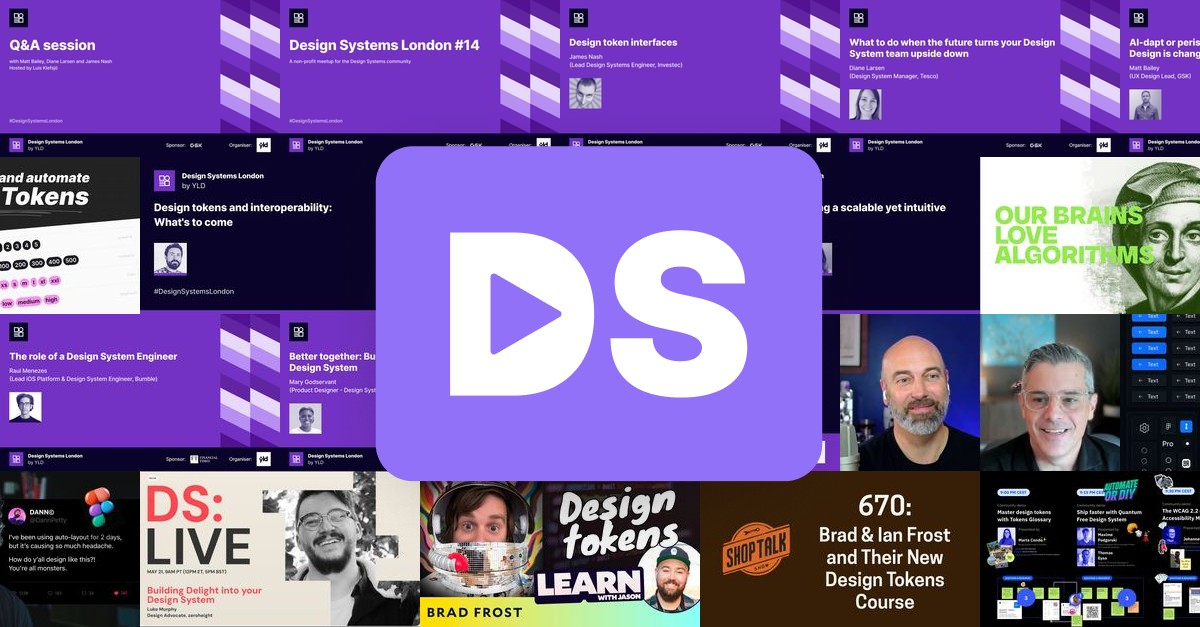
A curated collection of design system resources and video content, powered by Astro.
DesignSystems.media aggregates and showcases the best design system content from across the web, making it easy for designers and developers to discover talks, tutorials, and insights from the design systems community.
- Automated Content Curation: Automatically collects and updates video content from YouTube channels and playlists
- Fast Static Site: Built with Astro for optimal performance and SEO
- Responsive Design: Mobile-first approach with modern CSS
- Social Media Ready: Optimized sharing cards and metadata
- Node.js v18 or higher
- Google API key for YouTube Data API v3 (Get one here)
-
Clone the repository
git clone https://github.com/DesignSystemsCollective/designsystems.media.git cd designsystems.media -
Install dependencies
npm install
-
Set up environment variables
cp .env.example .env
# Edit .env and add your Google API key
echo 'API_KEY="YOUR_GOOGLE_API_KEY"' > .env
-
Aggregate initial content
npm run aggregate
-
Start development server
npm run dev
Visit http://localhost:4321 to see the site running locally.
├── public/                  # Static assets served directly
│   ├── fonts/               # Custom web fonts
│   └── social/              # Social media cards and images
├── src/
│   ├── components/          # Reusable Astro components
│   ├── content/             # Content collections and schemas
│   ├── layouts/             # Page layout templates
│   ├── pages/               # File-based routing pages
│   ├── styles/              # Global CSS and design tokens
│   ├── templates/           # Content templates for posts
│   ├── tests/               # Unit tests for components and pages
│   └── utils/               # Helper functions and utilities
├── video-aggregator/        # Content collection automation
│   ├── data/                # Source configurations and outputs
│   │   ├── sources.json     # YouTube channels and playlists to monitor
│   │   ├── ignore.json      # YouTube videos to ignore
│   │   └── output.json      # Generated video metadata
│   └── scripts/             # Collection and processing scripts
├── astro.config.mjs         # Astro framework configuration
└── package.json             # Dependencies and scripts
| Command | Description |
|---|---|
npm run dev |
Start development server at localhost:4321 |
npm run build |
Create production build |
npm run serve |
Preview production build locally |
npm run aggregate |
Collect latest videos from configured sources |
npm run test |
Run end-to-end tests (requires production build) |
The video aggregator automatically collects content from YouTube channels and playlists defined in:
video-aggregator/data/sources.json- YouTube channels and playlists to monitorvideo-aggregator/data/ignore.json- YouTube videos to ignore.json
Adding new sources:
- Edit the appropriate JSON file in
video-aggregator/data/ - Run
npm run aggregateto collect content - The aggregated data will be saved to
video-aggregator/data/output.json
End-to-end tests ensure the site functions correctly across different scenarios.
Running tests:
# Build the site first
npm run build
npm run serve

# In another terminal, run tests
npm run testThe site is automatically deployed via Netlify when code is pushed to the main branch. Content aggregation runs weekly on Fridays via GitHub Actions to keep the video collection up to date.
Manual deployment:
npm run build
# Deploy the contents of the `dist/` folder to your hosting providerWe welcome contributions! Here's how you can help:
- Fork the repository
- Create a feature branch:
git checkout -b feature/amazing-feature - Make your changes and add tests if applicable
- Commit your changes:
git commit -m 'Add amazing feature' - Push to your branch:
git push origin feature/amazing-feature - Open a Pull Request
To suggest new YouTube videos, channels or playlists:
- Submit a video contribution with the relevant YouTube URLs
- (Optional) Include relevent tags and speakers
- We'll review and add valuable sources to the collection
This project is licensed under the MIT License - see the LICENSE file for details.
- Design Systems Community for creating amazing content
- Astro for the fantastic framework
- All the creators whose content we feature
Questions or suggestions? Open an issue or reach out to Design Systems Media.