React -Frontend (folder named -Teamsfront)
Django and JS - Backend
Installation: Go to your desired folder.

Run the command: git clone https://github.com/Tauhid-UAP/django-channels-webrtc.git

Go to the directory with requirements.txt.

Run the command: python -m venv venv

After a venv directory is created, run the command for windows: venv\Scripts\activate.bat run the command for Unix or MacOS: source venv/bin/activate

Install the dependencies by running the command: pip install -r requirements.txt

To start the development server, run the command: python manage.py runserver

Copy and paste this link on your browser https://127.0.0.1:8000/

Once the page is loaded, type a username and click join room from each device. Be sure to use different usernames for now.Daily scrum - 15 mins
->What did you do yesterday?
->What are you going to do today?
->any blockers?
Retrospective-
->What did we do well
->What has to improve
->What need to stop
Sprint (4 weeks)
Week 1
-Documented the structure of an Video Calling Application.
-Explored different open source libraries, SDK such as WebRTC, Jetsy, Agora and Twilio used for Video Calling services.
-Traversed over different documentations of API, SDK and Libraries.
-Chose WebRTC and Read about it's connection requests.
Week 2
-Dived into MS teams documentation and learnt about structure and design of different features.
-Learned React from it's documentation, Youtube Videos and designed an basic app for testing.
-Tried to Build UI for Teams Clone app.
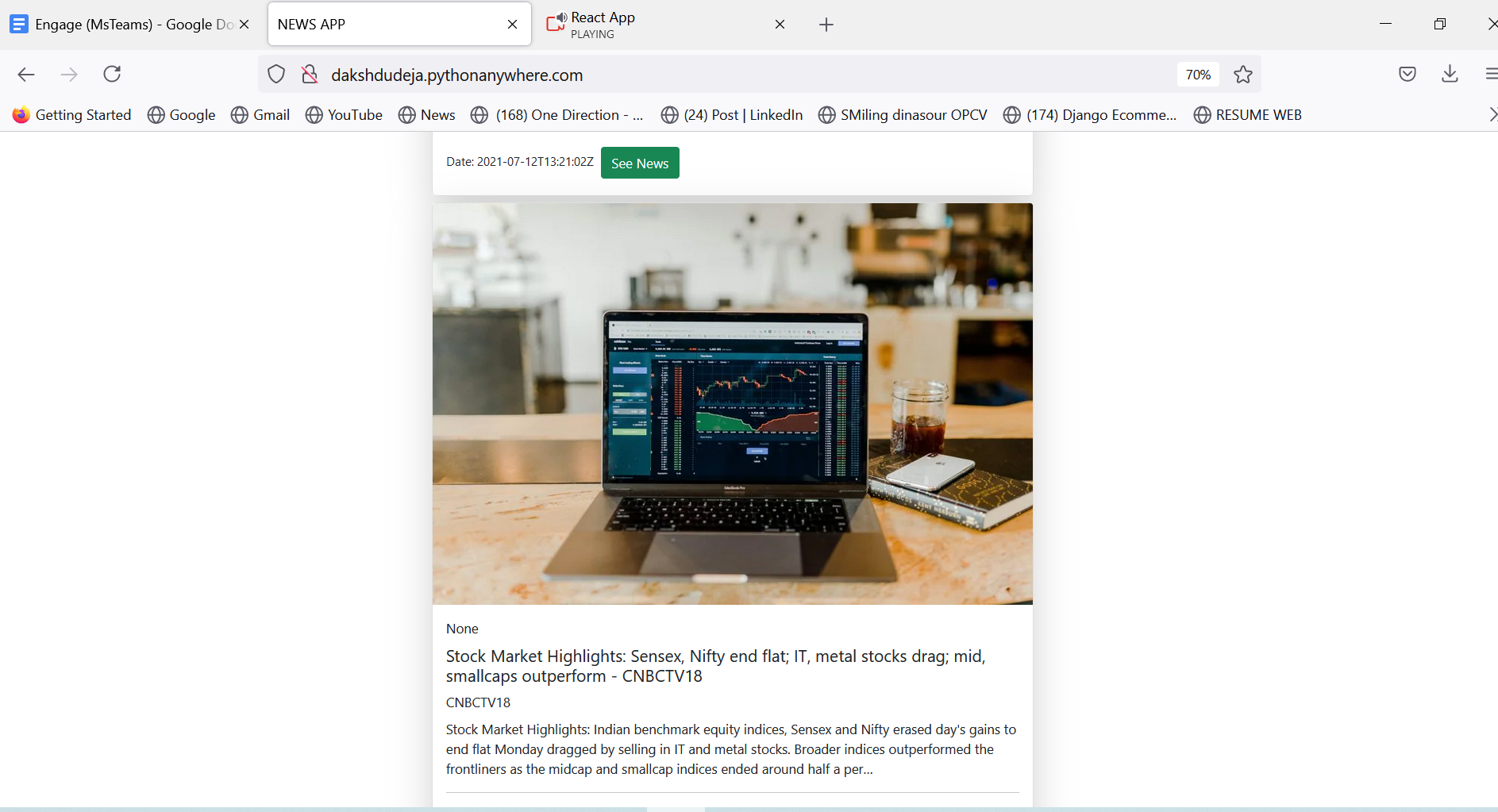
-Added an Extra Feature of News (which gets updated after every hour) and deployed on Heroku and added in My App.
Week 3
-Started building the Video Functionality of the app
-Used Django and Javascript for the same.
-Achieved the Minimum functionality of the Program.
-Expanded the peer to peer connection to N number of Participants.
-Added the Chat functionality with the meeting room
Week 4
-Connected React app with the Django backend app.
-New functionality announced was already added .
-Tried adding Screen sharing , but was not able to resolve the error on time.
-Tried Deploying on Heroku but due to lack of implementation of STUN/TURN server it was not able to deploy.
-Explored Microsoft Azure Communication , learnt about swift deployment and it's features.
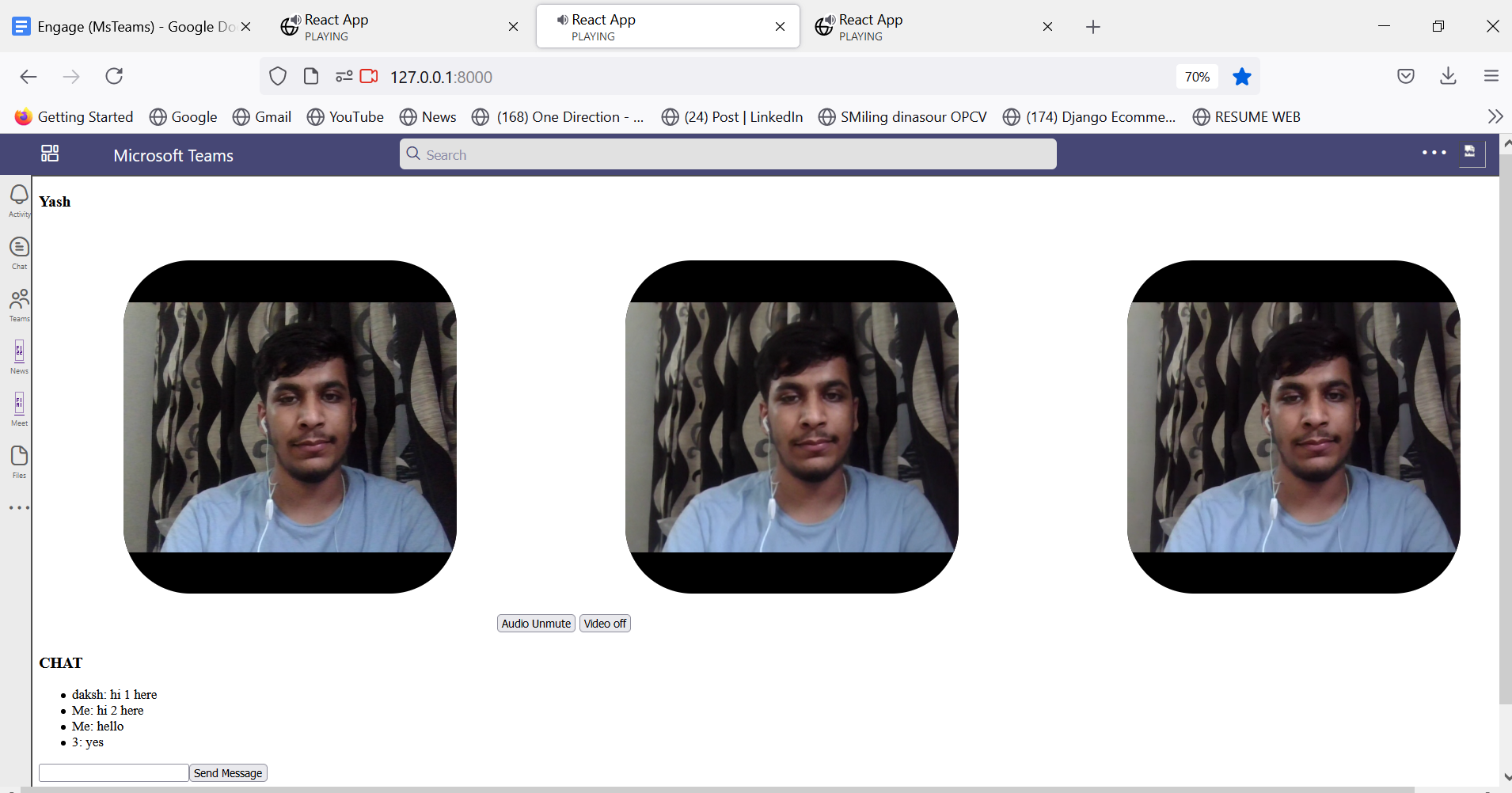
#Interface (video+chat)
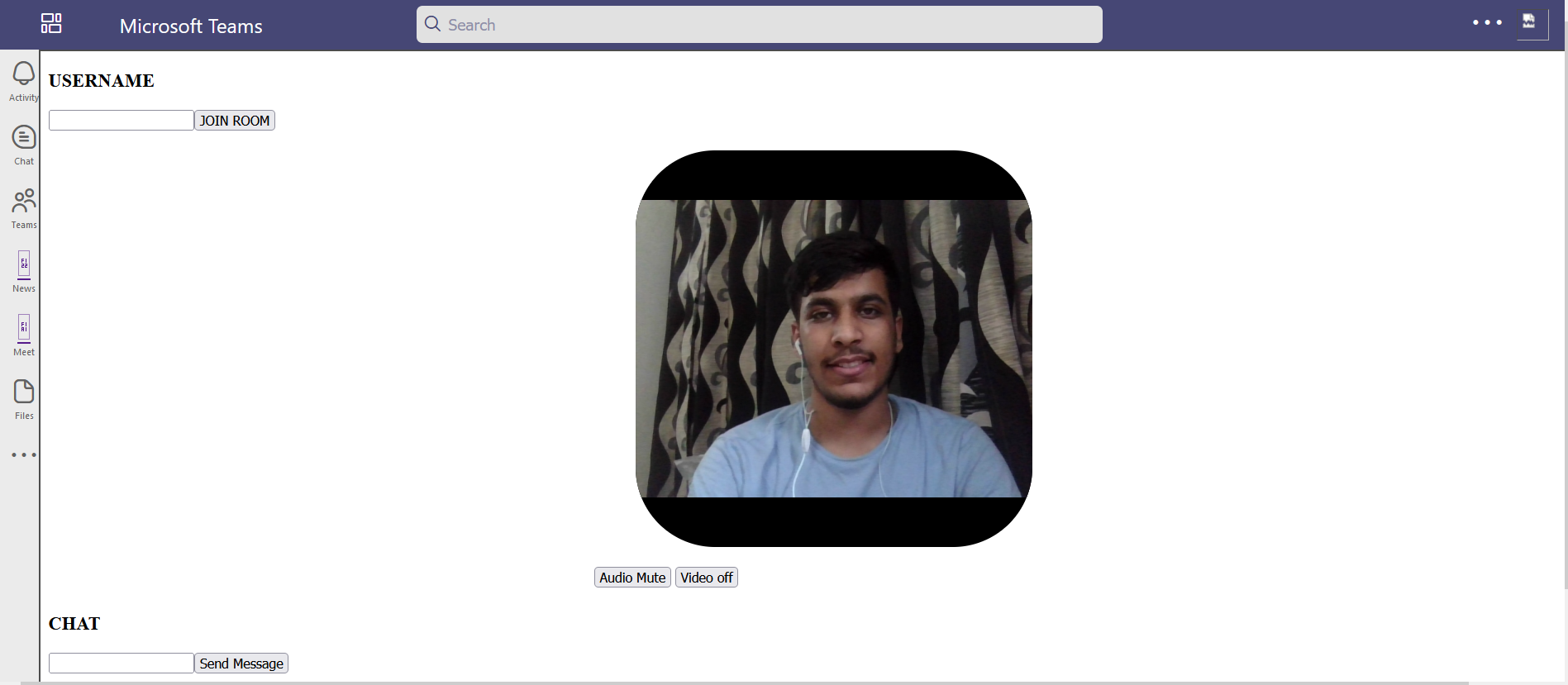
USER 1
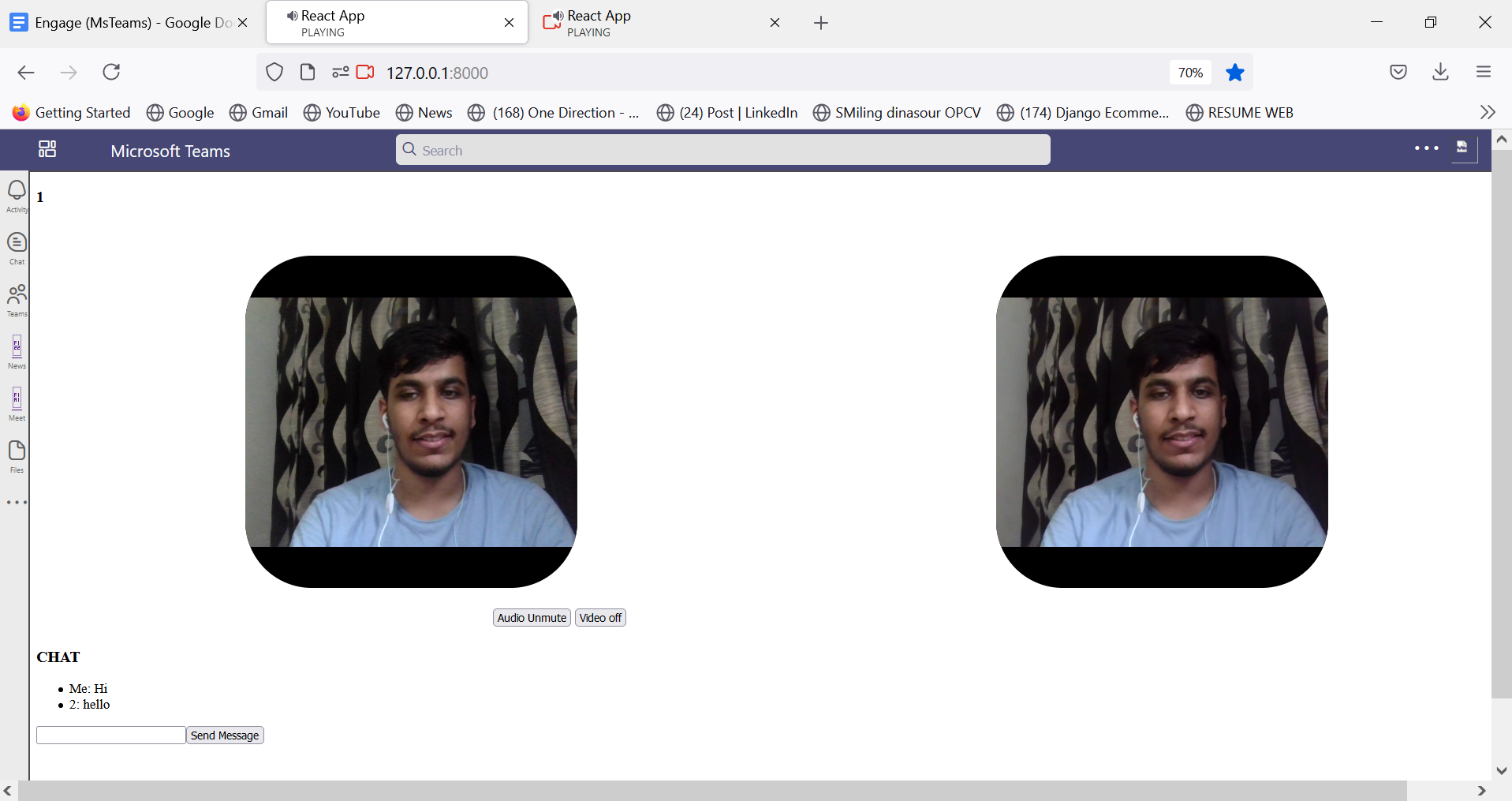
USER 2

Daksh
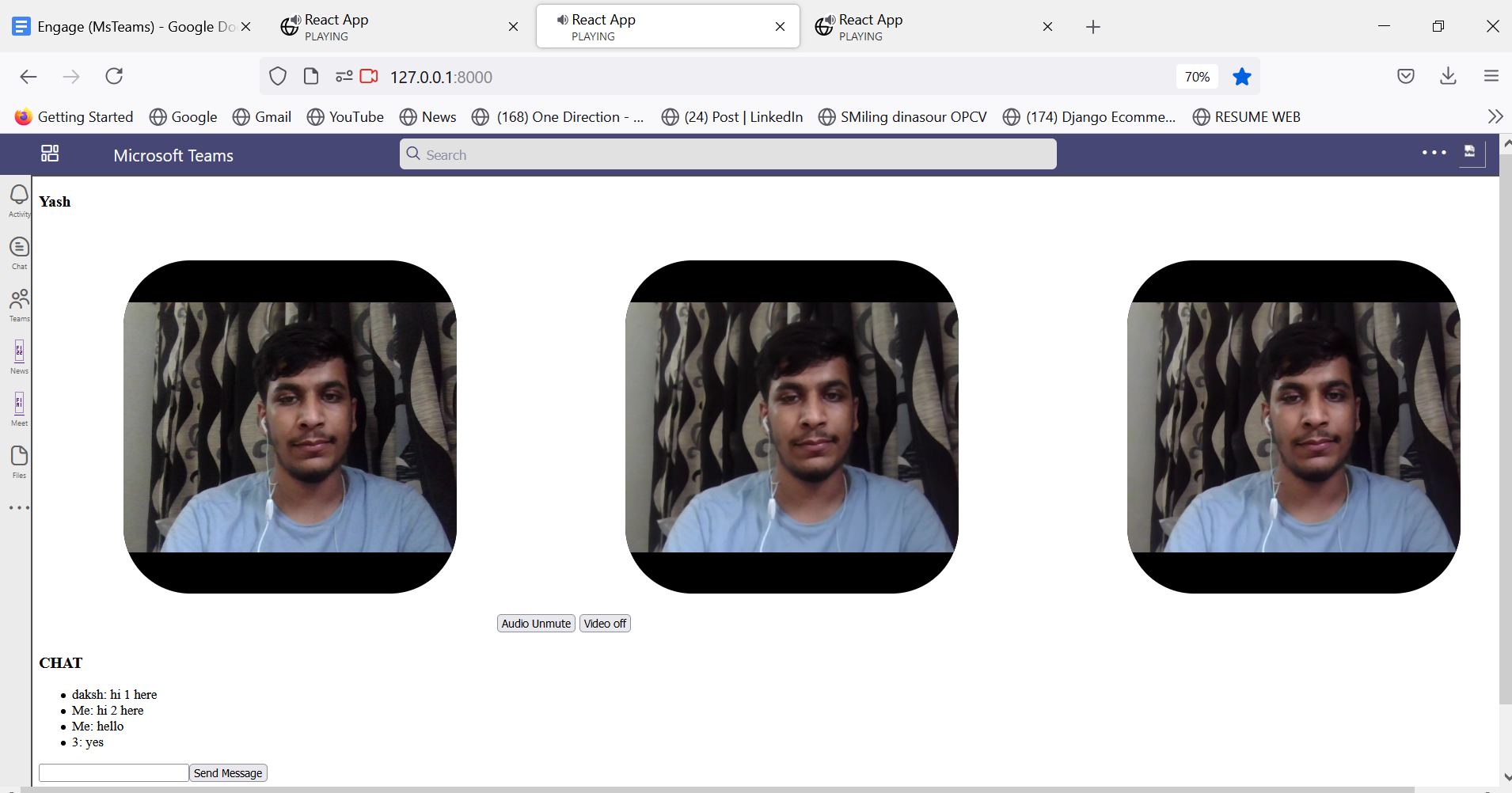
Yash

Session Description Protocol (SDP): Information about a peer that the other peer needs in order to make p2p connection.
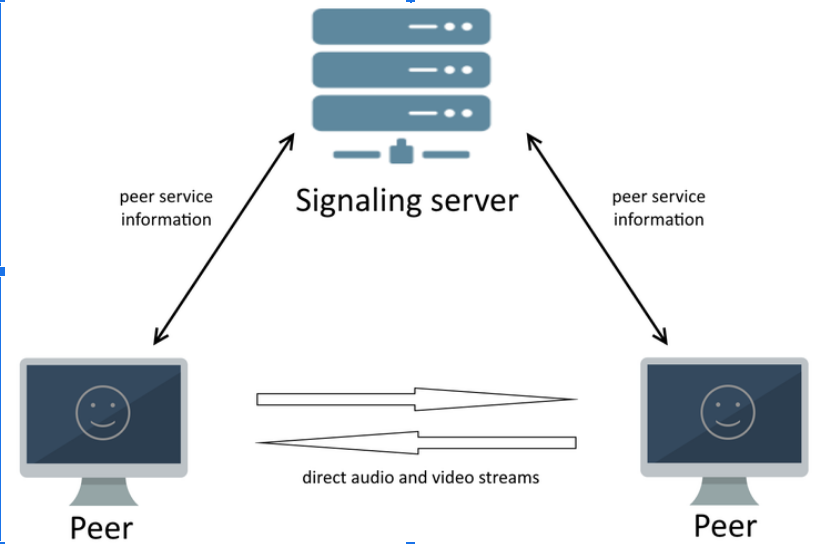
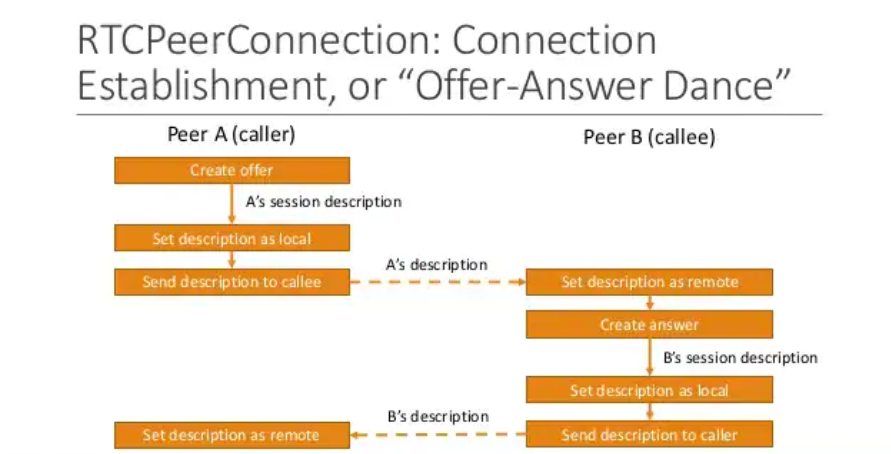
- Peer joins room.
- Sends message to all other peers indicating its entry.
- All other peers get notified of new peer through message sent.
- Each existing peer initiates peer connection with new peer (offer).
- New peer receives each offer sdp.
- New peer sends response (answer sdp) for each offer sdp.
- Other peers receive respective answer sdps .
- New peer connected with each existing peer (mesh).