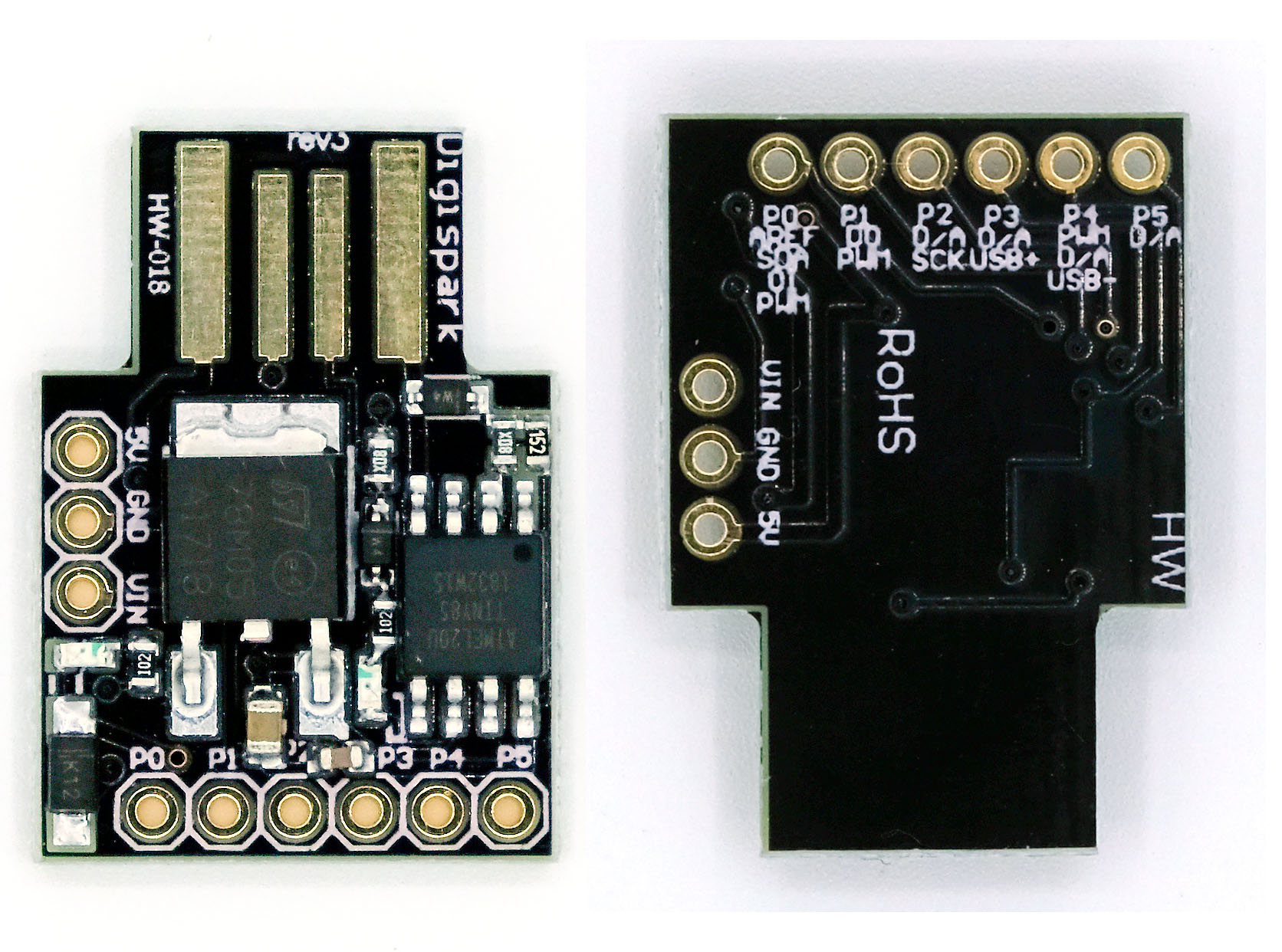
A lightweight and powerful collection of ready-to-use Digispark scripts for automation, USB keystroke attacks, and custom payload development.


- Ready-to-Use Scripts - Plug and play scripts for common automation tasks
- Keystroke Attacks - Pre-configured payloads for penetration testing
- Cross-Platform - Works on Windows, macOS, and Linux
- Customizable - Easy to modify for your specific needs
- Well-Documented - Clear instructions for each script
- Lightweight - Optimized for the limited resources of Digispark boards
-
Install the Arduino IDE
-
Add Digistump board to Arduino IDE:
- Go to
File > Preferences - Add
https://raw.githubusercontent.com/digistump/arduino-boards-index/master/package_digistump_index.jsonto Additional Board Manager URLs - Go to
Tools > Board > Boards Manager - Search for "Digistump AVR Boards" and install
- Go to
-
Chose one of our scripts
-
Open a script in Arduino IDE:
- Browse to the script you want to use
- Open the
.inofile with Arduino IDE - Select
Tools > Board > Digispark (Default - 16.5MHz)
- Select a script from one of the categories below
- Open the script in Arduino IDE
- Verify/Compile the script using the ✓ button
- Upload the script using the → button
- When prompted, plug in your Digispark board
Note: Some scripts may need to be modified for your specific keyboard layout or system configuration.
| Script | Description |
|---|---|
| DiscordGrabber | Discord token and information grabber |
Contributions are welcome! Please feel free to submit a Pull Request.
- Fork the repository
- Create your feature branch (
git checkout -b feature/amazing-feature) - Commit your changes (
git commit -m 'Add some amazing feature') - Push to the branch (
git push origin feature/amazing-feature) - Open a Pull Request
This project is licensed under the MIT License - see the LICENSE file for details.