

A custom Neovim setup I use on a daily basis. This repository mainly serves as my personal reference for the setup steps.
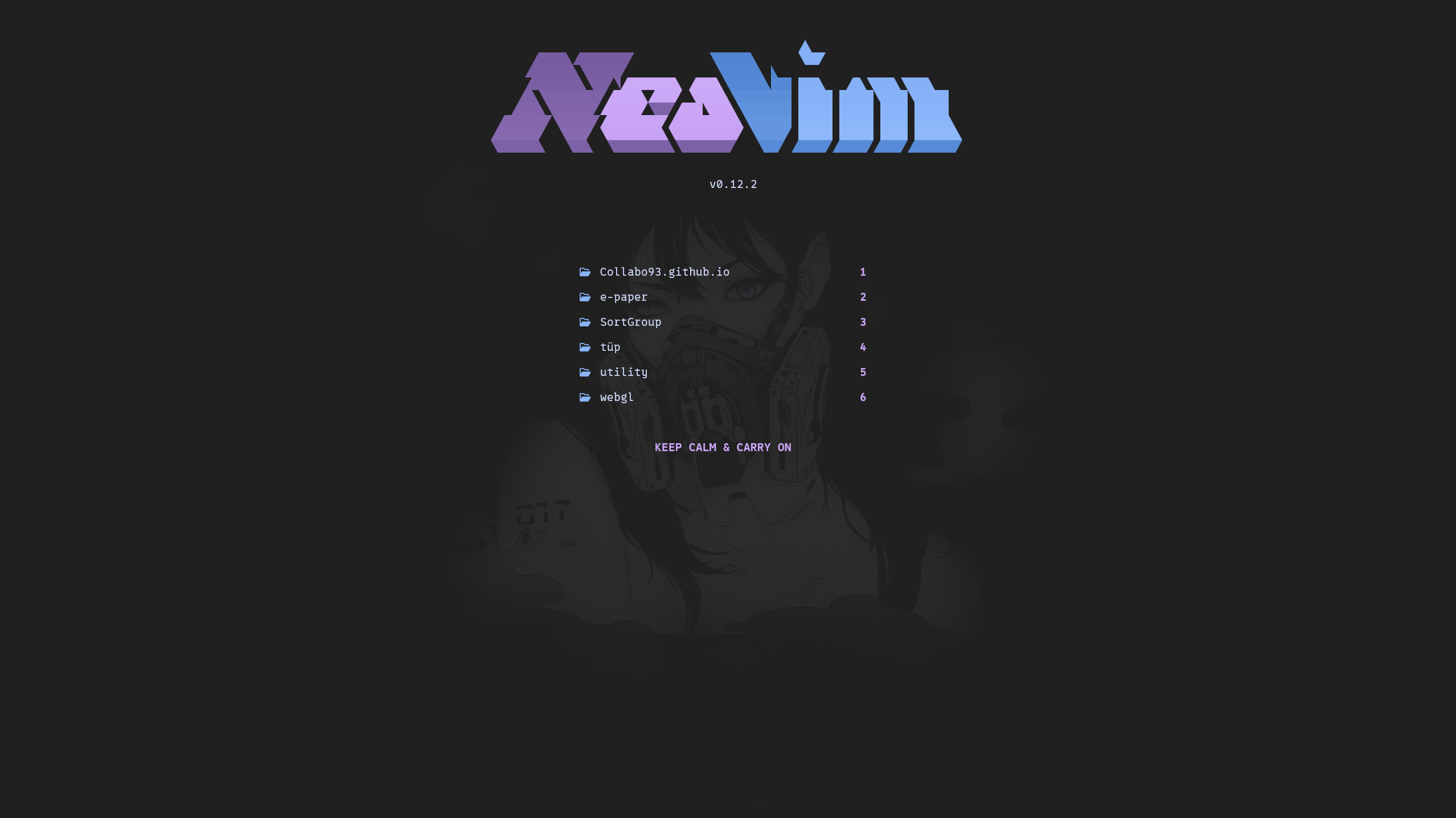
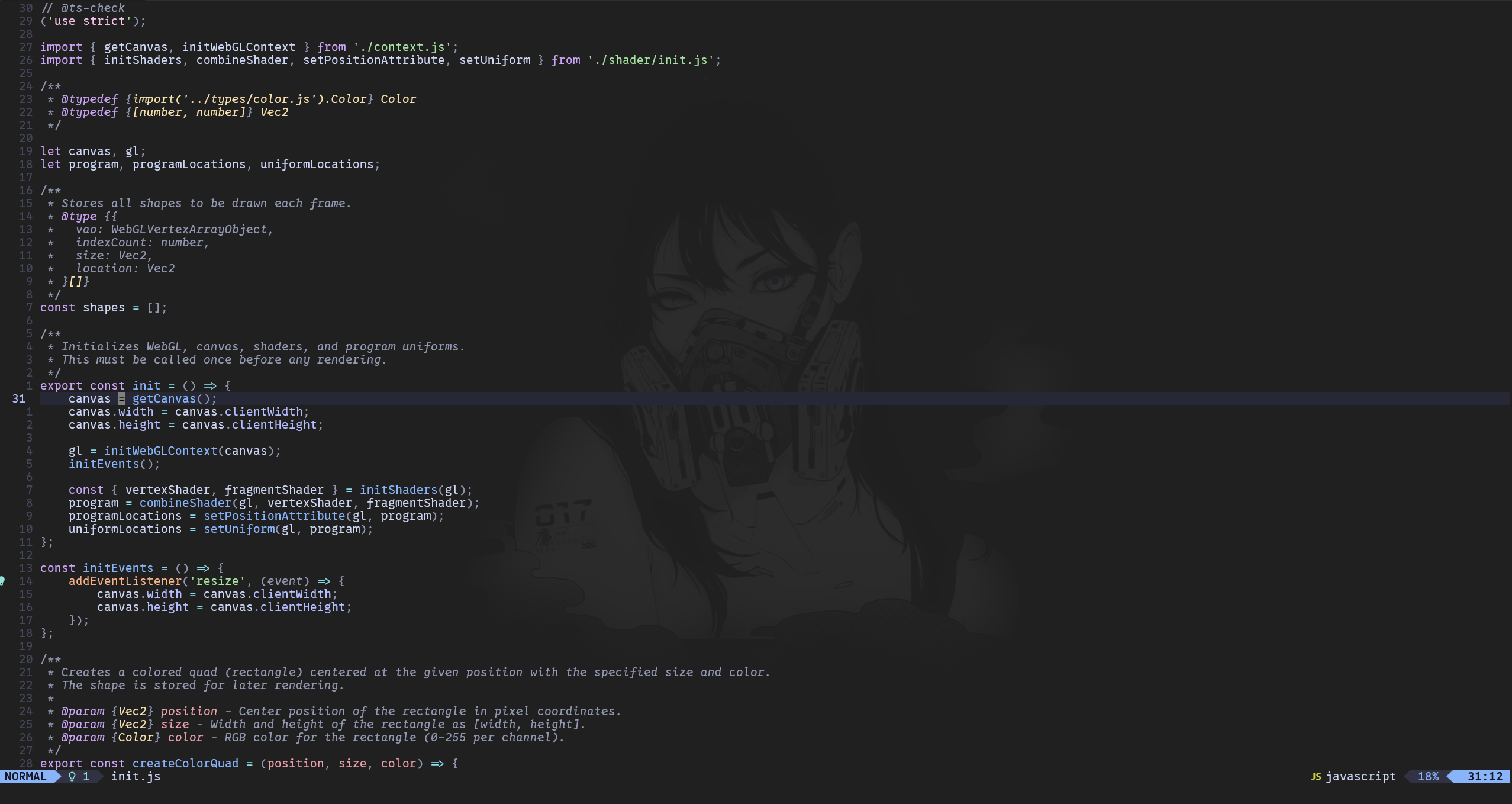
This section lists the plugins used in this Neovim configuration to enhance functionality and development experience.
- alpha: Add a Dashboard to Neovim. Link
- catppuccin: pastel theme Link
- copilot: AI-powered code completion. Link
- copilot chat: AI-powered chat. Link
- devicons: Provides Nerd Font icons for use by Neovim plugins Link
- diffview: Cycle through all diffs for all modified files. Link
- fugitive: Git integration for Neovim. Link
- gitsigns: Displays Git signs in the gutter and provides Git-related utilities. Link
- lazy: Plugin Manager Link
- lualine: Customizable status line for Neovim. Link
- modicator: Changes the color of your cursor's line number based on the current Vim mode Link
- oil: File explorer, to edit filesystem like a buffer Link
- telescope: Fuzzy finder for files, buffers, and more. Link
- todo: Highlights and manages TODO comments. Link
- toggleterm: Persist and toggle multiple terminals Link
- treesitter: Syntax highlighting and code parsing. Link
The following tools are required to use this Neovim configuration:
- Neovim >= 0.12.0: The core editor. Link
- tar and curl in your PATH:
Required for downloading and extracting Tree-sitter grammars.
- tar is used to extract parser archives
- curl is used to fetch grammar repositories
- On Windows 10/11 usually already available via C:\Windows\System32
- npm: Needed for dependencies Link
- Biome: Install via npm:
npm install -g @biomejs/biome
- Intelephense: Install via npm:
npm install -g intelephense
- tree-sitter-cli: Install via npm:
npm install -g tree-sitter-cli
- tree-sitter-cli: Install via npm:
npm install -g typescript-language-server typescript
- Biome: Install via npm:
- Environment Variables:
- MinGW64: Download MinGW64 and add the
mingw64\binfolder to yourPATH, e.g.,C:\env_vars\mingw64\bin. - Ripgrep: Download Ripgrep and add its folder to your
PATH, e.g.,C:\env_vars\ripgrep. - Lua Language Server: (optional, but recommended): Download Lua Language Server and add its folder to your
PATH, e.g.,C:\env_vars\lls. - marksman: (optional, for Zettelkasten system): Download Marksman add the .exe to a folder and add this folder to your
PATH, e.g.,C:\env_vars\marksman. - Make sure to add npm global packages to your
PATH. You can find the path by running:npm config get prefix
- MinGW64: Download MinGW64 and add the
- Nerd Fonts: Download and install the Nerd Font of your choice and set it as the font in your terminal for proper icon rendering.
The following table lists key mappings for this Neovim configuration:
| Shortcut | Mode | Description |
|---|---|---|
<C-a> |
Normal | Select all text in the current buffer |
<C-u> |
Normal | Redo last change |
<leader>q |
Normal | Exit current file |
<leader>s |
Normal | Replace current word in file |
<leader>n |
Normal | Jump to next diagnostic error |
<leader>N |
Normal | Jump to previous diagnostic error |
<leader>v |
Normal | Open or close vertical split and move focus |
<leader>h |
Normal | Move focus to the left window |
<leader>l |
Normal | Move focus to the right window |
<leader>i |
Normal | Select inside parentheses |
<leader>o |
Normal | Select inside braces |
<leader>w |
Normal | Format current buffer |
<leader>d |
Normal | Jump to definition |
<leader>^ |
Normal | Jump to previous buffer |
<leader>u |
Normal | Toggle Undotree |
<leader>p |
Normal | Toggle Dashboard |
<leader>g |
Normal | Toggle DiffView |
<leader>r |
Normal | Toggle Fugitive |
<leader>f |
Normal | Telescope: Find file |
<leader>e |
Normal | Telescope: Grep string |
<leader>c |
Normal/Terminal | Toggle Termninal |
# |
Visual | Comment highlighted lines |
J |
Visual | Move highlighted line down |
K |
Visual | Move highlighted line up |
<leader>p |
Visual | Paste without overwriting clipboard |
If you already use Neovim, delete or rename the nvim and nvim-data folders.
If not, create an nvim directory.
Clone this repository into your Neovim config folder:
git clone https://github.com/Collabo93/init.git %LOCALAPPDATA%/nvimClone into the Neovim config directory:
git clone https://github.com/Collabo93/init.git ~/.config/nvimOnly required if you are not an administrator on your machine and cannot install parsers.
Place the parser and parser-info folders from nvim-parsers into the following location so Tree-sitter can detect them:
- Windows:
%LOCALAPPDATA%\nvim-data\site - Linux:
~/.config/nvim-data/site
Open Neovim:
nvimWait until lazy automatically installs all plugins.
You can customize the configuration files to fit your preferences:
Set your root directory, of all your projects, in the alpha.lua file:
-
Windows and Linux:
%LOCALAPPDATA%\nvim\lua\plugins\alpha.luaor~/.config/nvim/lua/plugins/alpha.lua-- Add your project root directory here -- local projects_root = vim.fn.expand("~/Documents/repos/")
If you want to use GitHub Copilot, invoke the command :Copilot setup in Neovim to set up your GitHub account.
By default, this setup has a transparent background to support a terminal background image. You have two options:
a) Set a background image
Example images are in this directory:
- Windows:
%LOCALAPPDATA%\nvim\dashboard_img\ - Linux:
~/.config/nvim/dashboard_img
b) Deactivate the transparent background
- Windows:
%LOCALAPPDATA%\nvim\lua\plugins\catppuccin.lua - Linux:
~/.config/nvim/lua/plugins/catppuccin.lua
Comment or delete this line:
transparent_background = true,Copy the following configuration files into each of your projects to ensure consistent code formatting:
biome.json
Restart Neovim, and you're done!