
VS Code extension that displays hover documentation in the sidebar or panel.
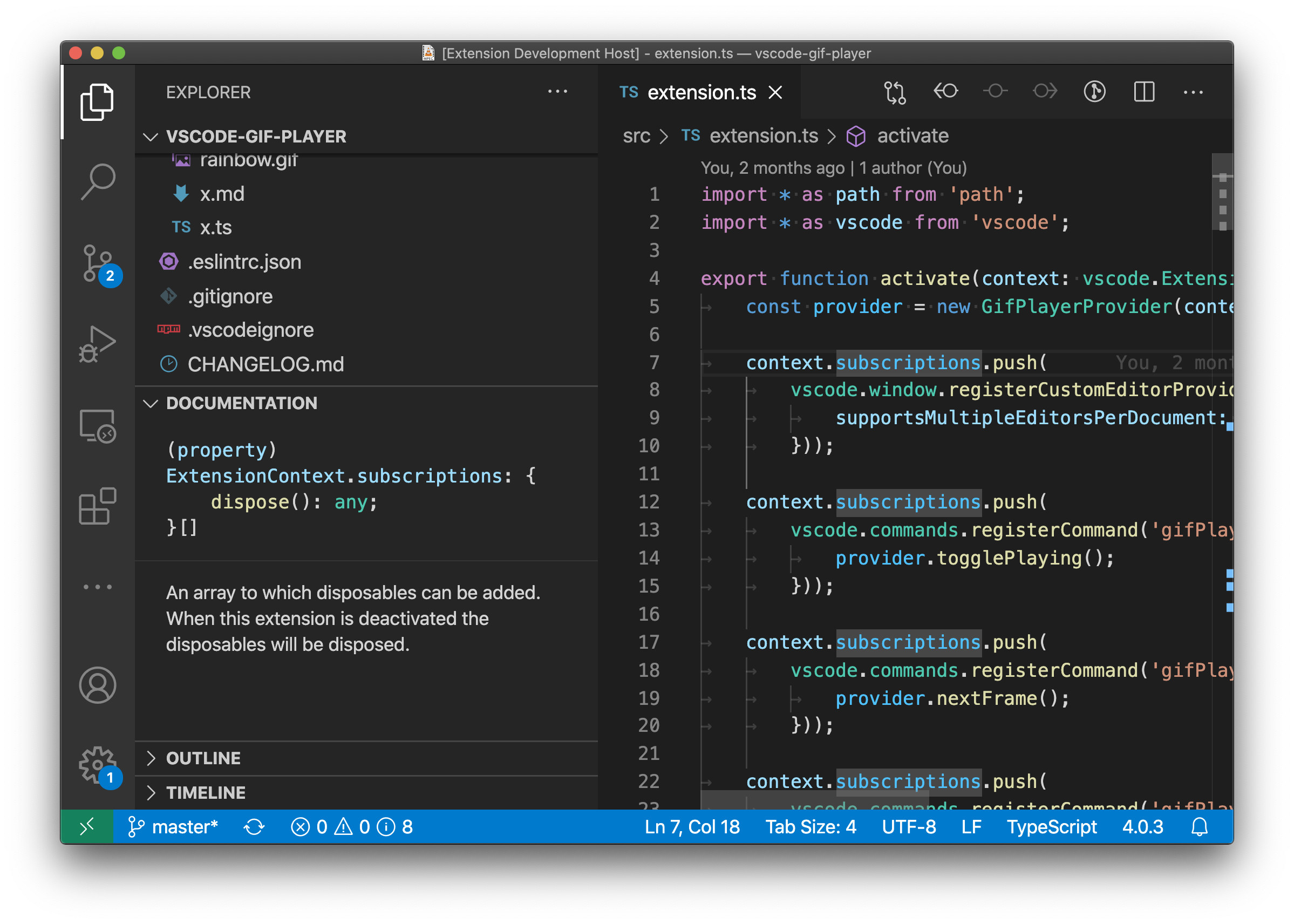
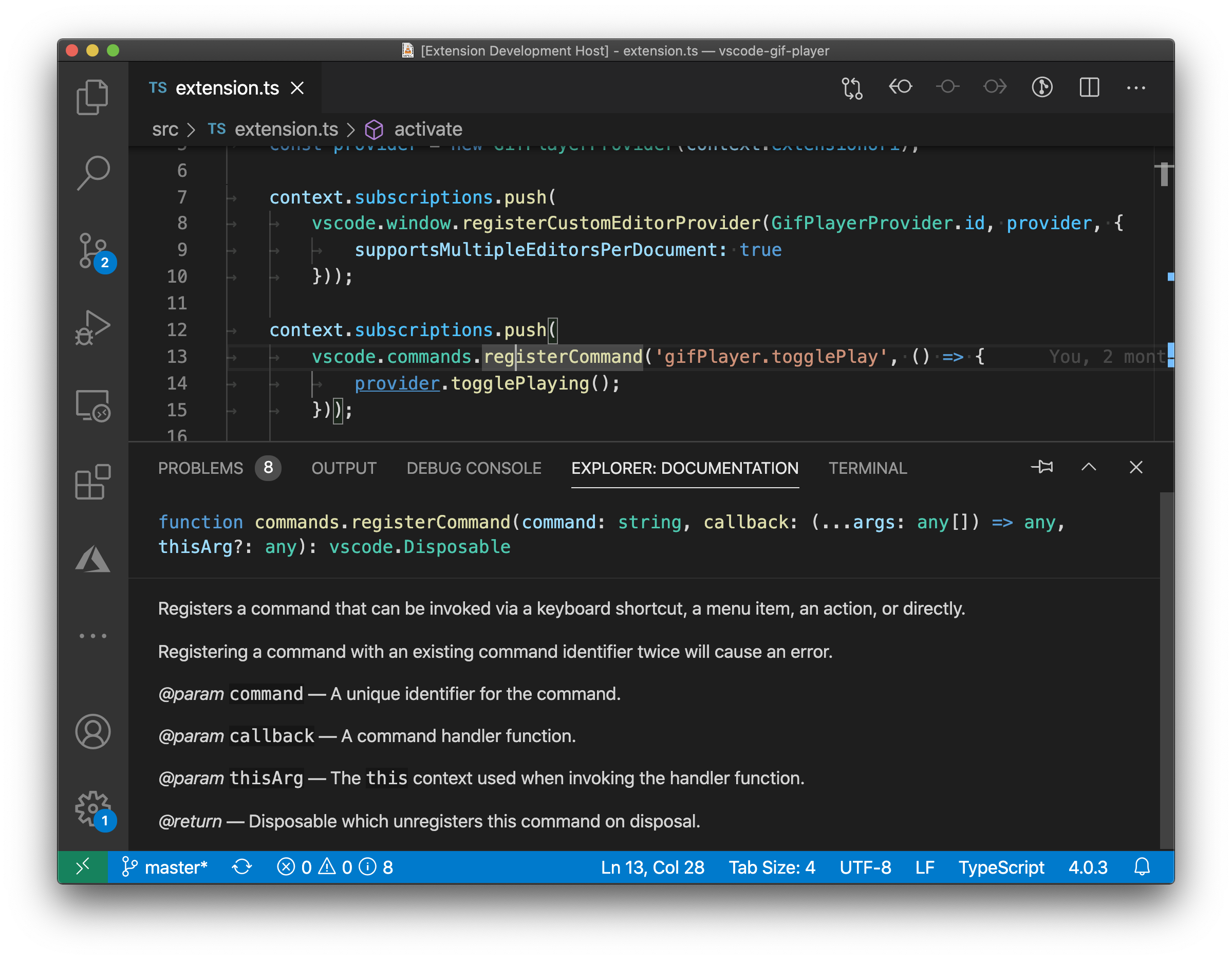
- Automatically displays documentation for the symbol at the current cursor position.
- Language independent. Works in any language that supports hovers.
- The "Documentation" view shows in the panel by default. Move to other views or the panel just by dragging.
- Supports syntax highlighting and markdown rendering in the docs view.
-
docsView.documentationView.updateMode— Controls how the documentation view is updated when the cursor moves. Possible values:live— (default) The documentation always tracks the current cursor position.sticky— The documentation tracks the current cursor position. However if there is no content at the current position, it continues showing the previous documentation.
-
docsView.display.pinMarkerColor— Controls the color of the marker used by the pin. Possible values are any value the css color property can take. If blank or invalid the marker wont be displayed.
Pin current docs— Stop live updating of the docs view. Keeps the currently visible docs.Unpin current docs— Make the docs view start tracking the cursor again.