Animated ASCII splash screens for Neovim. Ships with 24 bundled splashes, and lets you drop in your own from any image or GIF. Works with dashboard-nvim, alpha-nvim, snacks.nvim, mini.starter, or raw VimEnter.

- Bundled splashes
- Install
- Quick start
- Using your own splash ← bring any image or GIF
- Dashboard integrations
- Previewing
- API
- Requirements
- License
aiface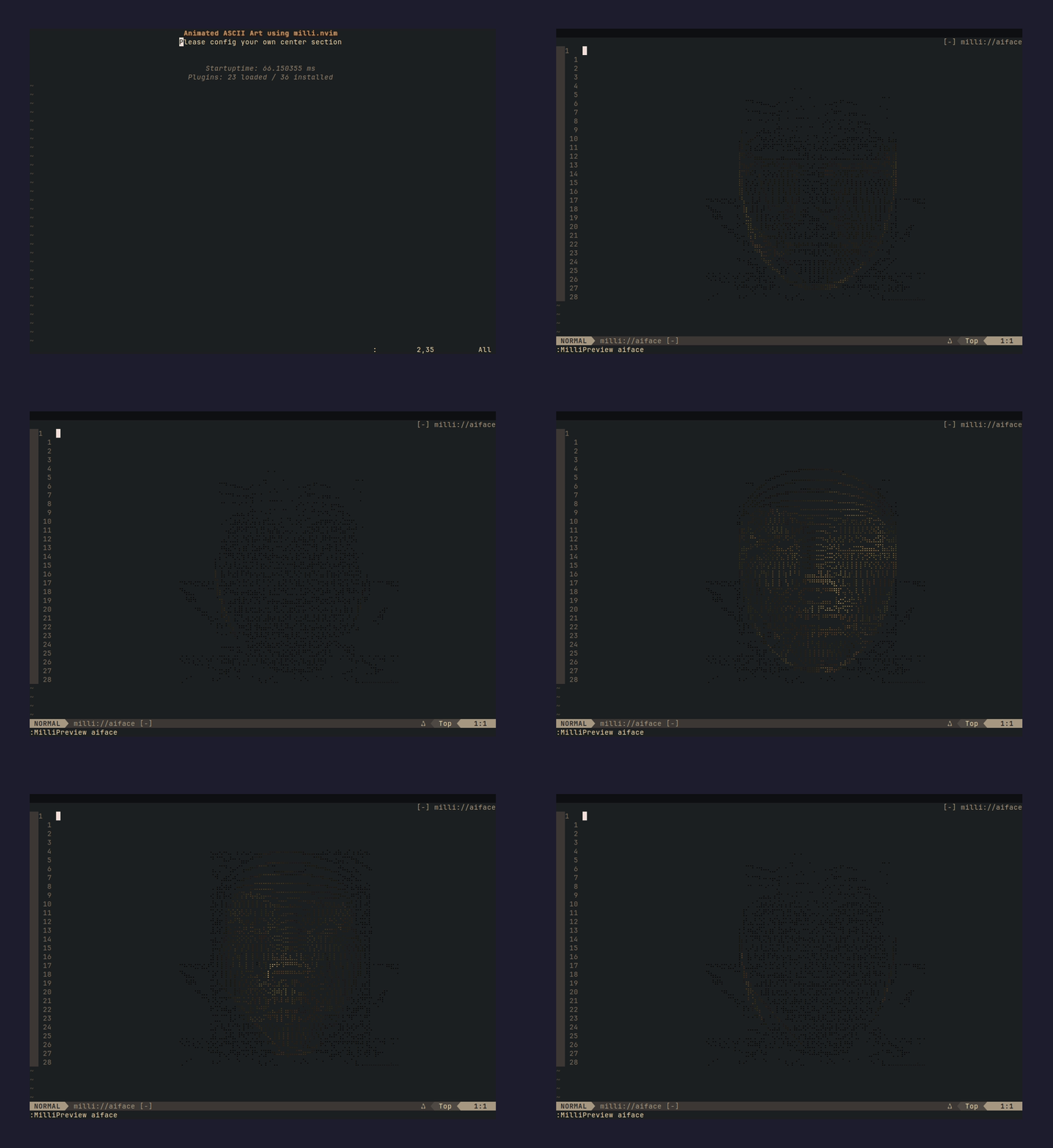 |
attackontitan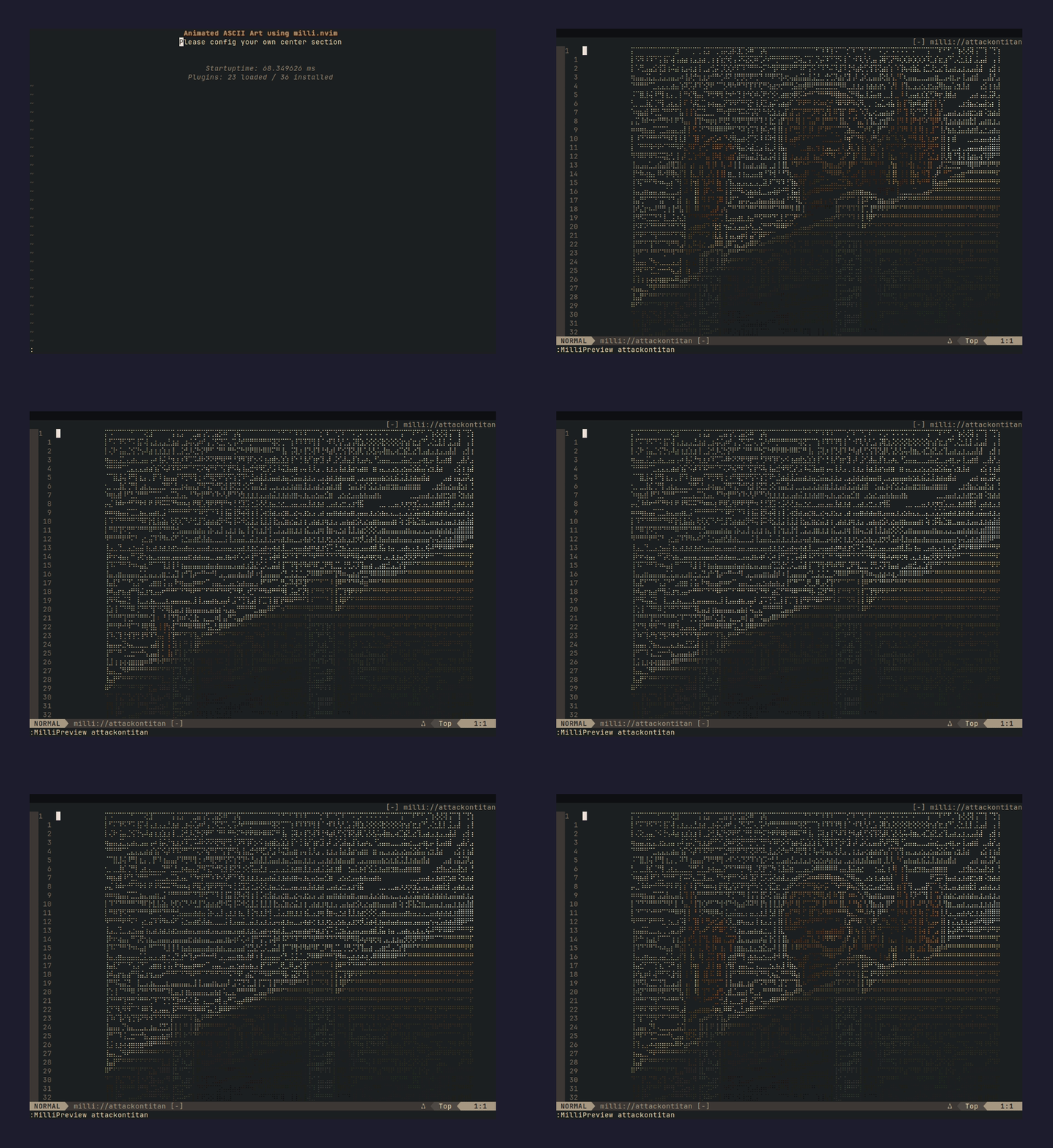 |
aurora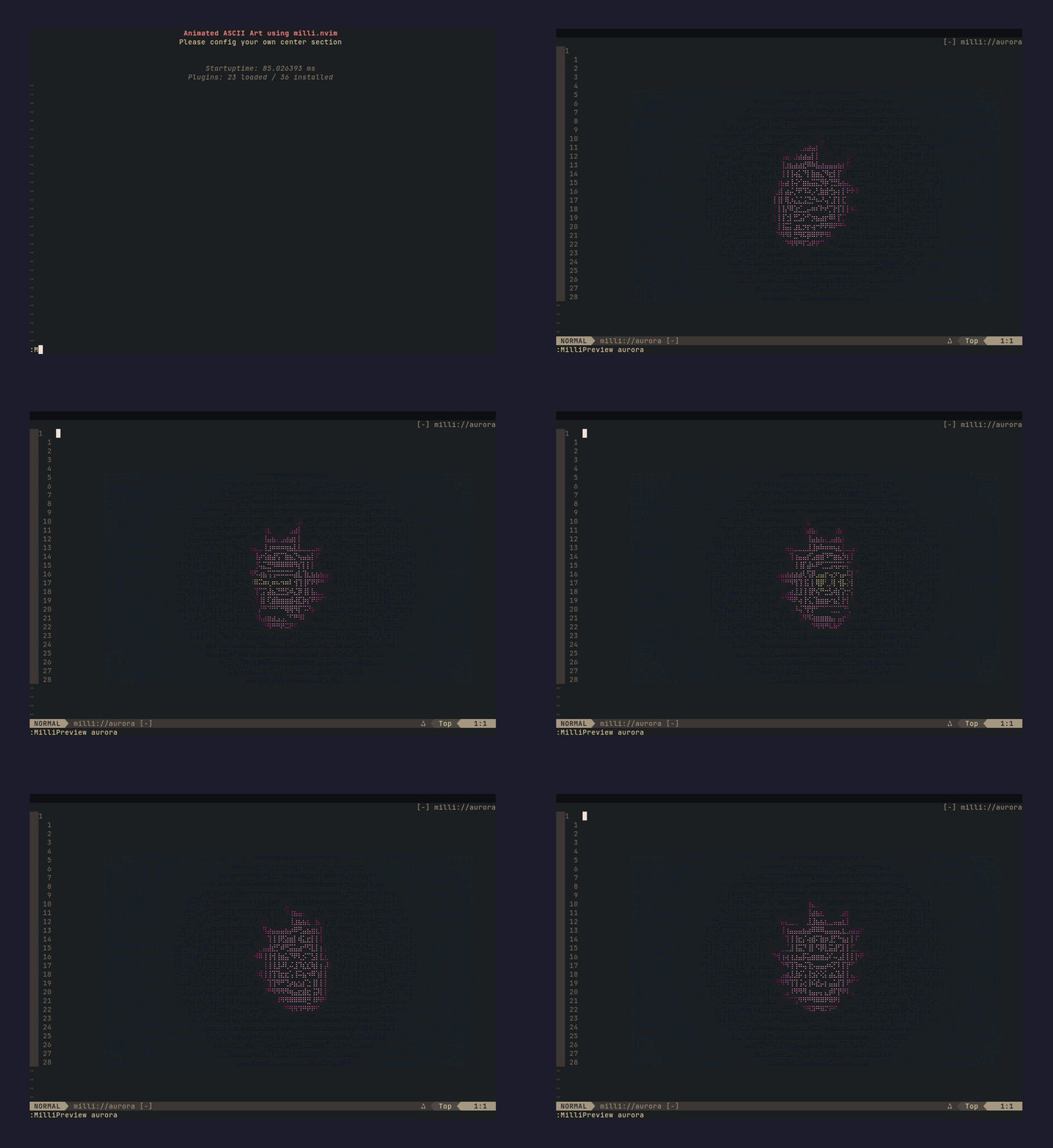 |
badge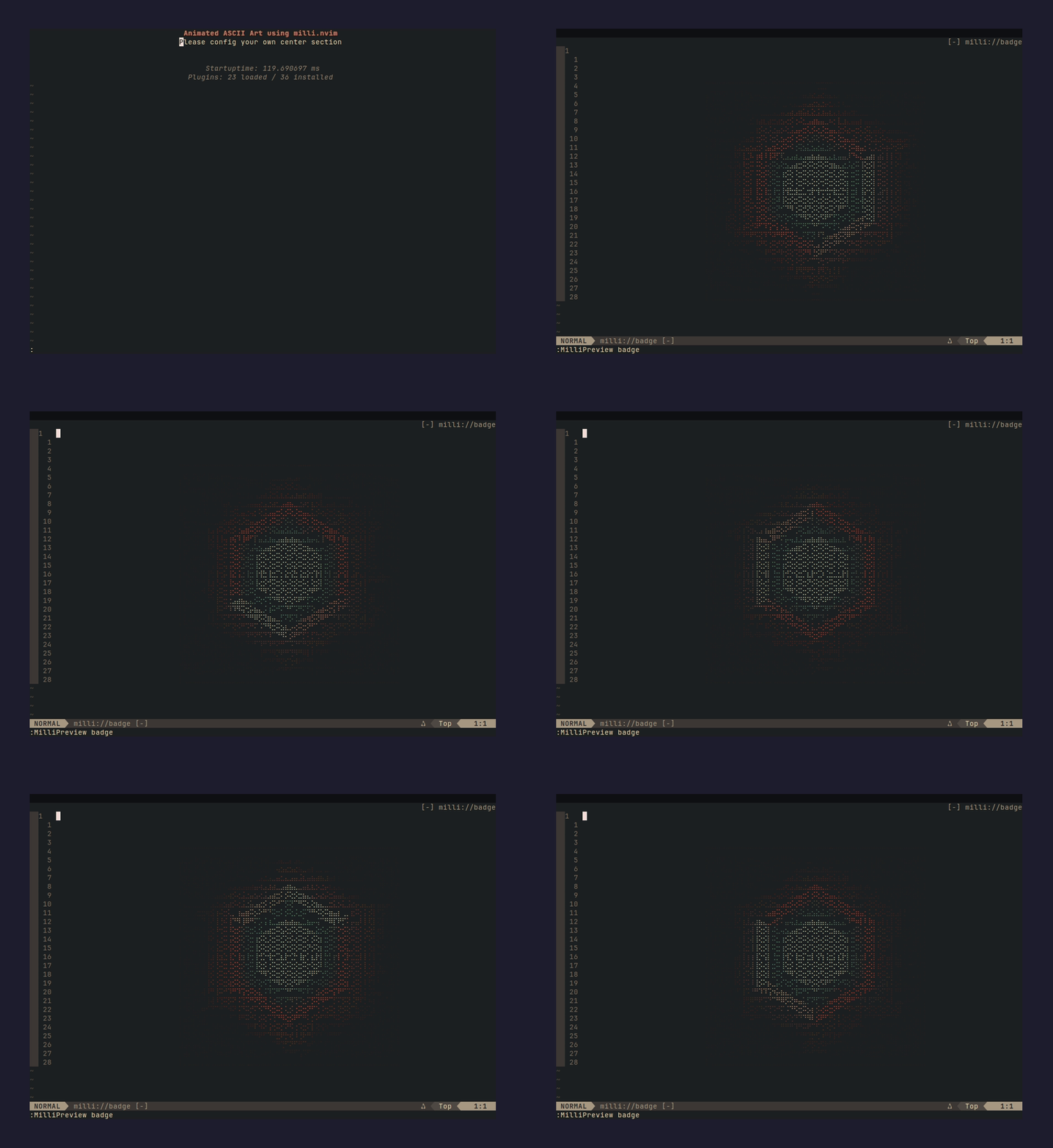 |
blackhole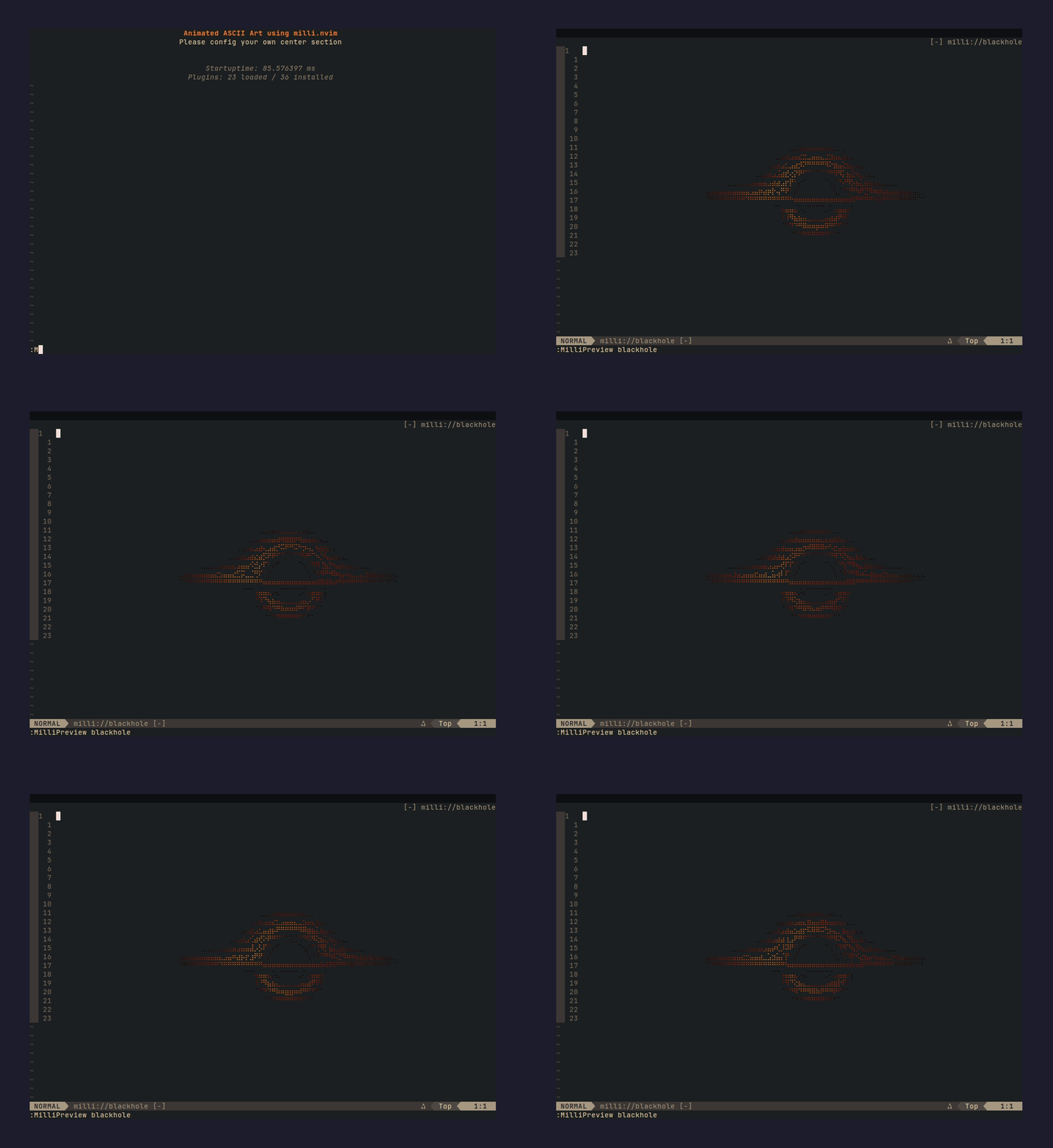 |
cactus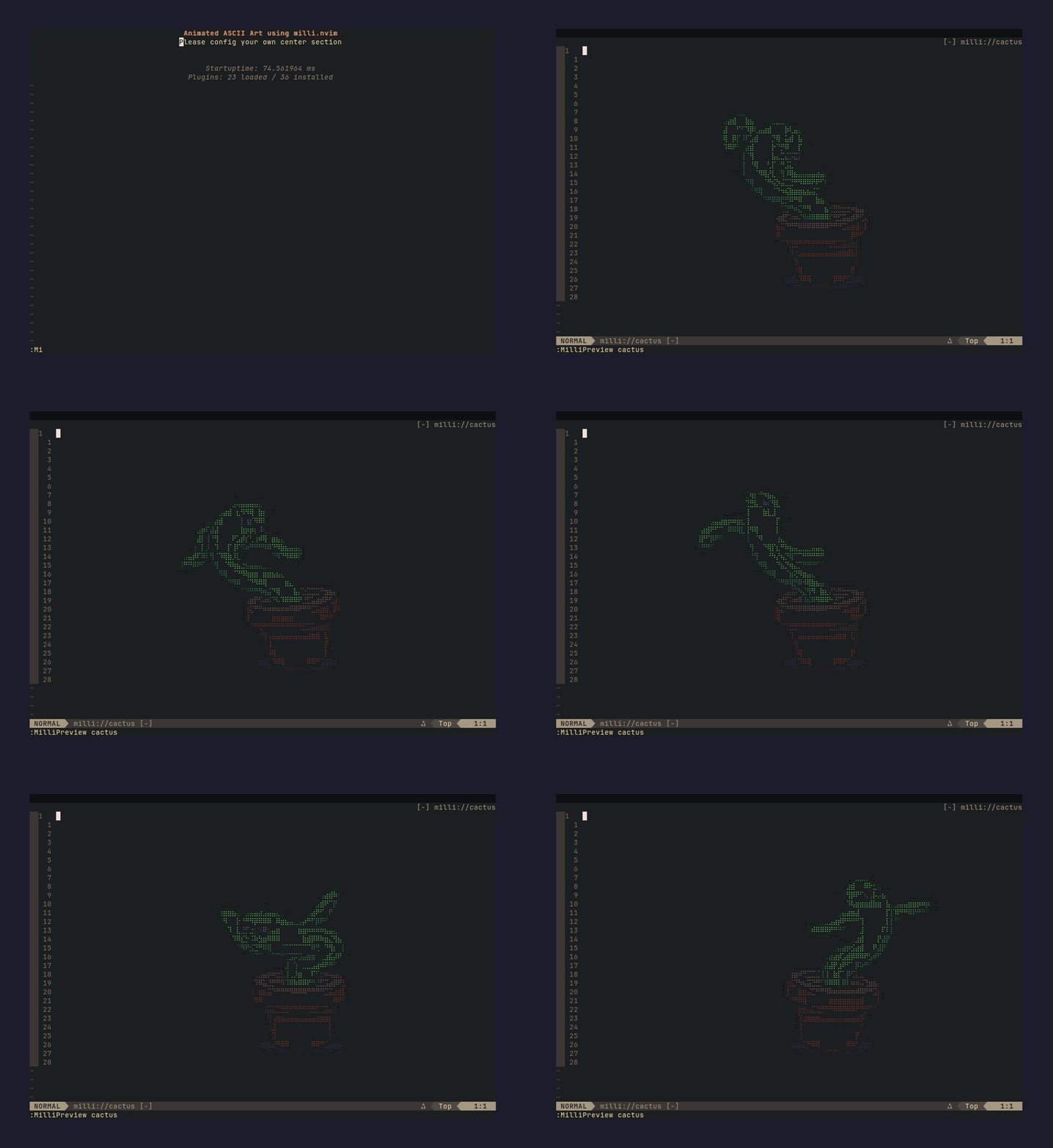 |
catwoman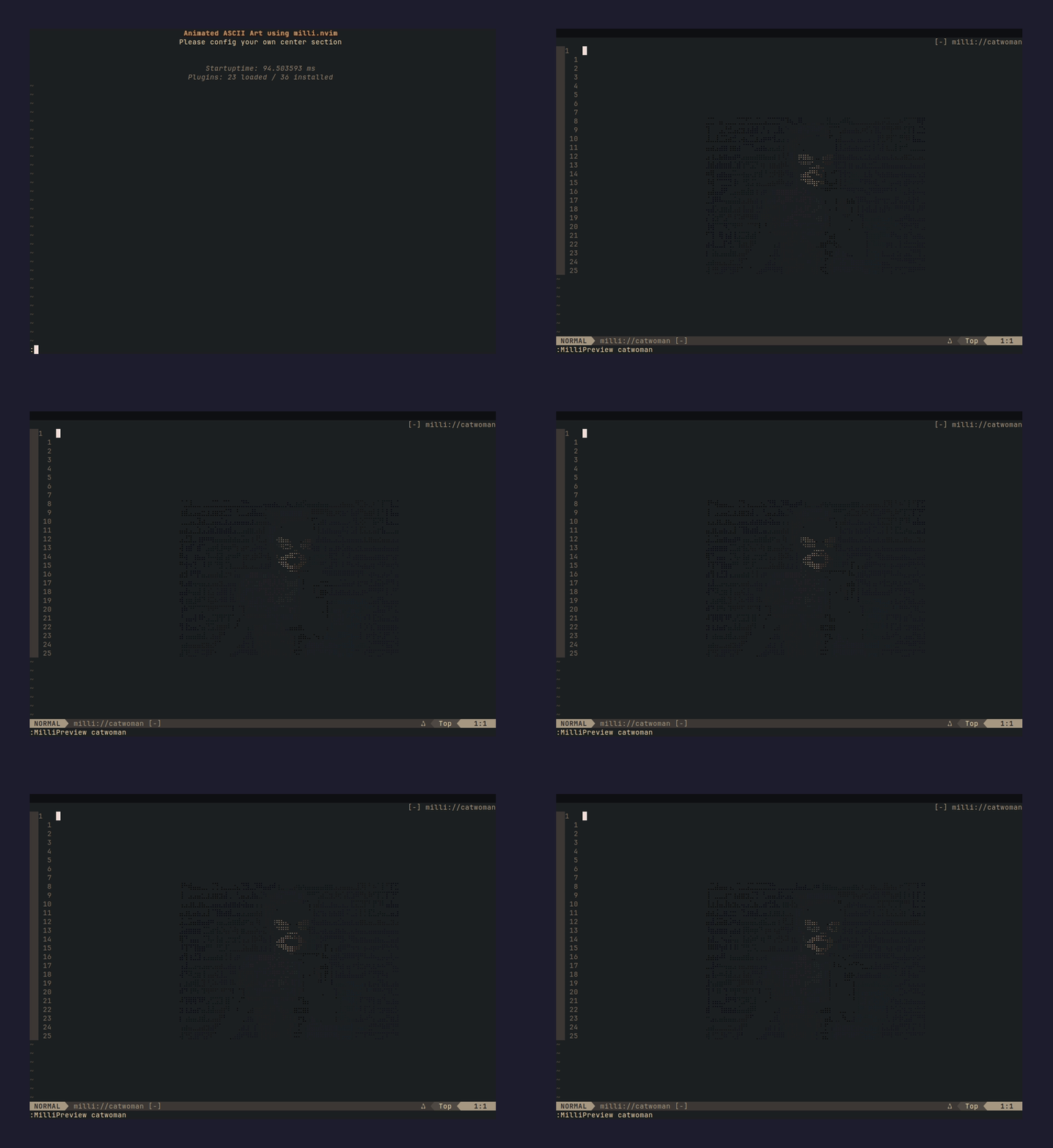 |
chrome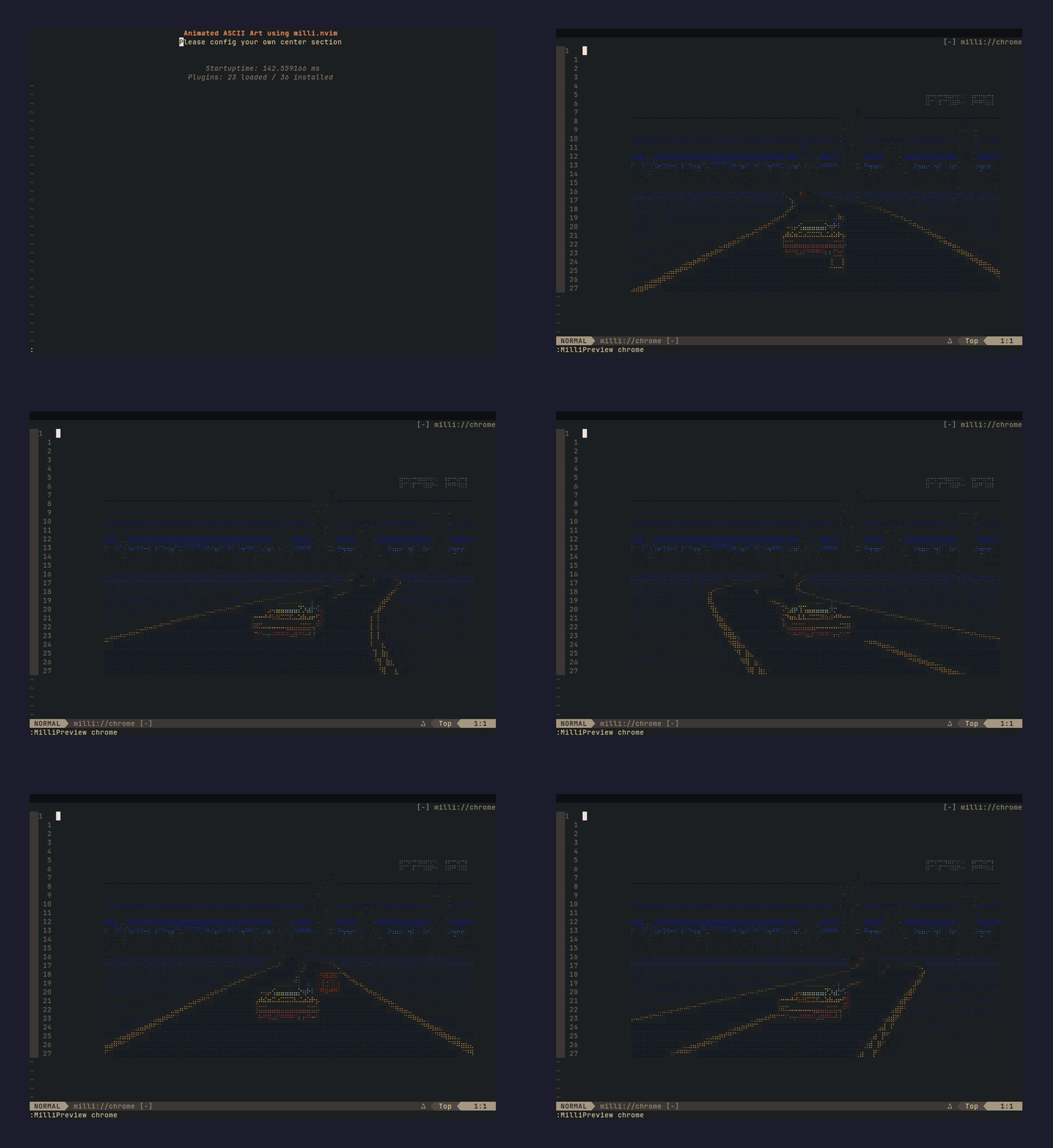 |
dancer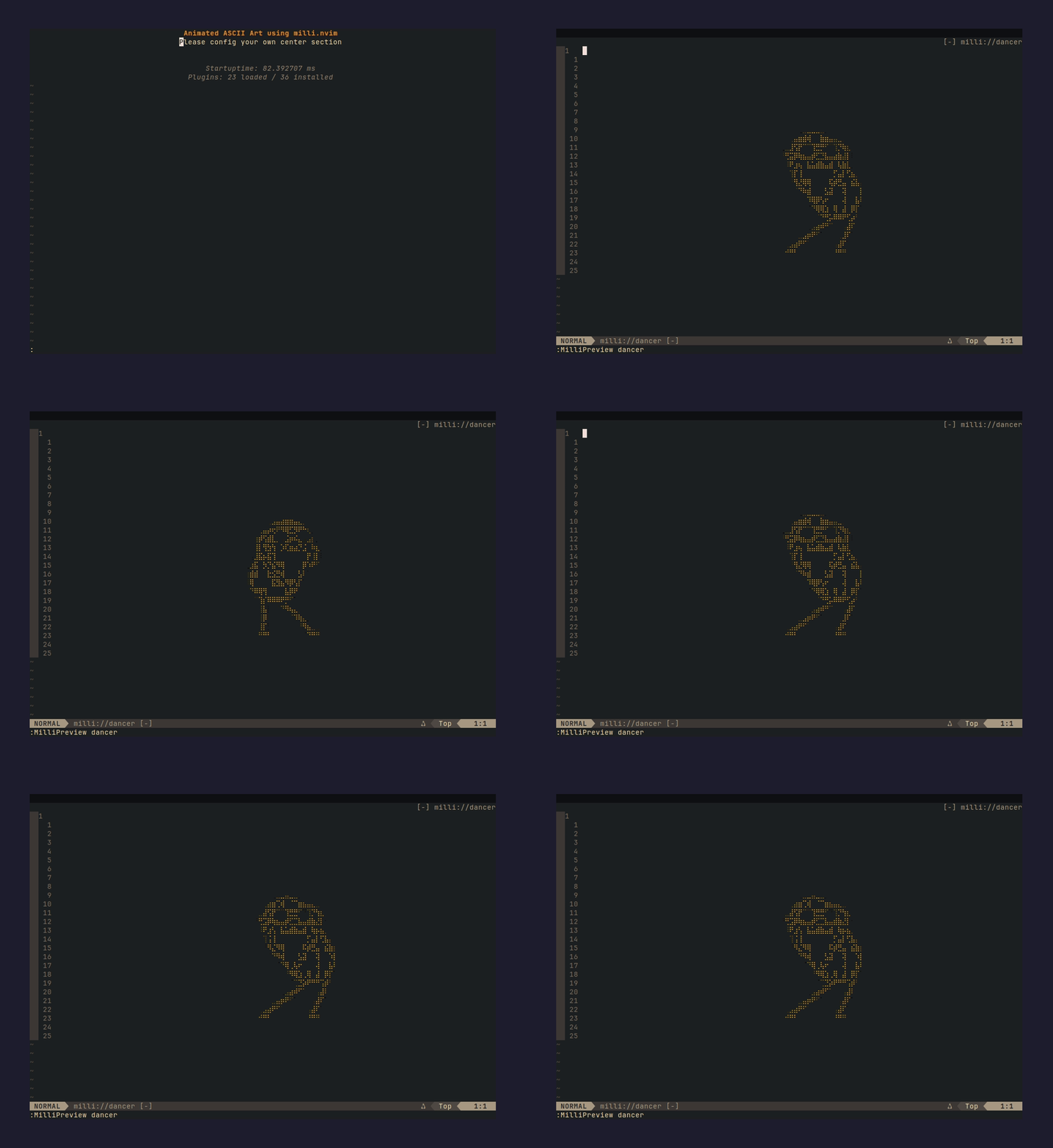 |
dancerramp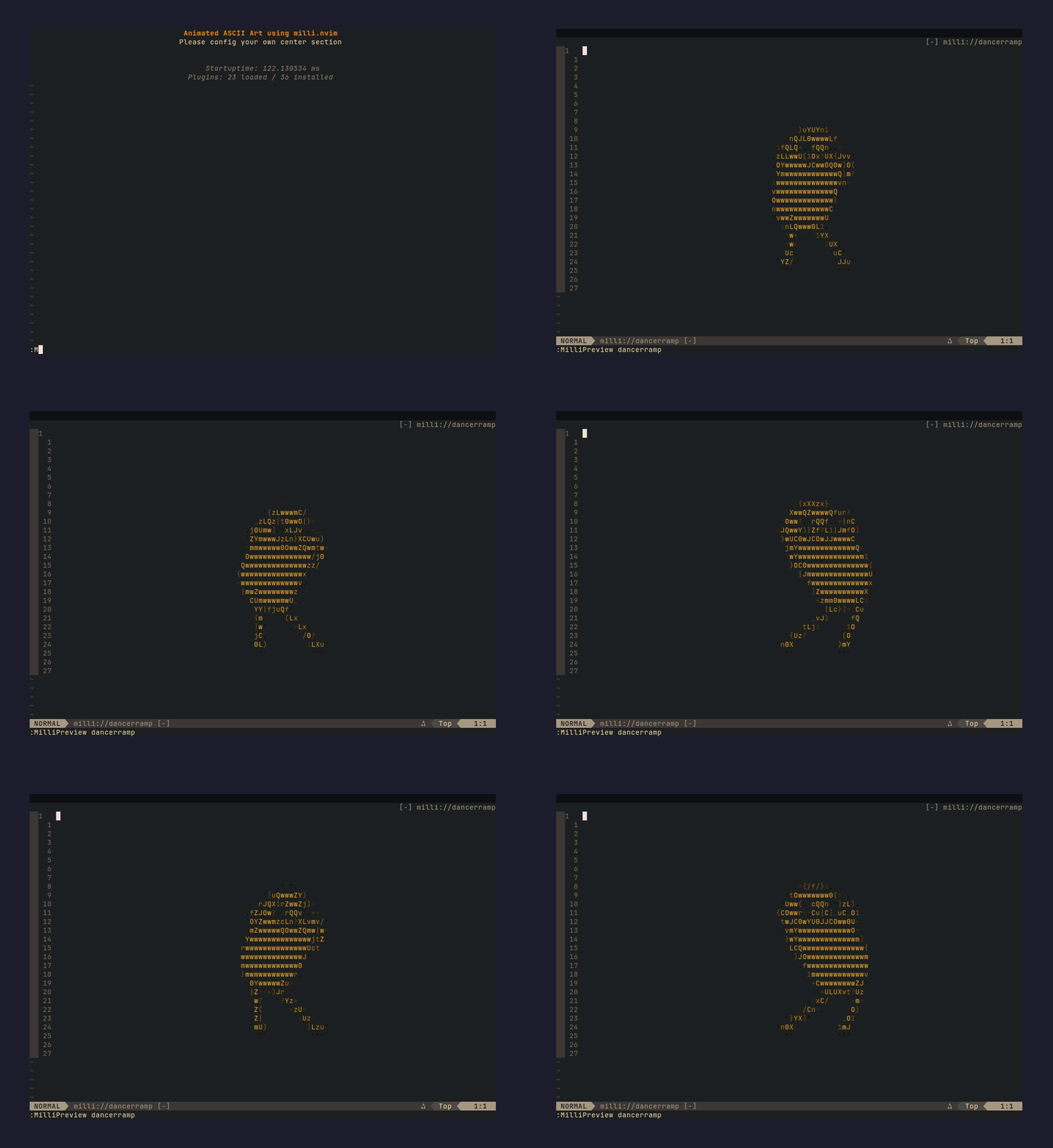 |
finger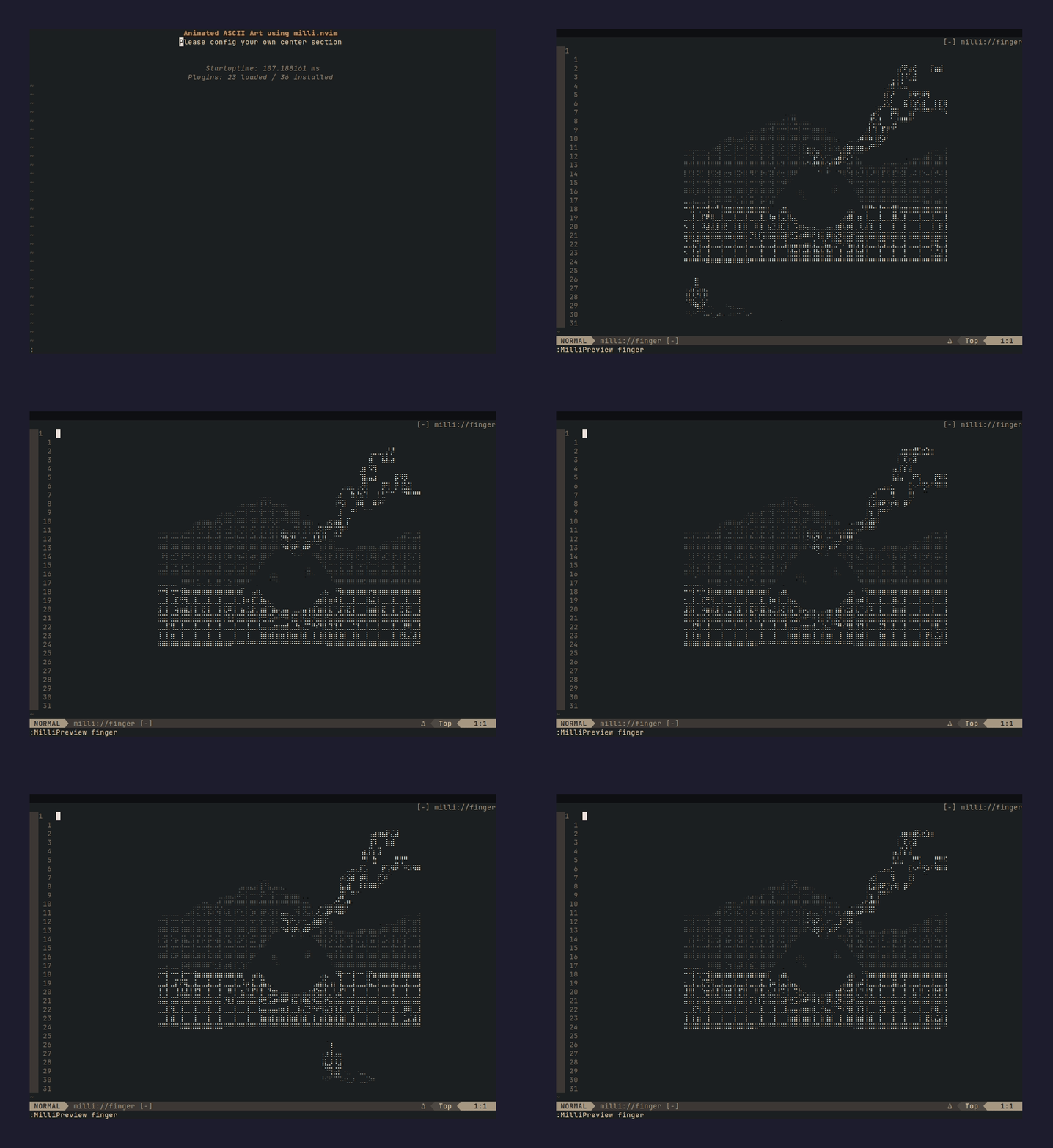 |
fire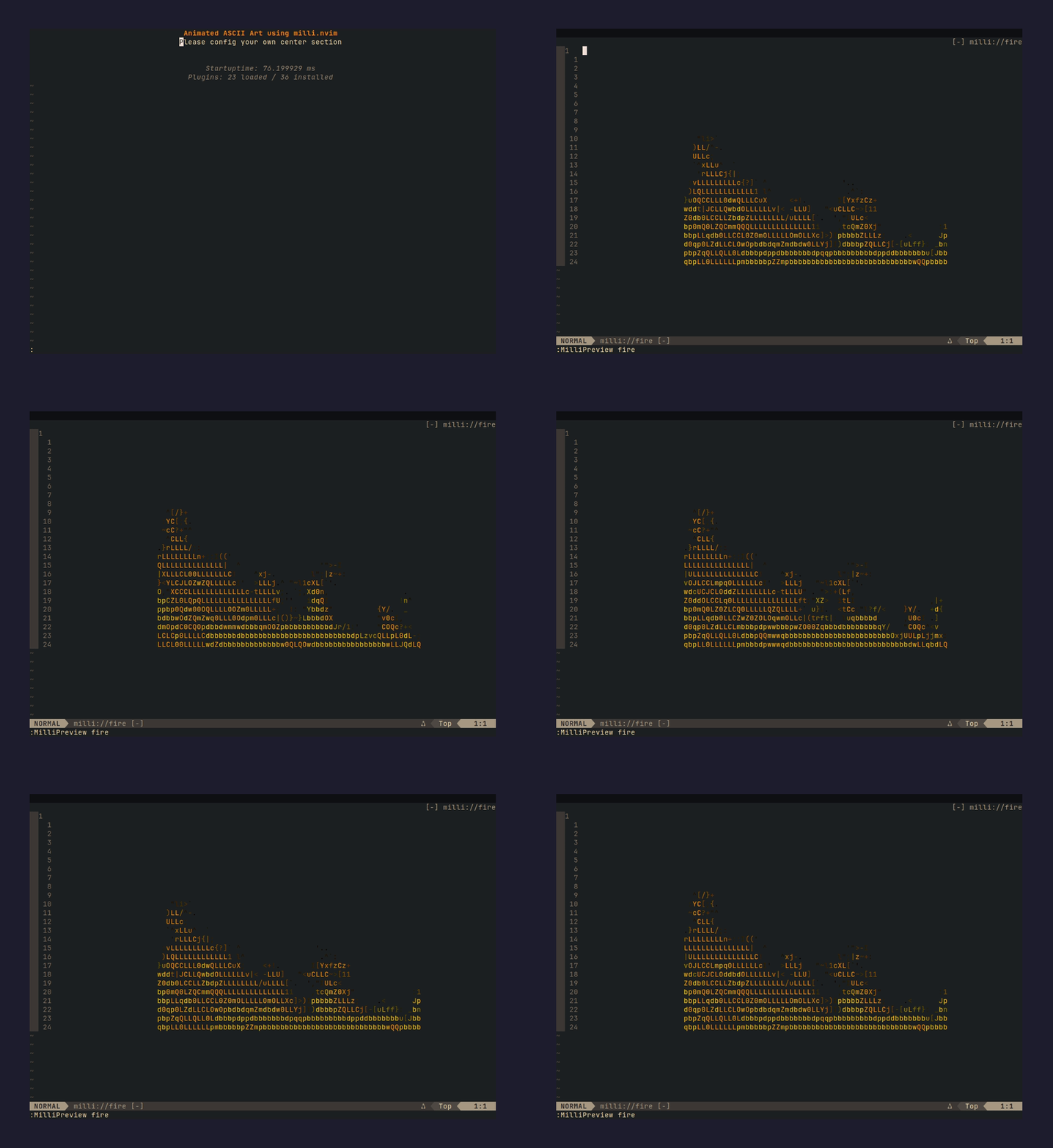 |
flyingcat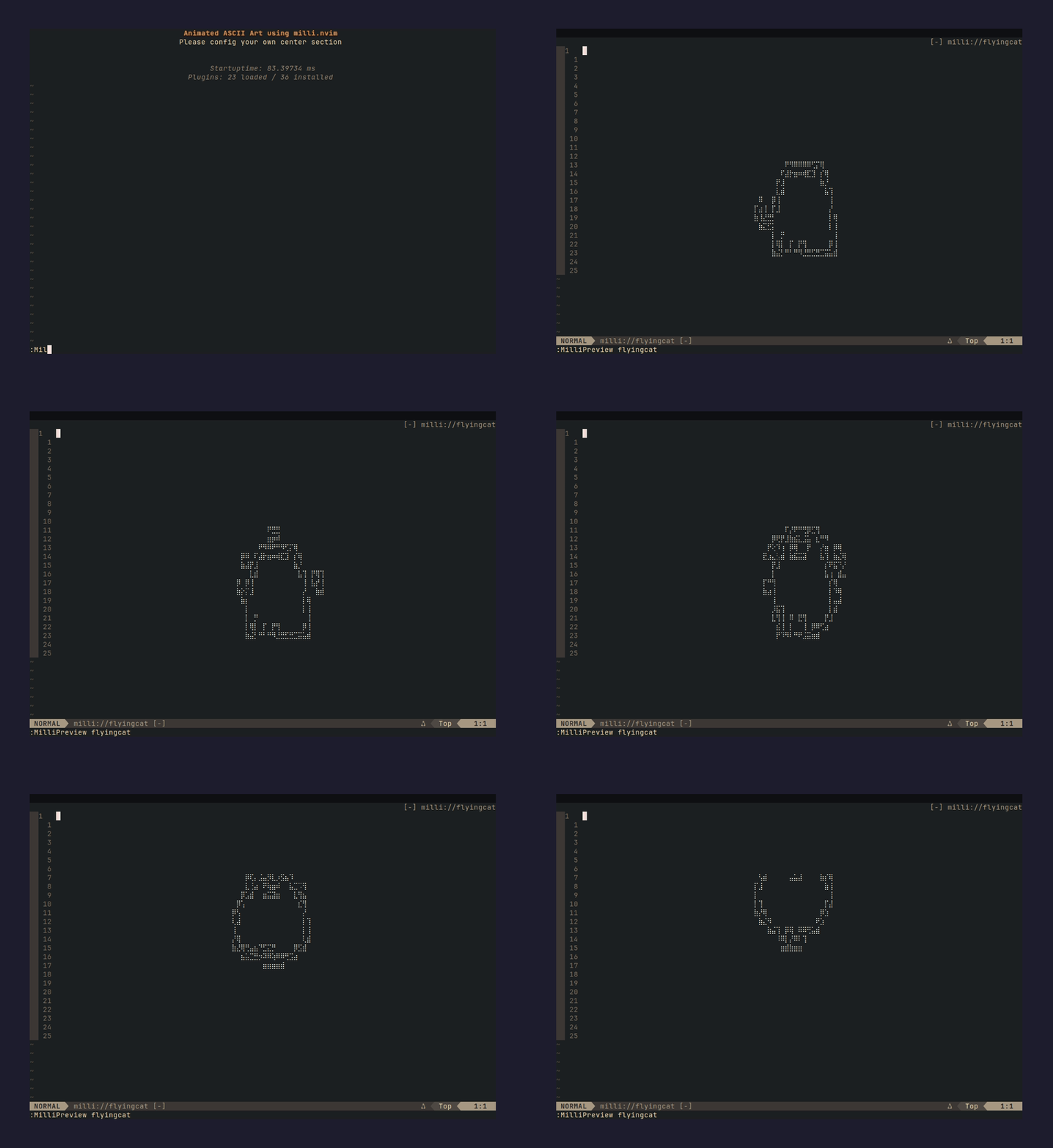 |
flyingdragon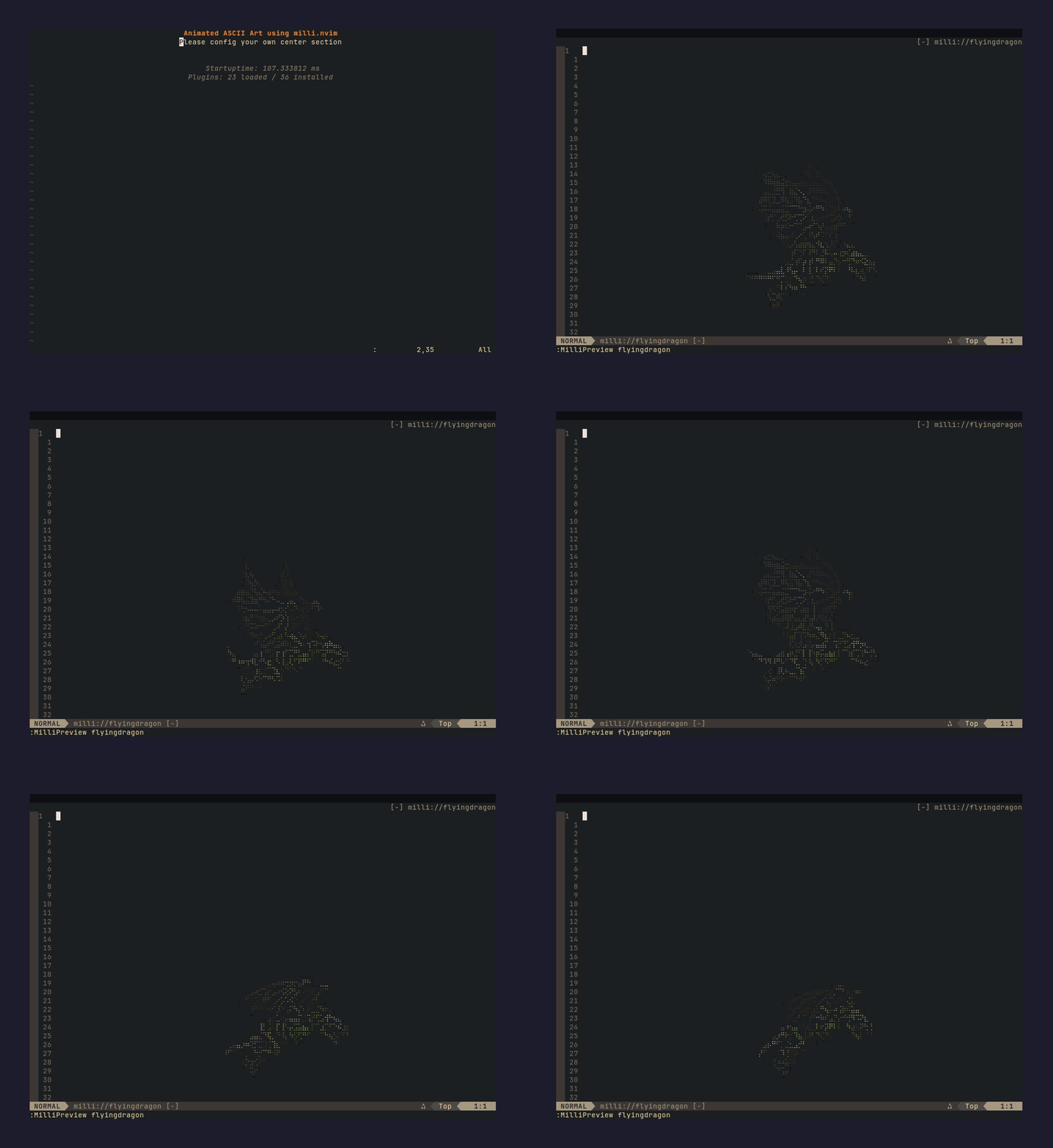 |
ididnot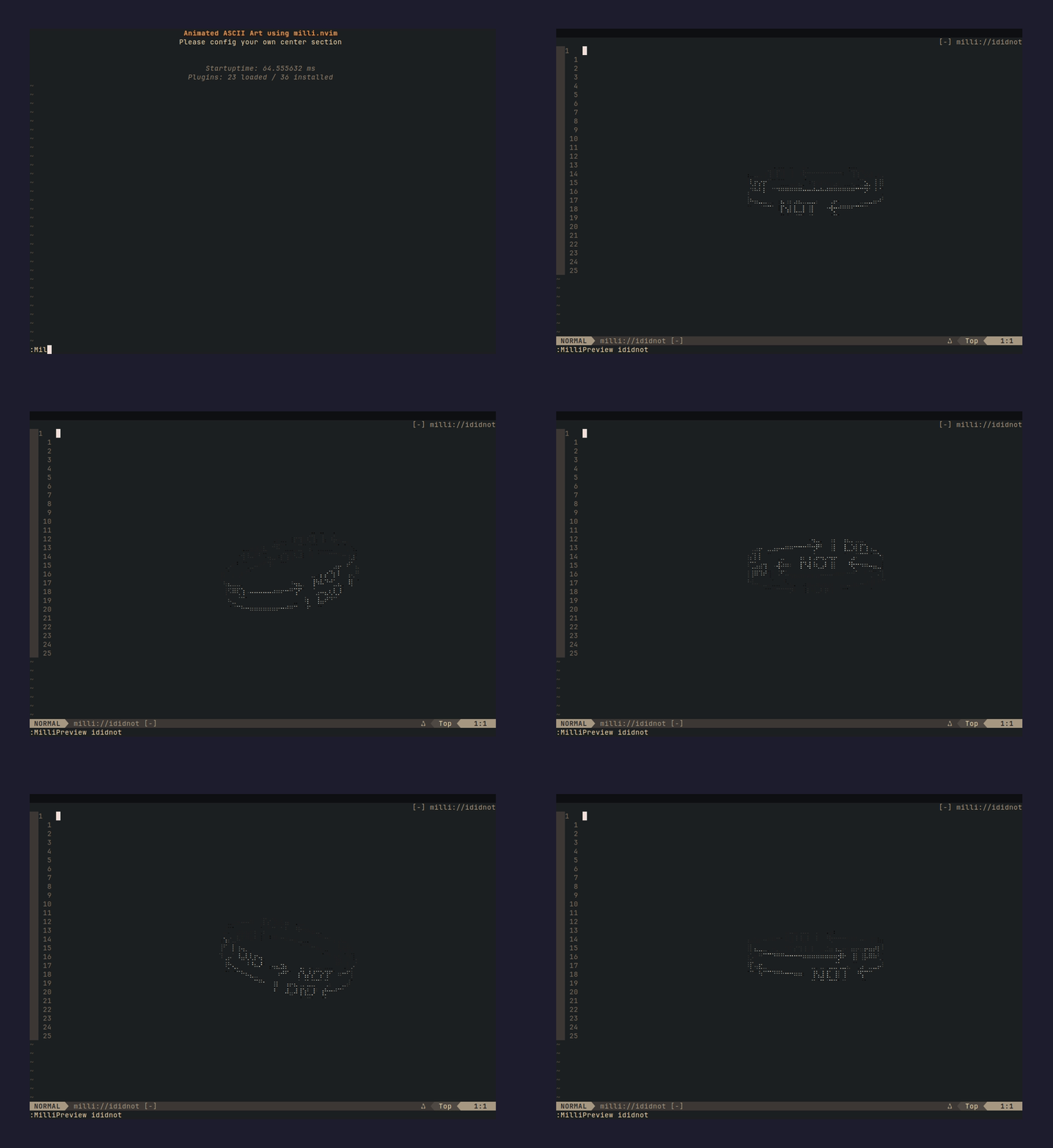 |
lighningtornado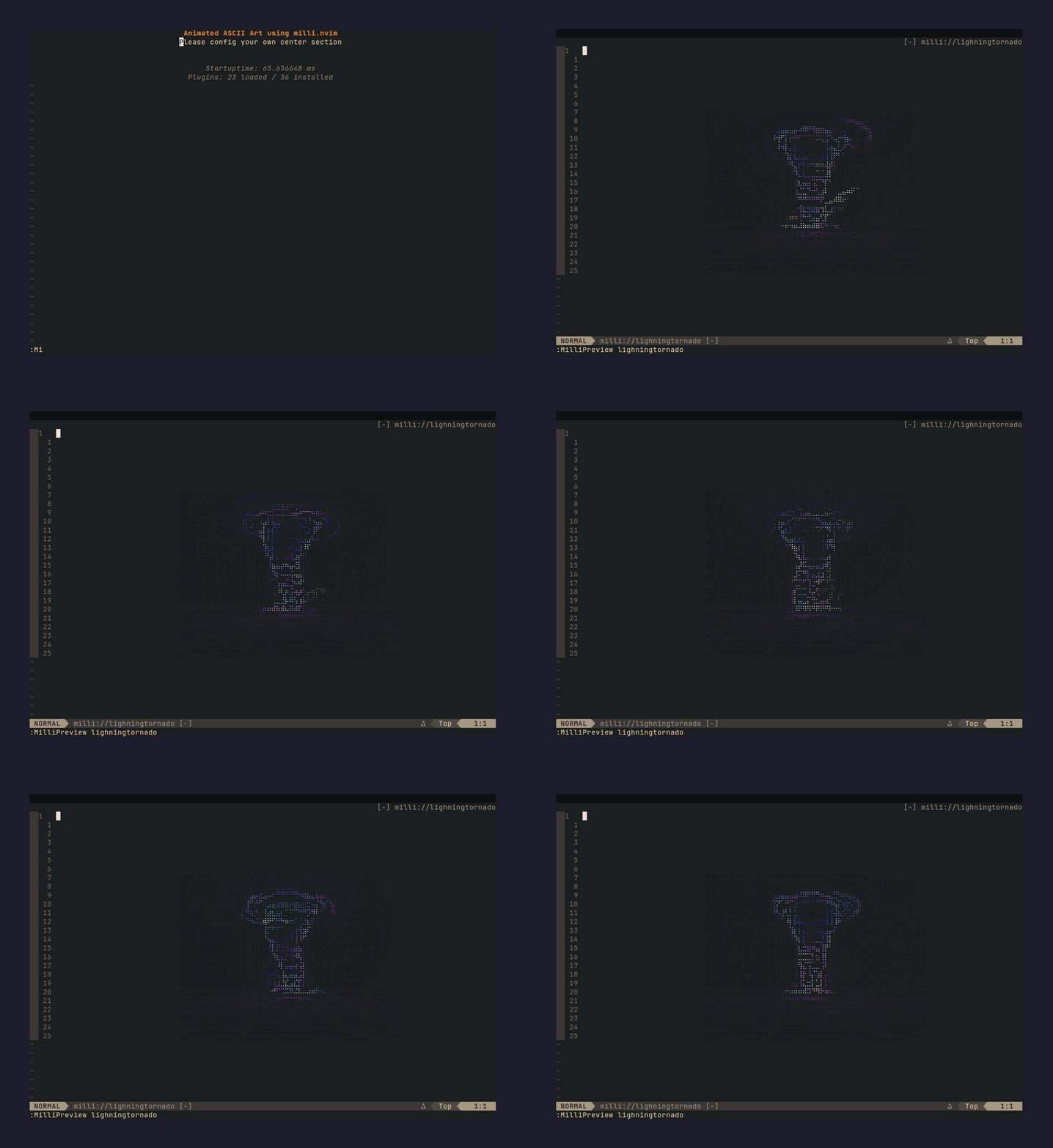 |
lights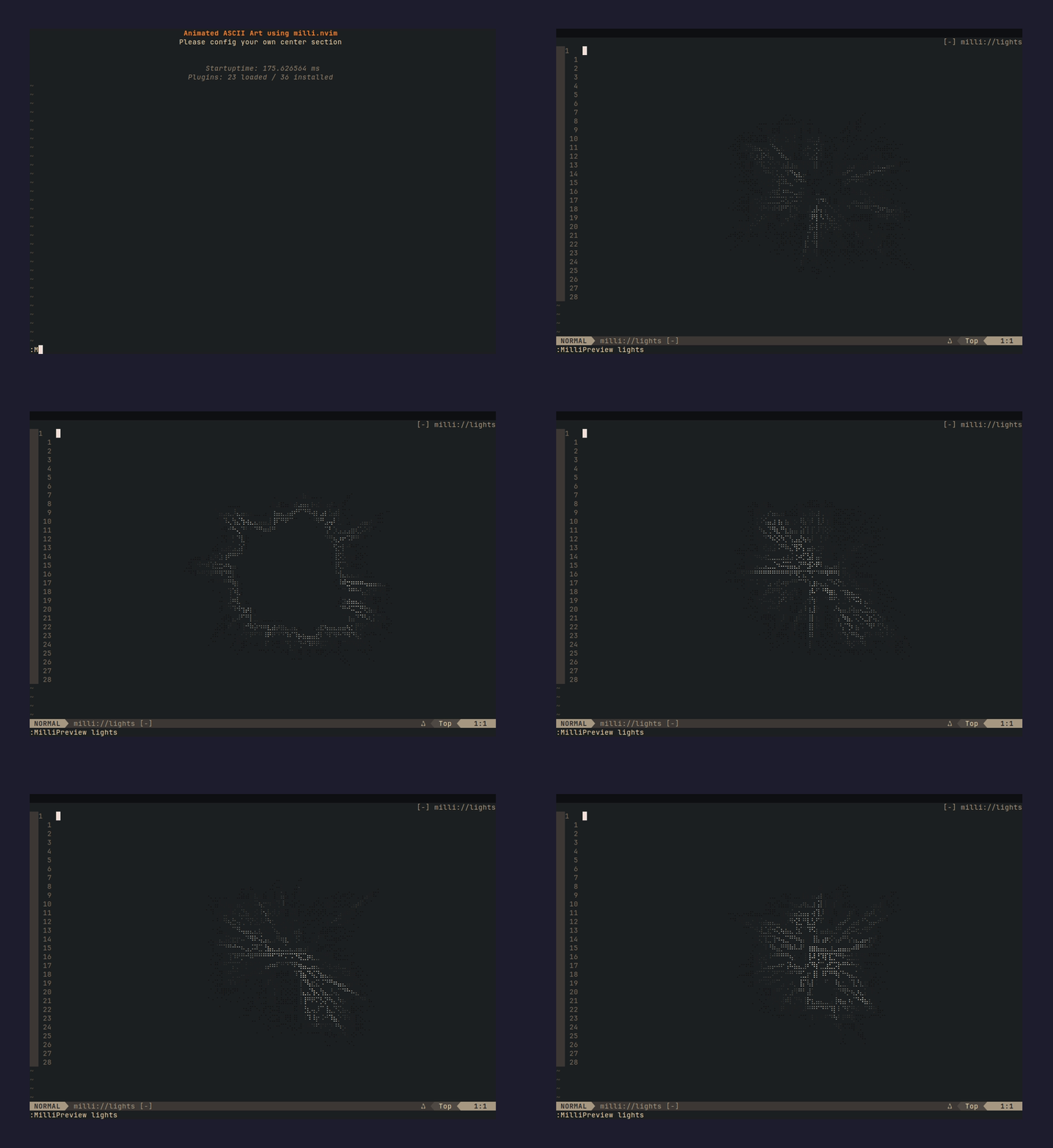 |
retrocircle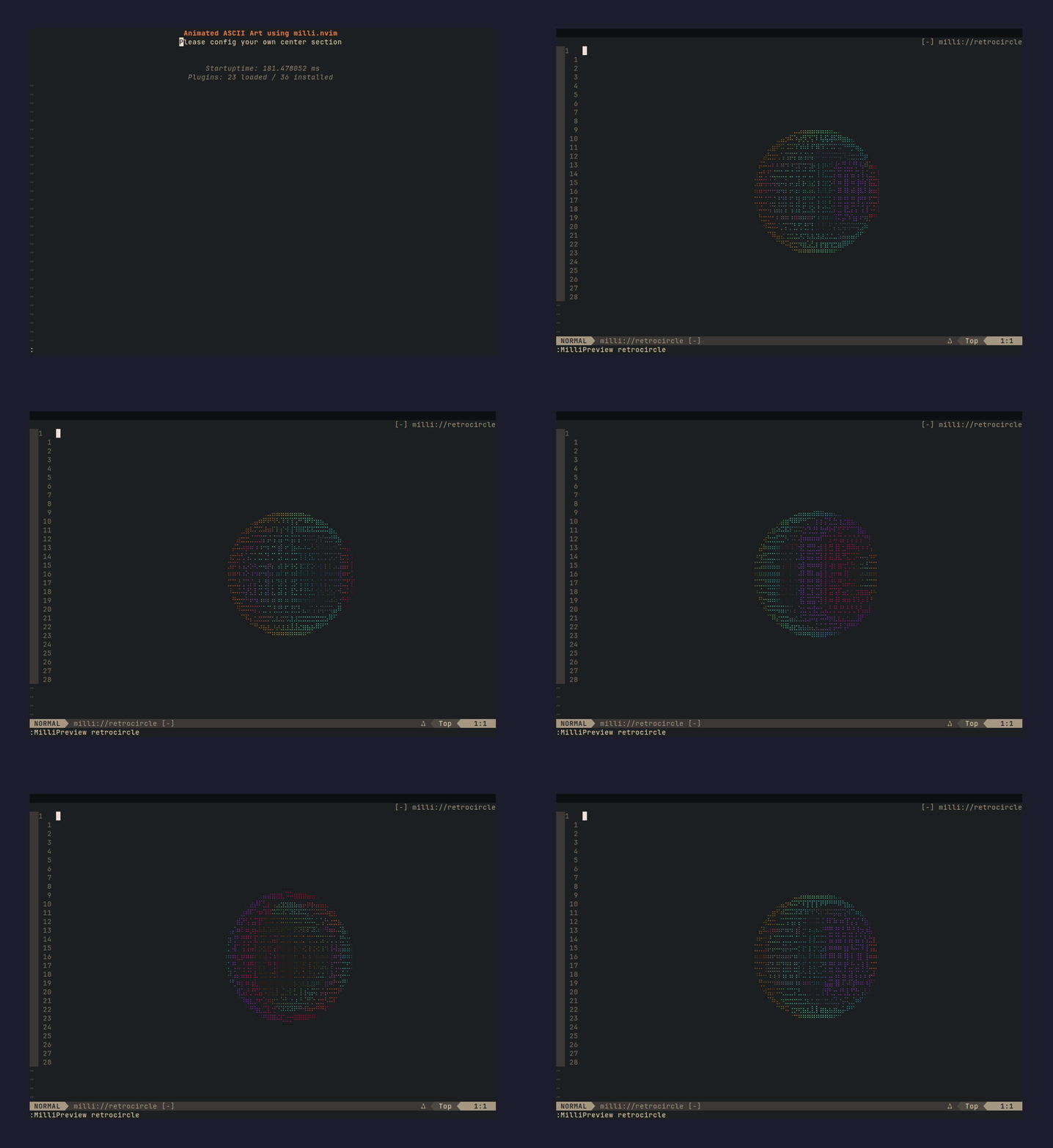 |
robot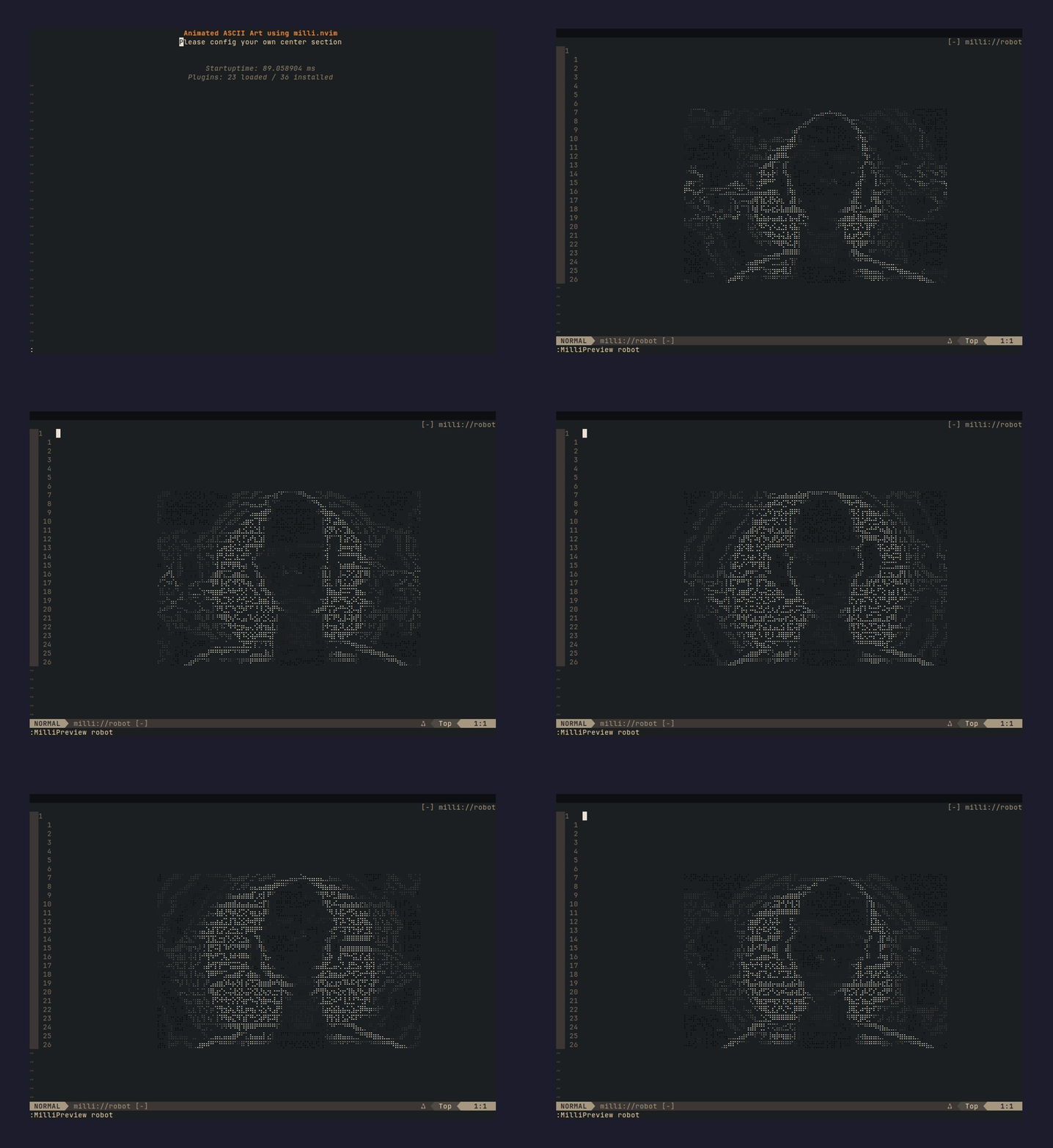 |
shader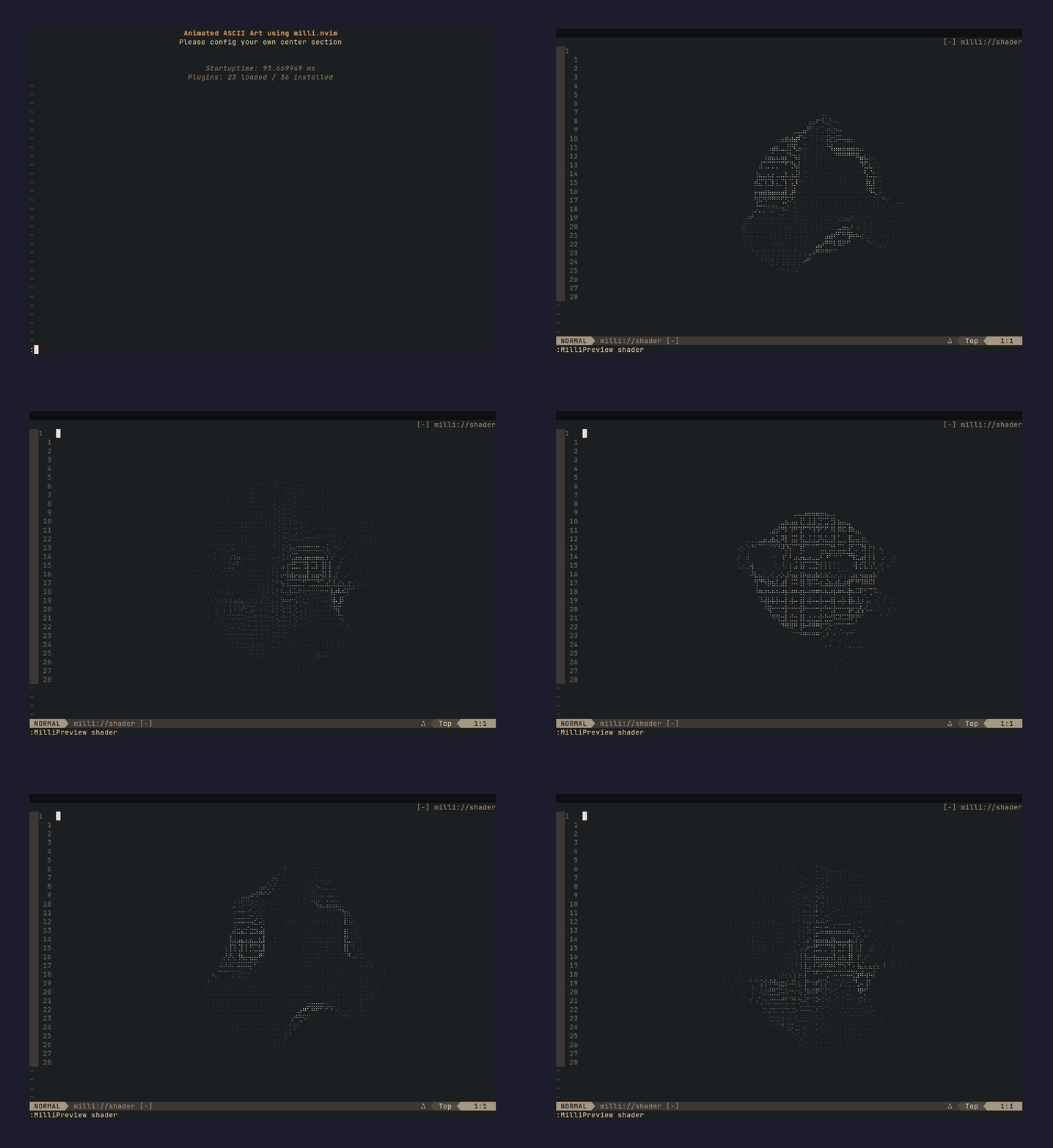 |
shadertwo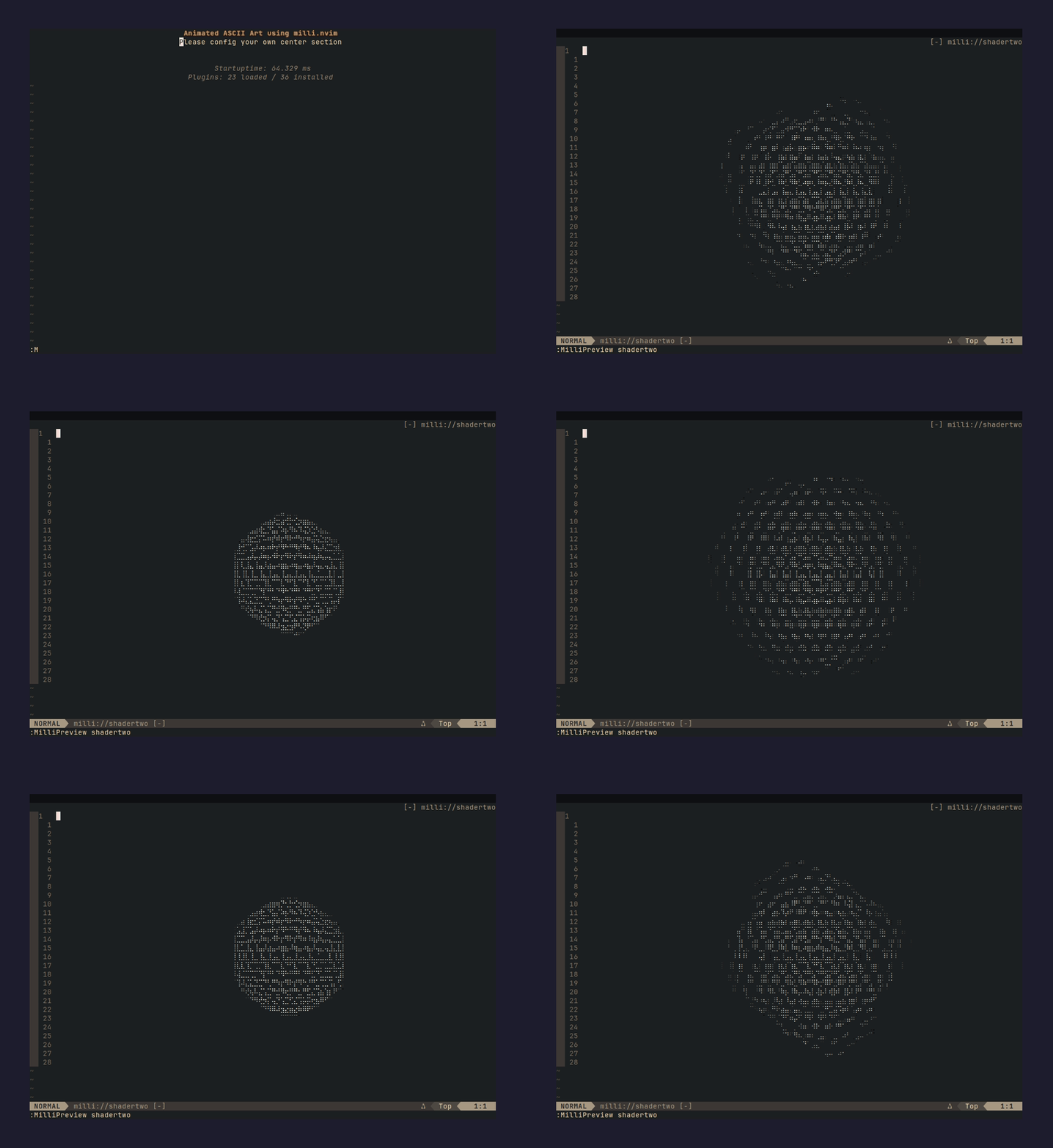 |
skeleton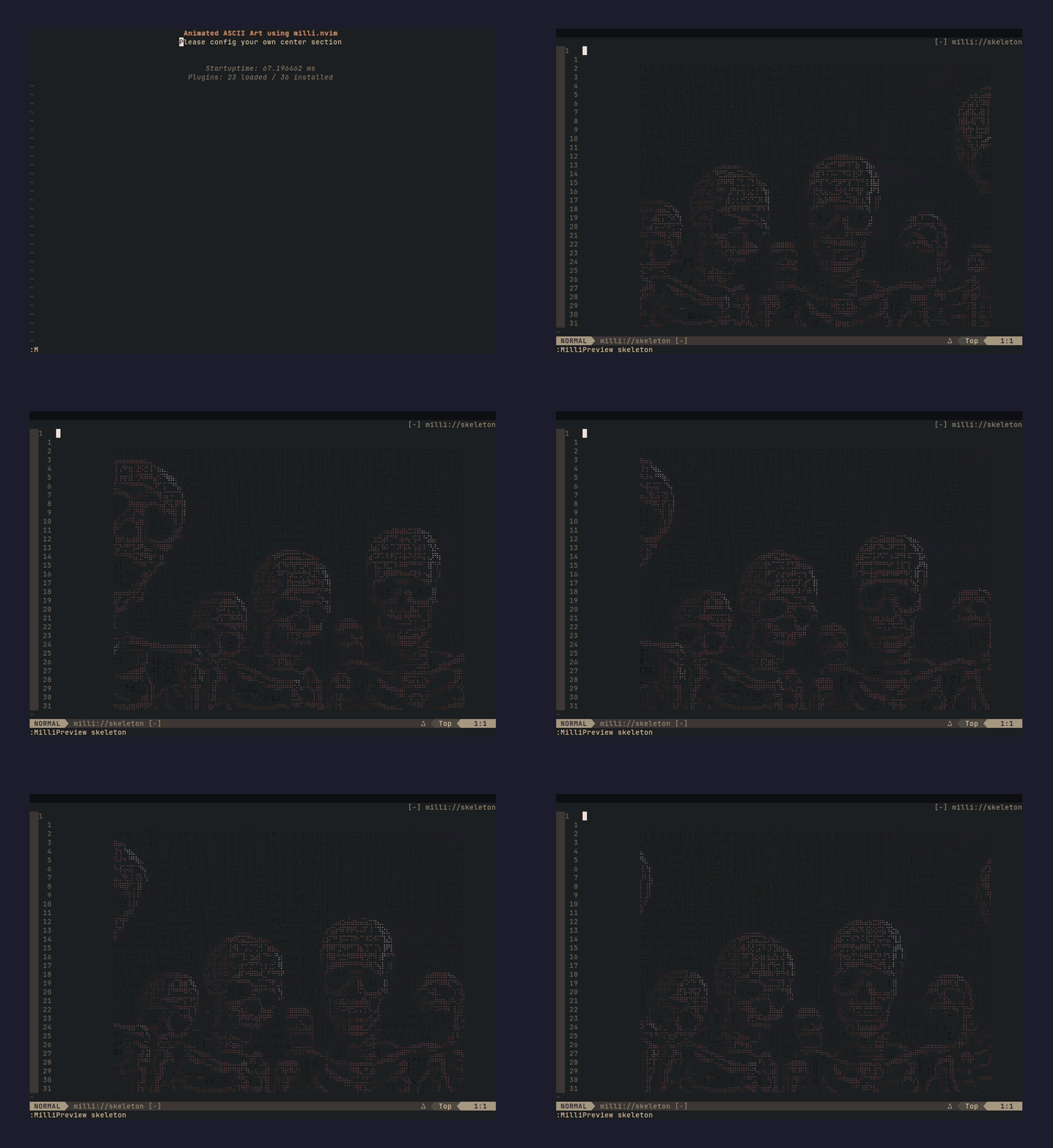 |
skullone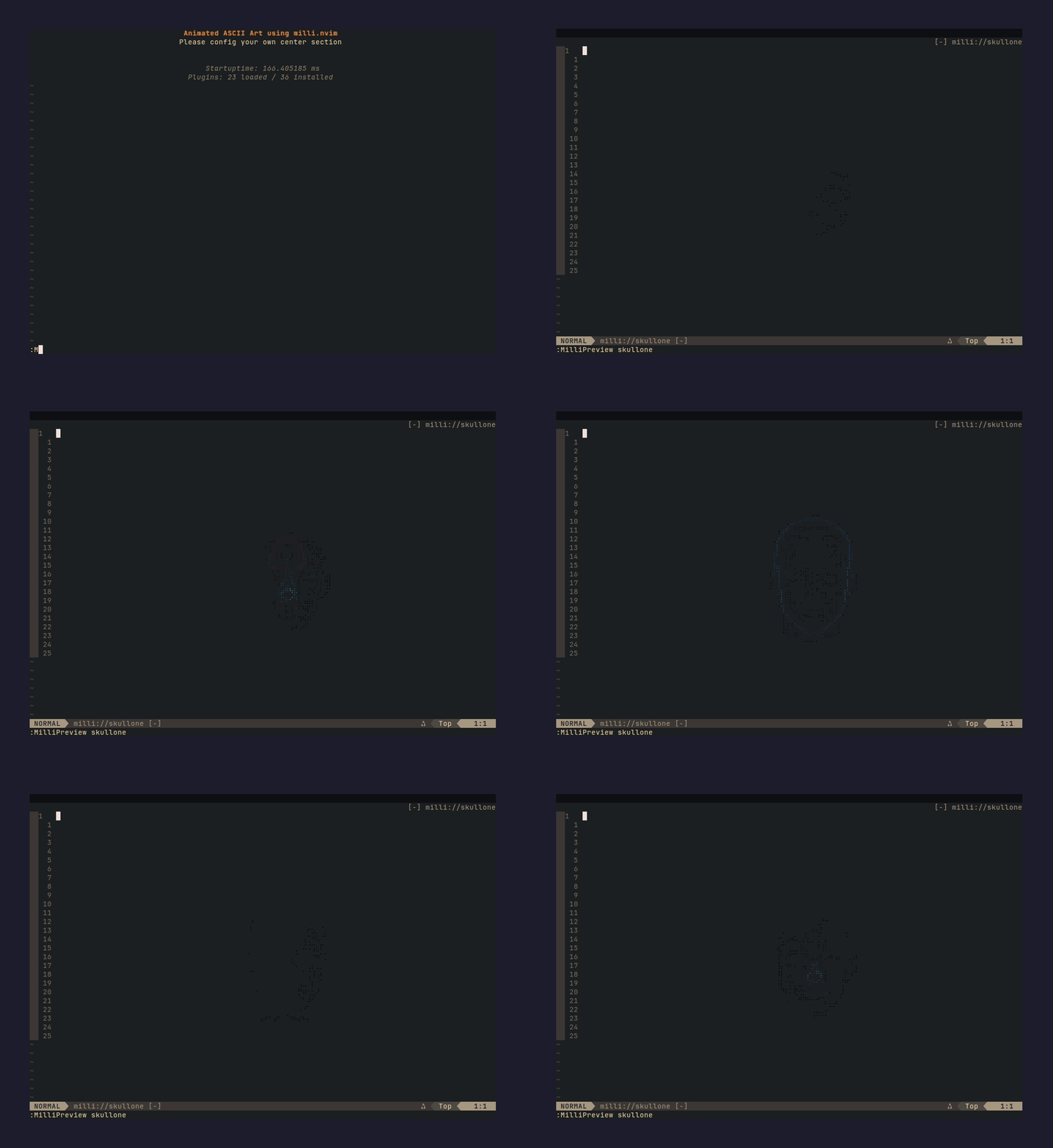 |
skullthree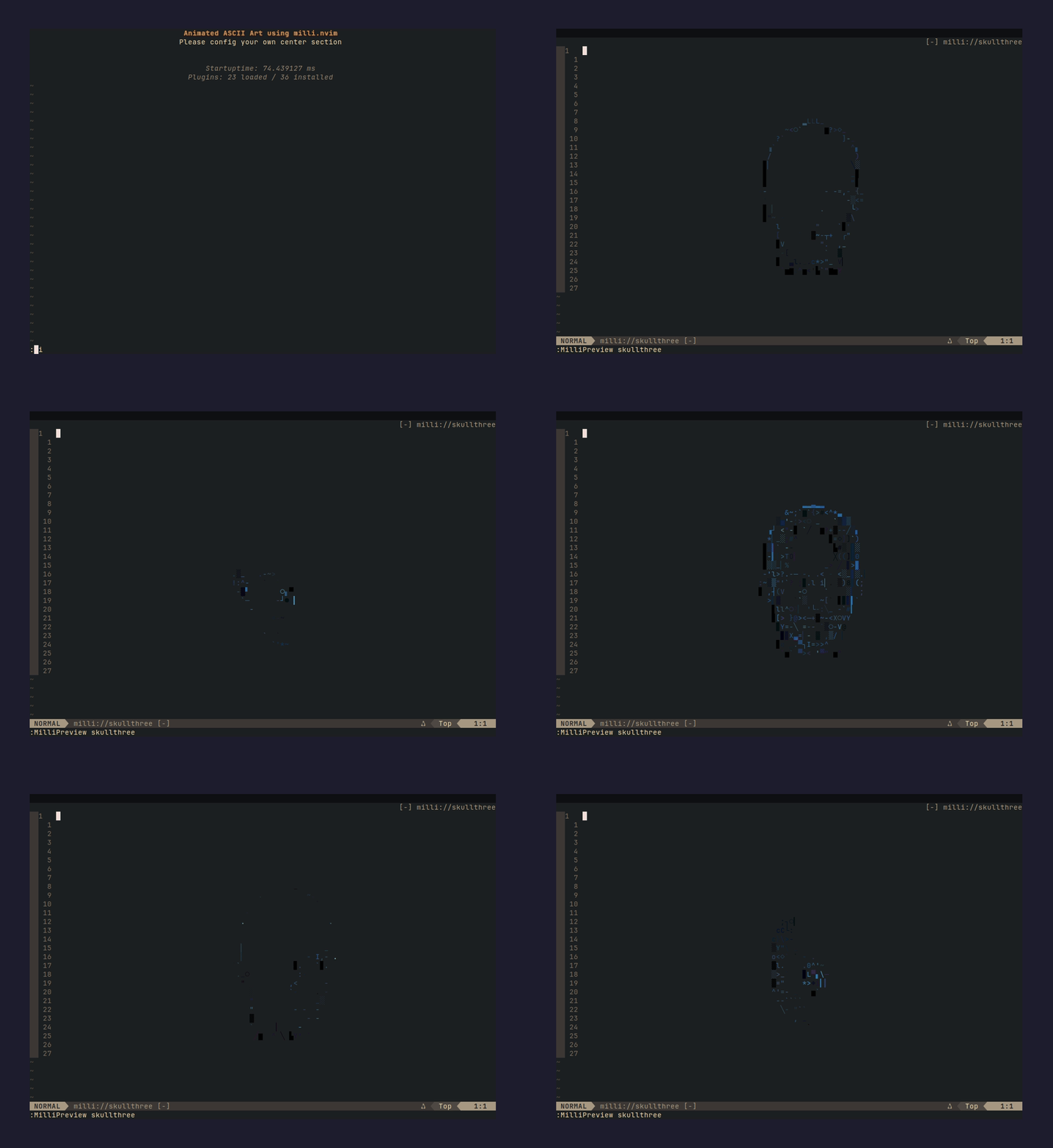 |
skulltwo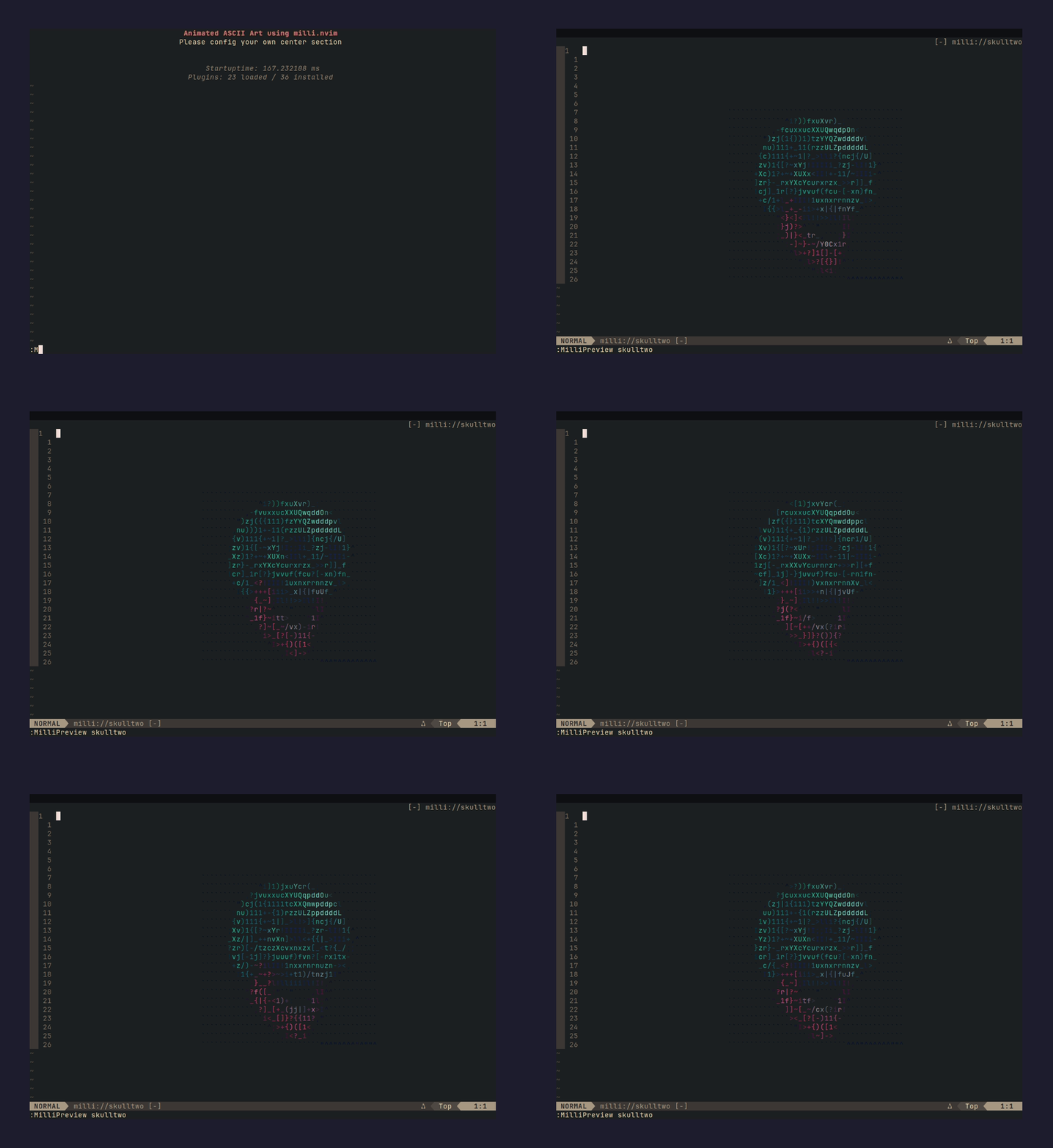 |
spaceship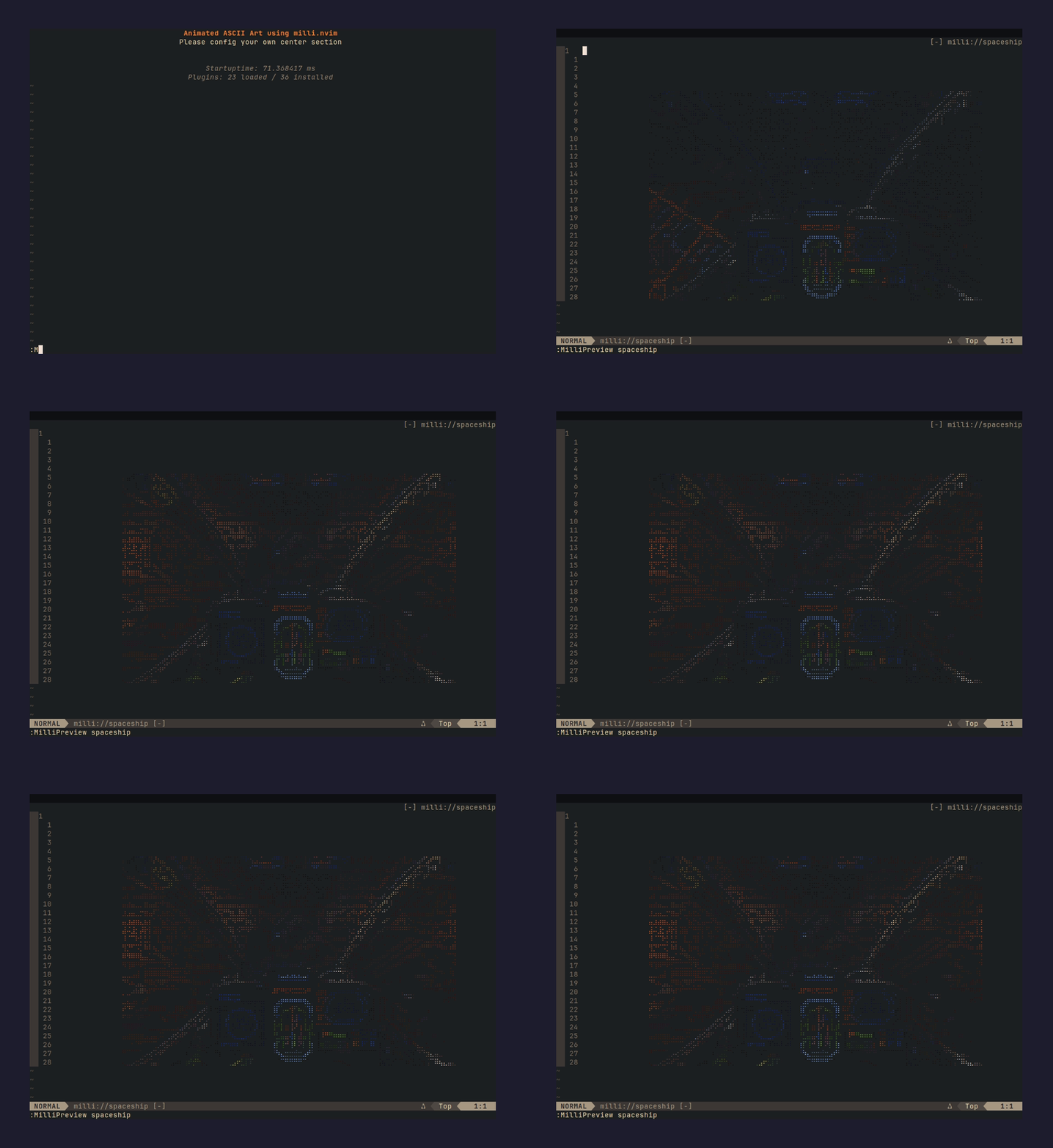 |
spinner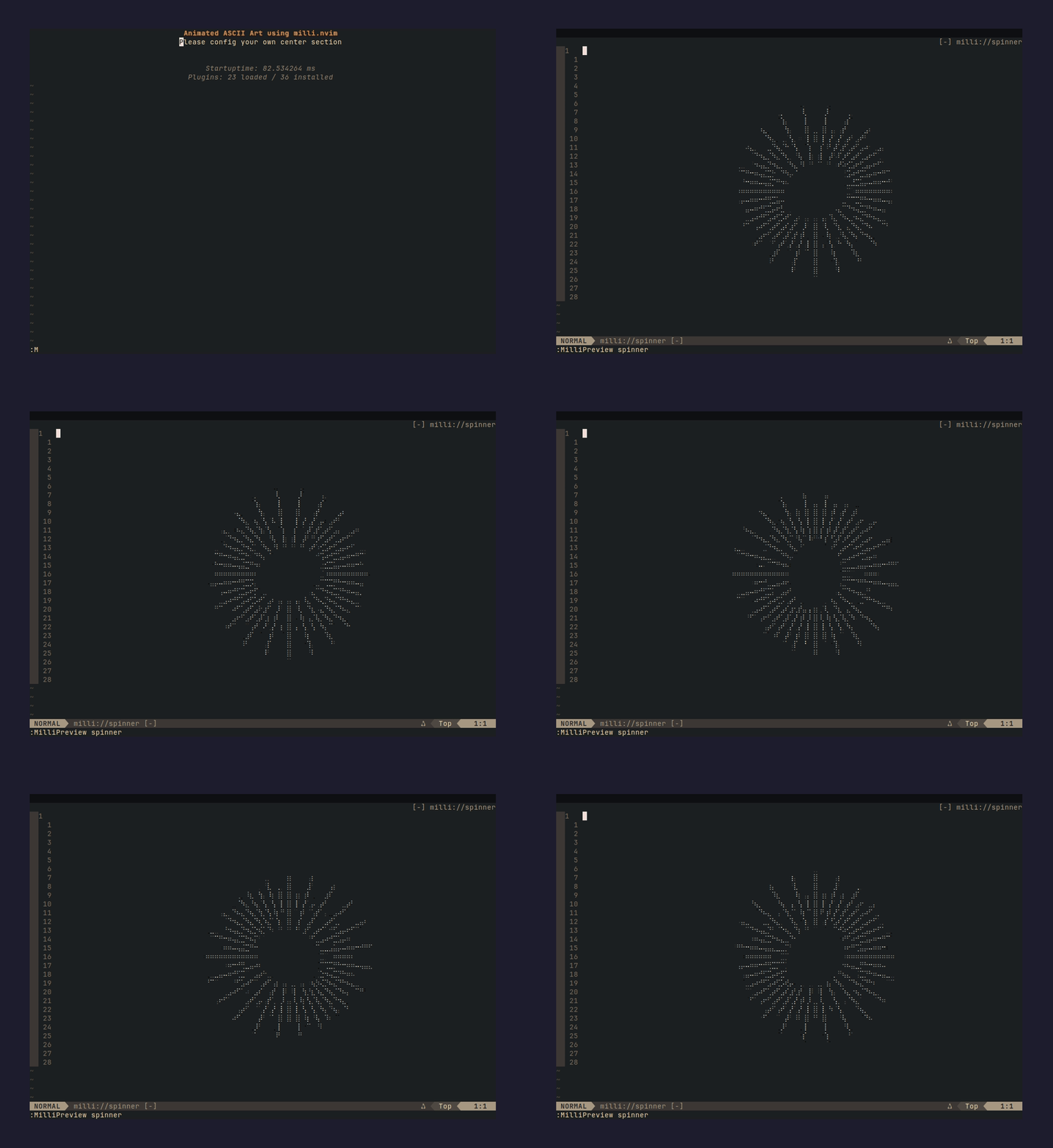 |
vibecat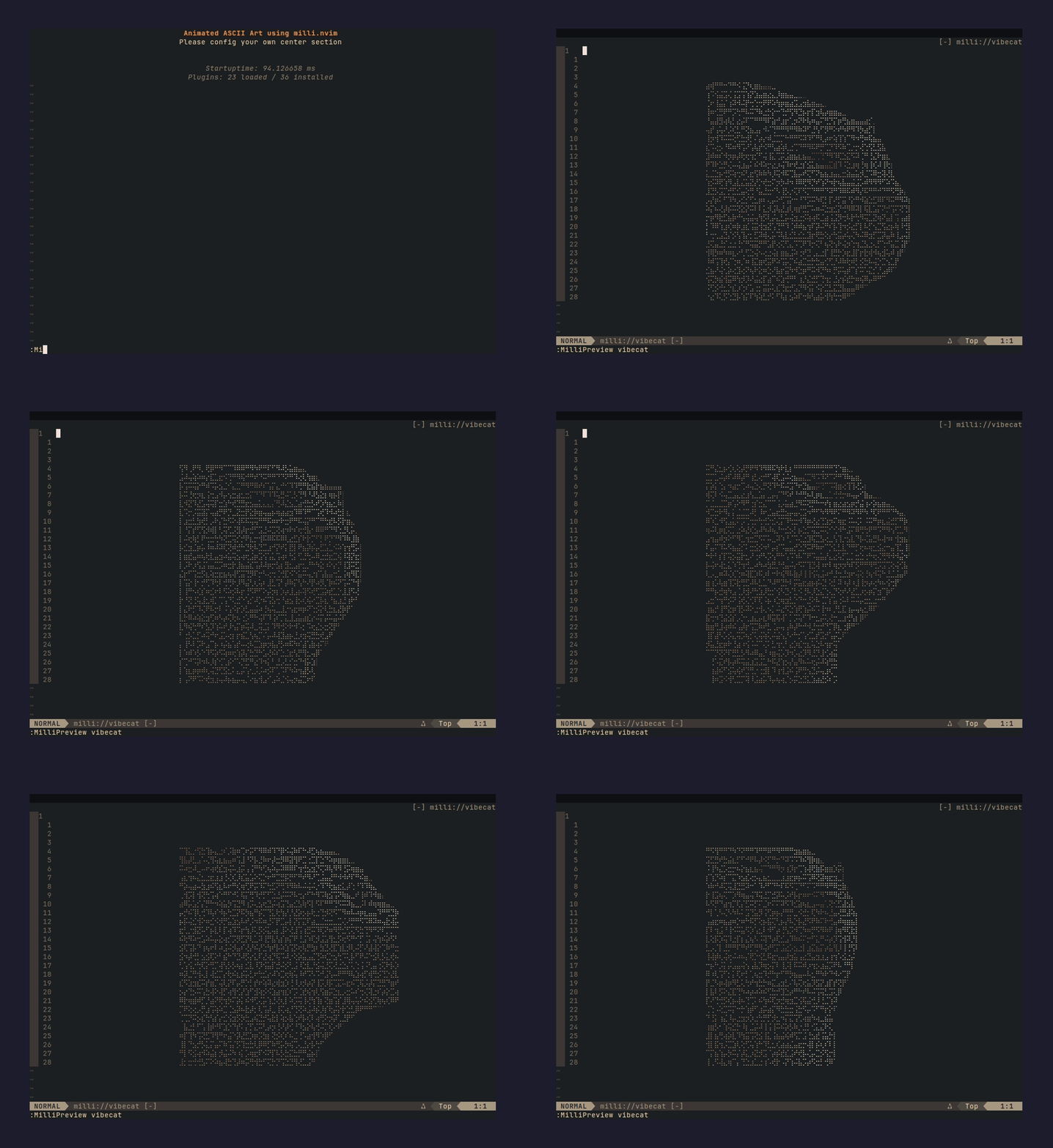 |
vibecattwo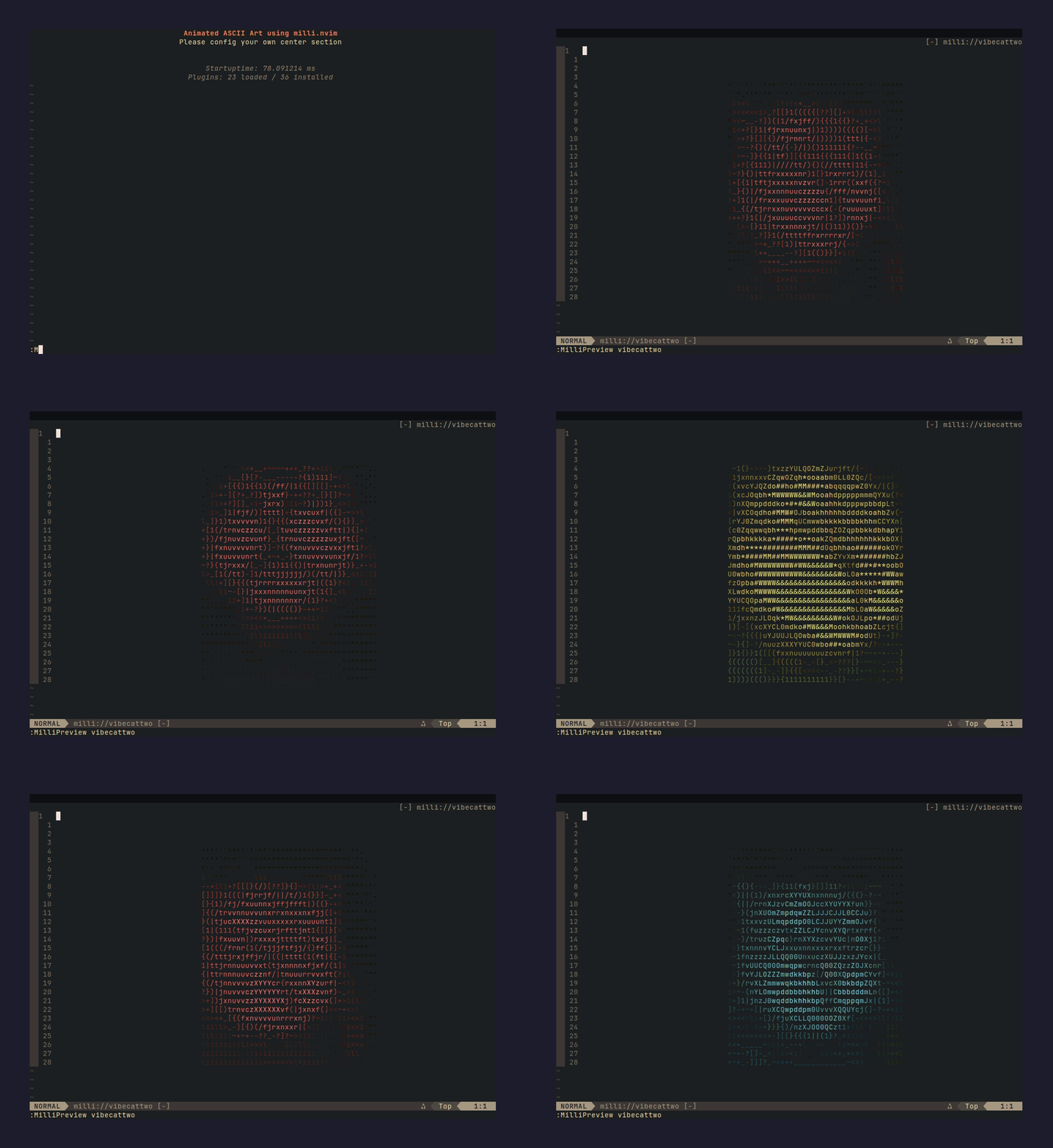 |
lazy.nvim:
{ "amansingh-afk/milli.nvim", lazy = false }packer.nvim:
use "amansingh-afk/milli.nvim"-- preview any bundled splash in a scratch buffer
:MilliPreview fire
-- or wire into your dashboard
require("milli").dashboard({ splash = "fire", loop = true })List bundled splash names:
:lua print(vim.inspect(require("milli").list()))For dashboard-nvim / alpha-nvim / snacks.nvim / mini.starter wiring, see Dashboard integrations.
Powered by milli - the ASCII engine behind this plugin. ⭐ Star it on GitHub if you find it useful.
The 29 bundled splashes are a starting point. Bring any image or GIF you want - a custom logo, mascot, anything - and it becomes a splash in four steps.
1. Install the CLI (@amansingh-afk/milli):
npm install -g @amansingh-afk/milli2. Generate frames.lua from any image / GIF:
milli export mycat.gif ./out -t lua -w 60 --no-bgUseful flags:
-w 60- width in columns; tune to taste--no-bg- drop background color (cleaner on dashboards)-m braille- braille mode for higher-detail line art
3. Copy frames.lua into your Neovim config:
mkdir -p ~/.config/nvim/lua/milli/splashes
cp out/frames.lua ~/.config/nvim/lua/milli/splashes/mycat.lua
Neovim's runtimepath auto-discovers ~/.config/nvim/lua/, so this file becomes a sibling to the plugin's bundled splashes - findable by the same machinery, tab-completable in :MilliPreview.
4. Use it - same API as any bundled splash:
require("milli").dashboard({ splash = "mycat", loop = true })Preview it first:
:MilliPreview mycat
If you don't want to piggyback on the milli.splashes namespace (e.g. you organize splashes under a dotfiles module), drop the file anywhere on runtimepath and reference it by Lua module path:
-- ~/.config/nvim/lua/mydots/splashes/mycat.lua
require("milli").dashboard({ module = "mydots.splashes.mycat", loop = true })
Works with every preset - splash = "name" for bundled/user-local, module = "path.to.mod" for custom namespaces.
Pick your dashboard plugin. Each preset (dashboard, alpha, snacks, starter, vimenter) works identically with bundled or custom splashes.
return {
  "nvimdev/dashboard-nvim",
  event = "VimEnter",
  dependencies = { "amansingh-afk/milli.nvim" },
  opts = function()
    local splash = require("milli").load({ splash = "finger" })
    return {
      theme = "doom",
      config = {
        header = splash.frames[1],         -- seed header with frame 0
        center = {
          { icon = "  ", desc = "Find File", key = "f", action = "Telescope find_files" },
          { icon = "  ", desc = "Quit",      key = "q", action = "qa" },
        },
      },
    }
  end,
  config = function(_, opts)
    require("dashboard").setup(opts)
    require("milli").dashboard({ splash = "finger", loop = true })
  end,
}require("milli").alpha({ splash = "fire", loop = true })return {
"folke/snacks.nvim",
priority = 1000,
lazy = false,
dependencies = { "amansingh-afk/milli.nvim" },
opts = function()
local splash = require("milli").load({ splash = "fire" })
return {
dashboard = {
enabled = true,
preset = {
header = table.concat(splash.frames[1], "\n"),
},
sections = {
{ section = "header", padding = 1 },
{ section = "keys", gap = 1, padding = 1 },
{ section = "startup" },
},
},
}
end,
config = function(_, opts)
require("snacks").setup(opts)
require("milli").snacks({ splash = "fire", loop = true })
end,
}preset.header seeds frame 0 of the splash as snacks's default header so milli's anchor-search can locate the buffer position to animate over. The splash name in preset.header and in require("milli").snacks({ splash = ... }) must match.
require("milli").starter({ splash = "fire", loop = true })require("milli").vimenter({ splash = "fire", loop = true }):MilliPreview <name>
Opens a scratch buffer, plays the splash in a loop. q or <Esc> dismisses. Tab-completes against bundled splashes and any you've dropped into ~/.config/nvim/lua/milli/splashes/. Run :MilliPreview with no arg to list what's available.
require("milli").play(buf, opts)       -- paint/animate into buf
require("milli").load(opts)            -- return the data table
require("milli").list()                -- array of all discovered splash names

require("milli").dashboard(opts)       -- autocmd preset for dashboard-nvim
require("milli").alpha(opts)           -- alpha-nvim
require("milli").snacks(opts)          -- snacks.nvim
require("milli").starter(opts)         -- mini.starter
require("milli").vimenter(opts) -- raw VimEnter{
splash = "fire", -- bundled or user-local splash name, OR
module = "mysplash", -- require path to an external splash module, OR
data = { ... }, -- the data table directly
loop = true, -- repeat forever (default: false - play once)
}A plain string is sugar for { splash = <string> }. So require("milli").dashboard("fire") works.
- Neovim 0.10+ (extmarks, namespaces)
termguicolorsenabled (vim.opt.termguicolors = true)
Neovim buffers strip ANSI. Colors are applied via extmarks + per-color highlight groups generated on demand. The groups are keyed on quantized fg/bg so a truecolor splash doesn't blow through Neovim's highlight-group cap (E849).
MIT.