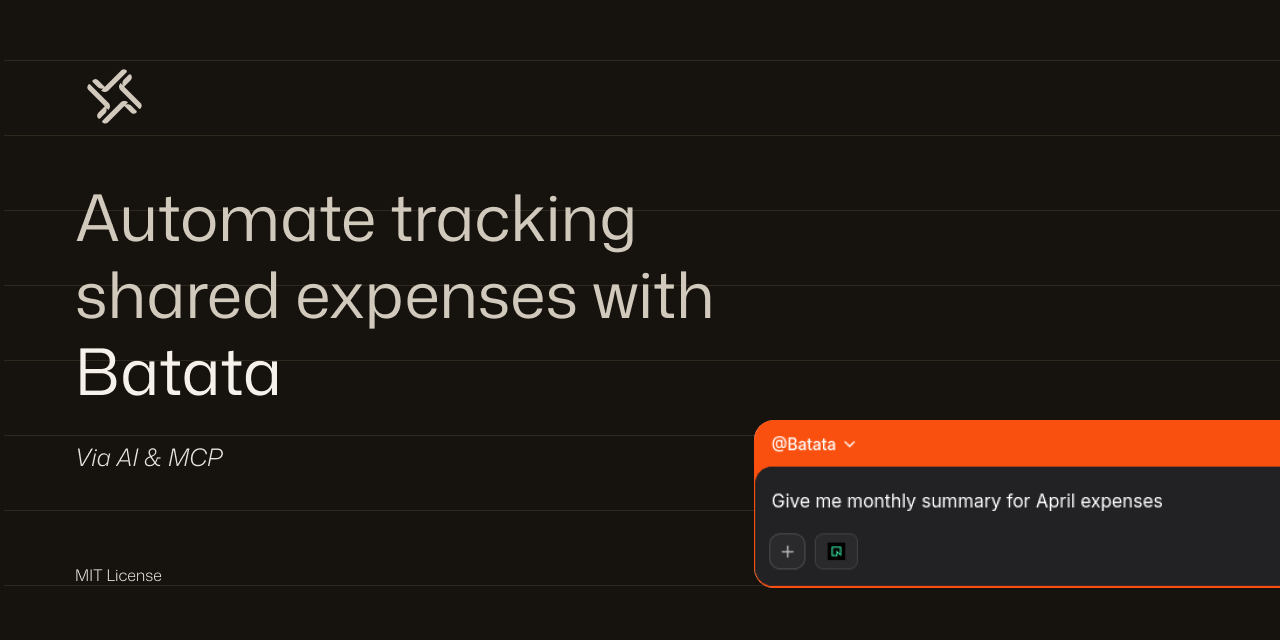
A shared expense tracker for two people via an MCP server. Both users connect Mistral (Le Chat)/Claude/or any other MCP client to the same MCP server → same DB, in my case I connected Mistral to a Neon DB.
add_expense Log a shared expense, splits equally or with custom ratio
get_balance See who owes whom right now
list_expenses Recent expenses, filterable by category
settle_up Record a repayment
monthly_summary Category breakdown for a given month
- Create a project at https://neon.tech
- Open the SQL Editor → paste and run
schema.sql
Note
- We're using
https://mcp.neon.tech/ssefor token based auth. - in this section, all roommates need to do this step.
- Go to Mistral (needs an account)
- Go to Intelligence --> Connectors --> Add a connector (Custom)
- Connection Server:
https://mcp.neon.tech/sse - Name:
Neon(can be changed to smth else) - Auth method:
API Token Authentication
- Connection Server:
- Press Create
[IMPORTANT] Now this might not be the best method since you're sharing your account with someone else, so make sure you trust that person and make sure the Neon project lives on an account that doesn't have sensitive info, I just did this since its the laziest method in my mind, and I trust my roommate.
- In Neon, go to your account settings (from profile)
- Go to API Keys
- Create an access key for each roommate, if they are X then X access keys, and give it to each one.
- in Le Chat, press
connect, this will prompt you to add your access token (the one from Neon), each user needs to add their own token. - Now go to Agents, create a new Agent,
- name:
Batata - Instructions: Paste
sys-prompt.md - play with other paramaters to your liking
- in knowledge, use the Neon MCP connector Note: sharing agents requires paid account, each user can create his agent with the same settings if suitable.
- name:
In agent chat:
connect to neon, and list roommates schemaInsert Roommateswith their data.
Insert Roommates- insert receipt pic without text
list all roommateslist all expenses so fargenerate monthly summary