Maskn is a real estate web application for renting homes across Egypt. It enables guests to browse apartments, make bookings, and provides hosts with the ability to list and manage their properties on the platform. 🔗 Live-Demo
📷 DEMO
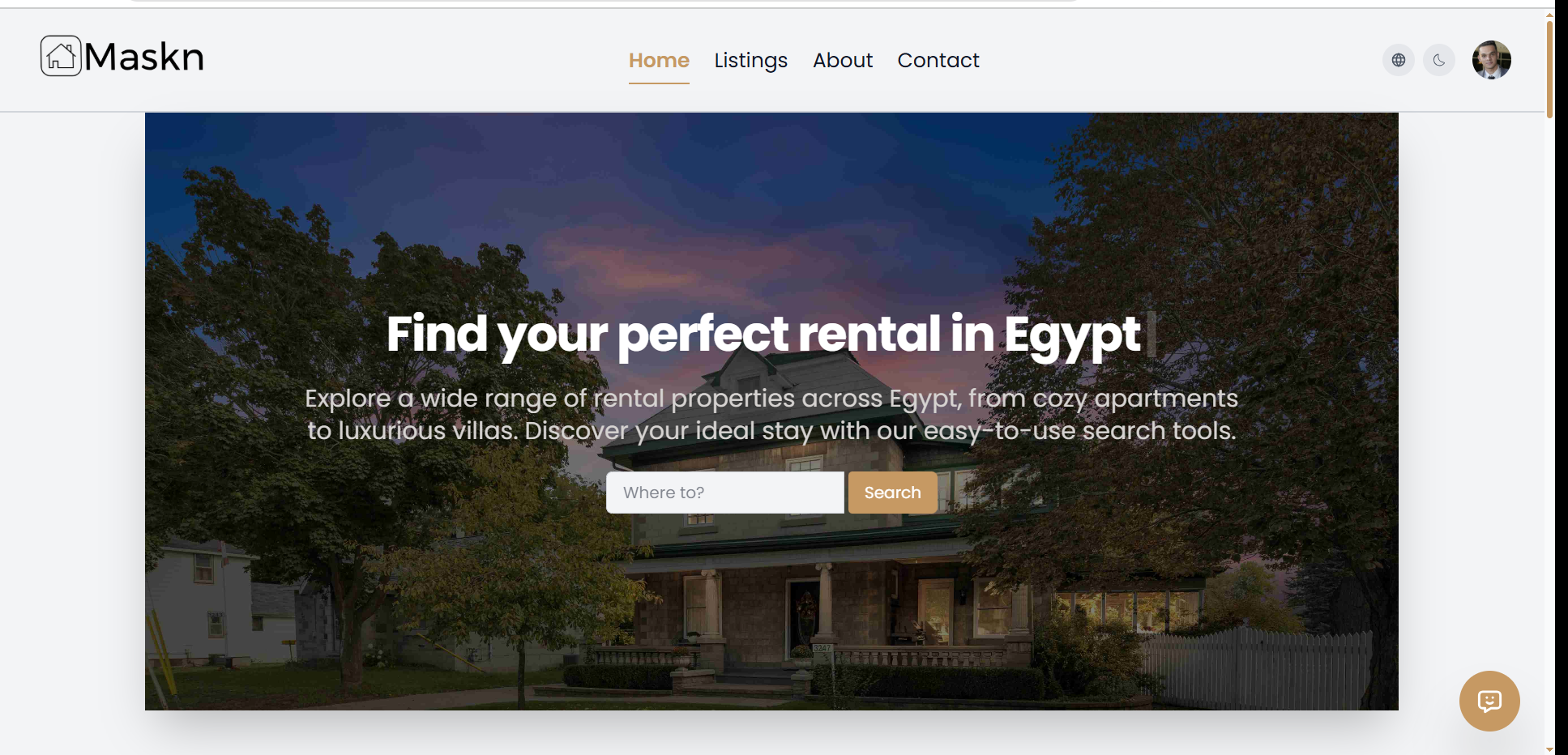
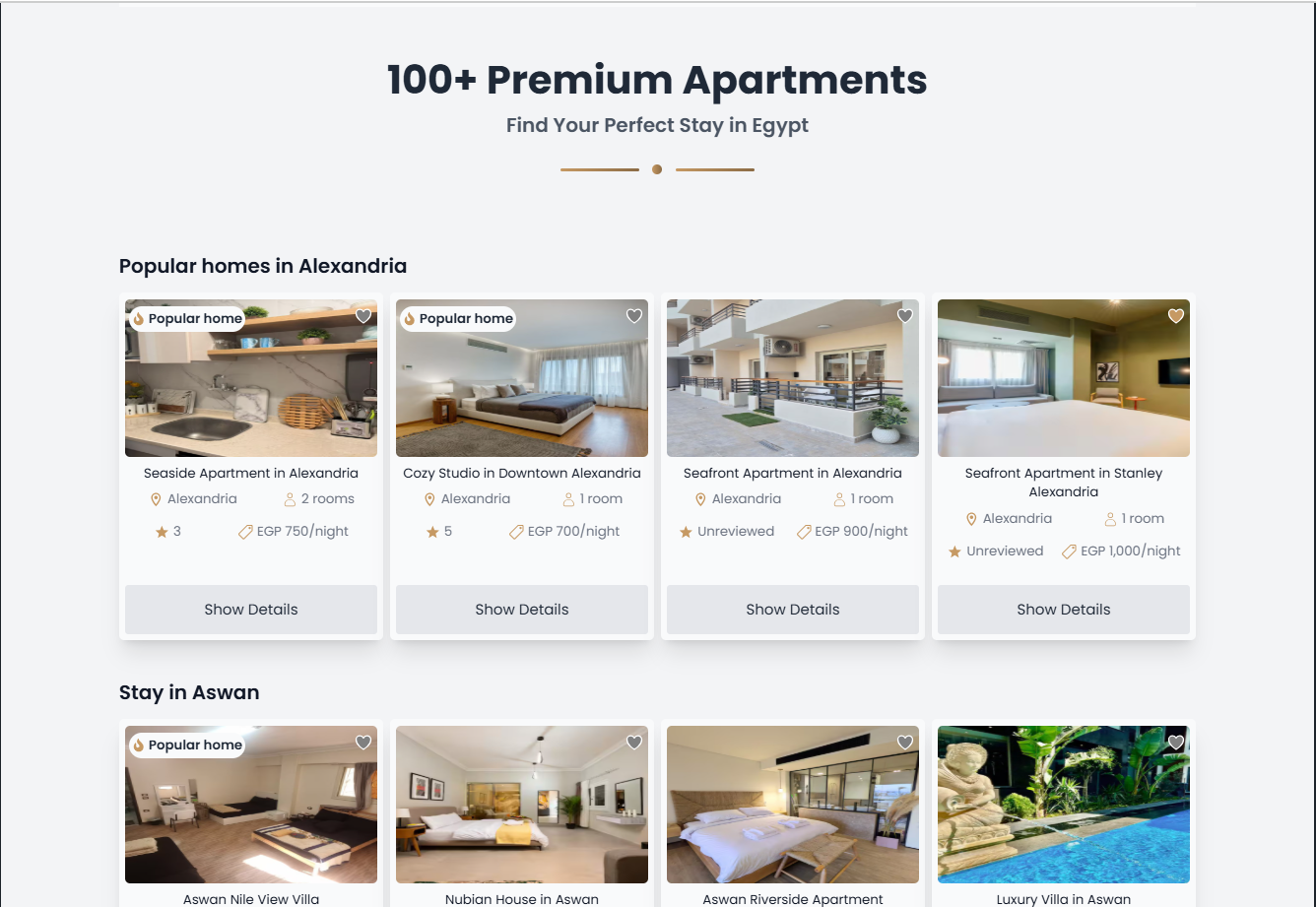
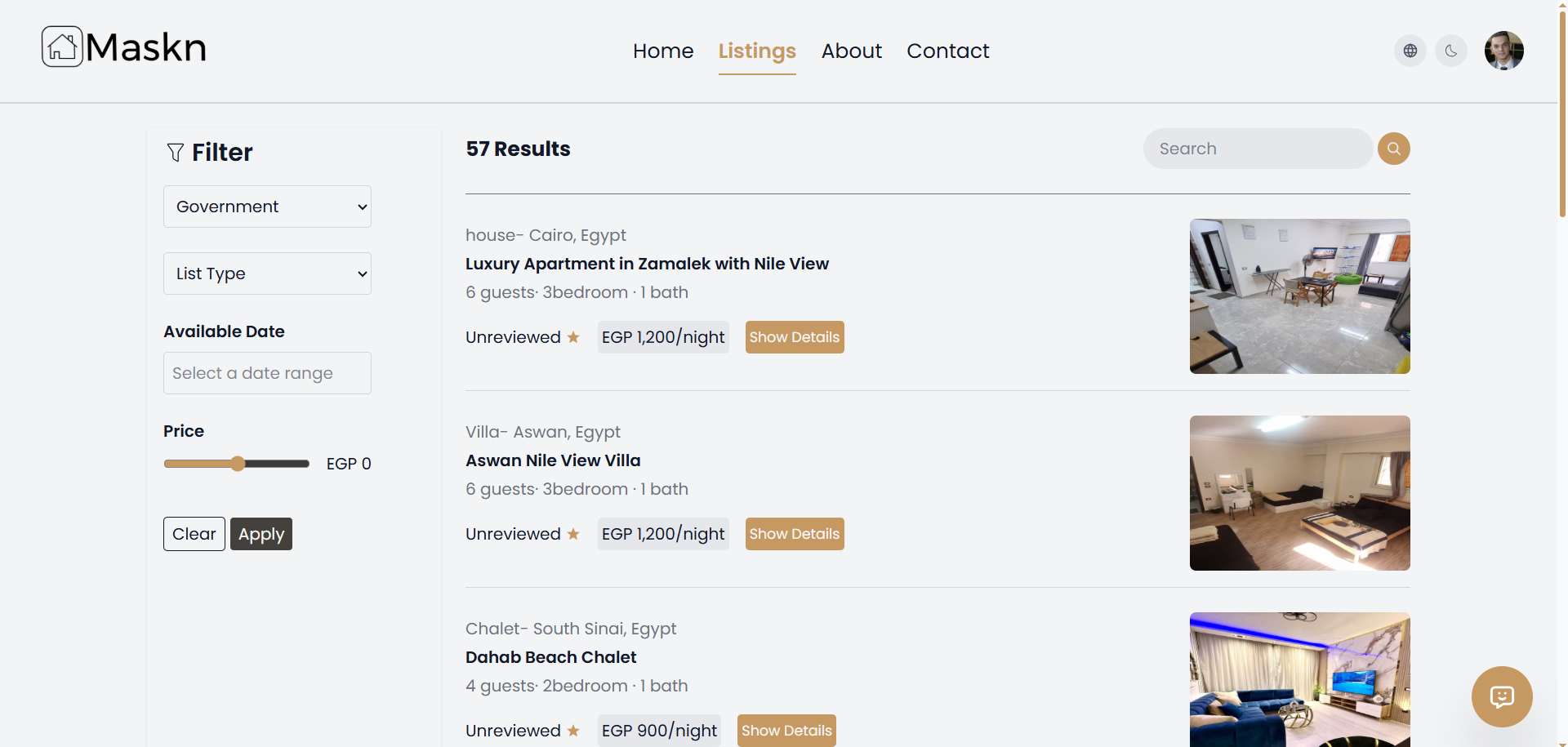
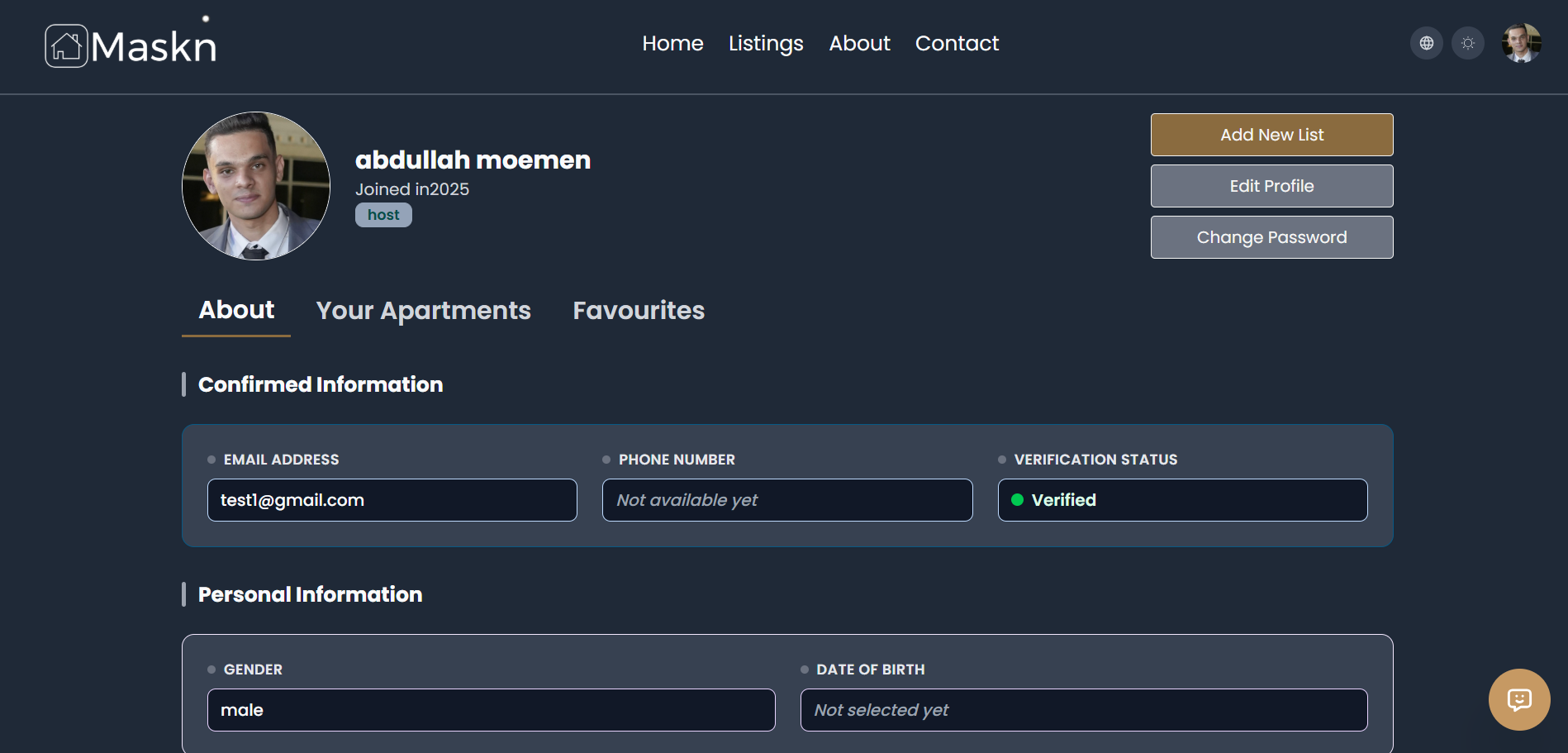
- User Management: Register, login, account confirmation, password reset and role-based access (guest, host, admin)
- Listings: CRUD operations for properties. Guests can browse apartments, while hosts can add, edit, or delete their listings.
- Search & Filter properties by government, dates, price, and amenities.
- Reviews: Guests can rate and review properties after their stay.
- Bookings: Book properties, check availability, and cancel bookings.
- Payments: Secure payment processing with Stripe.
- Admin Dashboard: Manage the platform, approve listings, and oversee users.
- Favourites List: Save preferred properties for quick access.
- Multilingual Support: Available in English and Arabic.
- Light/Dark Mode: Toggle between light and dark themes for better user experience.
- RAG Chatbot: AI-powered chatbot for user assistance.
- Fully responsive design, Clean, modern, and user-friendly interface
- React
- React Router
- Tailwind CSS
- Redux Toolkit
- React Query
- Axios
- React Hook Form
- i18next (Internationalization)
- Sonner
- AOS
- Nodejs
- Express
- MongoDB
- Mongoose (ODM)
- Cloudinary
- Stripe
- SendGrid
- JWT
Explore the API endpoints and their usage via our Swagger Documentation. link
Prerequisites
- Node.js (v16 or higher)
- npm
1.Clone the Repository
git clone https://github.com/AbdullaNassar/Maskan.git
cd Maskan
2. Install Dependencies
For the front-end:
cd client
npm install
cd ..
For the back-end:
cd server
npm install
cd ..
3. Set Up Environment Variables Create a .env file in the server directory and add the required variables (e.g., MongoDB URI, Stripe keys, Cloudinary credentials).
4. Run the Development Servers
Start the back-end server:
cd server
npm run dev
In a new terminal, start the front-end server:
cd client
npm run dev| Name | Links |
|---|---|
| Abdullah Moemen | GitHub / LinkedIn |
| Sherif Shoukry | GitHub / LinkedIn |
| Ahmed Hisham | GitHub / LinkedIn |