- Login to Lab VM and run below command
sudo -s
cd
- Update your OS
apt update
- Execute the below command to install Nagios and it will take 20 to 25 mins
curl https://assets.nagios.com/downloads/nagiosxi/install.sh | sh
In the end you will get url , user name and password to login
- Navigate to Configure > Core config manager from the nagios dashboard

- To manually add a new host, select the Hosts link located under Monitoring on the left menu of CCM
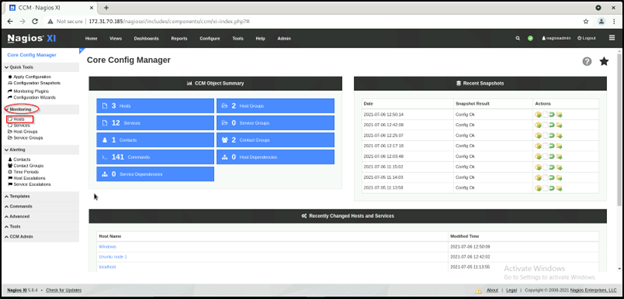
This will bring up the Host Management page, which displays a list of the current hosts being monitored by Nagios XI.
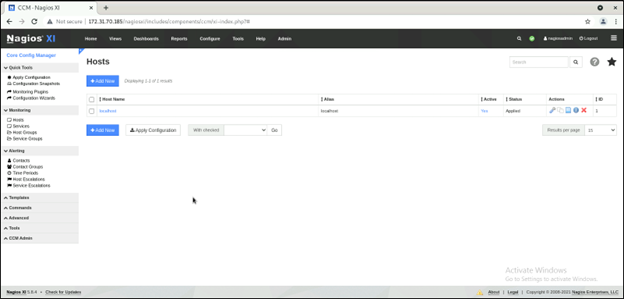
-
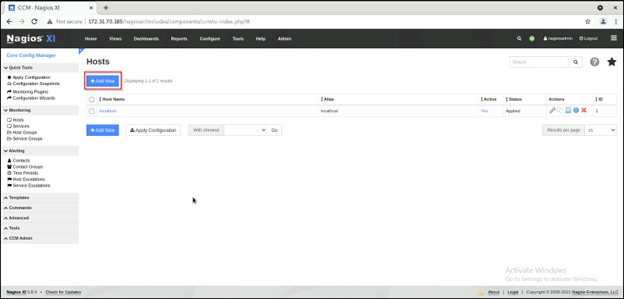
Click on Add hosts
-
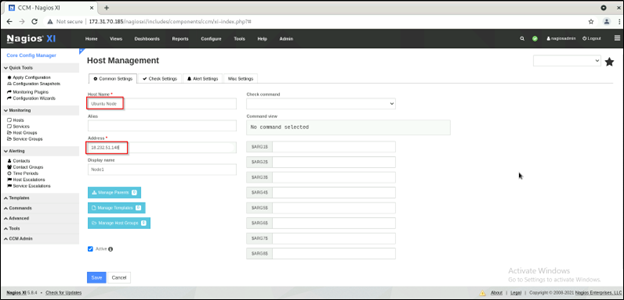
The Host Management page will open on the Common Settings tab.
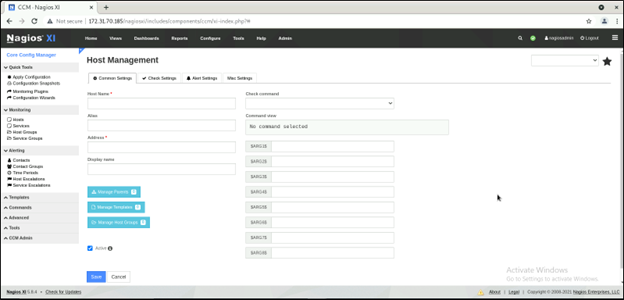
- Define the primary host parameters such as Host Name, Description, Address, and Display name.