You can watch mdisk links on the your PC with VLC Player
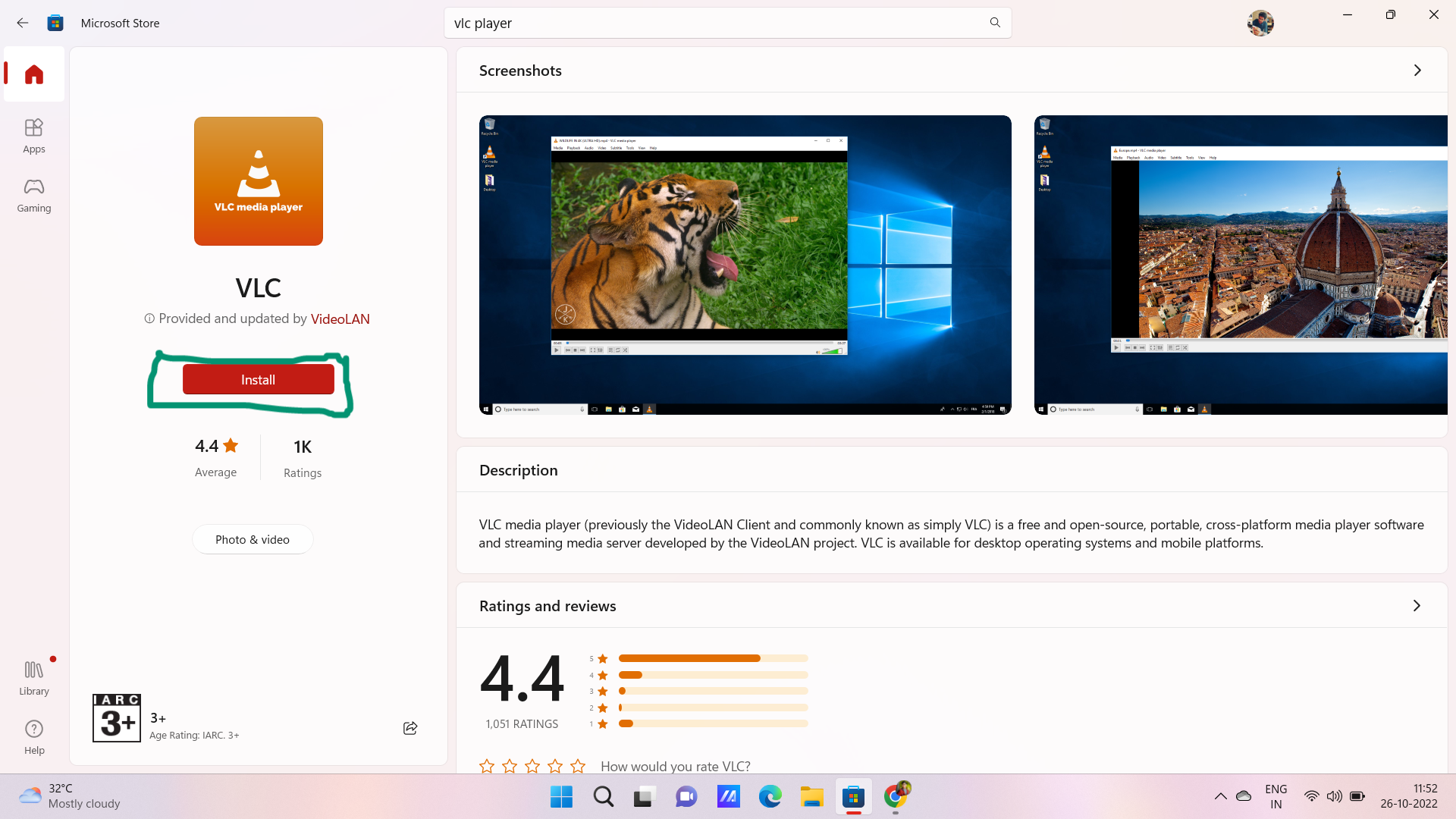
- Download VLC player form Microsoft Store or VLC Player Website
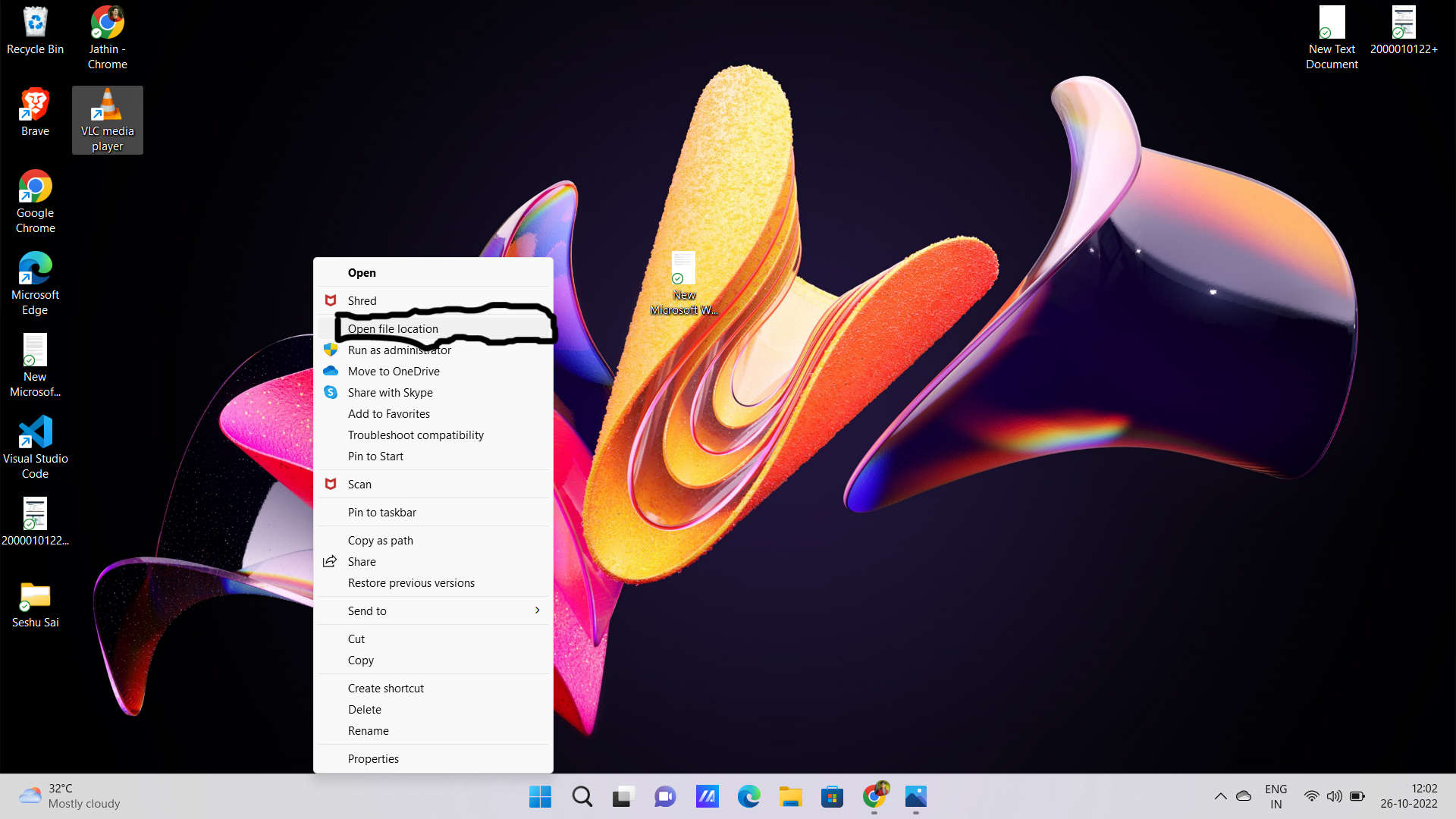
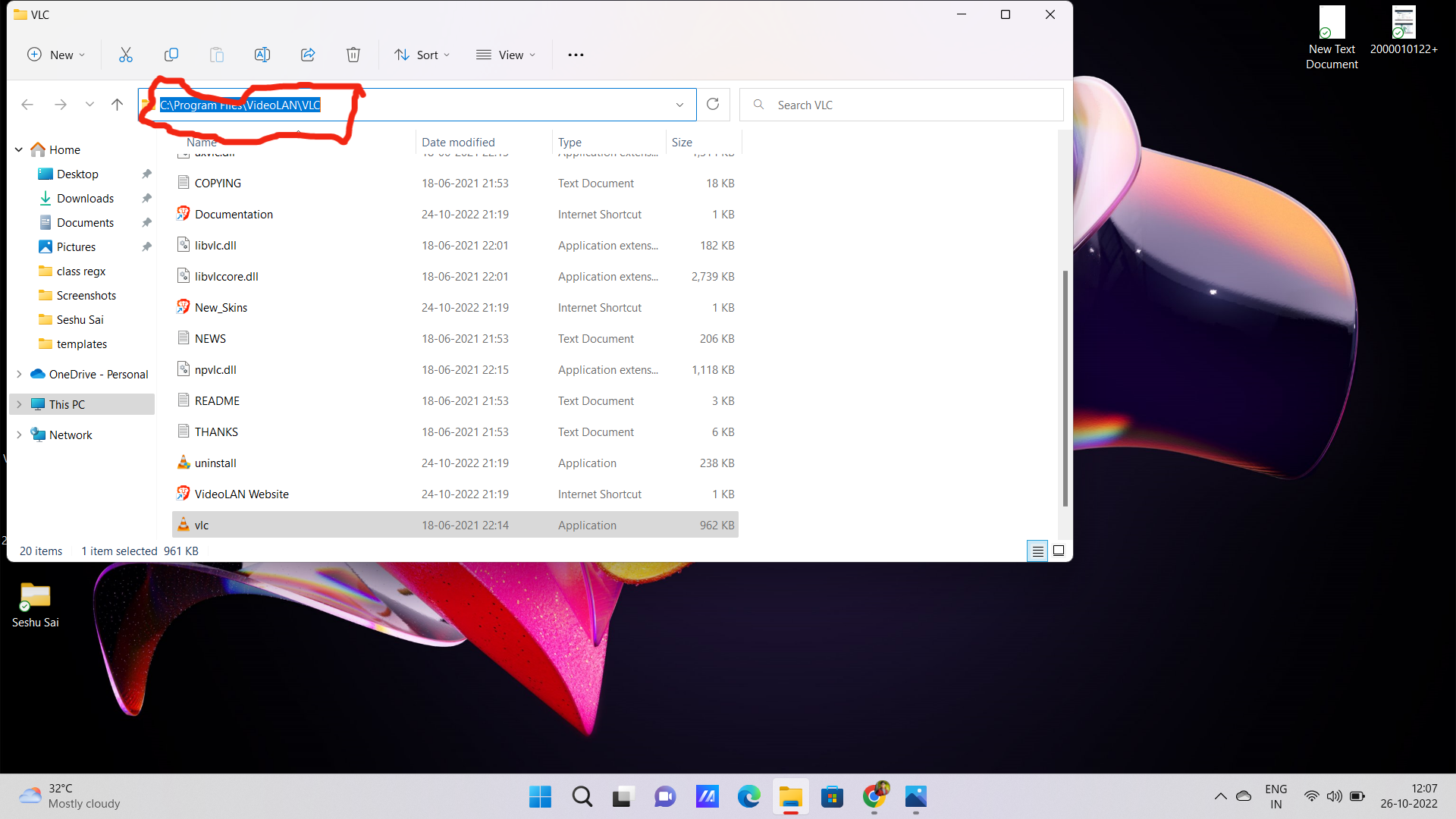
- After installing get the path for vlc folder
- Copy the path value
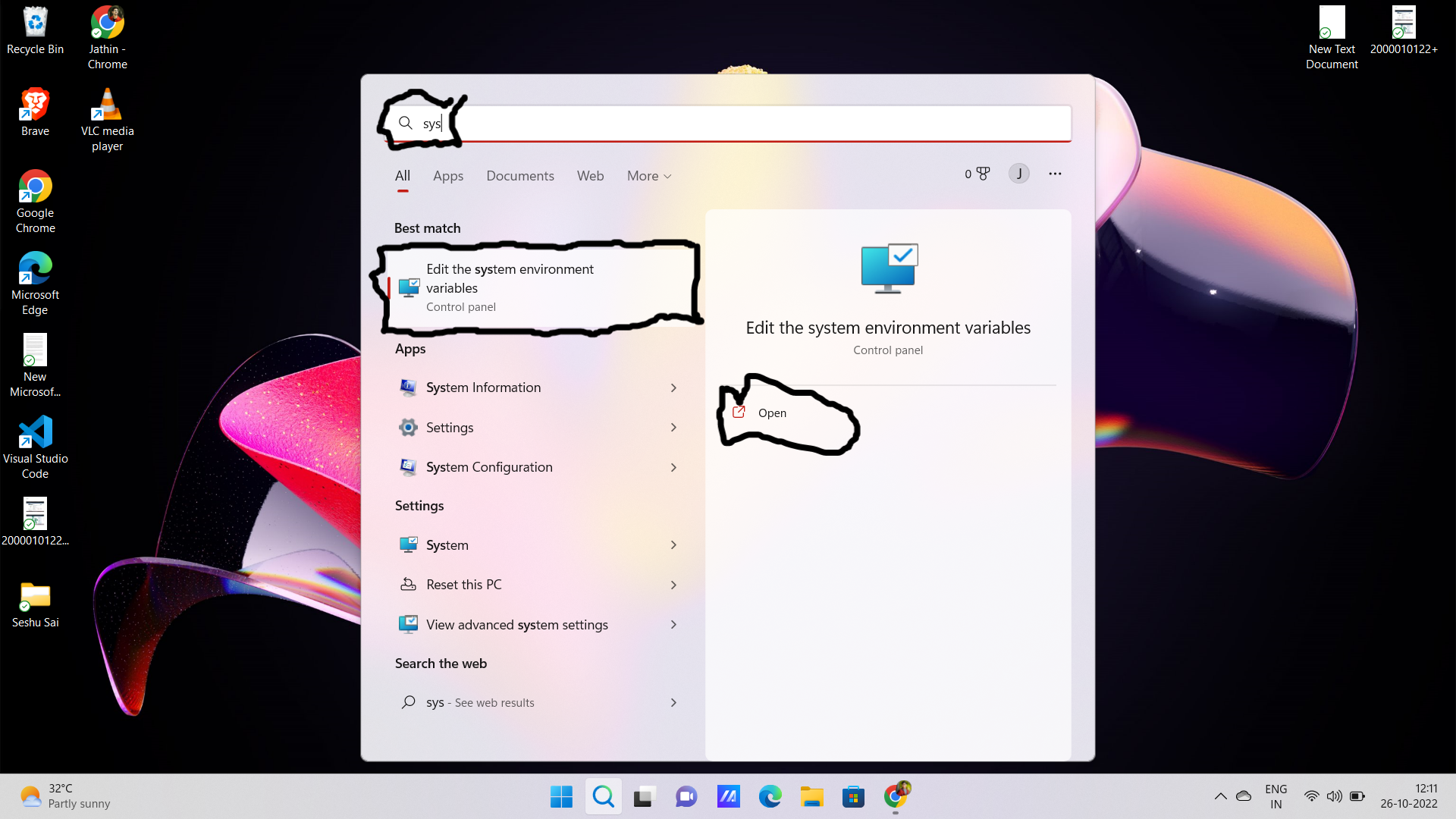
- search edit system environment variable and open
- Select the path and click on edit
- Click the new and paste the copied path and select OK
- Then done download the ZipFile from this link Download Link
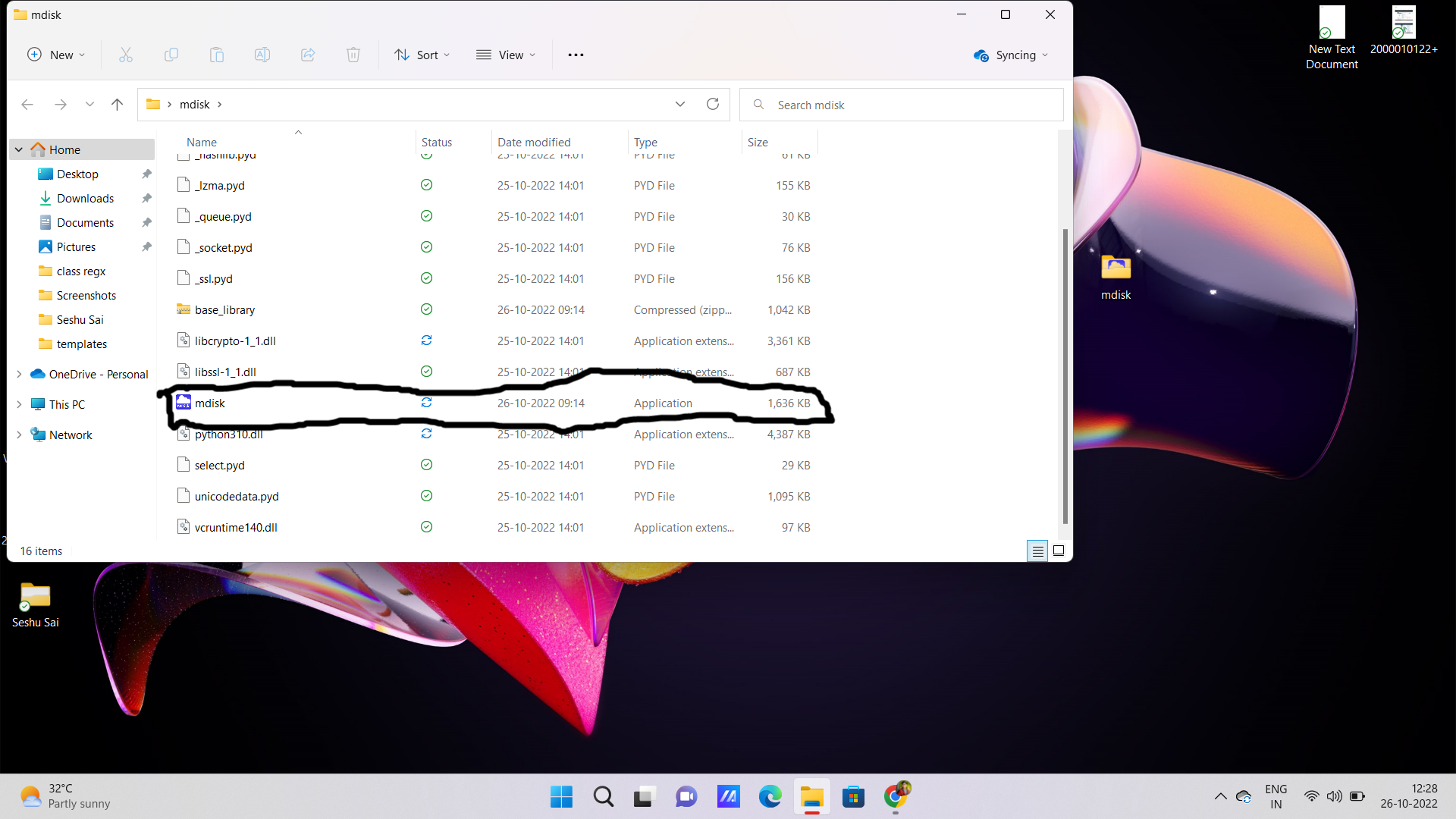
- Then extract the file and open the folder
- and run the mdisk.exe file
- All Done