Logging & Troubleshooting
Asena has a logging mechanism with different kinds of logging levels. These are the supported ones:
- TRACE
- DEBUG
- INFO
- WARN
- ERROR
The default logging level is ERROR.
If no valid logging level is set, NONE will be used. It is not recommended to use INFO/DEBUG/WARNING on a productive instance, because it might slow down the performance and fill up your database.
To set the loglevel change the following line in application.properties in the installation folder of Asena:
logging.level.root=ERROR
Restart the server to take the changes in effect.
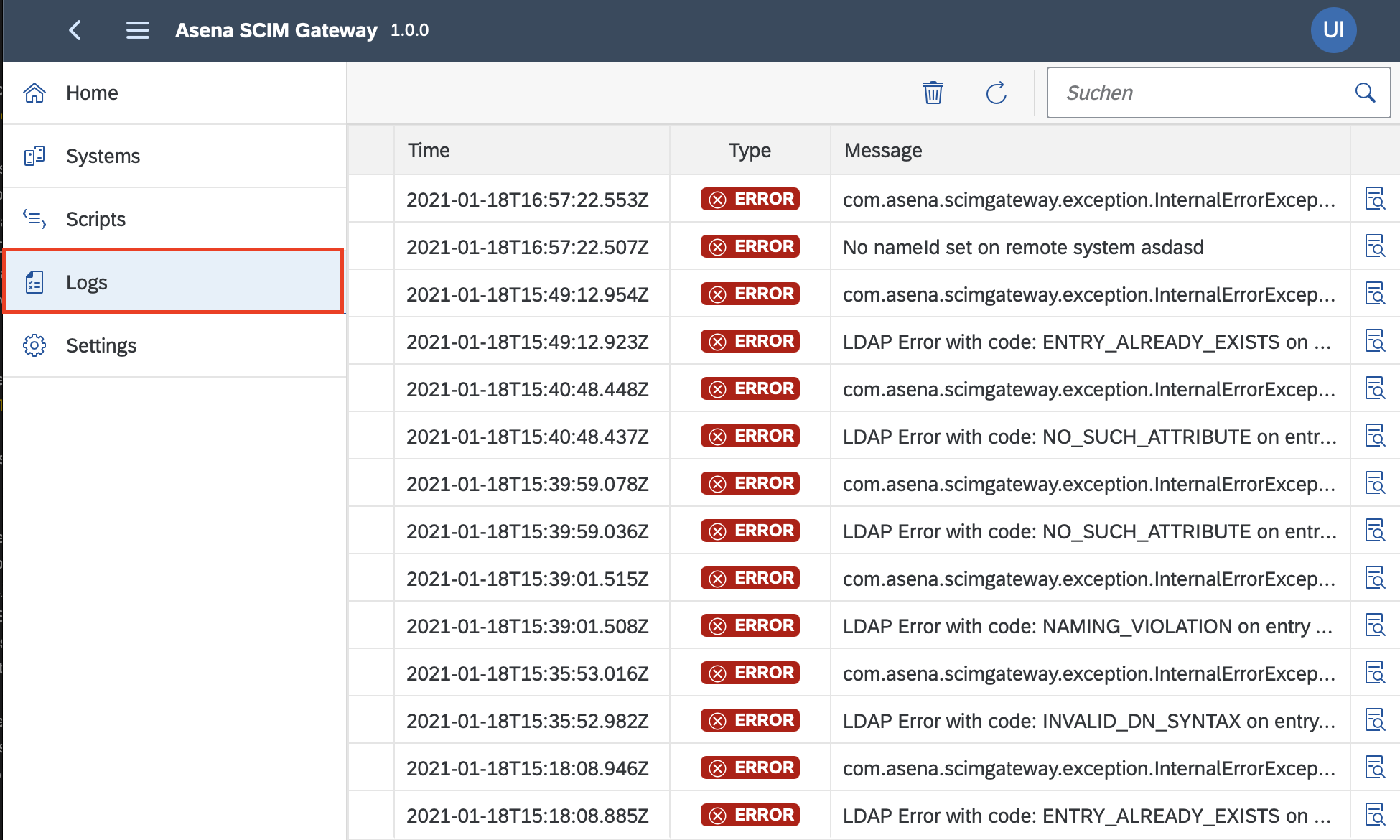
Logs can be reviewed in Logs. Cleaning up the logs periodically can improve the performance of Asena.