Next-generation AI desktop app with integrated agents. Local-first, multi-provider, fully open source.
Proma also offers a commercial version. If you need cloud features | stable and reliable API | cost-effective subscription plans | simple user experience, you're welcome to support the commercial version of Proma: https://proma.cool/download
The core vision of Proma is not to replace any particular software. Currently, only the infrastructure of Proma has been implemented. Going forward, Proma will continue to build multi-agent collaboration (personal and team), agent connections with external services, Tools and Skills consolidation, and the ability to proactively provide software and suggestions based on user understanding and memory. Proma is evolving rapidly with the help of VibeCoding tools. PRs are welcome!
Chat mode with multi-model switching and file attachment support.
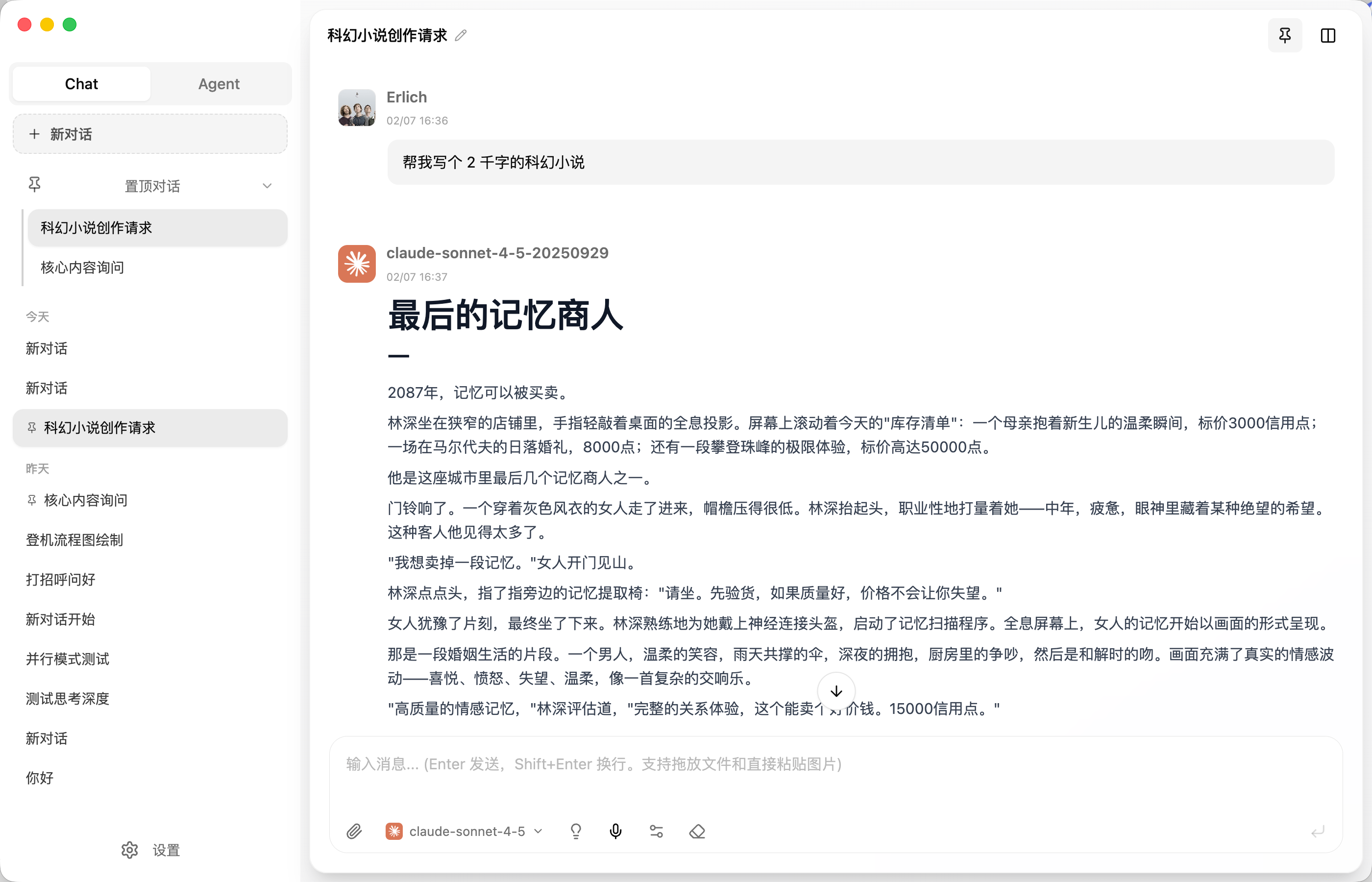
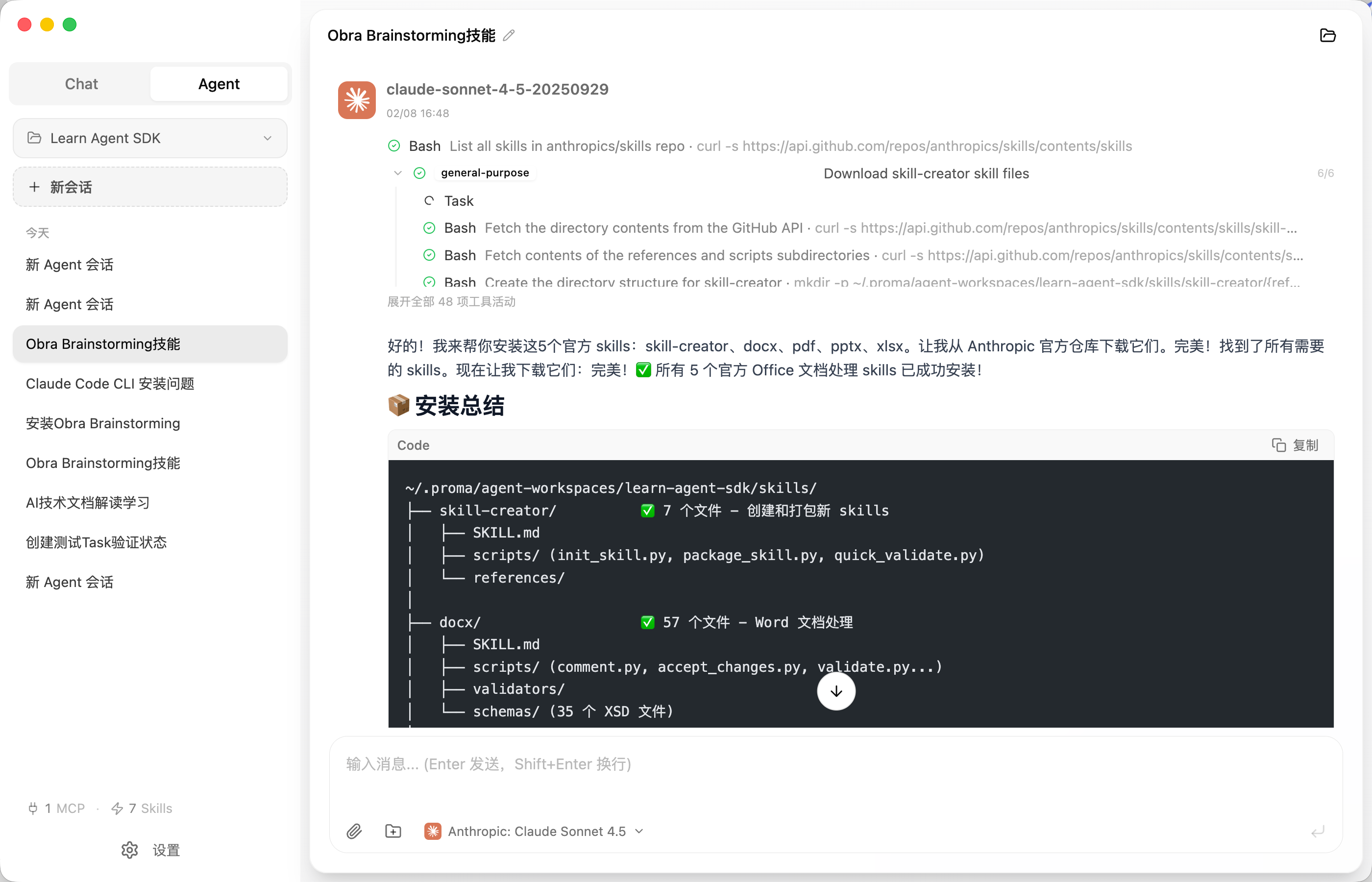
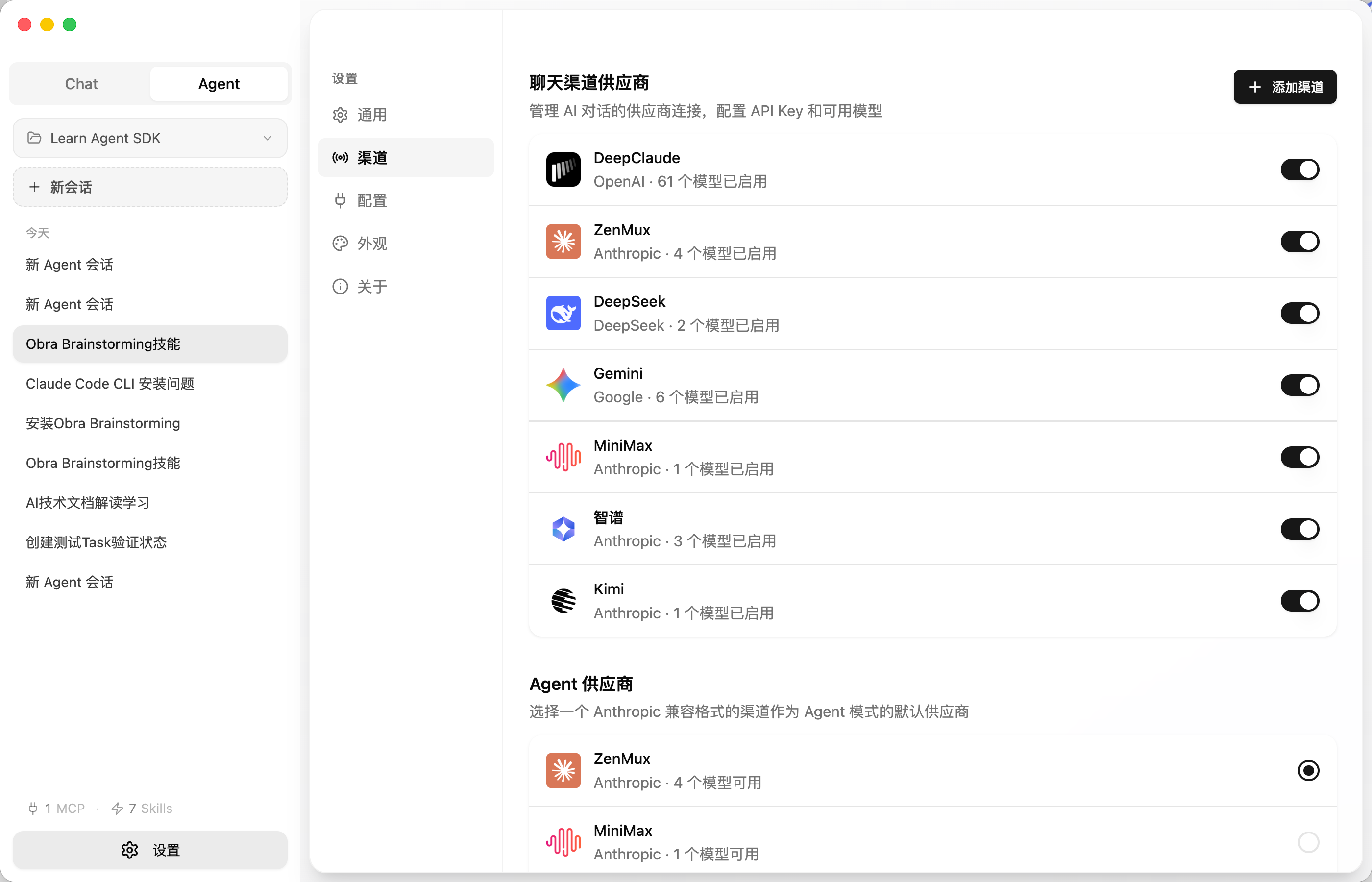
- Multi-Provider Support — Anthropic, OpenAI, Google, DeepSeek, MiniMax, Kimi, Zhipu GLM, and any OpenAI-compatible endpoint
- AI Agent Mode — Autonomous general agent powered by Claude Agent SDK
- Streaming & Thinking — Real-time streaming output with extended thinking visualization
- Rich Rendering — Mermaid diagrams, syntax-highlighted code blocks, Markdown
- Attachments & Documents — Upload images and parse PDF/Office/text files in conversations
- Local-First — All data stored locally in
~/.proma/, no database, fully portable - Themes — Light and dark mode with system preference detection
Download the latest release for your platform:
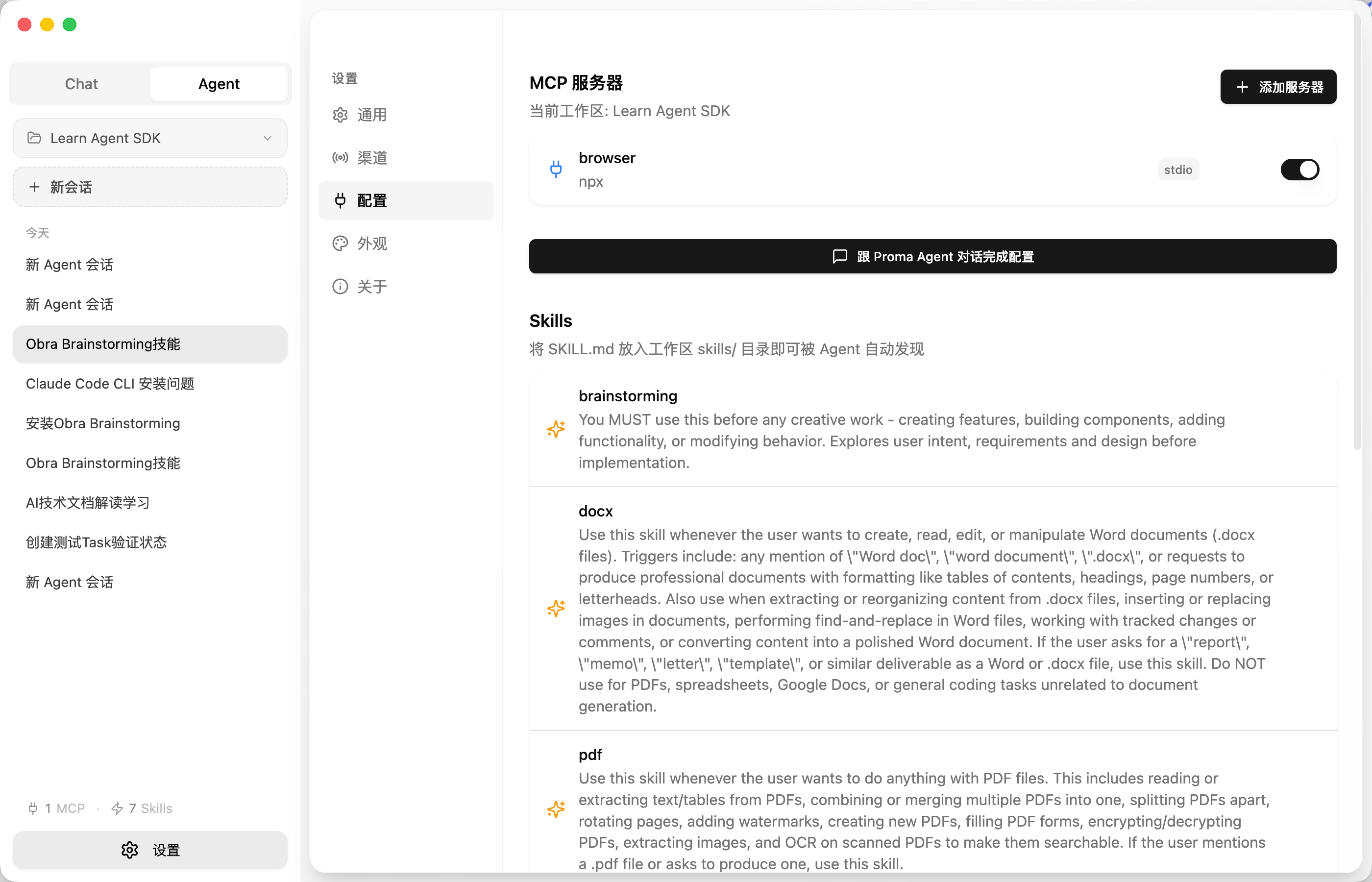
Go to Settings > Channels, click Add Channel, select a provider, and enter your API Key. Proma will auto-fill the correct API endpoint. Click Test Connection to verify, then Fetch Models to load available models.
Agent mode requires an Anthropic channel. After adding one, go to Settings > Agent to select your Anthropic channel and preferred model (Claude Sonnet 4 / Opus 4 recommended). The agent uses Claude Agent SDK under the hood.
MiniMax, Kimi (Moonshot), and Zhipu GLM use dedicated API endpoints — these are auto-configured when you select the provider. All three support their programming membership plans for API access:
| Provider | Chat Mode | Agent Mode | Note |
|---|---|---|---|
| MiniMax | https://api.minimaxi.com/v1 |
https://api.minimaxi.com/anthropic |
Supports MiniMax Pro membership |
| Kimi | https://api.moonshot.cn/v1 |
https://api.moonshot.cn/anthropic |
Supports Moonshot developer plan |
| Zhipu GLM | https://open.bigmodel.cn/api/paas/v4 |
https://open.bigmodel.cn/api/anthropic |
Supports Zhipu developer plan |
- Runtime — Bun
- Framework — Electron + React 18
- State — Jotai
- Styling — Tailwind CSS + shadcn/ui
- Build — Vite (renderer) + esbuild (main/preload)
- Language — TypeScript
Proma is built on the shoulders of these great projects:
- Shiki — Syntax highlighting
- Beautiful Mermaid — Diagram rendering
- Cherry Studio — Inspiration for multi-provider desktop AI
- Lobe Icons — AI/LLM brand icon set
- Craft Agents OSS — Agent SDK integration patterns