Totally impractical, but hugely fun!
DISCLAIMER: I've not yet tried this on any app but the included Counter app. Currently, this monitor renders the app for each computed state. If you lock up your browser, or other weird stuff happens, you have been warned.
I also haven't bothered to make the CSS work for non-Chrome, so it will likely only look correct in Chrome, if that.
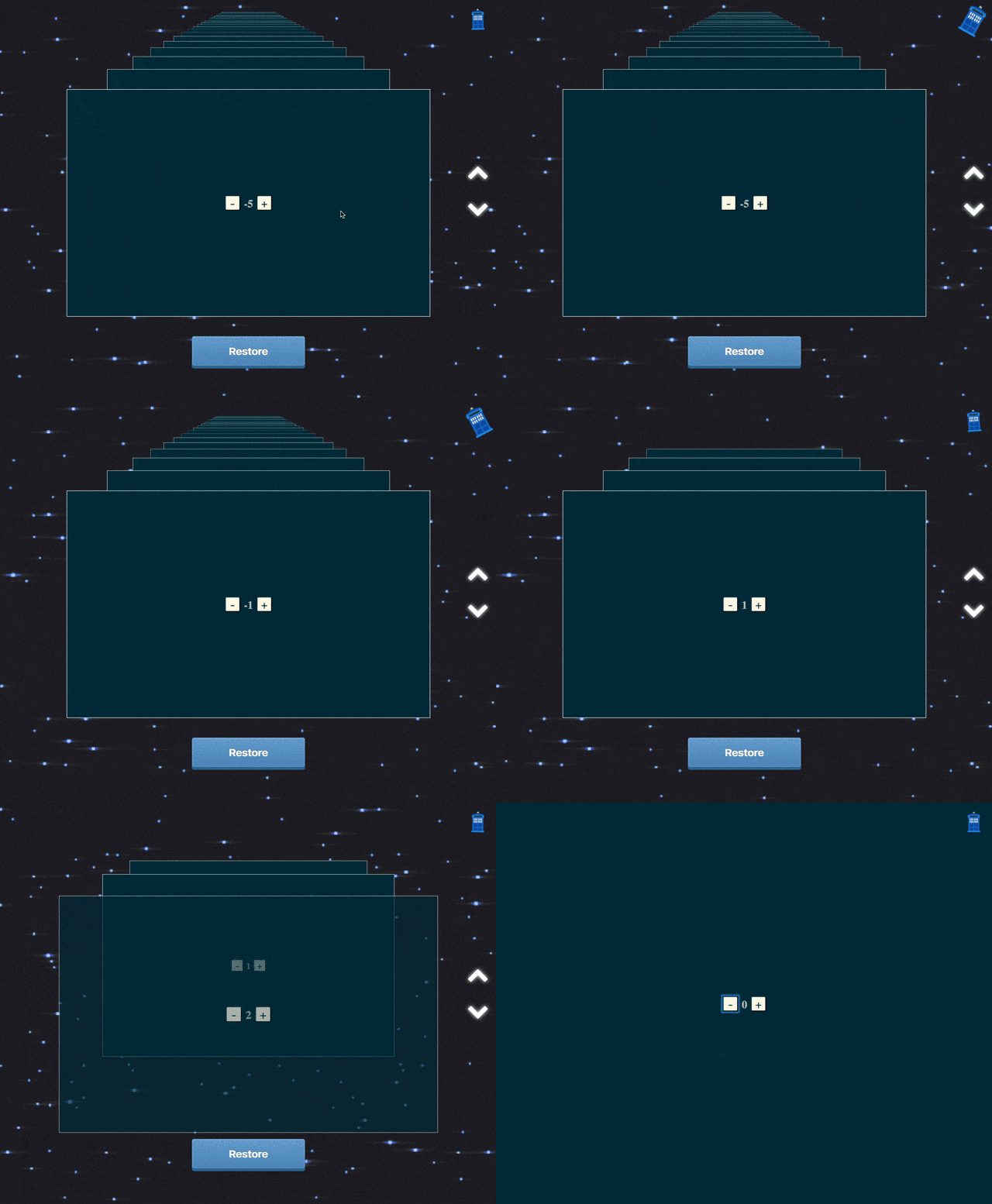
Click the TARDIS to engage or disengage time travel.
Use the arrows to travel along your app's timeline.
Click restore to jump back to the currently viewed state.
Press ctrl-T to toggle the TARDIS
Use the arrow keys (up/down) to move through time.
Pressing shift+up or shift+down will jump to the first/last states.
Press meta-Enter (cmd-Enter on a Mac) to restore the currently viewed state.
There's no package in npm at the moment. But if you really want to try this on
your app, just include TimeMachineMonitor and treat is as you would any monitor.
There is one special prop you should pass to the monitor when you call createDevTools,
and that is the redux container you wish to monitor/render. i.e:
// AppContainer is a connected component
const DevTools = createDevTools(<TimeMachineMonitor component={AppContainer}/>);