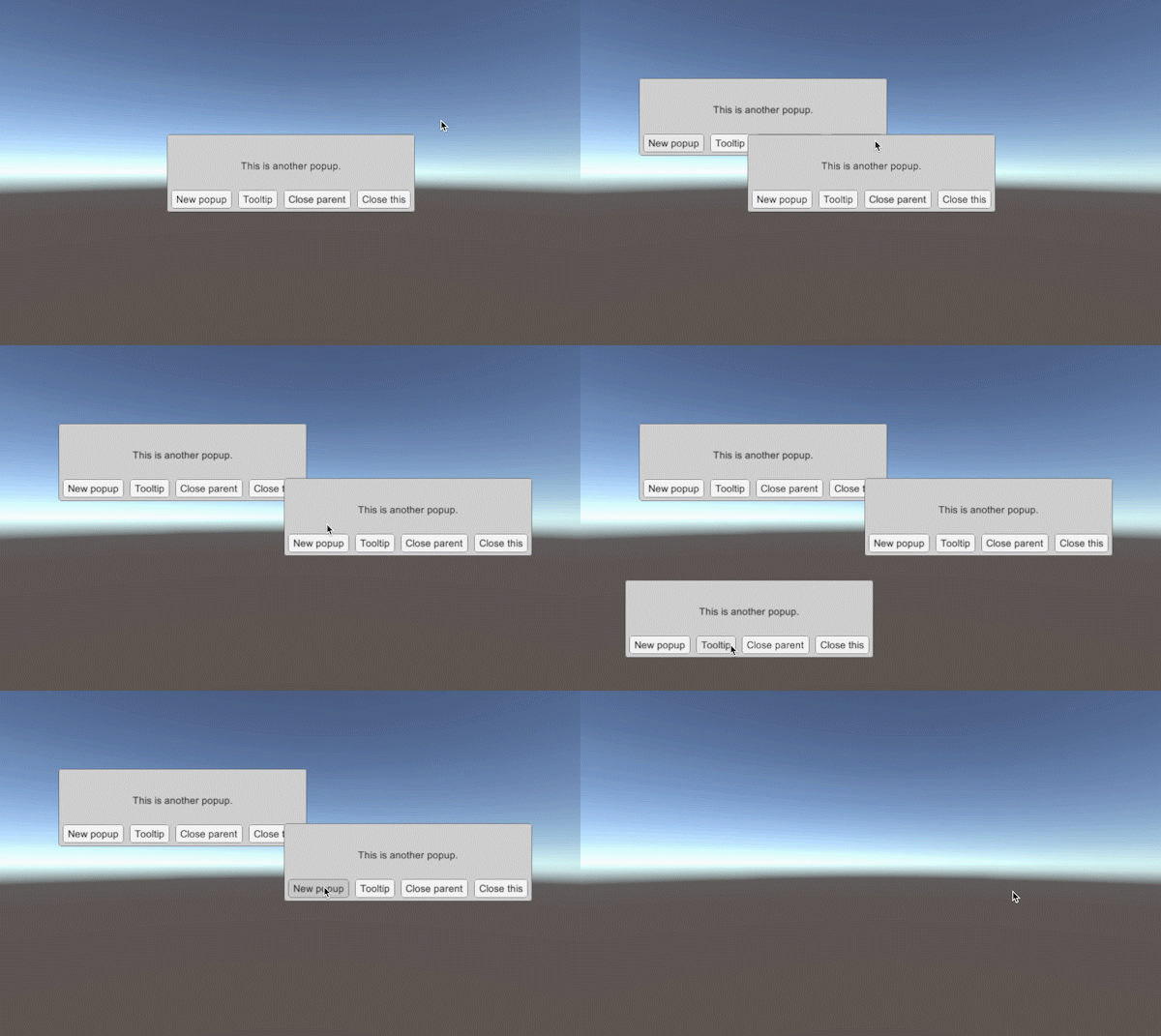
This is all the code you need to create it!
private void Start()
{
    CreatePopup(0, null);
}

private void CreatePopup(int count, MCMenu parent)
{
    // Get the Menu object, we need this because we have a button that closes the menu.
    MCMenu popupMenu = MenuController.GetMenuGlobal(MenuController.Menus.SIMPLEPOPUP);

    // Create the data for the menu.
    MCSimplePopupData simplePopupData = new MCSimplePopupData("title " + count, "This is another popup.",
        new MCButtonData[]
        {
            new MCButtonData("New popup", button => { CreatePopup(count + 1, popupMenu); }, null, true, "Creates a new popup"),
            new MCButtonData("Tooltip", null, null, true, "Simply shows the tooltip working"),
            new MCButtonData("Close parent", button => { MenuController.HideMenuGlobal(popupMenu.Parent); }, null, true, "Closes the parent menu (which will close all children)"),
            new MCButtonData("Close this", button => popupMenu.Hide(), null, true, "Closes this popup")
        });

    if (parent)
    {
        parent.AddPopup(popupMenu, simplePopupData);
    }
    else
    {
        // Add the popup to the screen, when there is nothing on the screen it will be added as a menu instead of a popup.
        MenuController.AddPopupGlobal(popupMenu, true, simplePopupData);

        // In case you have a specific menucontroller that you want to use:
        // yourMenuController.AddPopup(popupMenu, true, simplePopupData);
    }
}
Take a look at the example code and the custom MCMenu classes, MCSimplePopup and MCSimpleToolTip. These get additional data when they are shown, MCSimplePopupData and MCSimpleTooltipData.