


简体中文 | English
The same calendar for Vue:https://github.com/TangSY/vue-hash-calendar
-
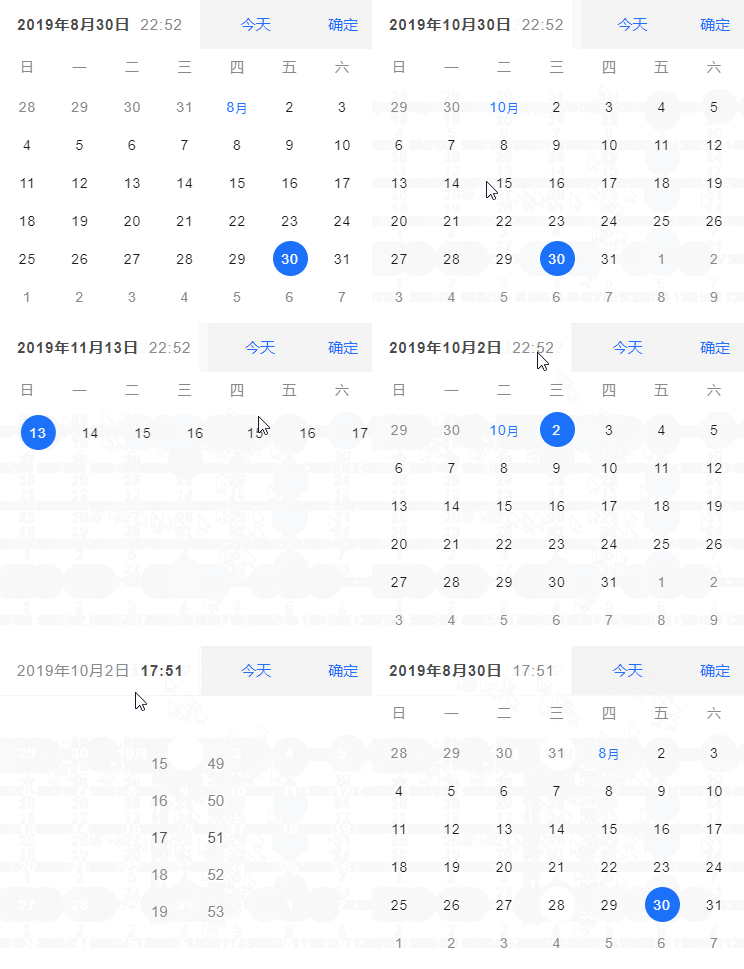
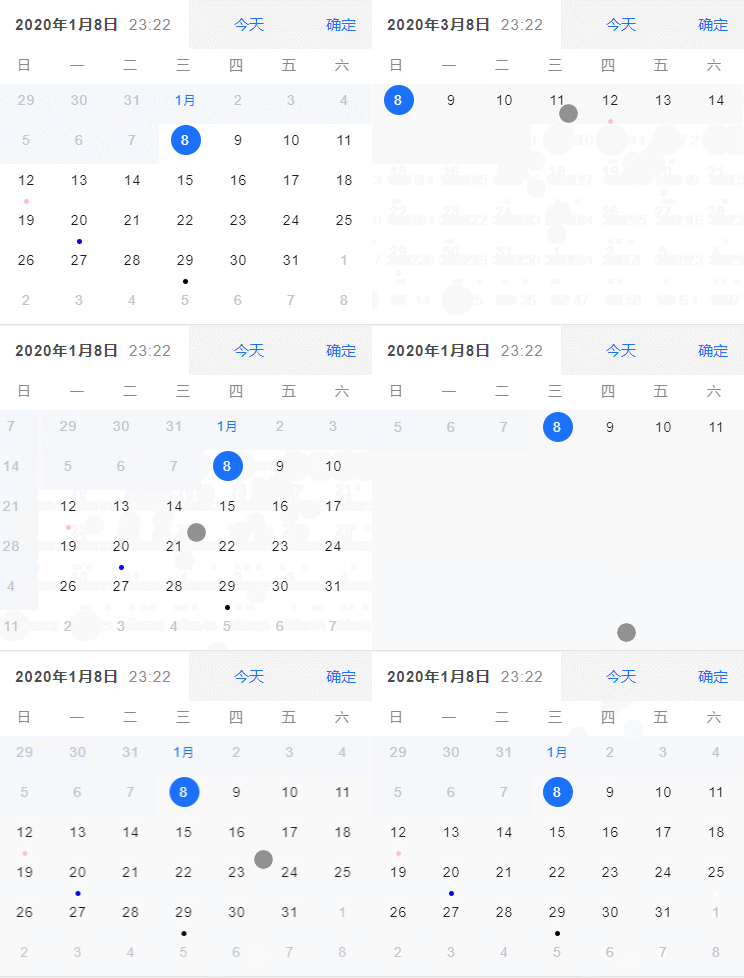
Support gesture sliding operation
-
Slide up and down to switch weekly / monthly mode
[week mode] slide left and right to switch the previous week / next week
[month mode] slide left and right to switch the previous month / next month
npm i react-hash-calendar
import { ReactHashCalendar } from 'react-hash-calendar'

function App () {
  return (
    <div className="App">
      <ReactHashCalendar model="inline"></ReactHashCalendar>
    </div>
  );
}

export default App;

online demo:https://www.hxkj.vip/demo/react-calendar/
- 🎉 can you give me a star? 🎉
github link:https://github.com/TangSY/react-hash-calendar
| name | describle | type | default |
|---|---|---|---|
| visible | To control the display or hide of calendar components | boolean | false |
| onVisibleChange | params { visible } | (visible: boolean) => void | - |
| scrollChangeDate | Controls whether the selected date is modified when sliding | boolean | true |
| model | What form is the calendar component displayed. Inline: the way to inline. Dialog: pop up mode | string | inline |
| defaultDatetime | -- | Date | now |
| format | The date format returned by the callback event when confirming the date. eg: "YY / mm / DD HH: mm" , "MM DD,YY at hh:mm F" | string | YY/MM/DD hh:mm |
| weekStart | Use the day of the week as the starting week of each week in the calendar. choose: ['Sunday', 'Monday', 'Tuesday', 'Wednesday', 'Thursday', 'Friday', 'Saturday'] | string | sunday |
| pickerType | Selector Type. choose: 'datetime', 'date', 'time' | string | datetime |
| showTodayButton | -- | boolean | true |
| isShowWeekView | -- | boolean | false |
| isShowAction | -- | boolean | true |
| disabledWeekView | -- | boolean | false |
| disabledDate | Set the disabled status of the date (returned true to disabled) | Function | - |
| disabledScroll | Set the no sliding direction of the calendar. choose: 'left', 'right', 'up', 'down', 'horizontal', 'vertical', true, false] | string | '' |
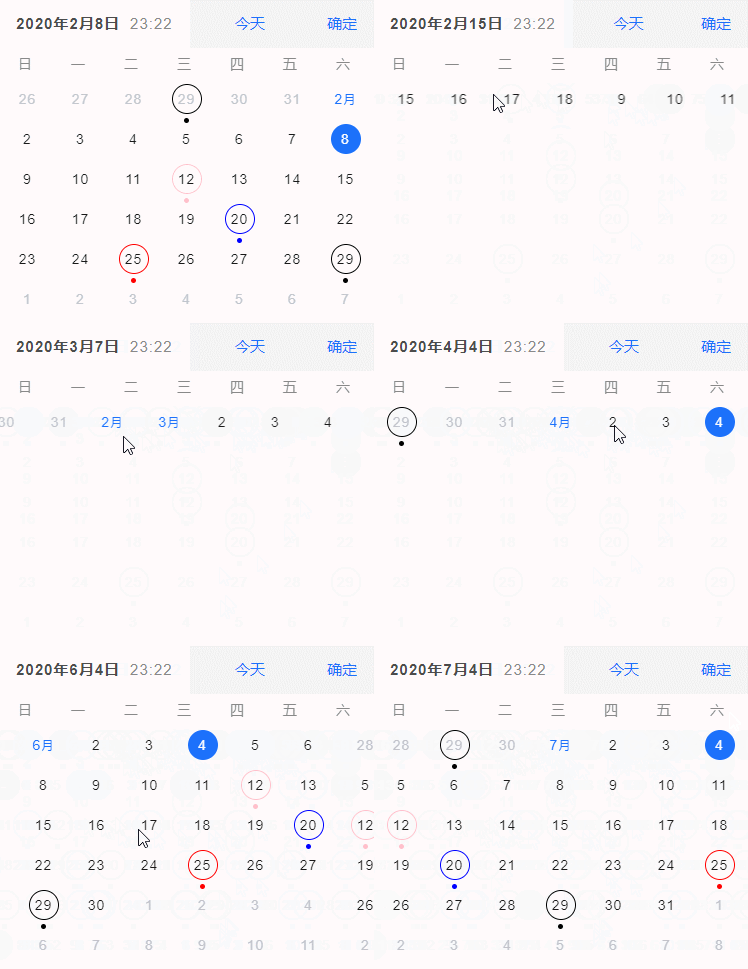
| markDate | he date to be marked can be grouped according to different colors and mark types (no grouped, the default is blue). eg:[{color: 'red',date: ['2019/02/25']},{color: 'blue',type: 'dot',date: ['2019/01/20']},'2019/03/20'] | Array | [] |
| markType | Mark pattern type. choose: 'dot', 'circle', 'dot+circle' | string | dot |
| minuteStep | -- | number | 1 |
| lang | Language. choose: 'CN', 'EN' | string | CN |
| dateClickCallback | -- | (date: Date | string) => void | - |
| dateConfirmCallback | -- | (date: Date | string) => void | - |
| touchStartCallback | -- | (event: React.TouchEvent) => void | - |
| touchMoveCallback | -- | (event: React.TouchEvent) => void | - |
| touchEndCallback | -- | (event: React.TouchEvent) => void | - |
| slideChangeCallback | -- | (direction: string) => void | - |
| weekSlot | Customize week content and style。 | (week: string) => React.ReactNode | - |
| daySlot | Customize date content and style | (date, extendAttr) => React.ReactNode | - |
| todaySlot | Customize today button content and style | () => React.ReactNode | - |
| confirmSlot | Customize dconfirmate button content and style | () => React.ReactNode | - |
| actionSlot | Customize action content and style | () => React.ReactNode | - |
- If there are other problems or incompatible functions. Can communicate by email 't@tsy6.com', or GitHub submits the issue.