Skip to content

Latest commit


History

History
454 lines (362 loc) · 15.4 KB

File metadata and controls

454 lines (362 loc) · 15.4 KB
title PayRequest | Donation Pages
description Create your own donation page and share it with everyone.
shape
hero shape

Create your own

Donation Page

PayRequest makes it easy to create donation pages for charity, fundraising or non-profits.
use your own logo, company background.


Create Your Free Account


PayRequest - Simple, fast payment links via Stripe and Mollie | Product Hunt Embed Stripe logo
hero
shape

Startups with their own Payment Page

companies
companies
companies
companies
about shape

Show your
Donation progress
With a donation feed

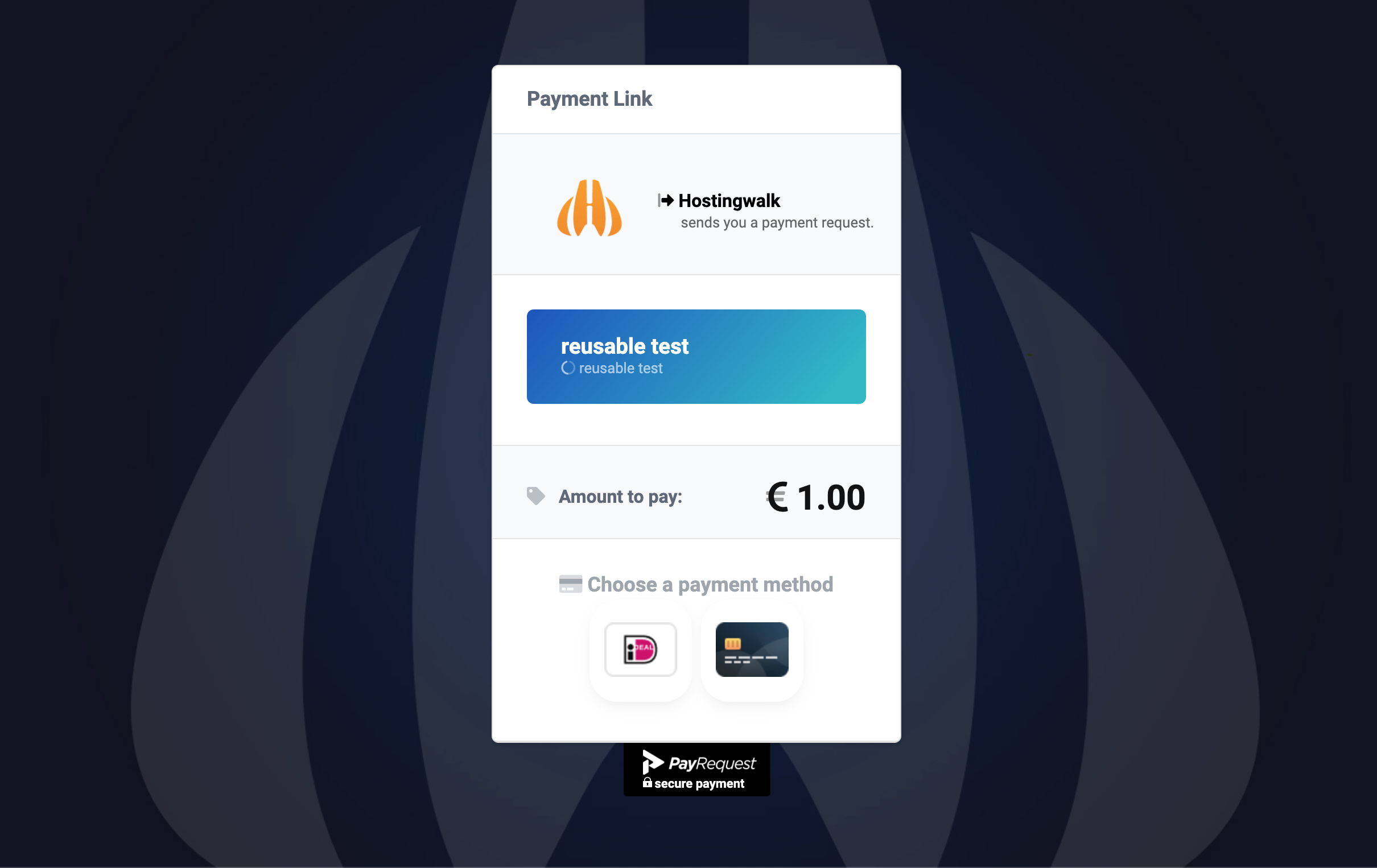
PayRequest not only makes it easy to create a donation page, you can also setup your donation goal, follow the progress via a realtime bar and see the latests donation via the donations feed.

about
about

Customize your
Payment Page!

Brand colors are an important part of the branding equation. Not only do colors affect decision-making, they envoke emotions in humans, use your own brand colors on your payrequest.me payment page.

Donation Page Features

Multi Currency

  • We support al major currencies all around the globe, with realtime currency conversion for every currency.

Branded Payment Links

  • Send en Share Payment Links with your own brand logo & background, also you can choose your own colors.

Multi Language

  • Payment Links are multi-language, so that you can welcome all your customers in your own language.

Local Paymennts

  • Never say no again, we support 20+ local payment methods from Africa, Europe, North America and Asia.

3D Secure payments

  • For extra fraud protection we use 3D Secure authentication method used to verify a customer's identity

Payment Tracking

  • We make sure you can track all payment activity like: if your payment links is opened, and a notification when you get paid.

about shape

Start sending Payment Requests
in 3 simple steps.

<style> .bubble-number { display: block; width: 50px; height: 50px; background: url(https://chatlio.com/img/bg-bubble-number.svg) no-repeat center; background-size: 50px; line-height: 50px; color: #fff; font-size: 1.25rem; font-weight: 700; text-align: center; position: absolute; top: -20px; right: 0; }

.img-wrap { max-height: 220px; max-width: 360px; margin-left: auto; margin-right: auto; margin-bottom: 30px; border-radius: 10px; position: relative; }

.img-wrap img { background: #f5f9fc; border-radius: 10px; max-width: 100%; height: auto; box-shadow: 0 2px 3px 0 rgba(0, 0, 0, .1); height: 200px; width: 350px; }

</style> <style> .section-content .image-container { height: 400px; } .section-content .image-container .img-comments { z-index: 3; left: -100px; top: -40px; } .section-content .image-container img { position: absolute; width: 100%; max-width: 380px; } [class*=shadow] { transition: all .15s ease; } .section-content .image-container .img-blog { z-index: 4; left: 100px; top: 20px; } .profile-page .card-profile .card-profile-image img, .shadow { box-shadow: 0 15px 35px rgba(50,50,93,.1),0 5px 15px rgba(0,0,0,.07)!important; } rounded { border-radius: .25rem!important; } </style>
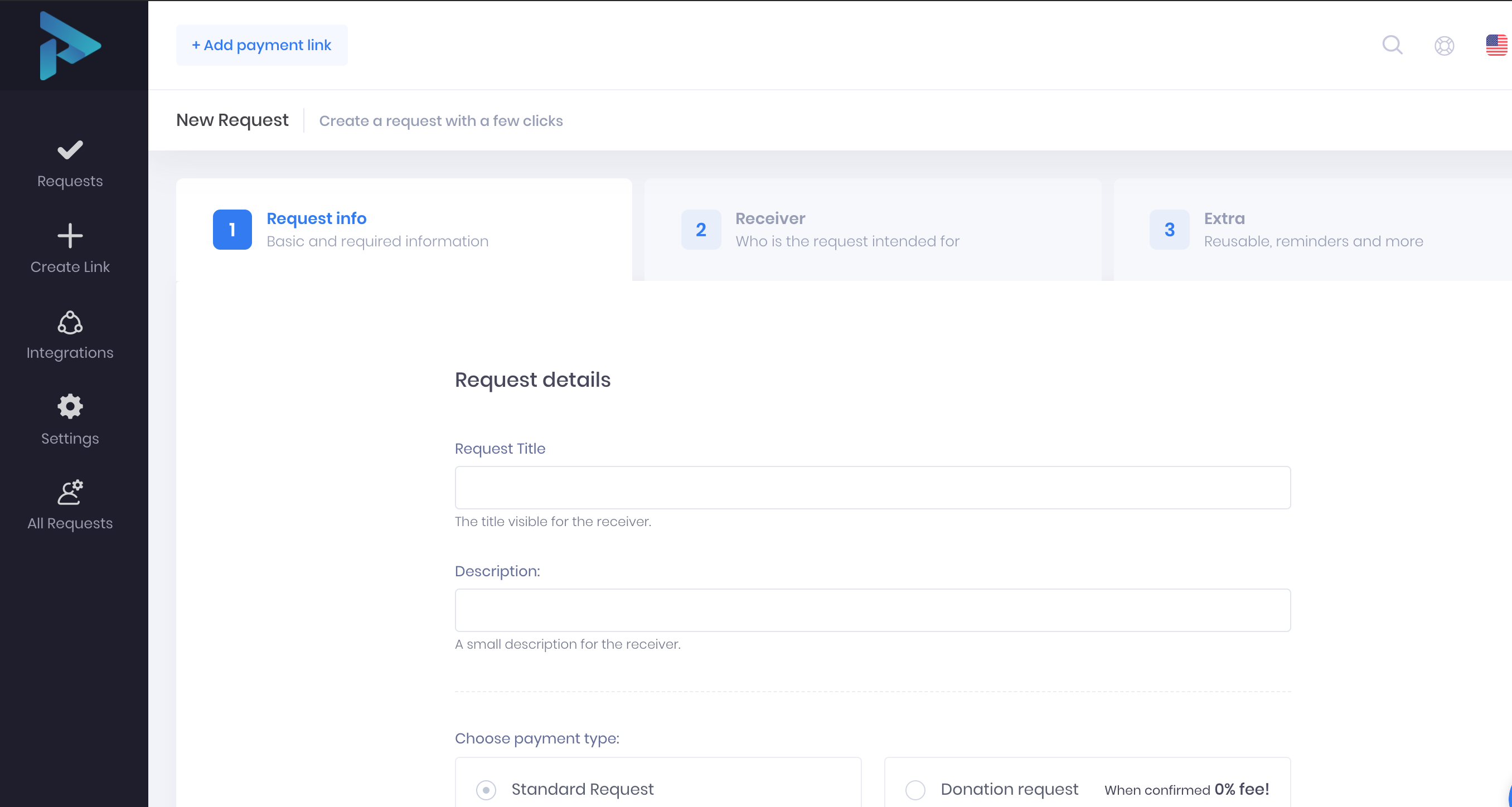
confirm chatlio screenshot 1
1. Connect a payment provider.

create your own payment link 2
2. Create a new payment request.
Share your payment link and get paid 3
3. Share your payment link, get paid!

{% include why-section.html %} {% include footer-promo.html %}